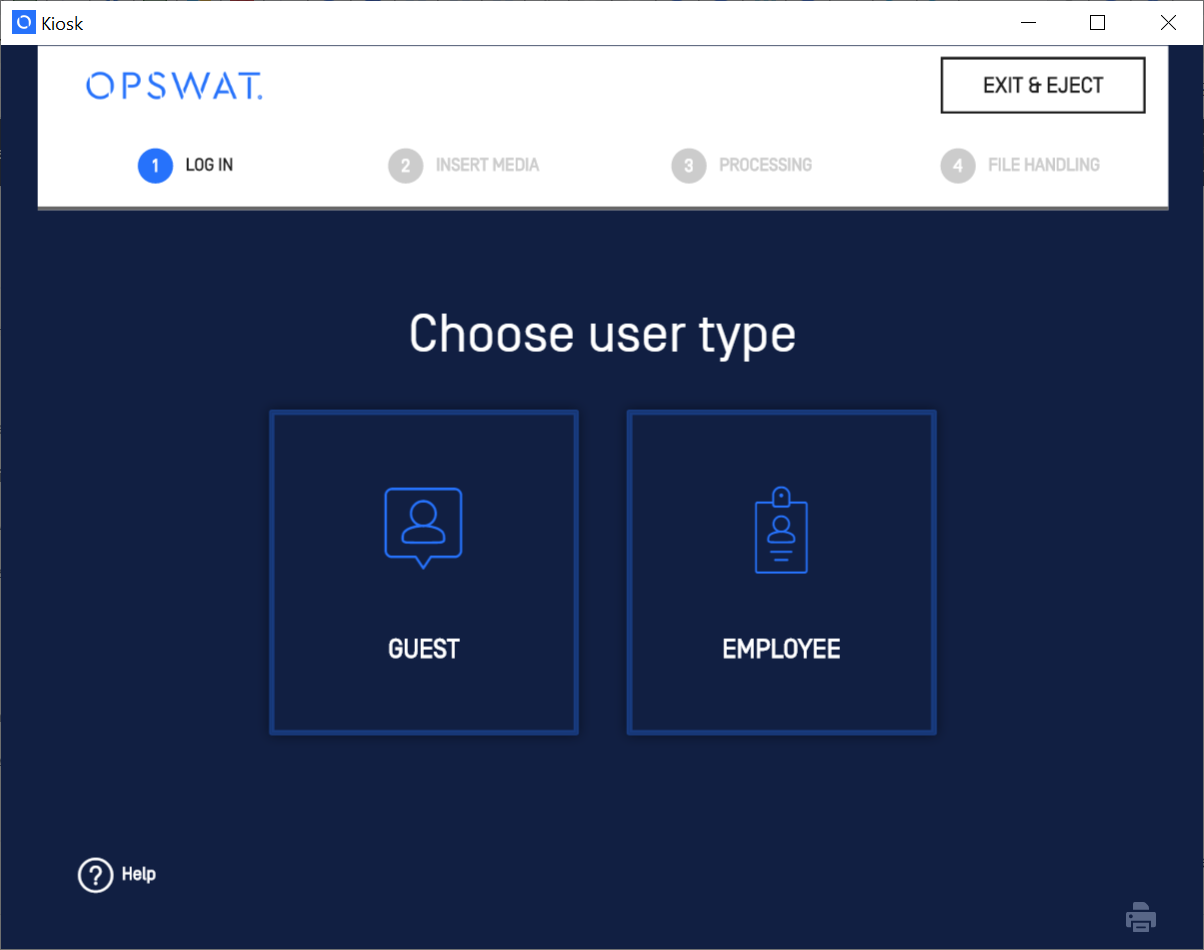
When the Guest group and Employee group enabled, Kiosk users must login either as a Guest or an Employee user account. When either is disabled, the selection of login type is unnecessary.
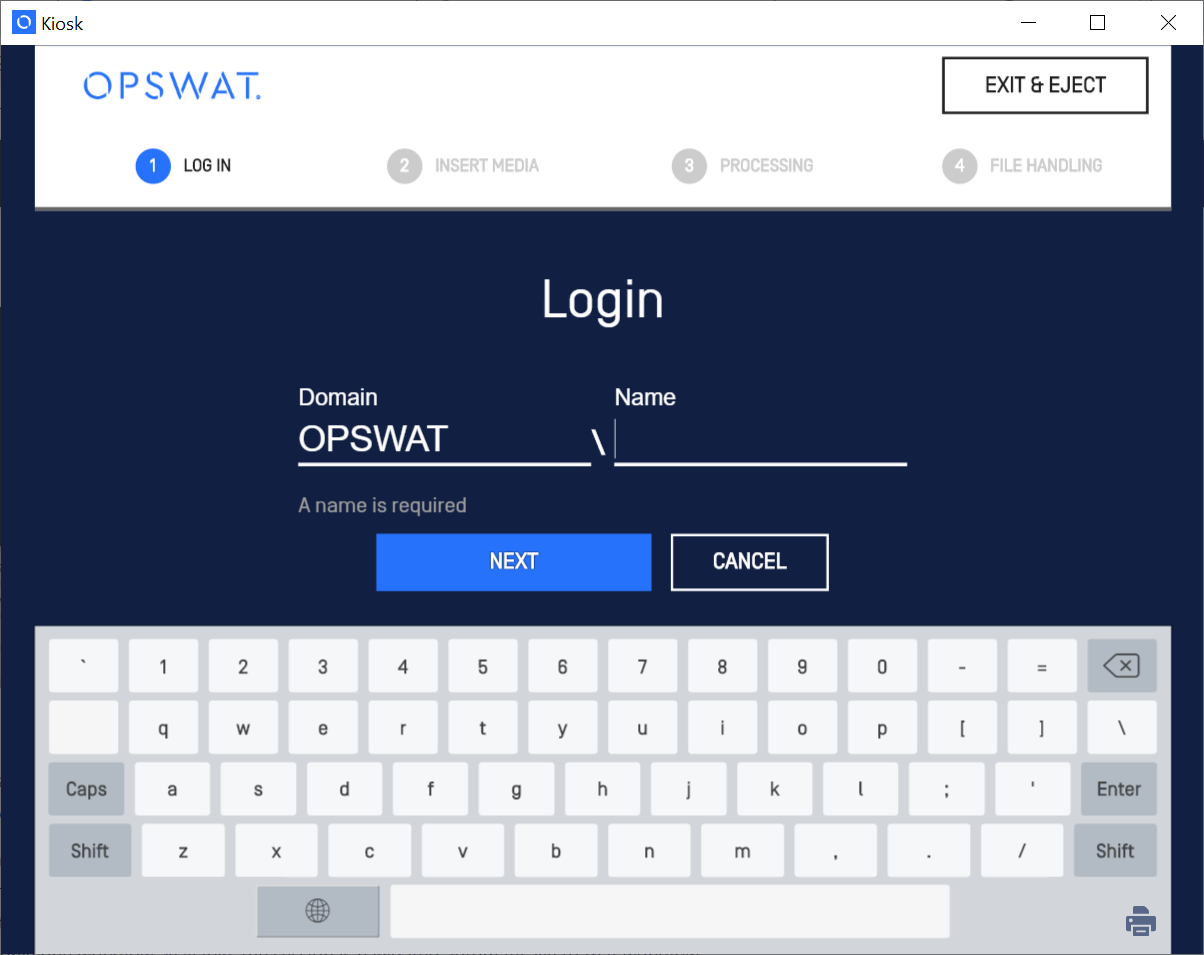
When Kiosk users log in with an Employee account, the Login screen is displayed for the users to enter their credentials. Active Directory with nested group is supported for user credentials
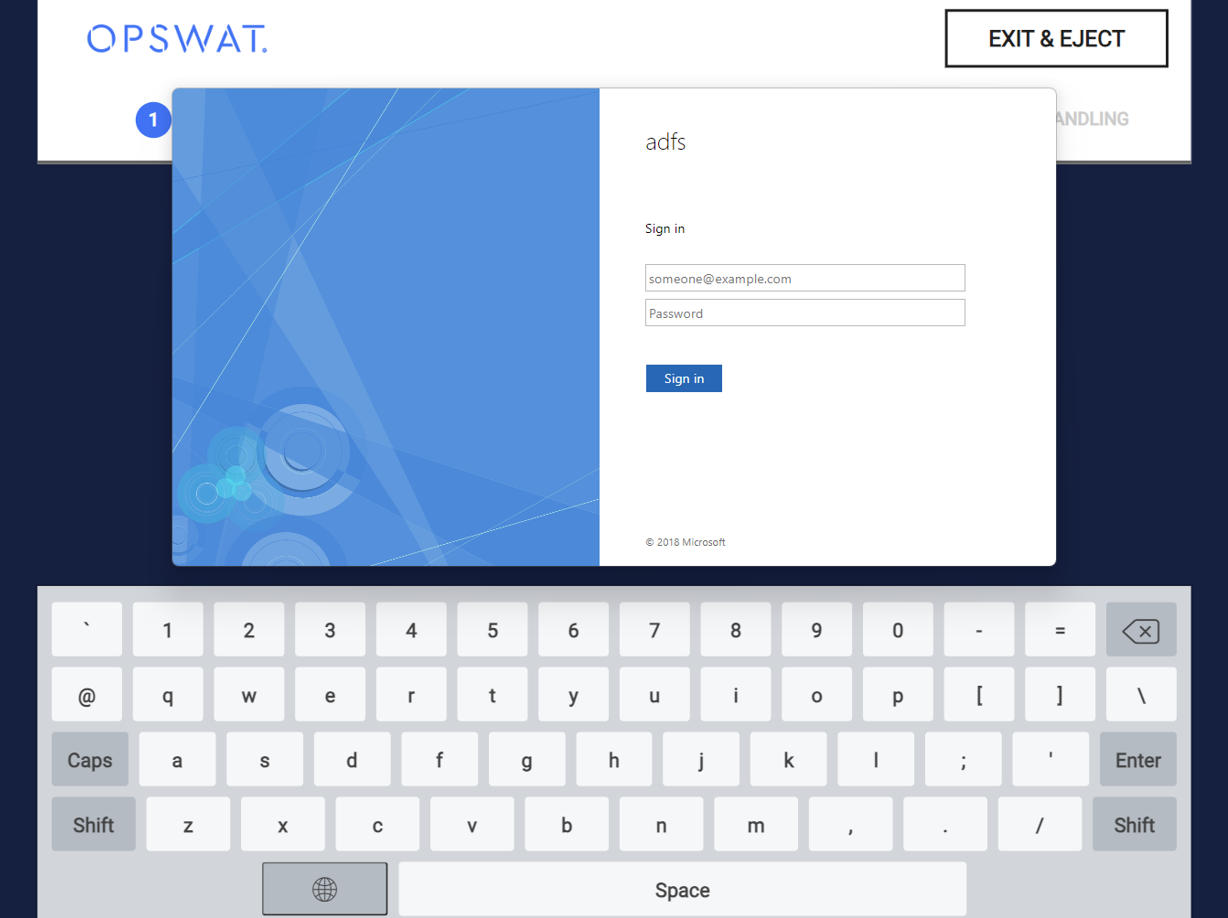
When Single Sign-On (SSO) is set as default login method for Employee to authenticate, Kiosk will display Sign In screen of the configured SSO for user to to enter their credentials.
When Kiosk users log in as Guest, they don't have to provide any credential.
After logging in with either your Windows credentials or as a Guest, your workflow is determined by the workflow settings configured in the MetaDefender Kiosk Management Console. If there are multiple workflows available for the logged in user (Employee or Guest), the user must select which workflow to proceed with. In case there is only one workflow available, the session is navigated automatically across that workflow.
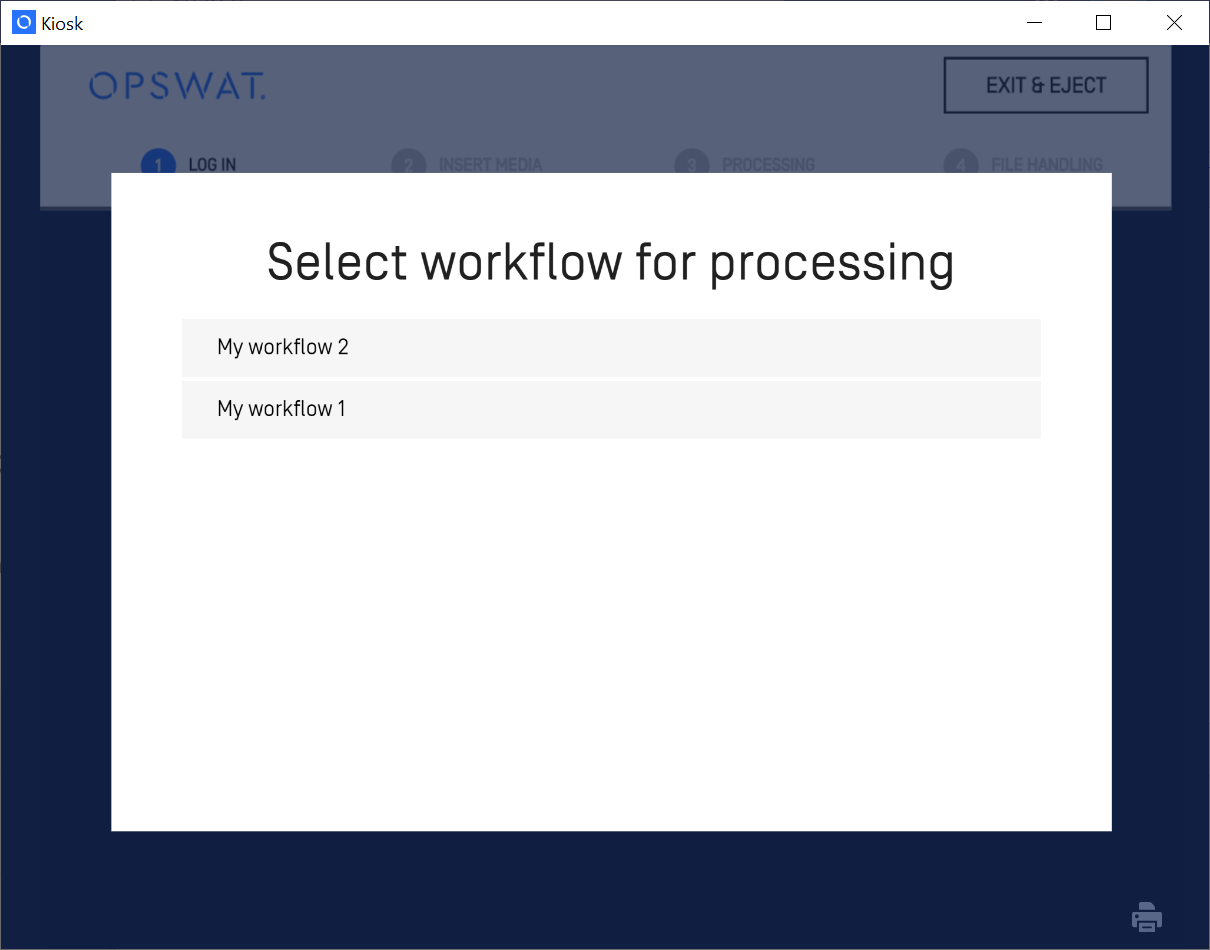
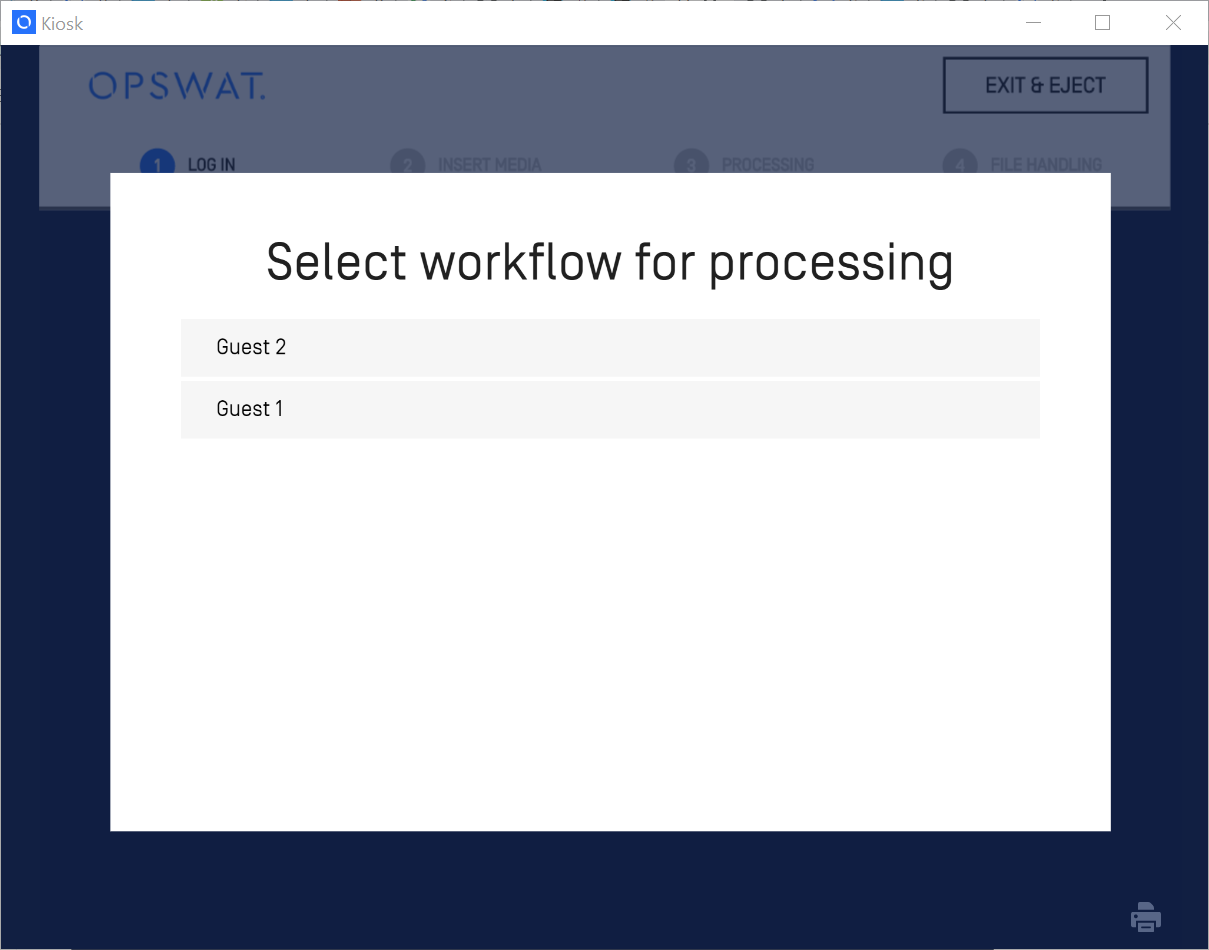
For more information on configuring multiple workflows, see the Workflows Page.
Authorizing MFT Guest ID
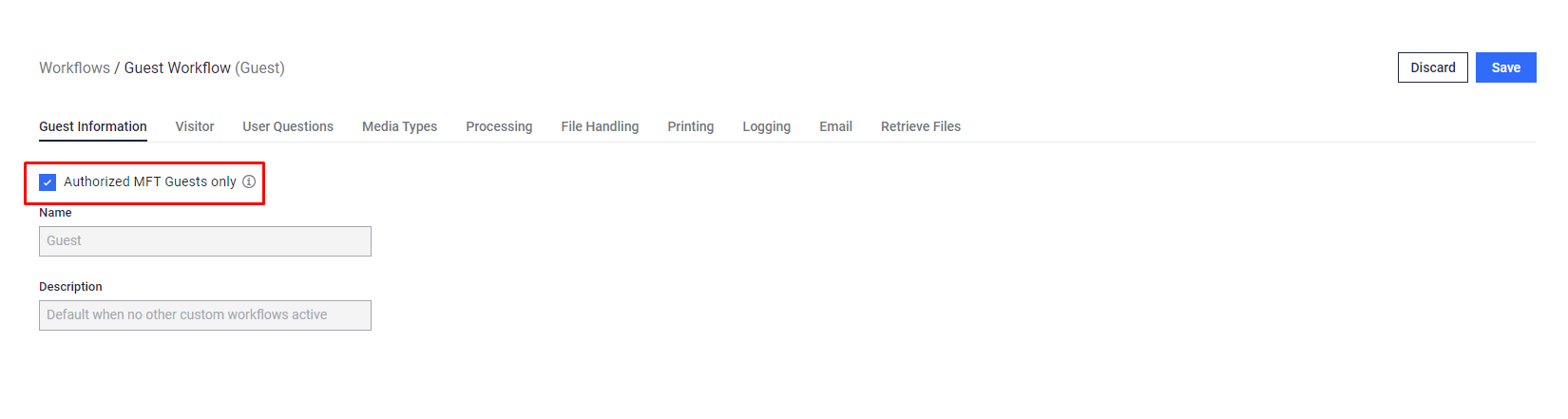
If the administrator has activated the "Authorized MFT Guests only" option for the Guest Workflow to manage these Guest IDs manually instead of depending on automatic generation by the KIOSK, the user utilizing that guest workflow will need to input the provided MFT Guest ID to initiate the session.
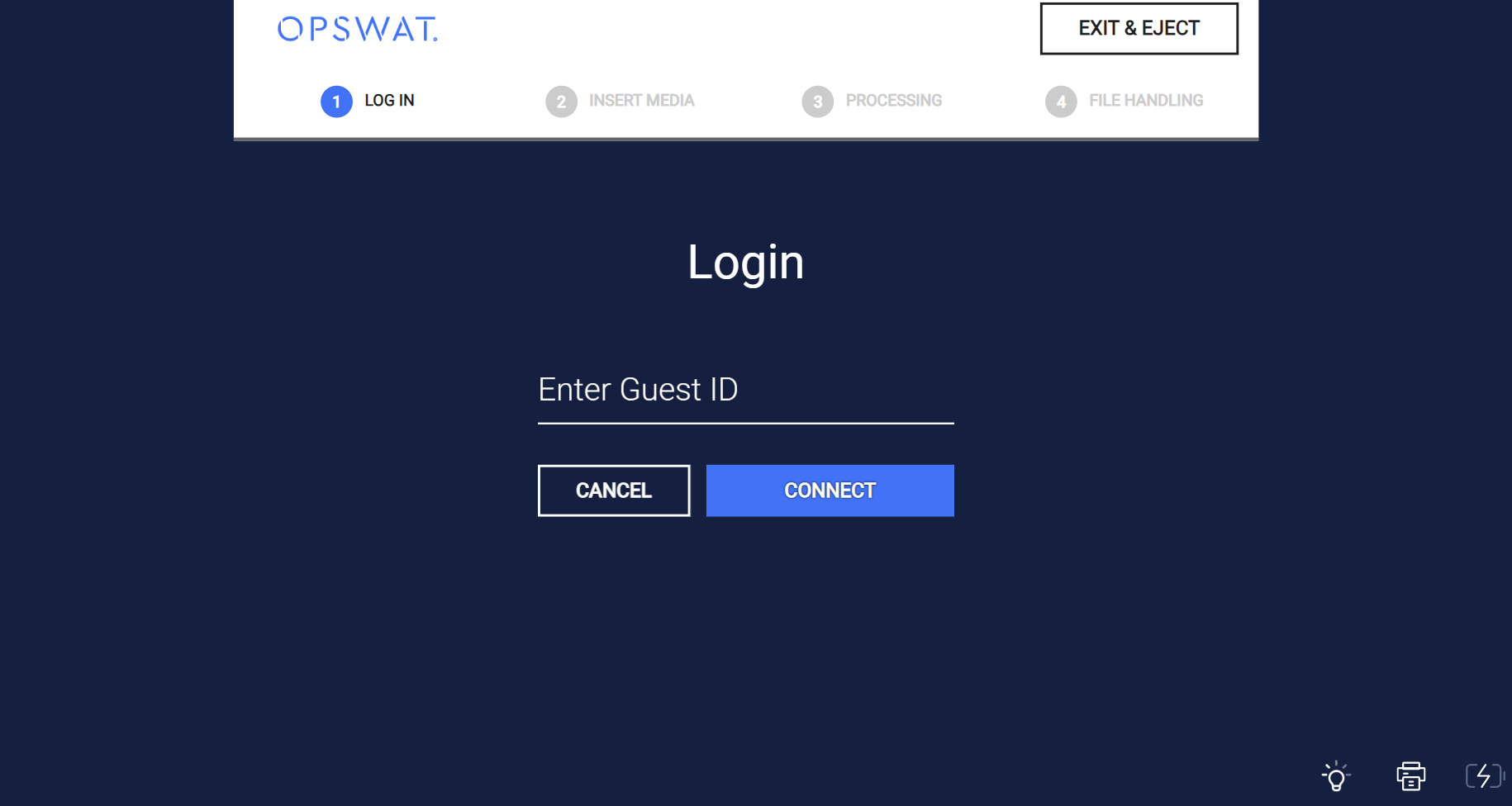
The Guest ID should consist of 6 to 255 characters. Upon clicking the CONNECT button, the KIOSK will verify the existence of the Guest ID in the configured MFT to initiate the session.
The verified Guest ID will facilitate to retrieve files or copy files to the corresponding guest account on the MFT server.
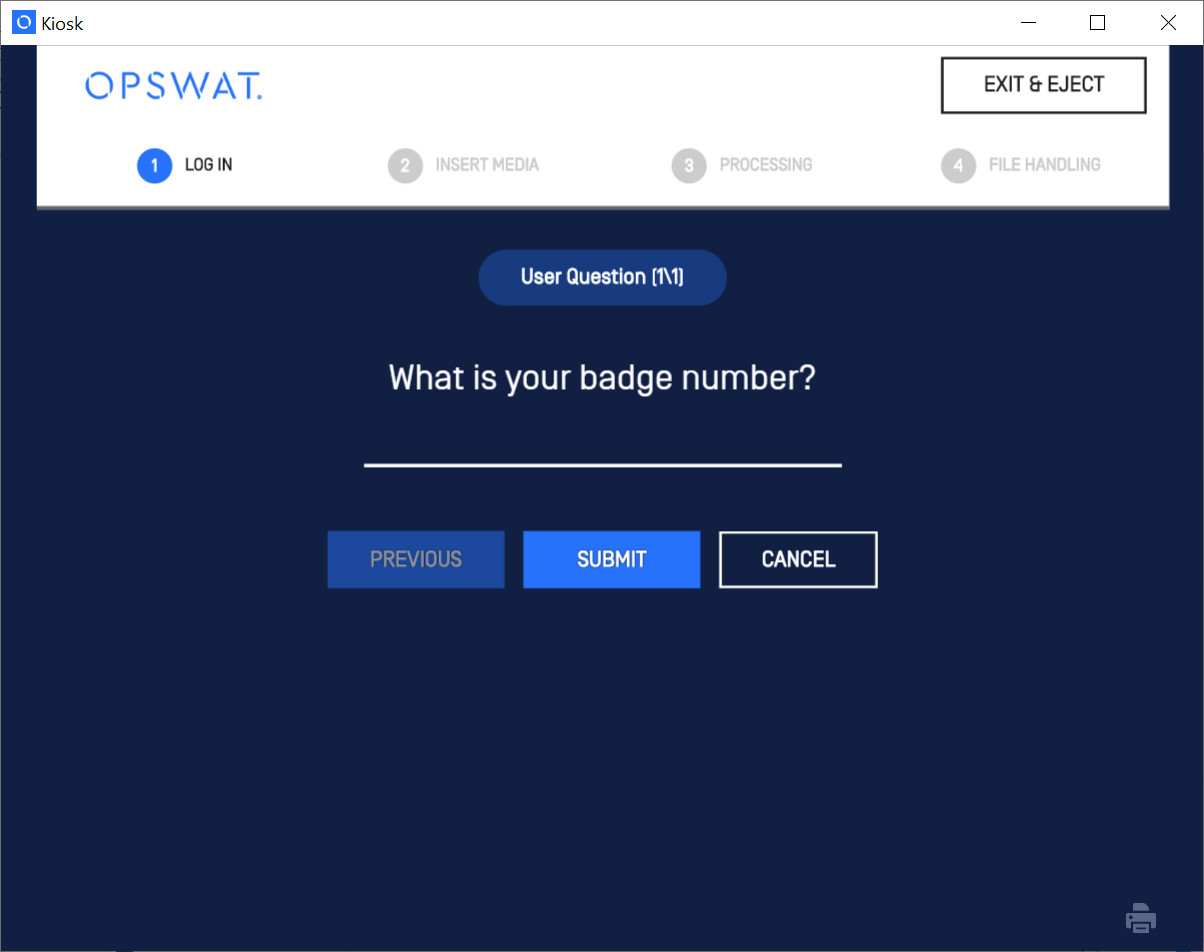
Answering User Questions
User questions are displayed If your workflow profile (either as a guest or domain user) specifies user questions. Previous and Next allow to traverse between questions. Answer the questions and then click Submit .