
This feature is seamlessly integrated into the MetaDefender Standalone application and provides users with two distinct options for utilization.
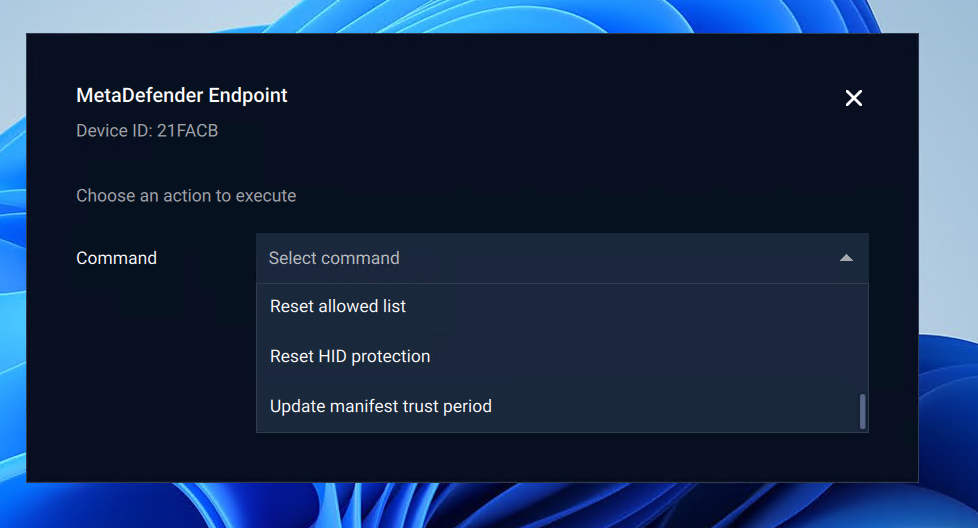
User interface: Using the UI when the user clicks on “MetaDefender Endpoint” option in the tray icon.
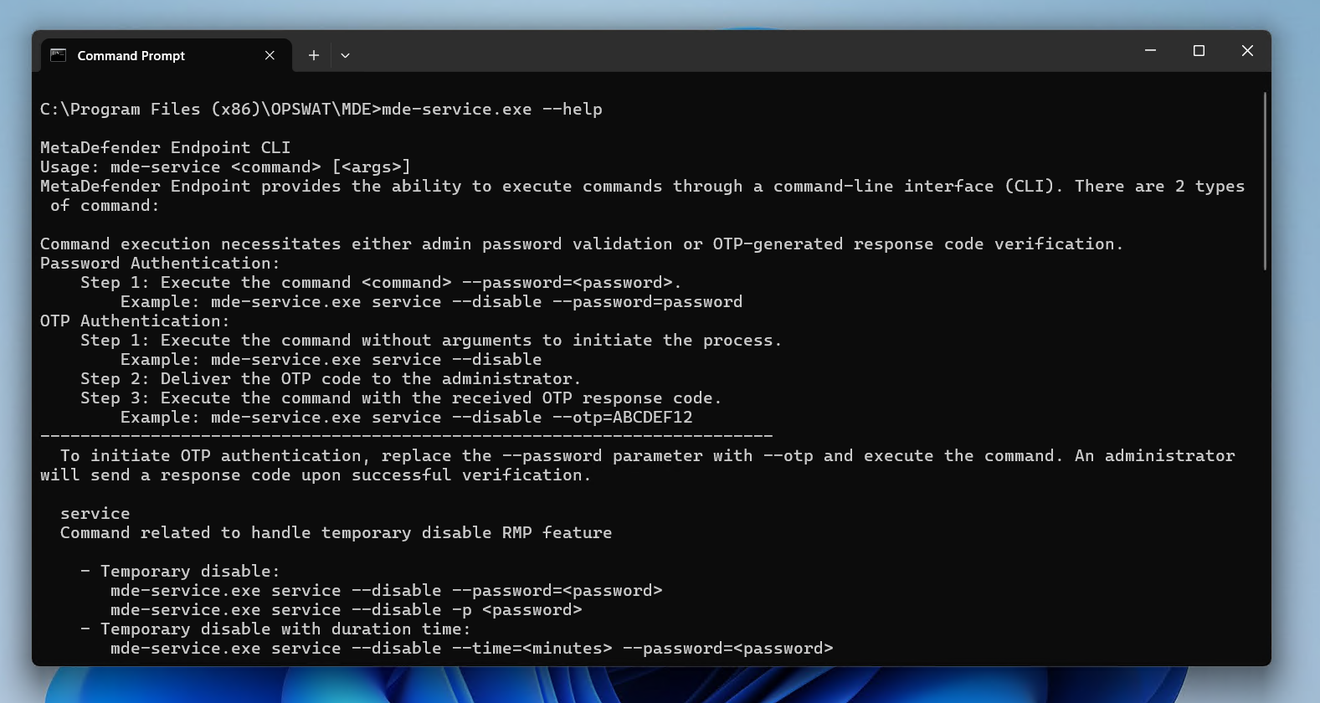
Command-line interface: Using the “mde-service.exe“ process to perform tasks related to the challenge and response feature.
The challenge and response feature is currently used to execute commands requiring admin approval. Here is the list of command:
Action with allowing peripheral devices:
Allow by instance path
Allow by product ID
Allow by vendor name
Reset allowed list
HID protection:
Enable
Disable
Reset HID protection
MDE service
Disable
Disable by duration time
Enable
Change password
Manifest certificate
Renew manifest certificate
Update manifest trust period