
This article applies to all MetaDefender Email Gateway Security versions 6.0.0 and above
Step 1: Open Registry Editor and navigate to
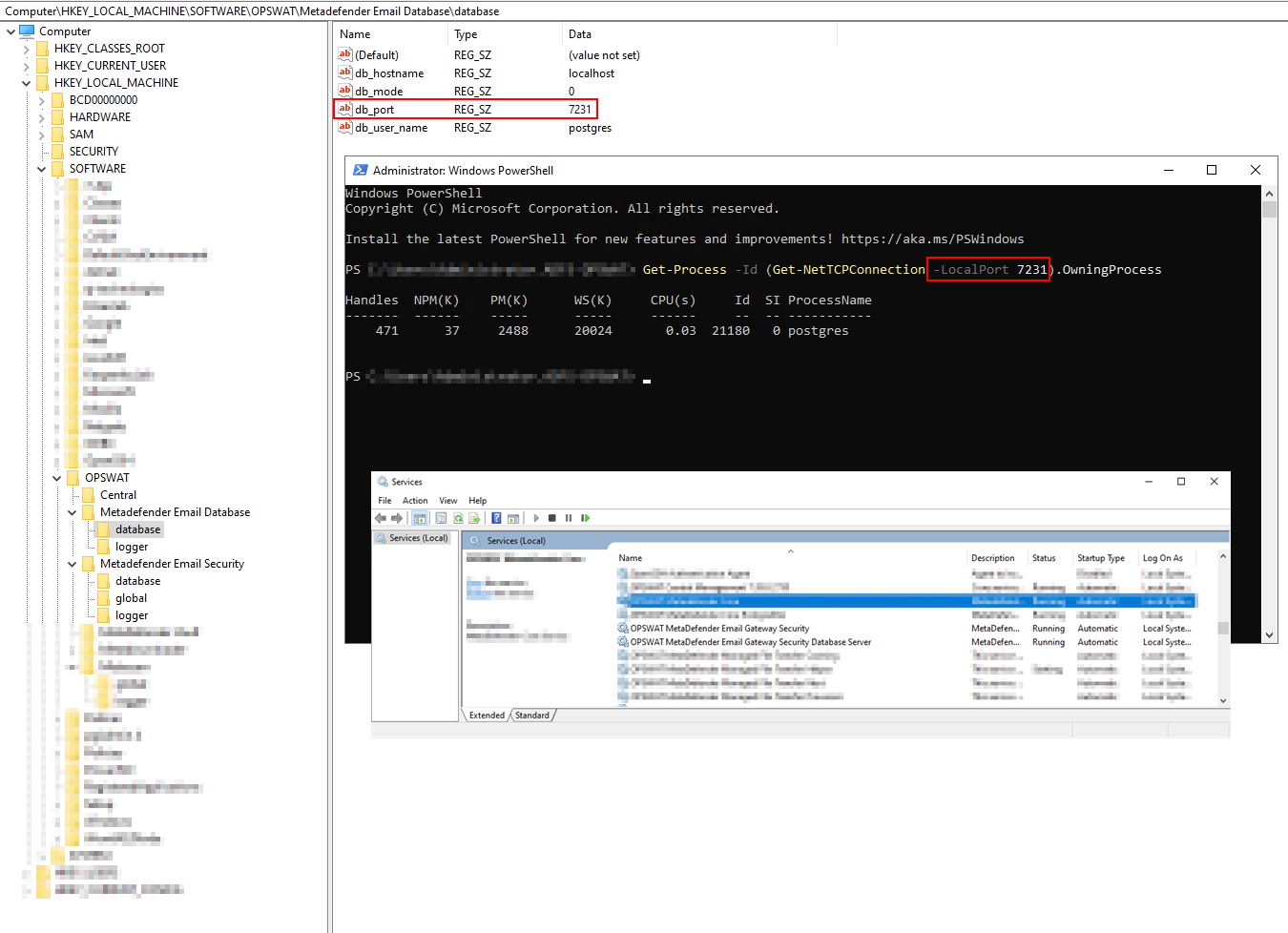
Step 2: Modify the db_port value under the following Registry Keys:
Metadefender Email Database\database (available only in case of a Standalone database deployment)
Metadefender Email Security\database
As well as the port value in the postgresql.conf file:
<EGS_Installation_Directory>/data/pg_data/postgresql.conf
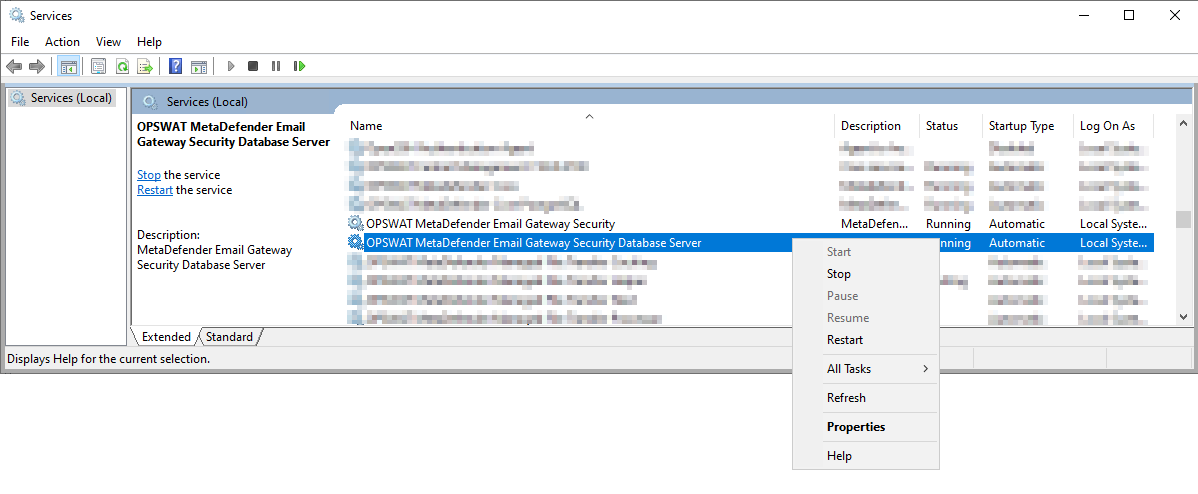
Step 3: Open Services Application and restart both the OPSWAT MetaDefender Email Gateway Security and the OPSWAT MetaDefender Email Gateway Security Database Server services:
Step 4: Check that the postgres uses the new port using the following PowerShell Command:
If Further Assistance is required, please proceed to log a support case or chatting with our support engineer.