
This article applies to version 6.1.1 and 6.0.0 of Metadenfer Email Security deployed on Windows systems.
When the management console of Metadefender Email Security becomes unreachable and emails are not being processed anymore.
Entries like the following in the Metadefender Email Security support package indicate the Insufficient Memory Issues.
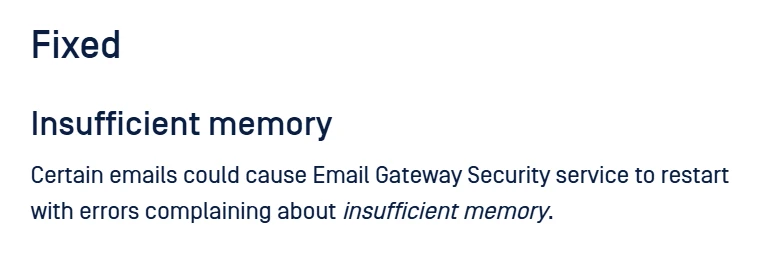
This can be related to the behavior addressed in version 6.1.2 of Metadefender Email Security
Troubleshoot
To troubleshoot this issue, it is only necessary to upgrade the current version of Metadefender Email Security to version 6.1.2 or higher.
After this upgrade process of Metadefender Email Security, the emails will be reprocessed, and normal functionality will be restored.
Workaround
There is a workaround for this behavior, which consists of deleting the .content and .envelope files inside the folder. :
C:\Program Files\OPSWAT\MetaDefender Email Security\mailagenthost\in
If Further Assistance is required, please proceed to create a support case or chat with our support engineer.