
Email Gateway Security installation is very simple and straightforward.
To perform the installation:
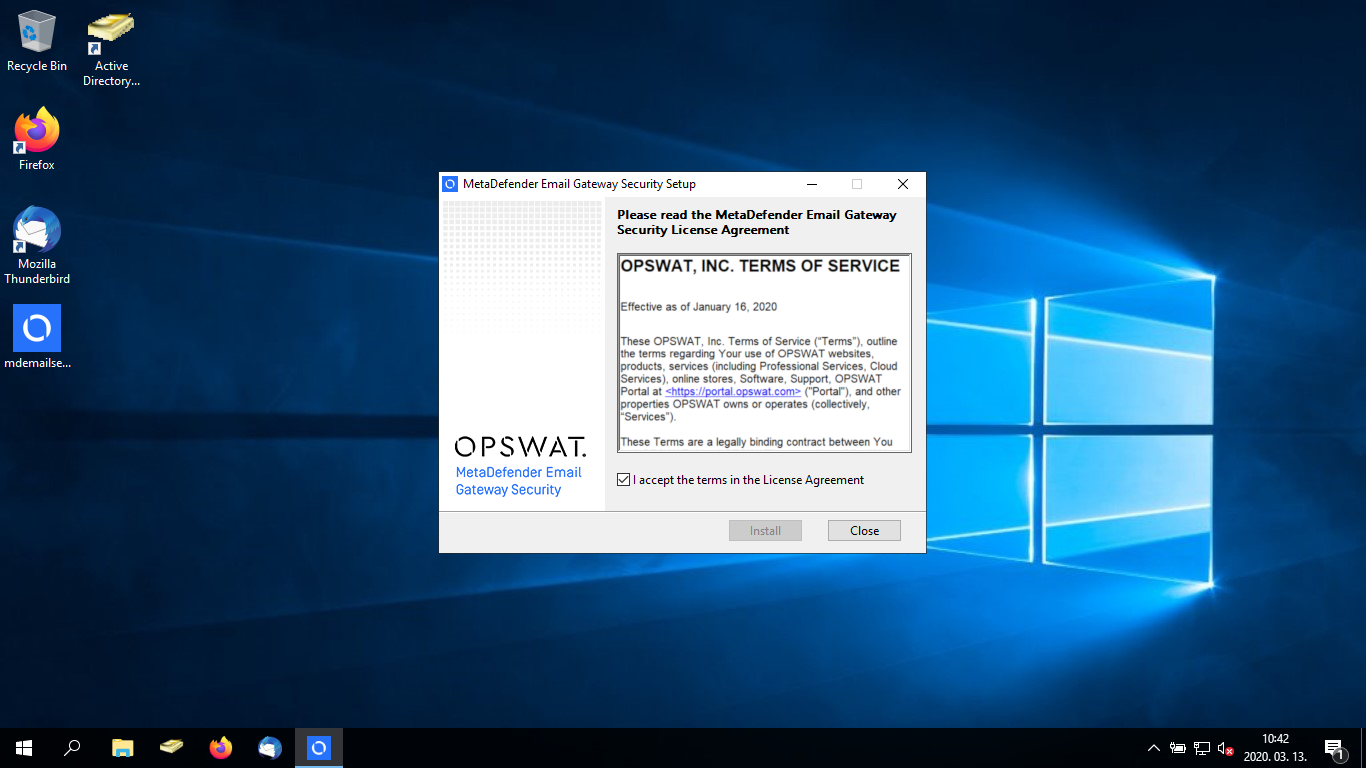
Double click the installer package to start the installation
Accept the terms in the License Agreement
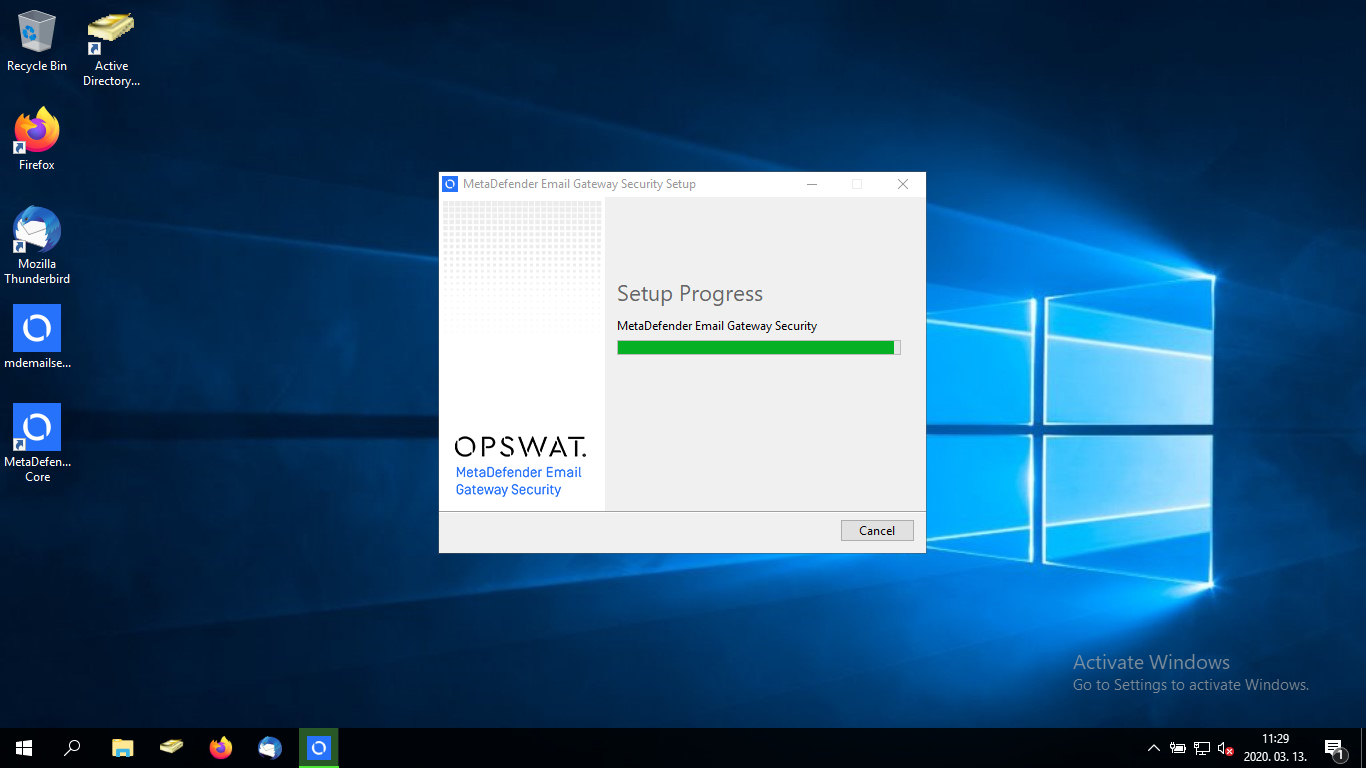
Wait for the installation to proceed. It may take several minutes.
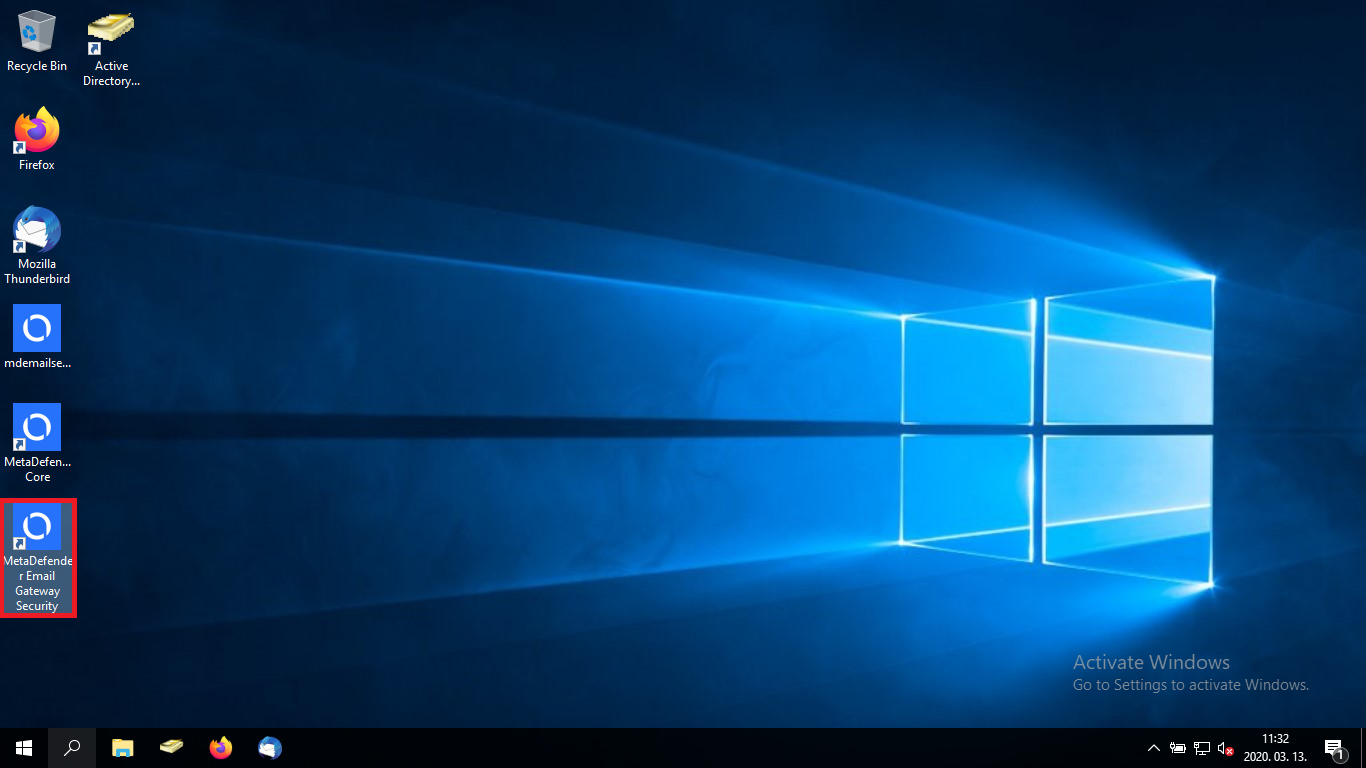
When the installation is complete, MetaDefender Email Gateway Security icon is placed on your desktop. Double click this icon to start the Wizard (for details see Installation/Wizard).
Was this page helpful?
Installation