
In addition to the general Scan Settings, MetaDefender Drive enables you to adjust the settings specific to Quick Scan.
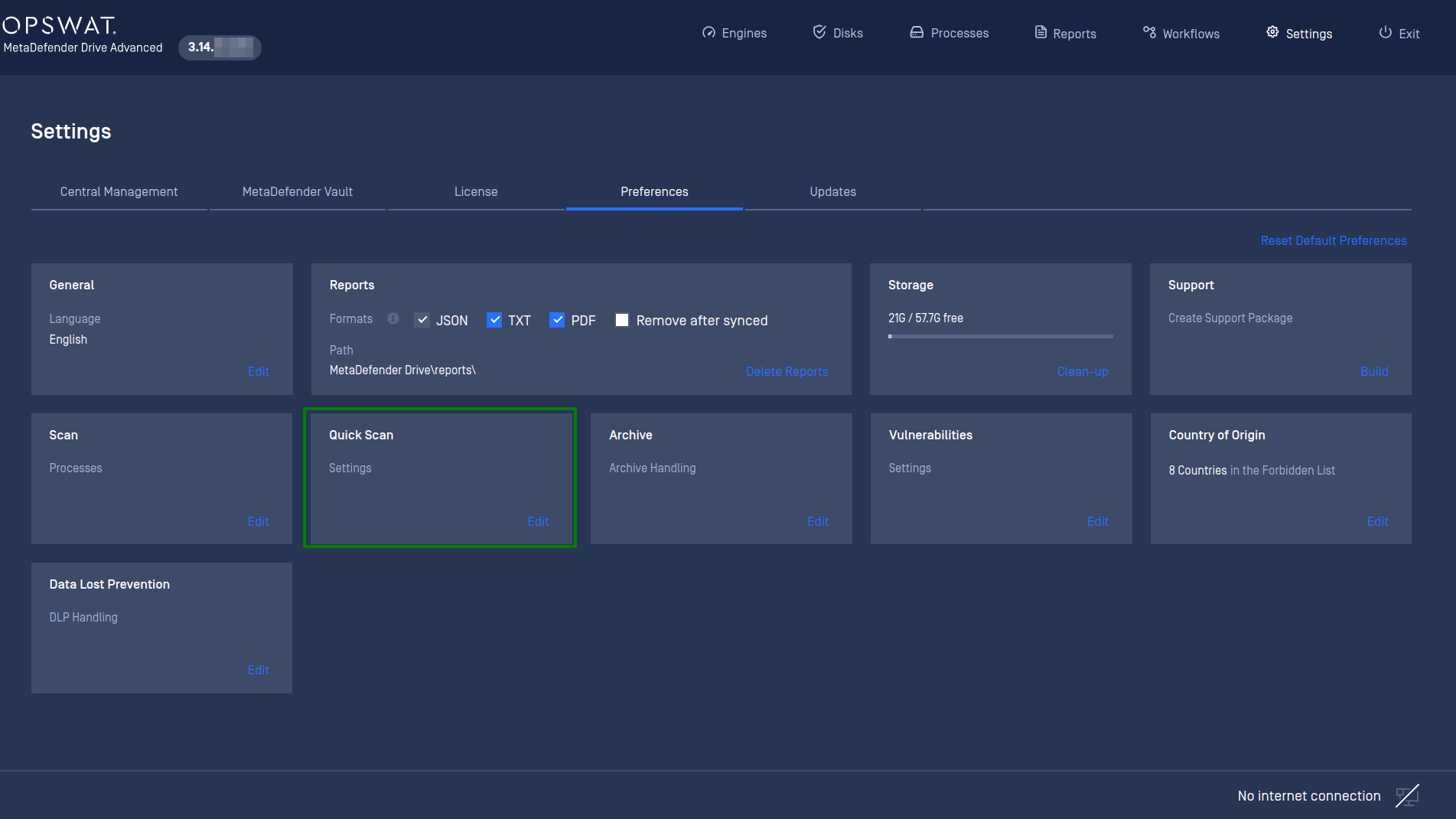
Go to Settings → Preferences → Quick Scan, and click Edit Settings:
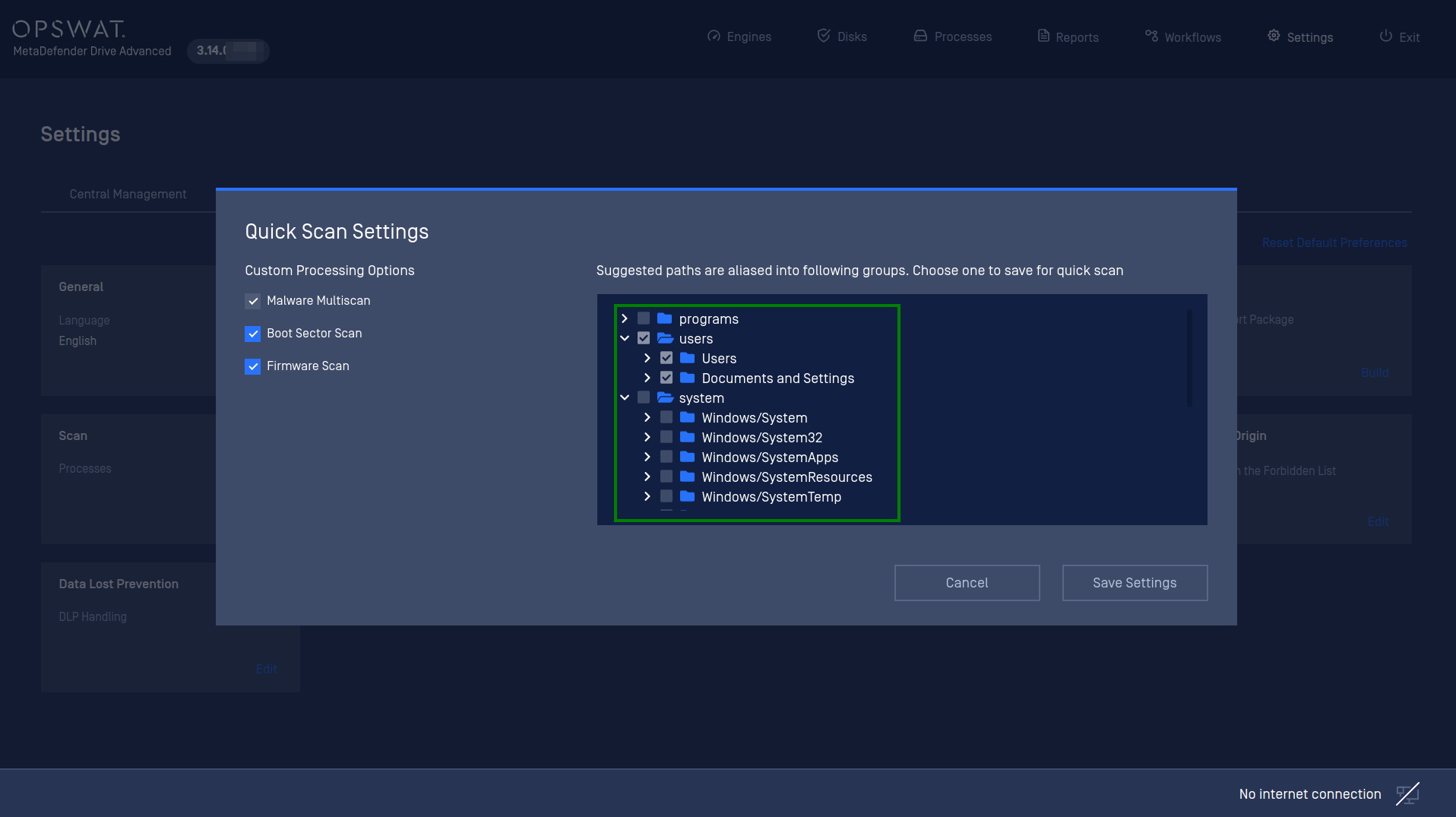
From the Quick Scan Settings menu, you can select the filesystem paths to be included the next time you start a Quick Scan, such as /program, /users__, /system, or all of the available paths.
By default, only the /system path is included in the Quick Scan since it contains the most important files and folders of a Windows system, and it is targeted the most by attackers.
Important Note
The estimated time for a Windows laptop with SSD storage to scan an individual path is 30 minutes or less. A scan of all of the suggested paths would take approximately 1 hour and a half.
..
Was this page helpful?
Configuration