Configuration
v4.4.2a
Search this version
Configuration
Configuration
Title
Message
Create new category
What is the title of your new category?
Edit page index title
What is the title of the page index?
Edit category
What is the new title of your category?
Edit link
What is the new title and URL of your link?
Preferences → Storage
Copy Markdown
Open in ChatGPT
Open in Claude
For optimized performance and smoother operations, the Storage preference settings show the available space on MetaDefender Drive and enable users to clean up logs and unused data to free up space.
To access this feature, go to Preferences → Storage, click Clean-up, then Confirm.
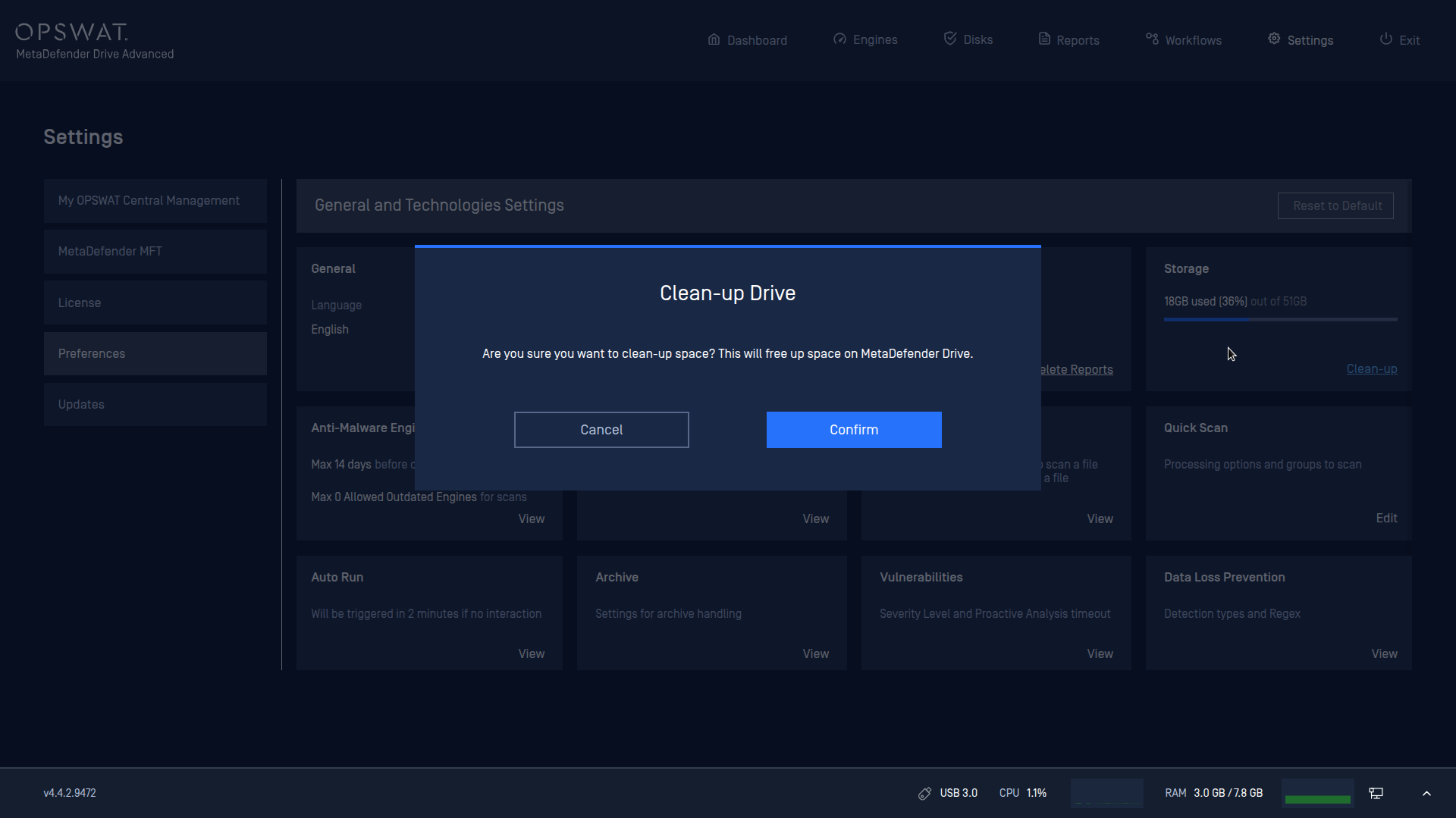
Temporary files are now automatically deleted after a scan completes, without needing to clean them up from the Storage preference.
Type to search, ESC to discard
Last updated on
Was this page helpful?
Next to read:
Preferences → Anti-Malware Engines PolicyDiscard Changes
Do you want to discard your current changes and overwrite with the template?
Archive Synced Block
Message
Create new Template
What is this template's title?
Delete Template
Message
