
Threat Intelligence Engine processing is disabled by default in the Workflow Management.
Users will need to enable it first during the Workflow Configuration.
Most features require Aether license to function, Learn More: MetaDefender Aether
Adaptive Sandbox must be installed and enabled for the Threat Intelligence Engine to operate correctly.
Integration mode of Threat Intelligence Engine:
Inline: working as a part of MetaDefender Core processing workflow (real-time processing). Allowing users to block files based on the outcome and decision of the Threat Pattern Detection.
Global configuration
Go to Inventory > Modules and select the Reputation module
Enabling the engine
See details like engine version and status.
Workflow Configuration
Go to Workflow Management > Workflows and select your workflow
In the carousal below, select Threat Intelligence.
The Threat Intelligence Engine can be configured in the MetaDefender platform under Workflow Management section, as shown in the image below:
Configuration steps
First, enable Threat Intelligence Engine in your workflow
Optionally, modify the default workflow configuration, as described below
These settings might impact performance
Enable Threat Pattern Correlator

Enabling Threat Pattern Correlator allows the Threat Intelligence Engine to analyze file fingerprints and identify similar files, while operating in a non‑blocking mode.
Threat Patter Correlator Trigger

Configure the Threat Pattern Correlator to run conditionally based on Sandbox engine result.
File Similarity Threshold

Configure the overall similarity threshold that determines which files are displayed on the Threat Intelligence tile’s results page.
Maximum number of files

Configure the maximum number of files displayed on the Threat Intelligence tile’s results page.
Auto-Block Similar Threats

Enable blocking of files based on similar files identified by Threat Pattern Correlator that have a Confirmed Threat final verdict.
Blocking if Similarity above

Configure the minimum overall similarity required for Confirmed Threat files to contribute to the final blocking verdict.
Minimum Matched Required

Configure the number of Confirmed Threat files that must meet the required overall similarity threshold to trigger file blocking.
Global Configuration
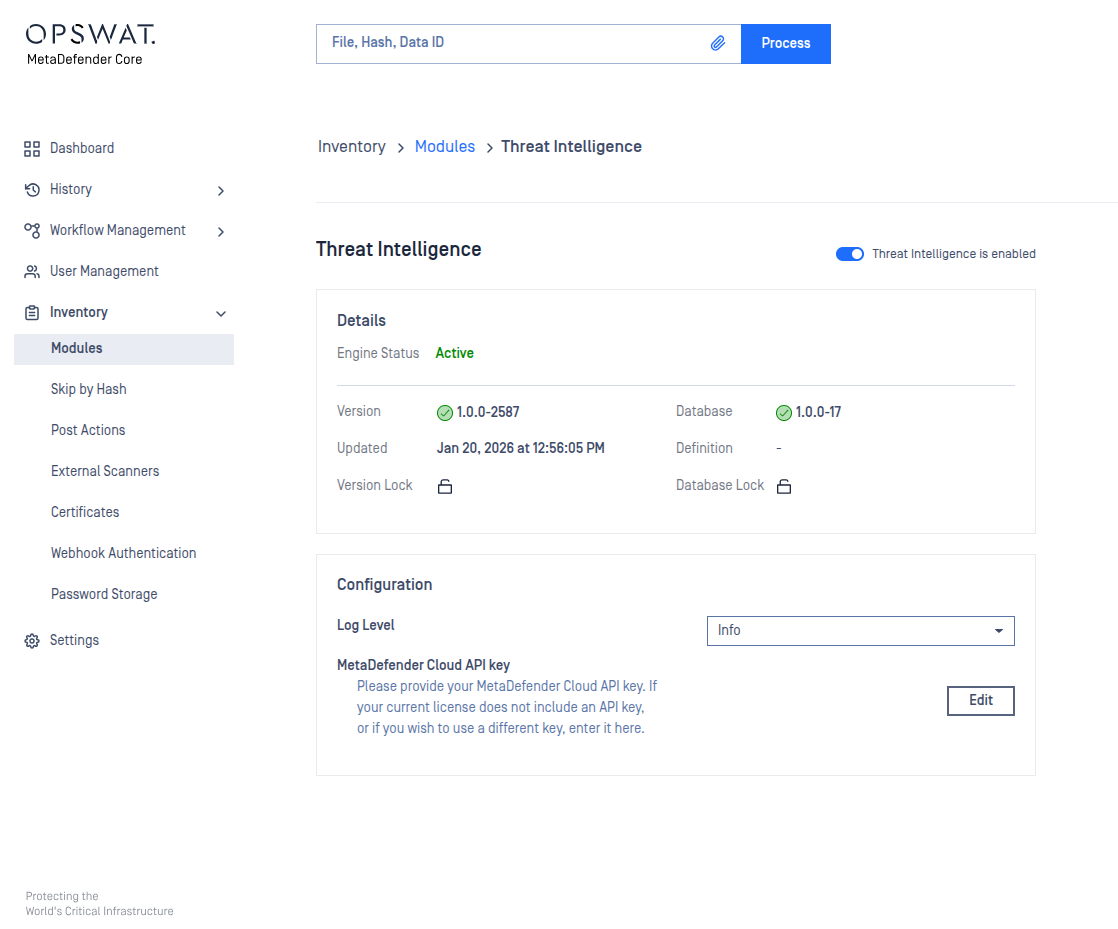
Go to Inventory > Modules and select the Threat Intelligence module
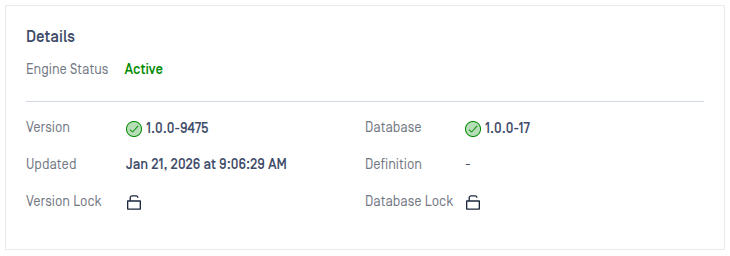
Engine details
See details like engine version and status.
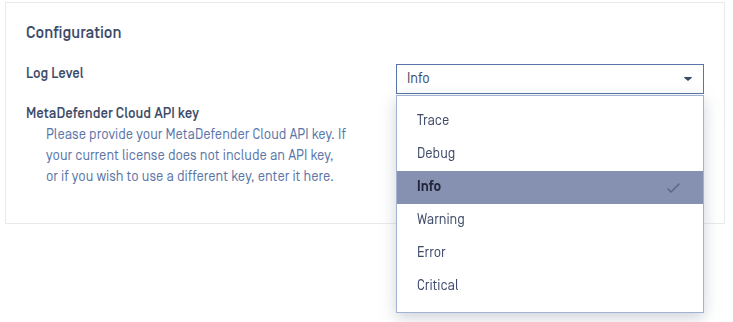
Configuration
Log level
Configure the log level of the Threat Intelligence Engine. In case of issues a lower log level (Debug) might help the support team.
MetaDefender Cloud API key

Configure your MetaDefender Cloud API key to enable the Threat Pattern Correlator task.
Only update this setting if:
Your license type is not an Aether License, or
You want to use a different MetaDefender Cloud API key than the default one provided with your license.