
Navigate to Inventory → Devices
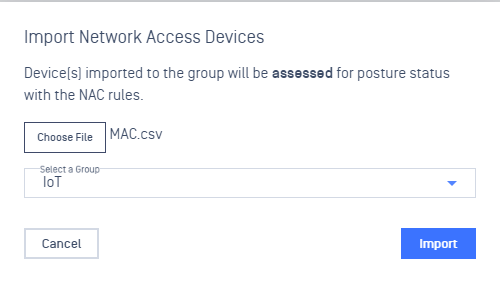
Click on Import button, select a data file (CSV or JSON)
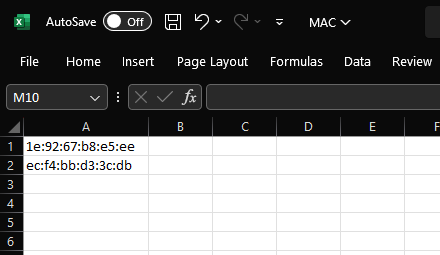
CSV format:
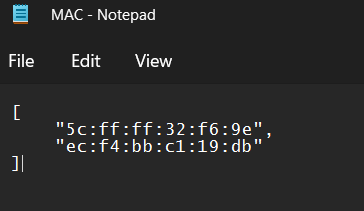
JSON format:
Select a specific Device group and proceed to import the data file
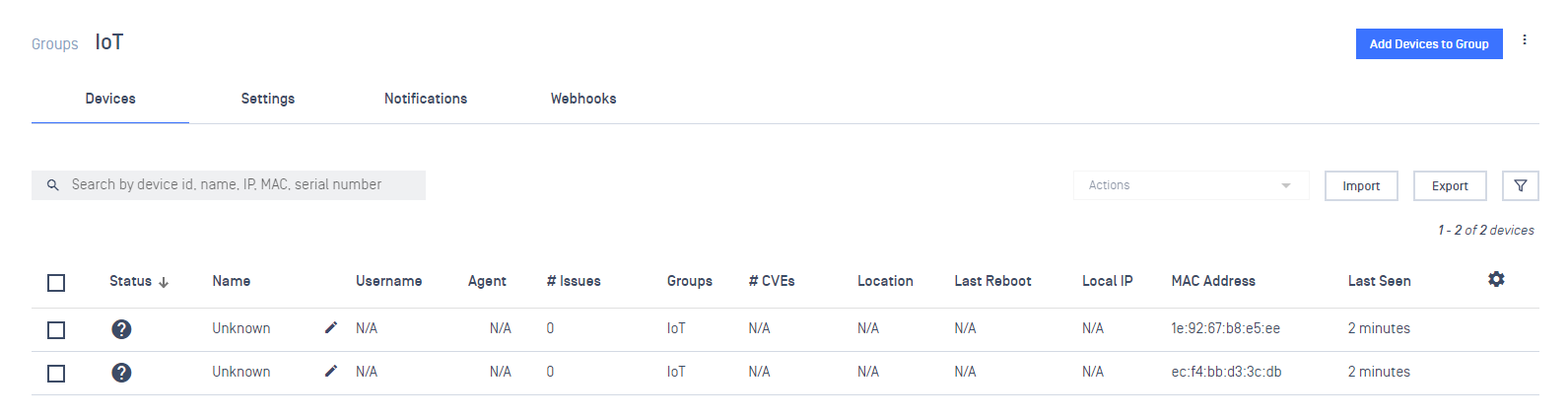
After import successfully, those MAC addresses should display in the correct Device group
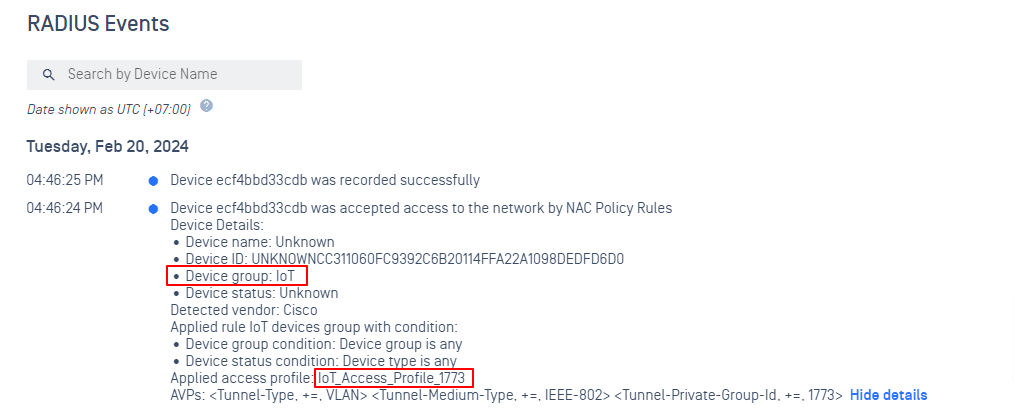
After connect to the Network, the device should be assigned to the corresponding Access Profile
Was this page helpful?
NAC Cloud