
In order to license a managed MetaDefender Aether instance through our On-Prem OCM V10 instance the following steps are necessary:
Navigate to the OCM console (OCM console\License\MetaDefender Aether tab)
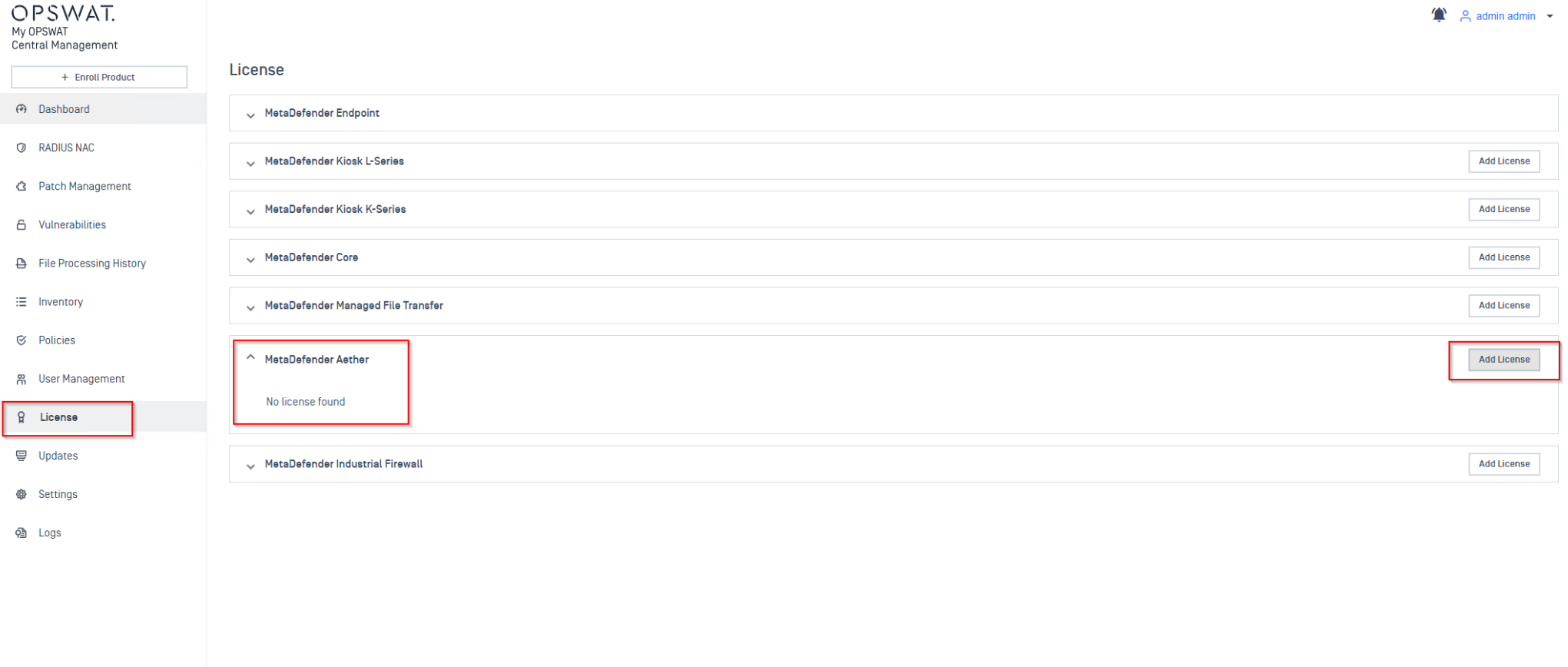
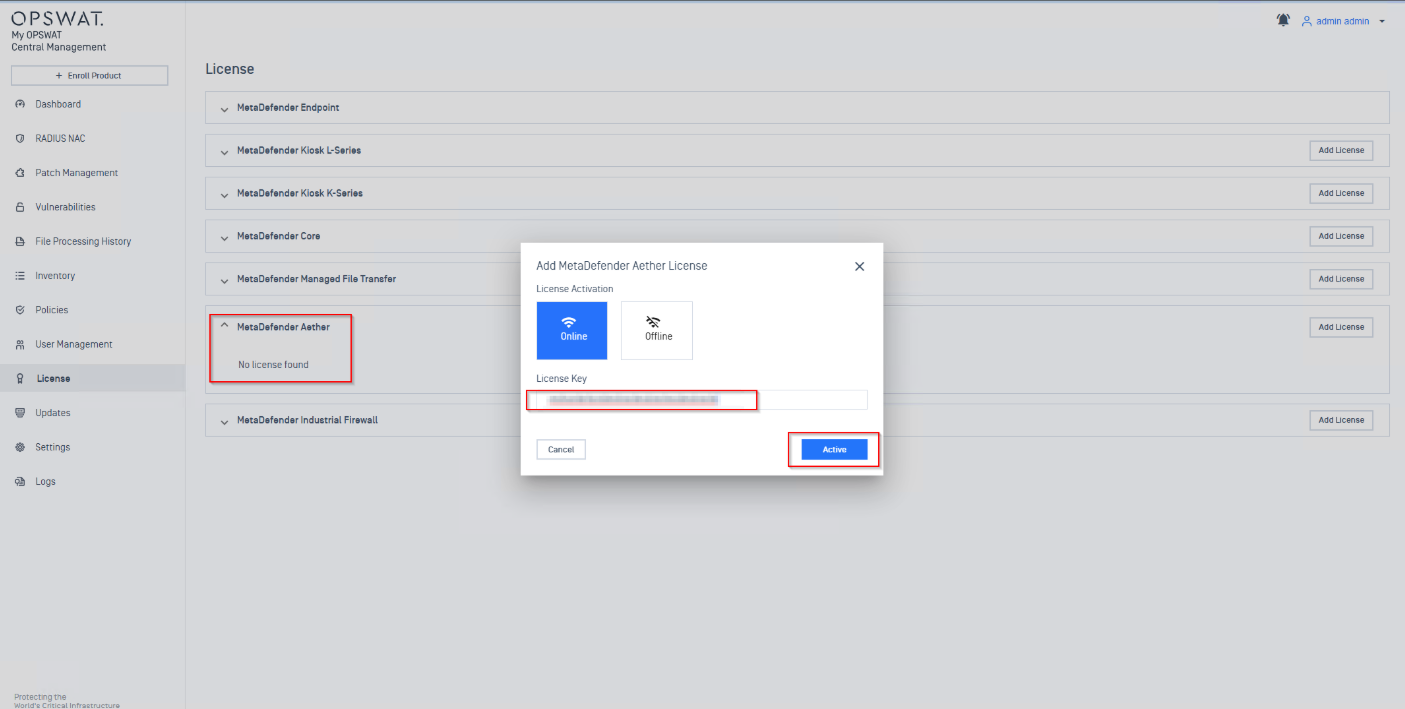
Type in the activation key/ upload YML file that has MetaDefender Aether license slots available
You can add/update licenses two ways:
-Online Activation — Only requires the license key. Enter it on the License page, and OCM v10 validates it with the Activation Server, then pushes it to enrolled instances automatically via the heartbeat mechanism.
-Offline Activation — For air-gapped environments. You'll need to obtain a license file from the MyOPSWAT Portal and upload it.
The enrolled instances periodically send heartbeat calls. When a license command is pending, the instance fetches and activates it automatically.