The MISP is an open source software solution for collecting, storing, distributing and sharing cyber security indicators and threats about cyber security incidents analysis and malware analysis. You can find more information about MISP here.
To integrate with MISP, it is necessary to have a pre-installed MISP instance.
Integrating MetaDefender Sandbox with MISP
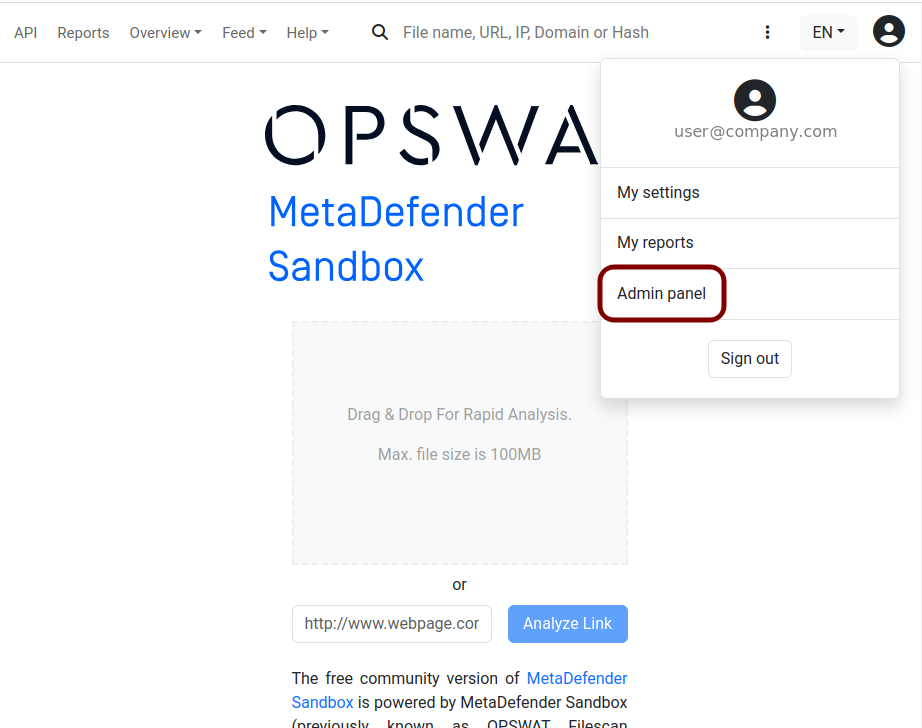
To create an integration, navigate to the Admin panel.
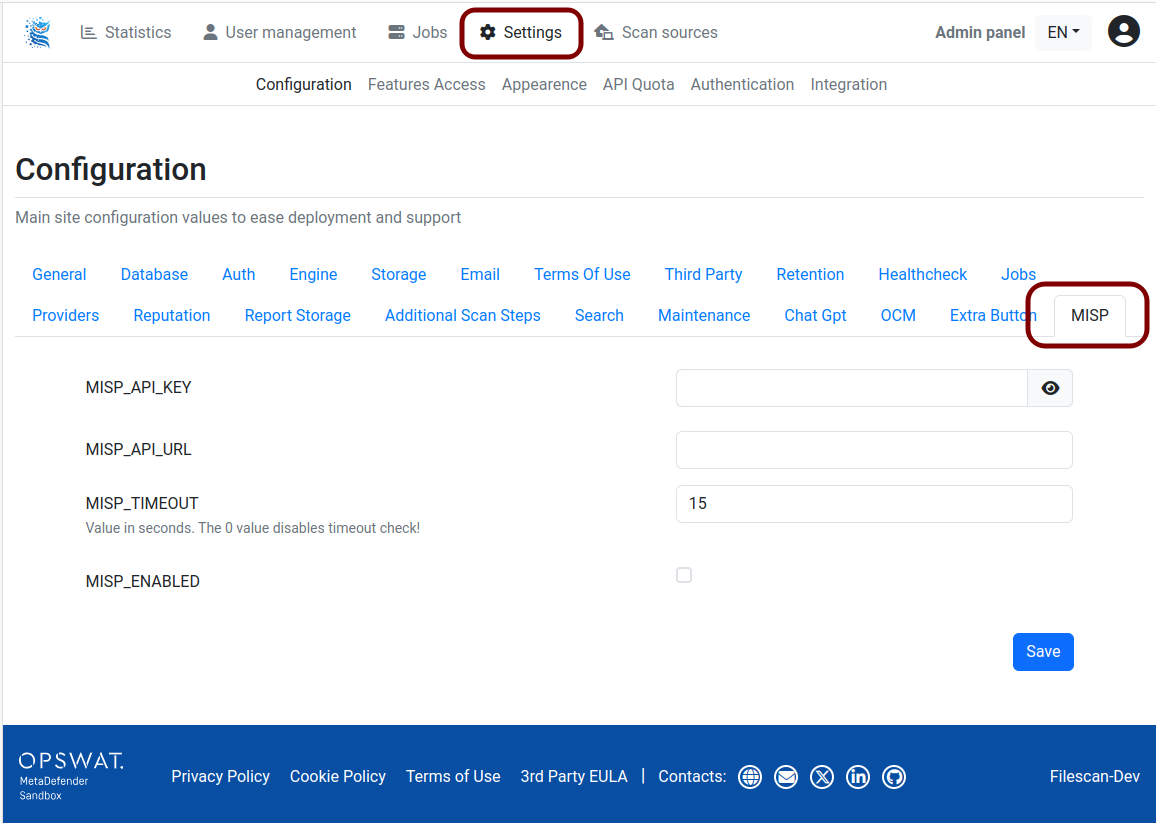
Select "Settings" from the menu bar, and you'll find the MISP tab under Configuration.
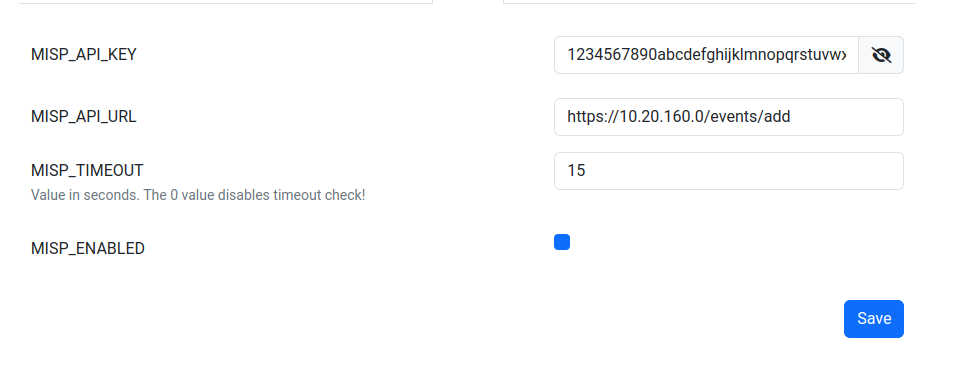
Enter your MISP API key and MISP API URL, check the "MISP_ENABLED" checkbox, and then save the settings.
Configuration options
Field | Description |
|---|---|
| MISP server API-key |
| The address of the MISP server |
| Timeout, value in seconds. The 0 value disables timeout check! |
| Check-box to enable or disable MISP integration |
note that in order for Sandbox results to be added as events to MISP, the url format should be:
<MISP URL>/events/add
If everything is correct, click on the "Save" button.
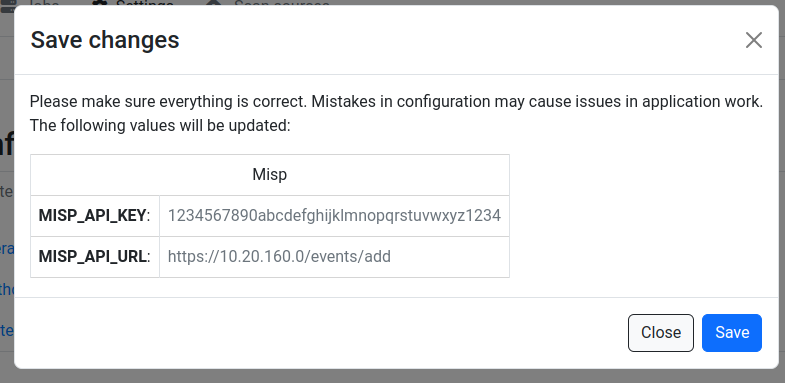
If MISP integration is enabled, then Malicious and Likely Malicious results will be published.
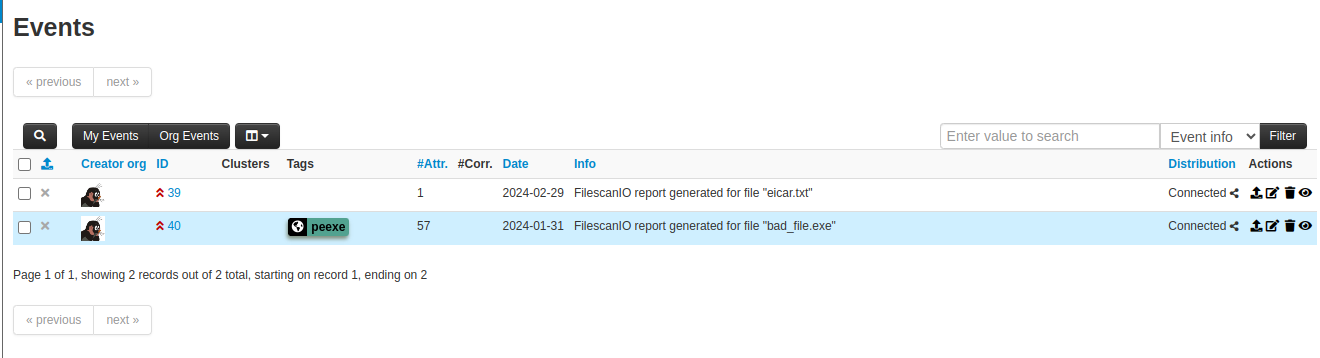
If all settings are correct, events will appear in the MISP instance. For example: