
Configuration on the Admin panel
You can configure the retention under the Webservice Admin (UX) panel as well.
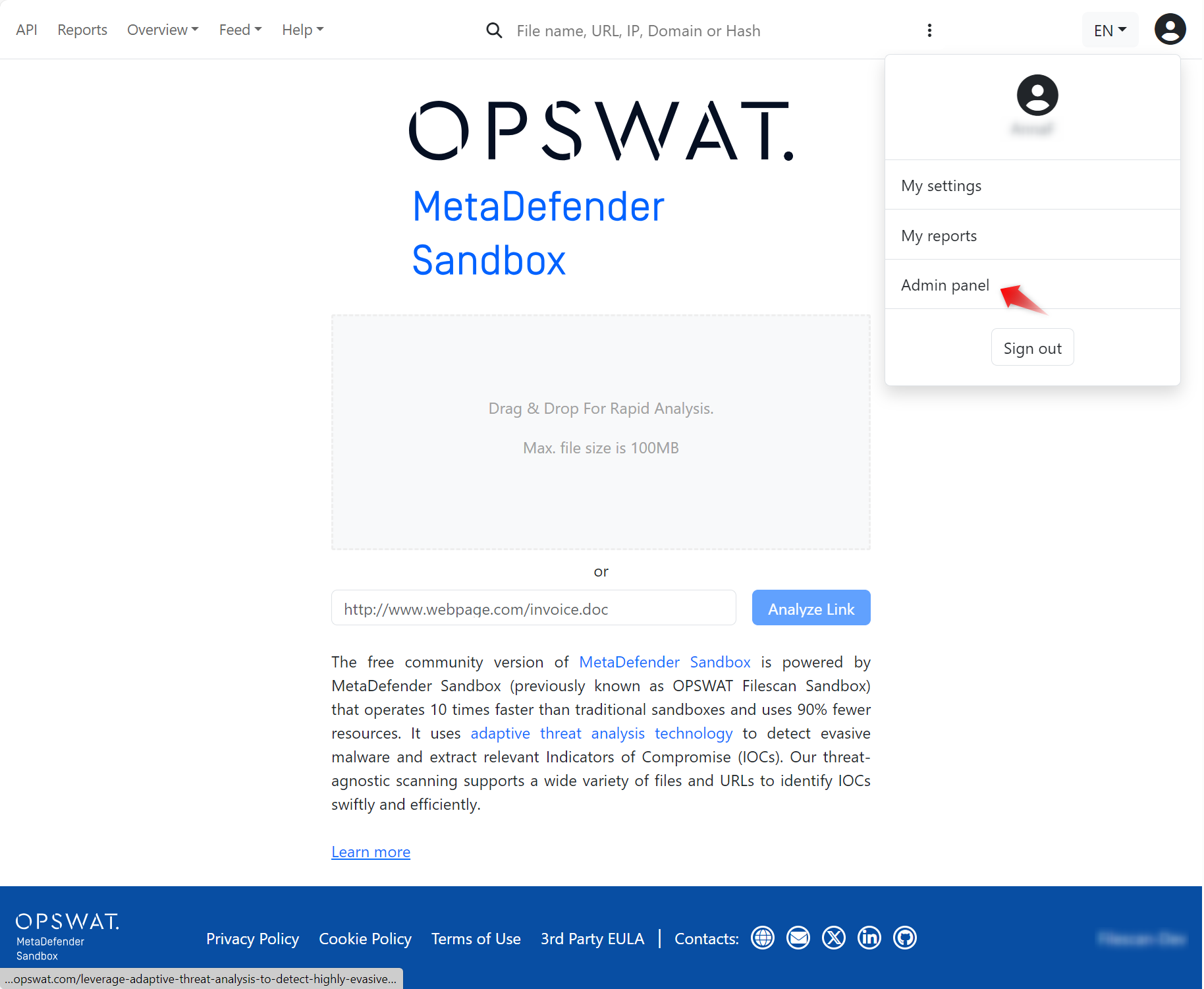
For that click on the user icon on the top right corner and select "Admin" panel:
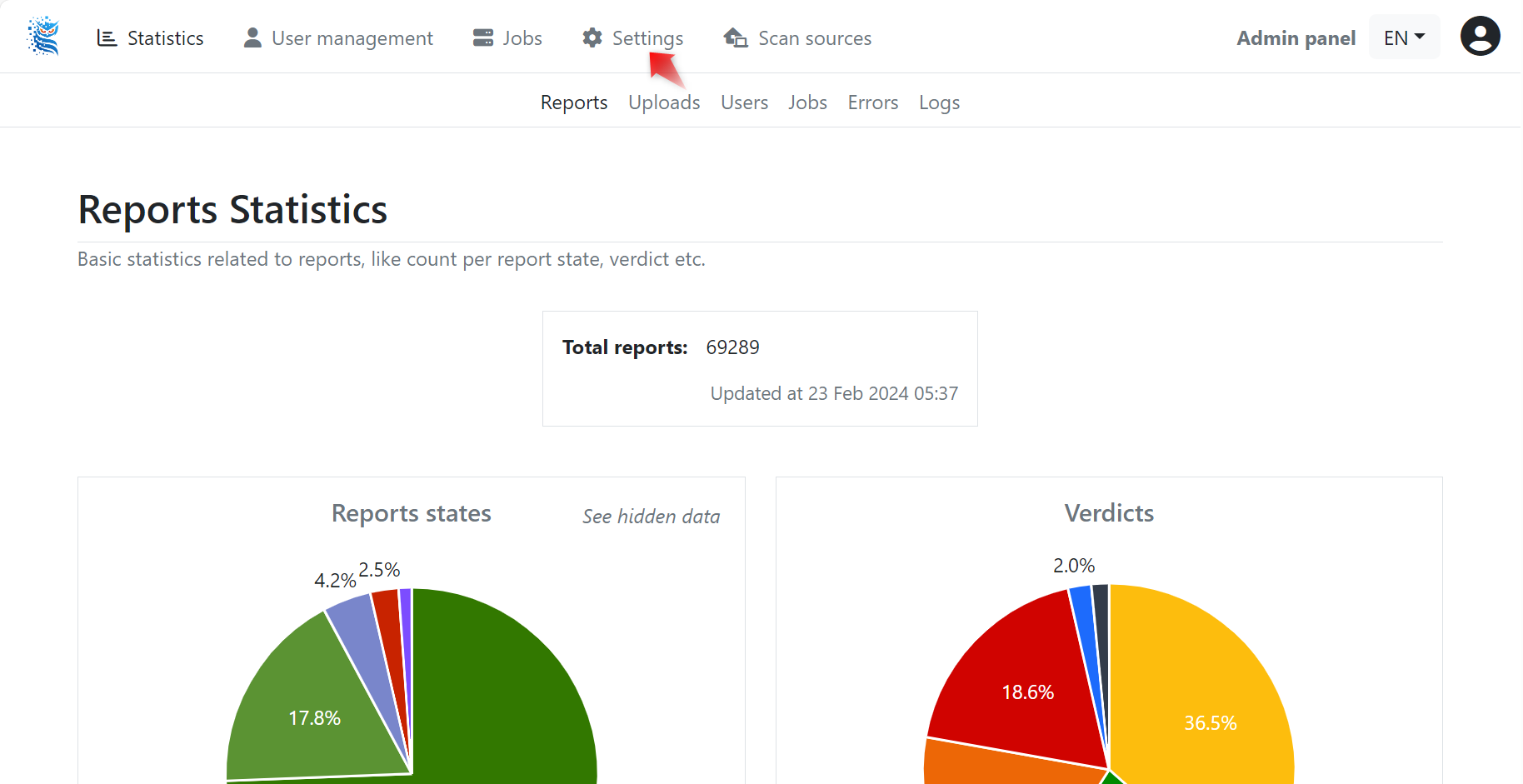
Then select "Settings" in the middle:
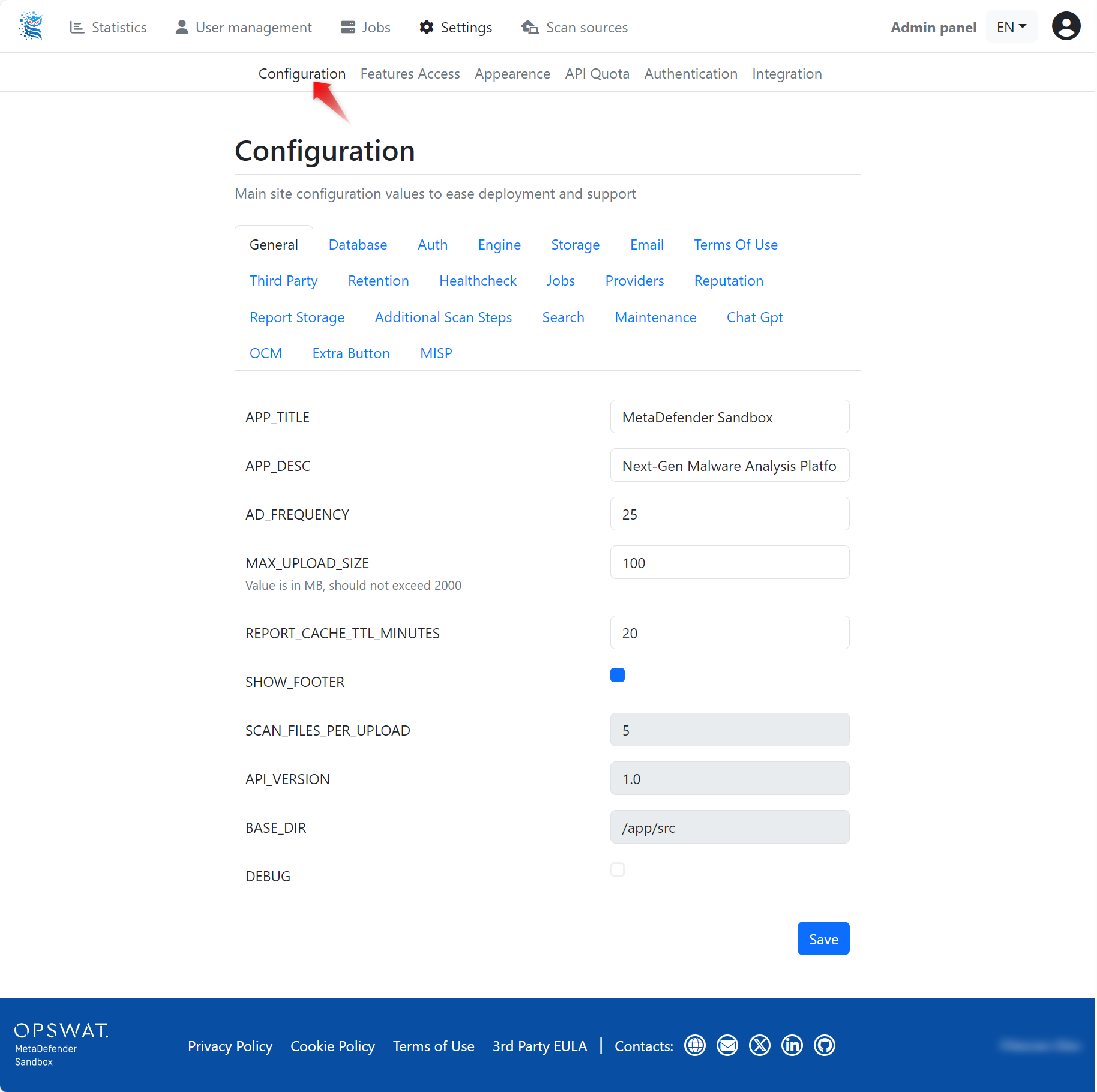
Select "Configuration":
Under the "Retention" tab you can set retention policy:
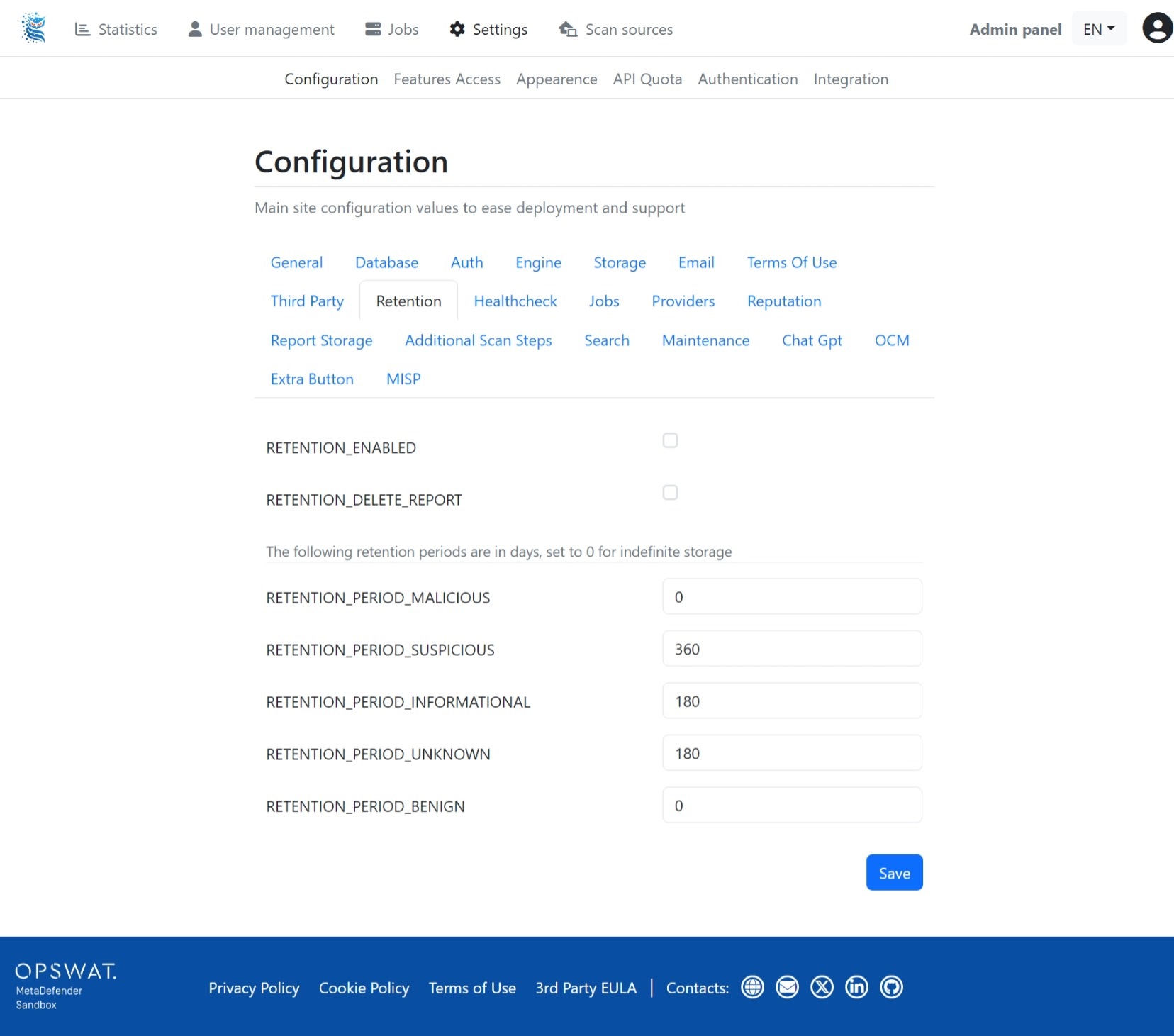
By default, retention is enabled and set to 365 days.
Configuration options
Field | Description |
|---|---|
| Enable or disable data retention |
| Enable or disable deleting retention report |
| Set retention period for malicious files (the value is in days, set to 0 for indefinite storage) |
| Set retention period for suspicious files (the value is in days, set to 0 for indefinite storage) |
| Set retention period for informational files (the value is in days, set to 0 for indefinite storage) |
| Set retention period for unknown files (the value is in days, set to 0 for indefinite storage) |
| Set retention period for benign files (the value is in days, set to 0 for indefinite storage) |
Backend configuration
By default, the system is designed to clean up locally stored results/received samples and other temporary files. These cleanup operations are performed either upon starting up the service (single-pass) or on continuous short-cycle intervals in a background process. To enable regular cleanup during the server mode, make sure the following options are enabled:
File | Option Name |
|---|---|
broker.cfg | runFileSystemCleanup |
transform.cfg | runFileSystemCleanup |
By default, the following retention period is applied (see “Retention Policy” sections in both broker.cfg and transform.cfg files):
File | Option Name | Retention Period in minutes (days) |
|---|---|---|
Analysis Results | deleteResultsPathArtifactsOlderThanXMinutes | 1440 (1 day) |
Sample Files | deleteStoredSamplesOlderThanXMinutes | 1440 (1 day) |
Temp Files | deleteTempFilesOlderThanXMinutes | 1440 (1 day) |
Queued Files | deleteQueueFilesIfOlderThanXMinutes | 1440 (1 day) |
Note: the queued files are only cleaned up if automatic re-queue is disabled (by default). To change this behavior, configure the requeuePendingTasksFromPreviousTermination option.