
The following guideline describes how to add a new Group to OPSWAT Central Management.
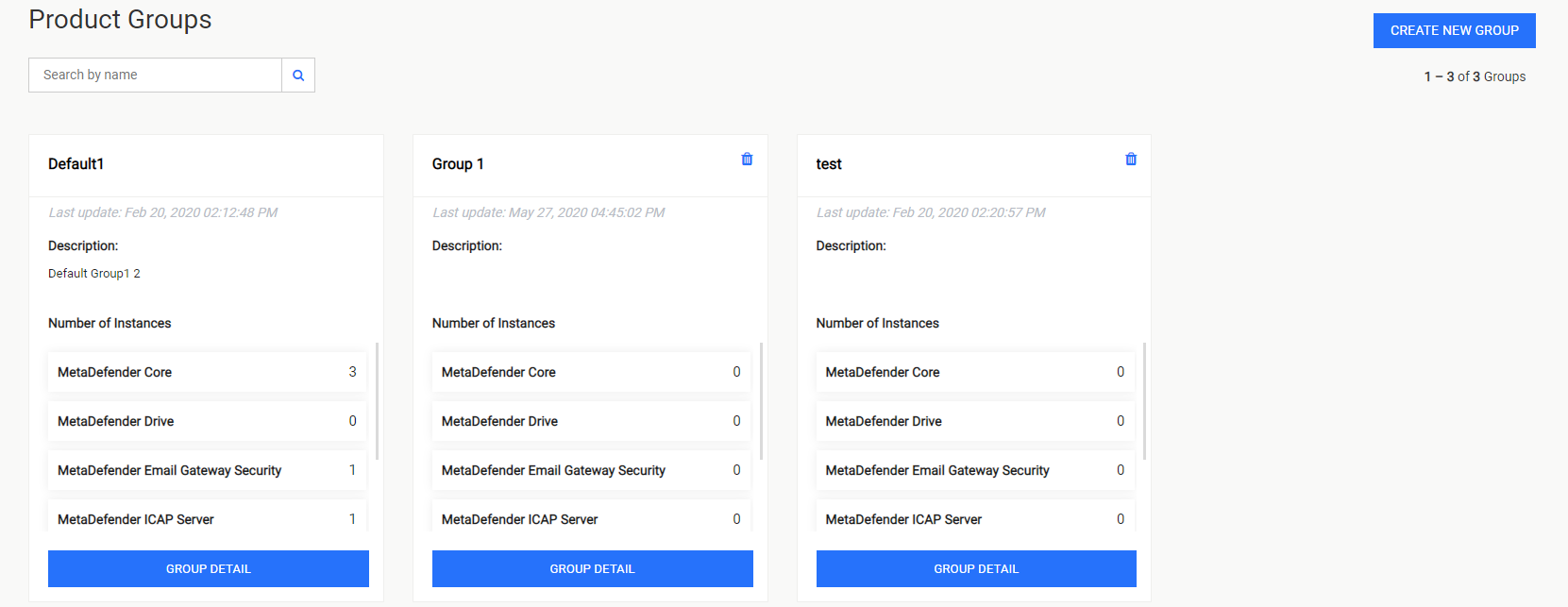
In the Product Groups page, select CREATE NEW GROUP.
In the General Information page, fill out the required information of the new Group. Select ASSIGN SET TO GROUP to continue.
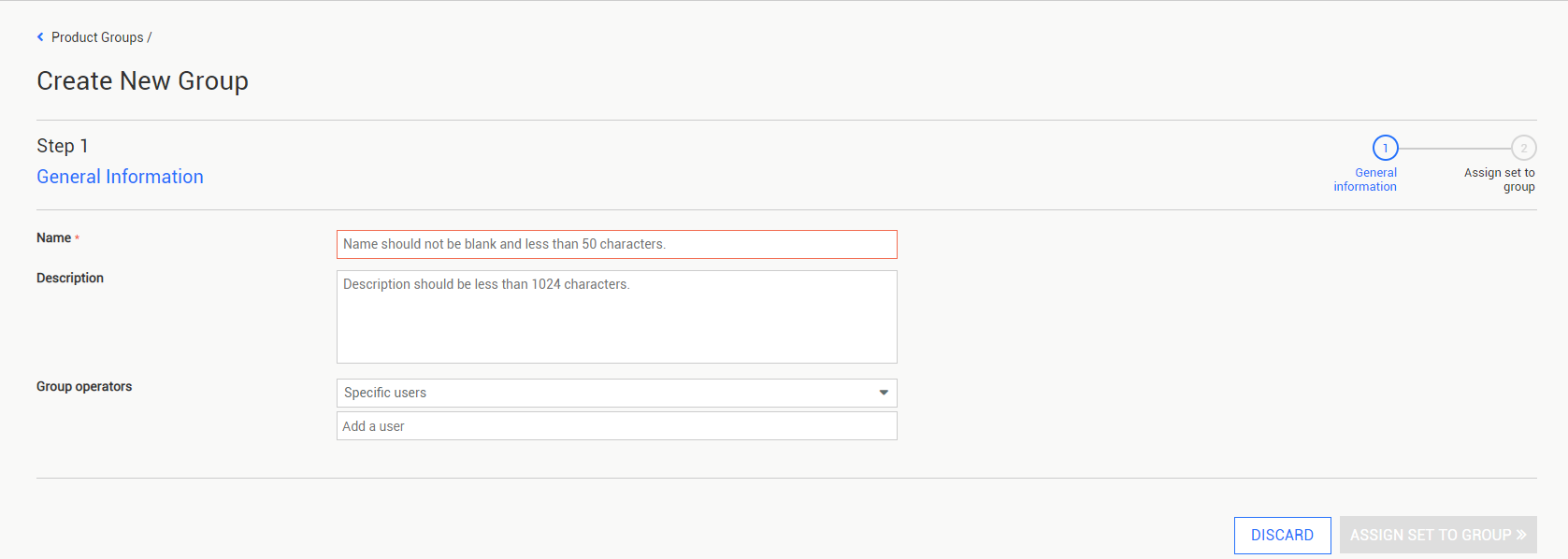
- Name: The name of the new Group, must be unique.
- Description: The description of the new Group.
- Group operators: Assign users with the Operator role to manage this group. Users with Administrator role can access all groups regardless of this setting.
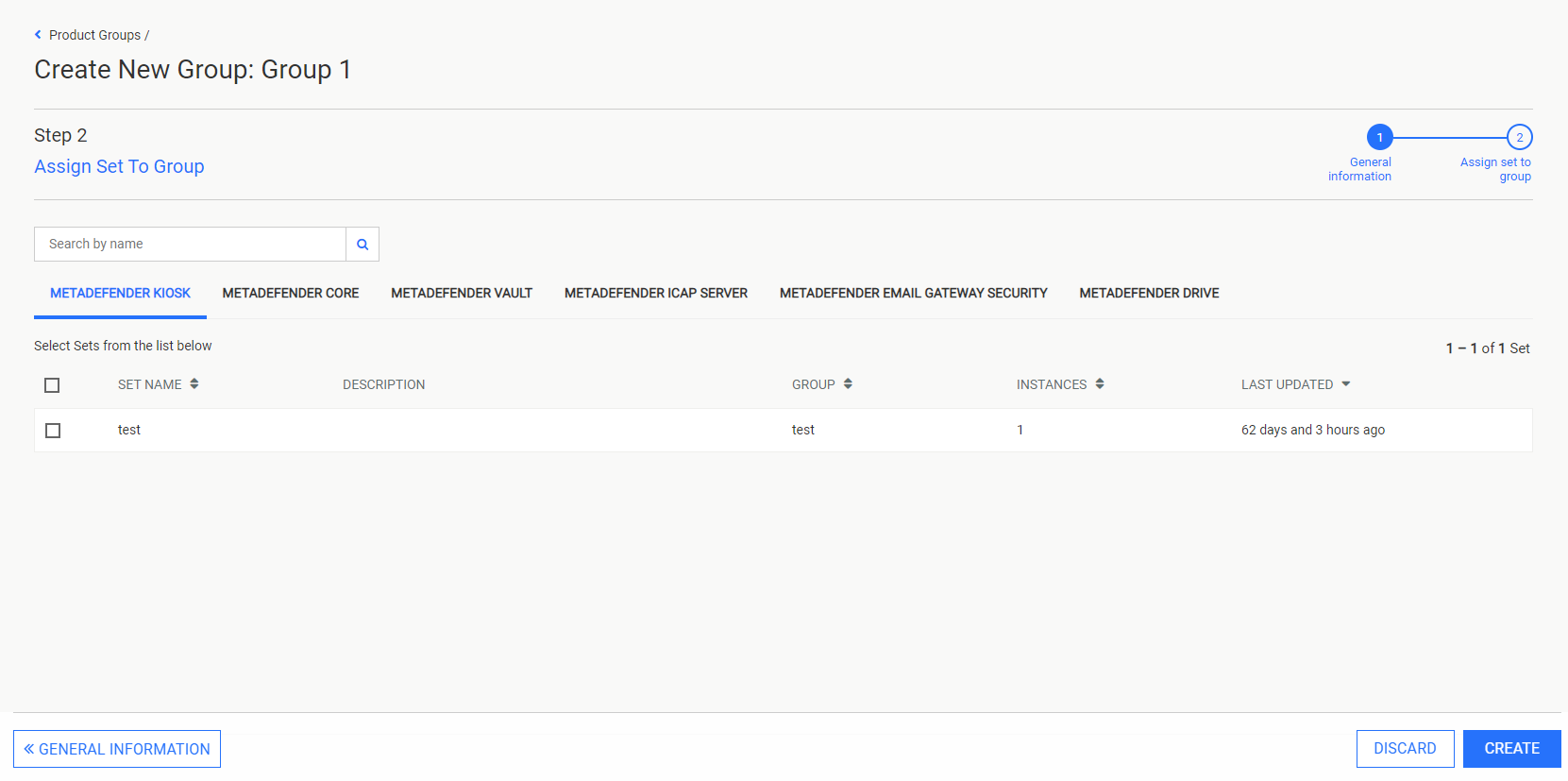
In the Assign Set to Group page, select the Sets you wish to include in the new group by clicking their checkboxes. Select CREATE to finalize the new Group's creation.
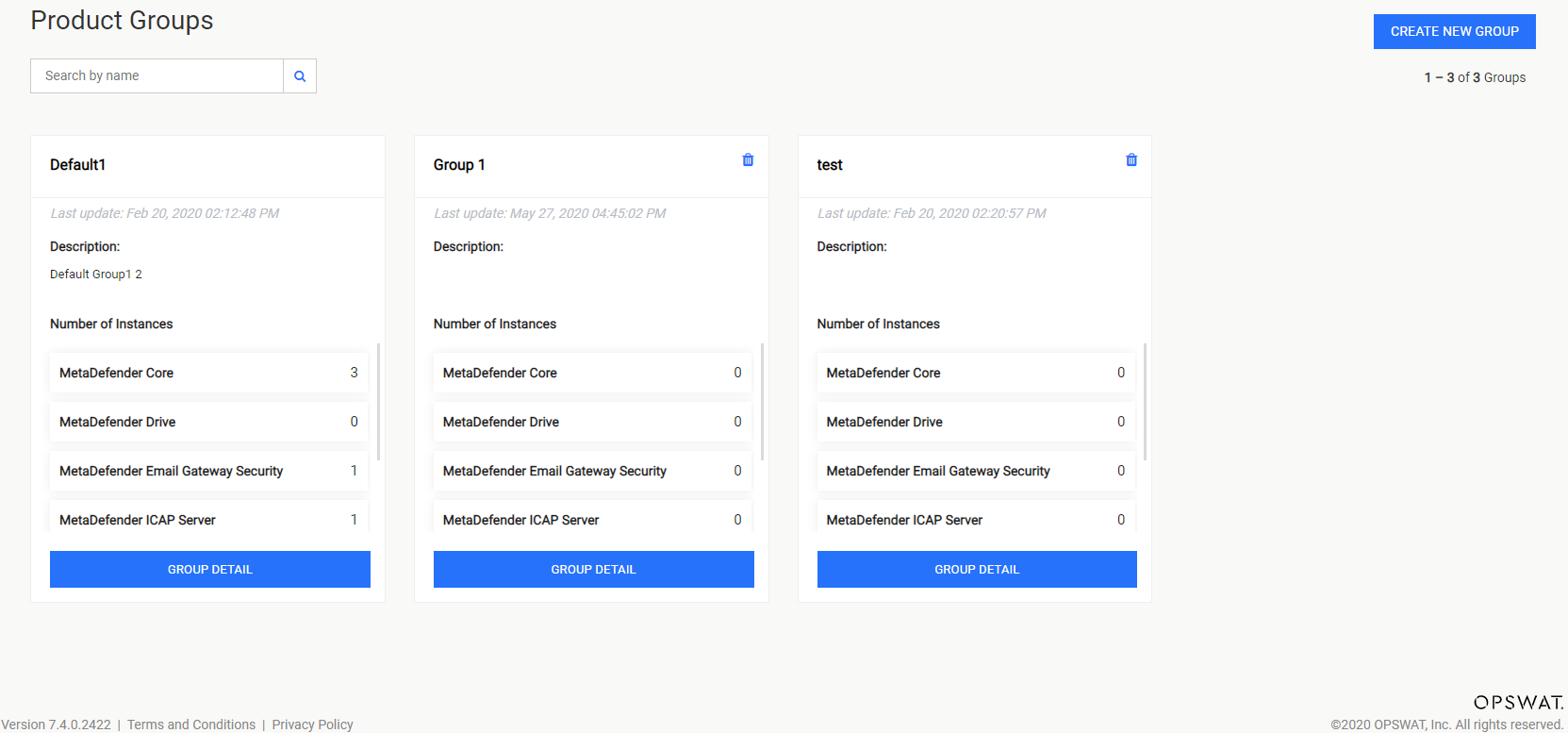
The new Group will be displayed in the Product Groups page.
Adding a Set belonging to another existing Group will remove it from that Group.