
About This Guide
Welcome to the OPSWAT Central Management v7.x guide. This guide is intended to provide the information you need to:
Install, configure, and manage OPSWAT Central Management v7.x.
Learn about new features, updated features, and bug fixes on each OPSWAT Central Management releases
Learn about frequently asked questions and our library of knowledge base articles
About Central Management
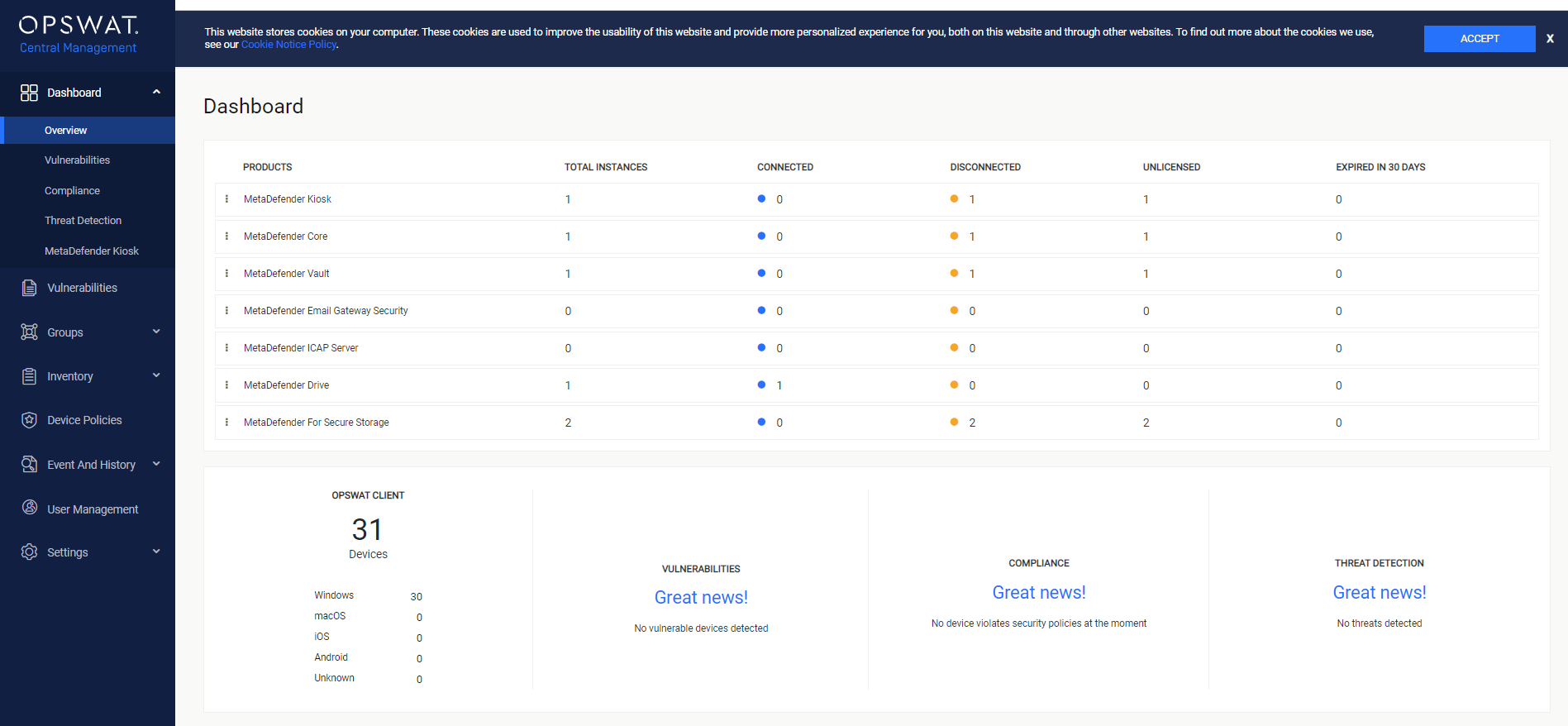
Central Management is a centralized console that you can perform global operations such as manage MetaDefender products and OPSWAT Client, view managed anti-malware engines, manage virus definition and engine updates, and check licensing status. You can manage the following OPSWAT products:
MetaDefender Core v4 versions from v4.14.3,
MetaDefender Email Security v4 versions from v4.7.2,
MetaDefender ICAP Server v4 versions from v4.7.1,
MetaDefender Kiosk v4 versions from v4.3.0,
MetaDefender Vault versions from 1.3.3
MetaDefender for Secure Storage version from 2.0.3
OPSWAT Client
For compatible versions of products, you can check out this KB Which versions of OPSWAT Products are compatible with OPSWAT Central Management v7?
Key features:
Centralizing configuration and monitoring all OPSWAT products: MetaDefender Core, Kiosk, Vault, Drive, ICAP Server, Email Security and Secure Storage.
Managing multiple MetaDefender instances
Centralizing engine updates ( more than 40 engines)
Supporting multiple OS platform
Managing device compliance and security policies:
Disk Encryption Detection
Anti-malware Compliance
Advanced Threat Detection
Patch Management Detection
User authentication and Screen Lock