
Before starting OPSWAT Central Management (OCM) installation, please make sure your server meets the minimum system requirement.
Installation steps
Download the OPSWAT Central Management package from the OPSWAT Portal to your server.
Install the product by executing the installer file downloaded from the OPSWAT Portal.
After installation finished, you can access the OPSWAT Central Management console via the OPSWAT Central Management shortcut created during installation on the desktop or at the address http://<your_server_address:<port> (default is 9000) .
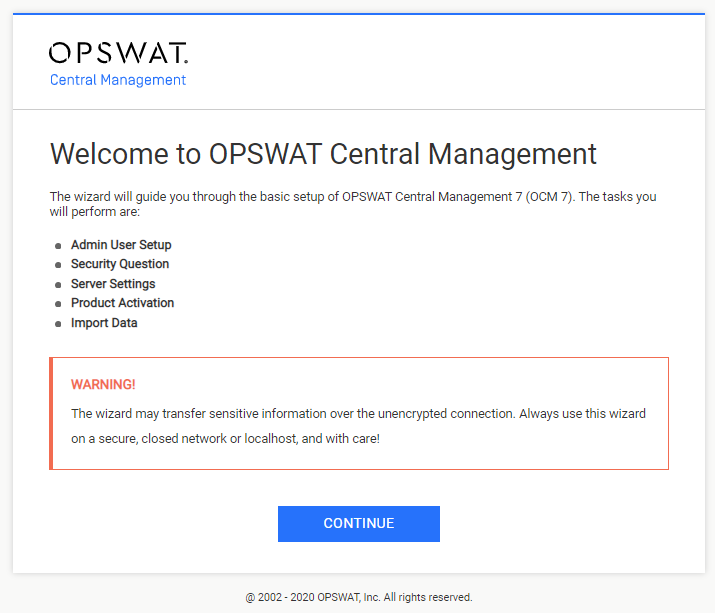
The configuration wizard will walk you through the basic setup of OPSWAT Central Management.
For more information on the installation procedure, please refer to Installing OPSWAT Central Management.
Was this page helpful?
Quick Start