
The following guideline describes how to download reports from an existing MetaDefender Drive instance.
Download latest reports from instance list:
Go to the MetaDefender Drive management page under Inventory in the sidebar.
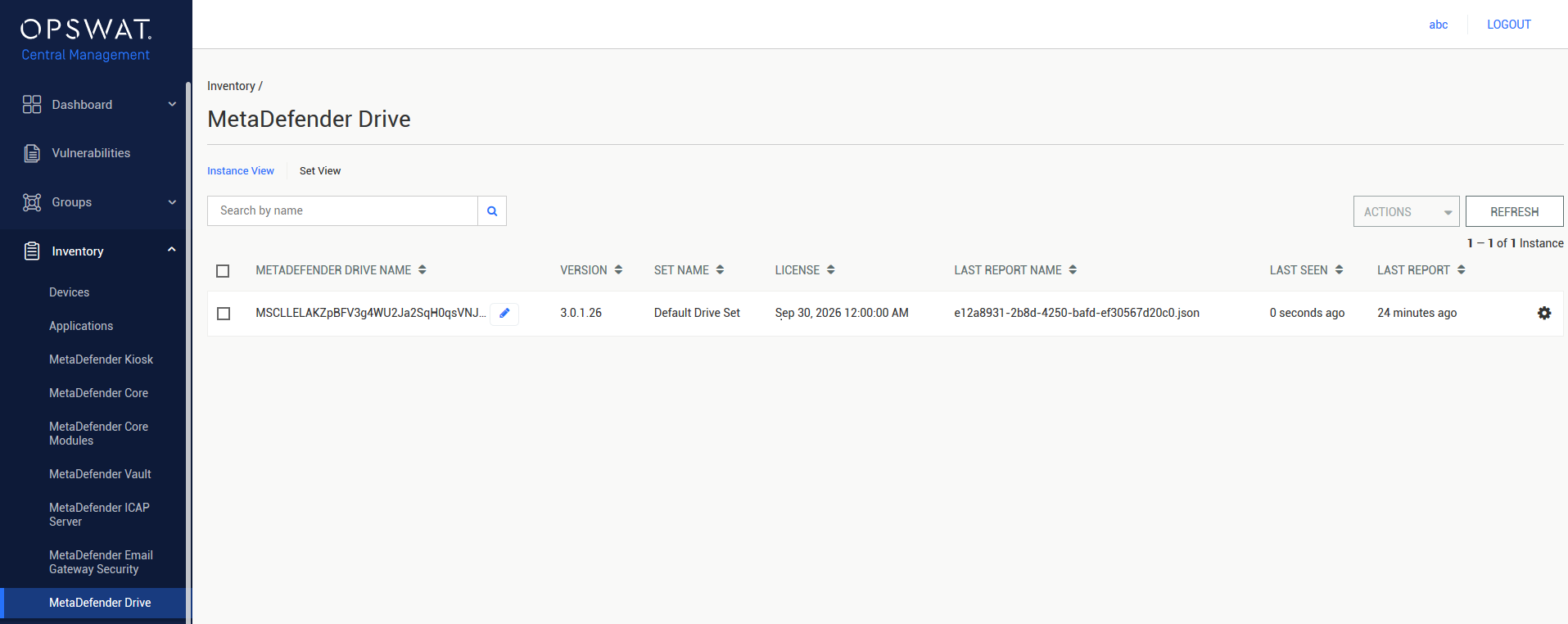
Select the MetaDefender Drive instance that you want to download the report from.
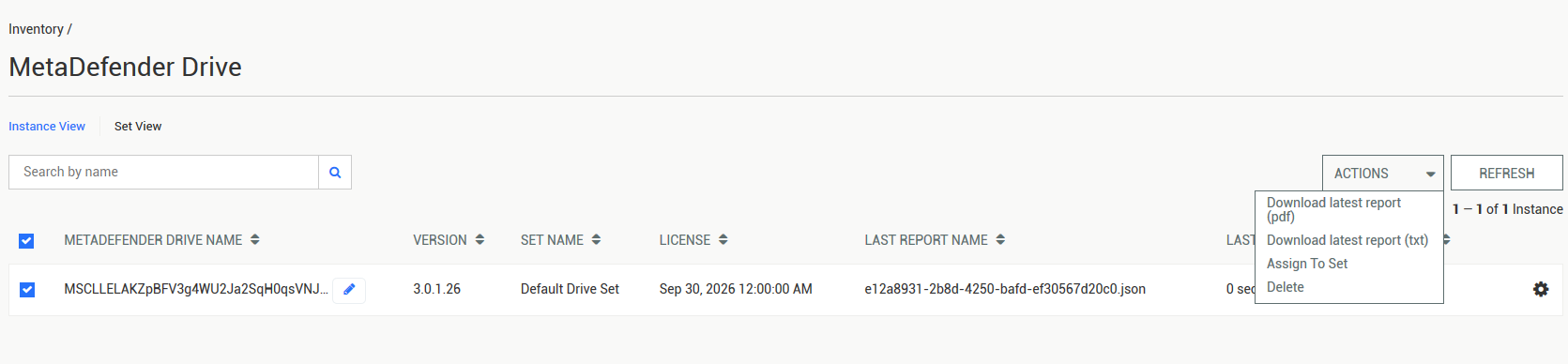
Select either Download latest report (pdf) or Download latest report (txt).
View and download reports from a specific instance:
Go to the MetaDefender Drive management page under Inventory in the sidebar.
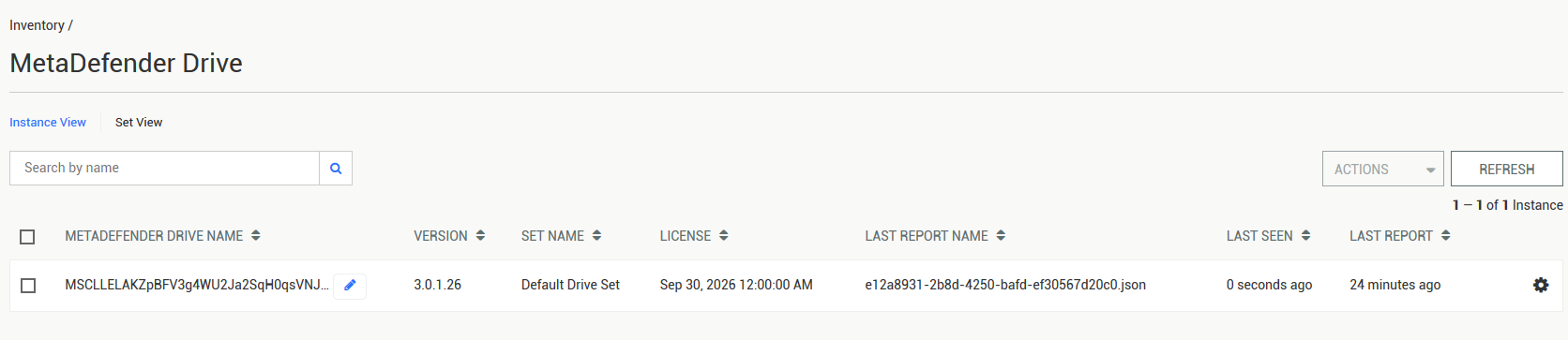
Click on a MetaDefender Drive instance's entry to go to its details page.
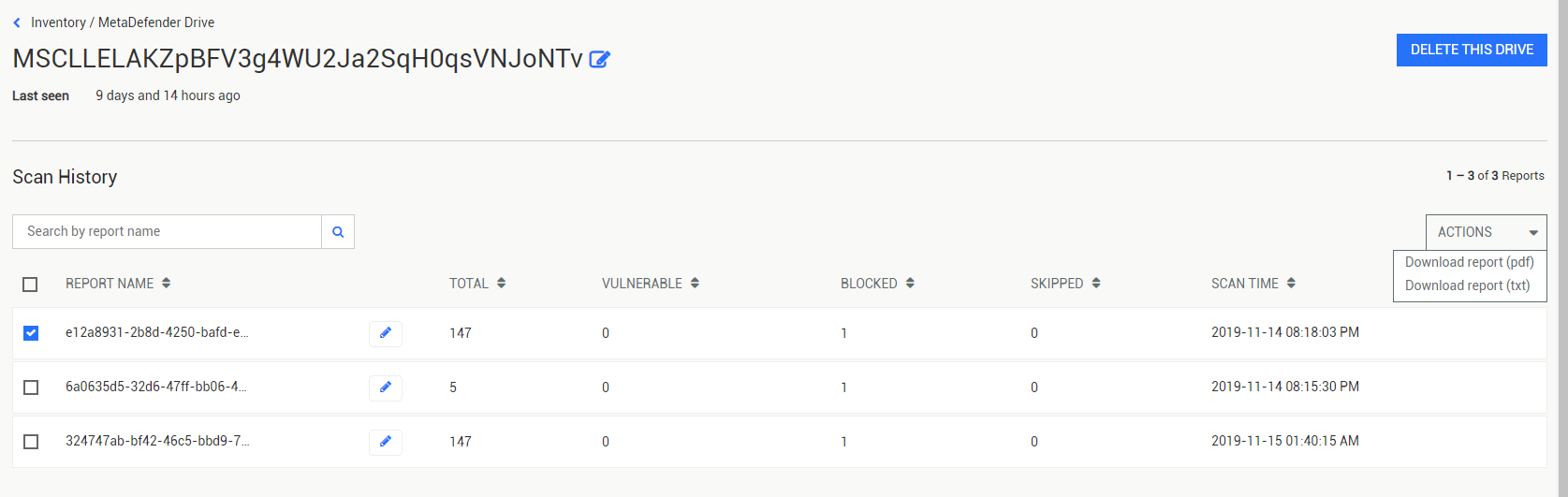
Select the report(s) to be downloaded by clicking their checkboxes. Select either Download report (pdf) or Download report (txt) from the drop-down action menu.
Was this page helpful?
Integrations