
The following guideline describes how to add an existing MetaDefender Drive instance to OPSWAT Central Management.
Info
Adding an existing MetaDefender Drive instance to OPSWAT Central Management can only be done from the MetaDefender Drive instance's interface.
From MetaDefender Drive's main page, select Central Management in the upper-right corner.
Enter the IP Address and API Key of the OPSWAT Central Management server.
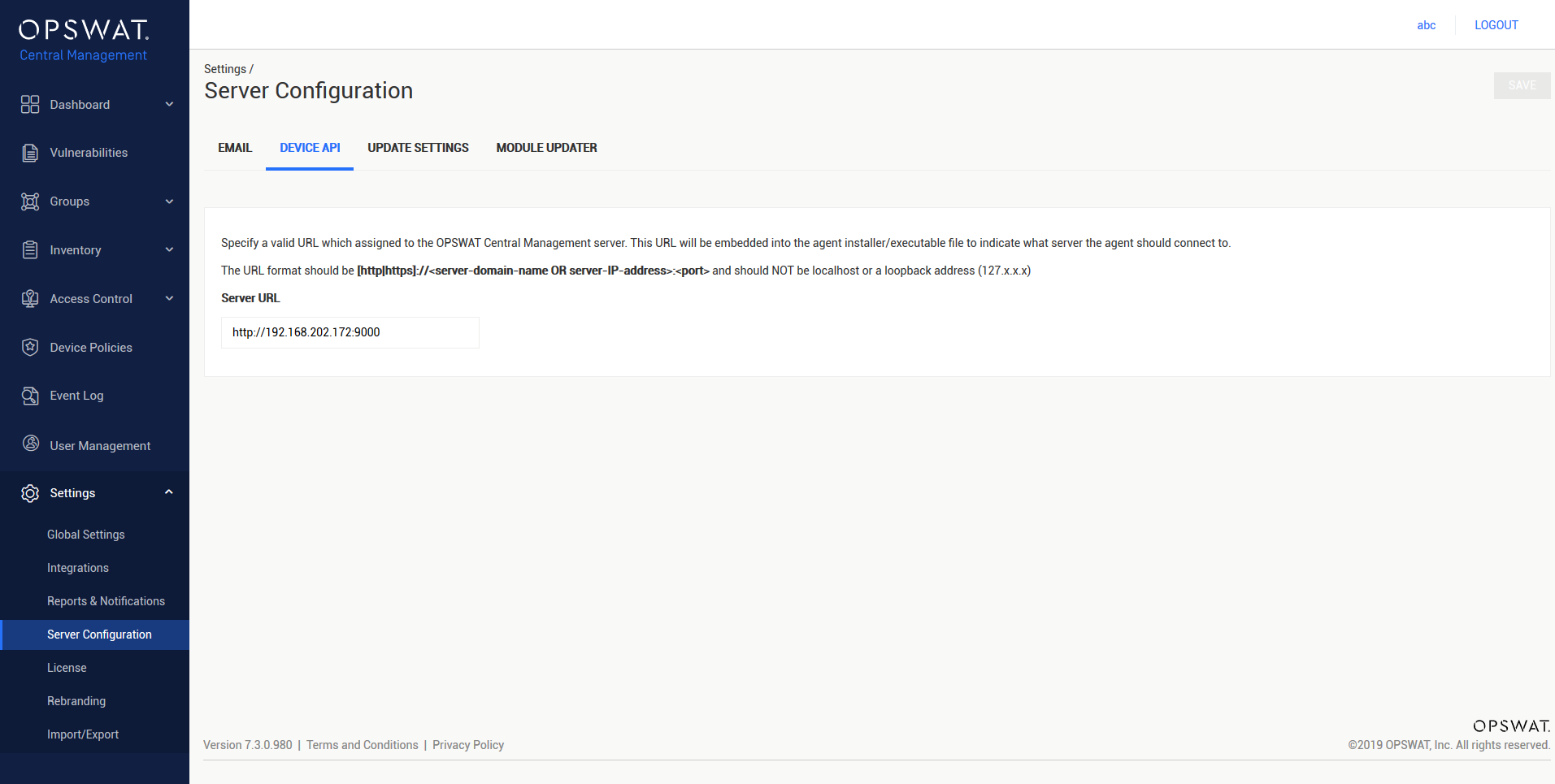
IP Address can be found in Settings > Server Configuration > DEVICE API under Server URL.
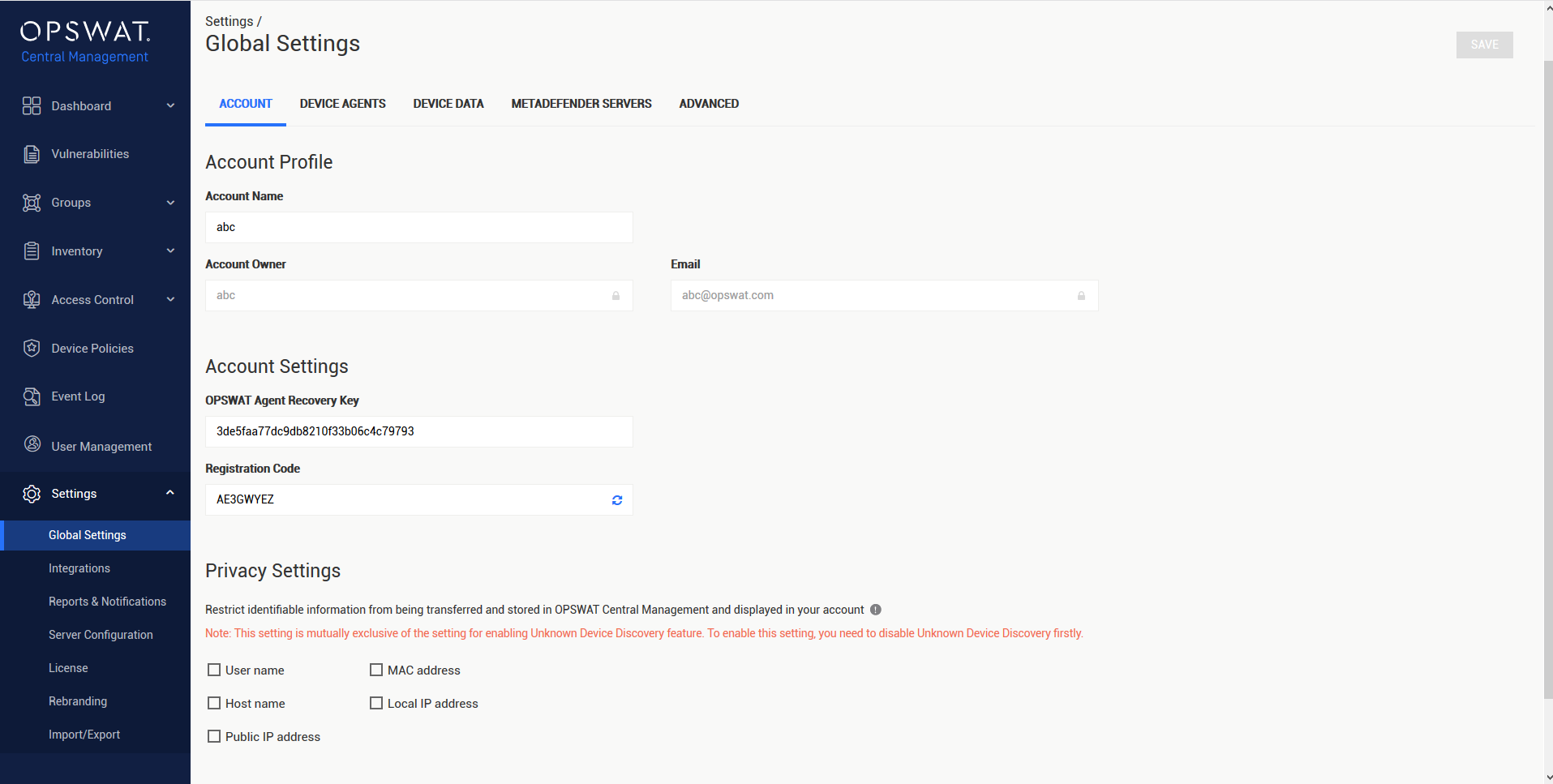
- API Key can be found in Settings > Global Settings > ACCOUNT under Registration Code**.**
Select Connect.
The MetaDefender Drive page will display the new instance if the process is successful.

Was this page helpful?
Integrations