
The Module Updates tabs of the Settings > Products page manages the update behavior of MetaDefender Core Modules.
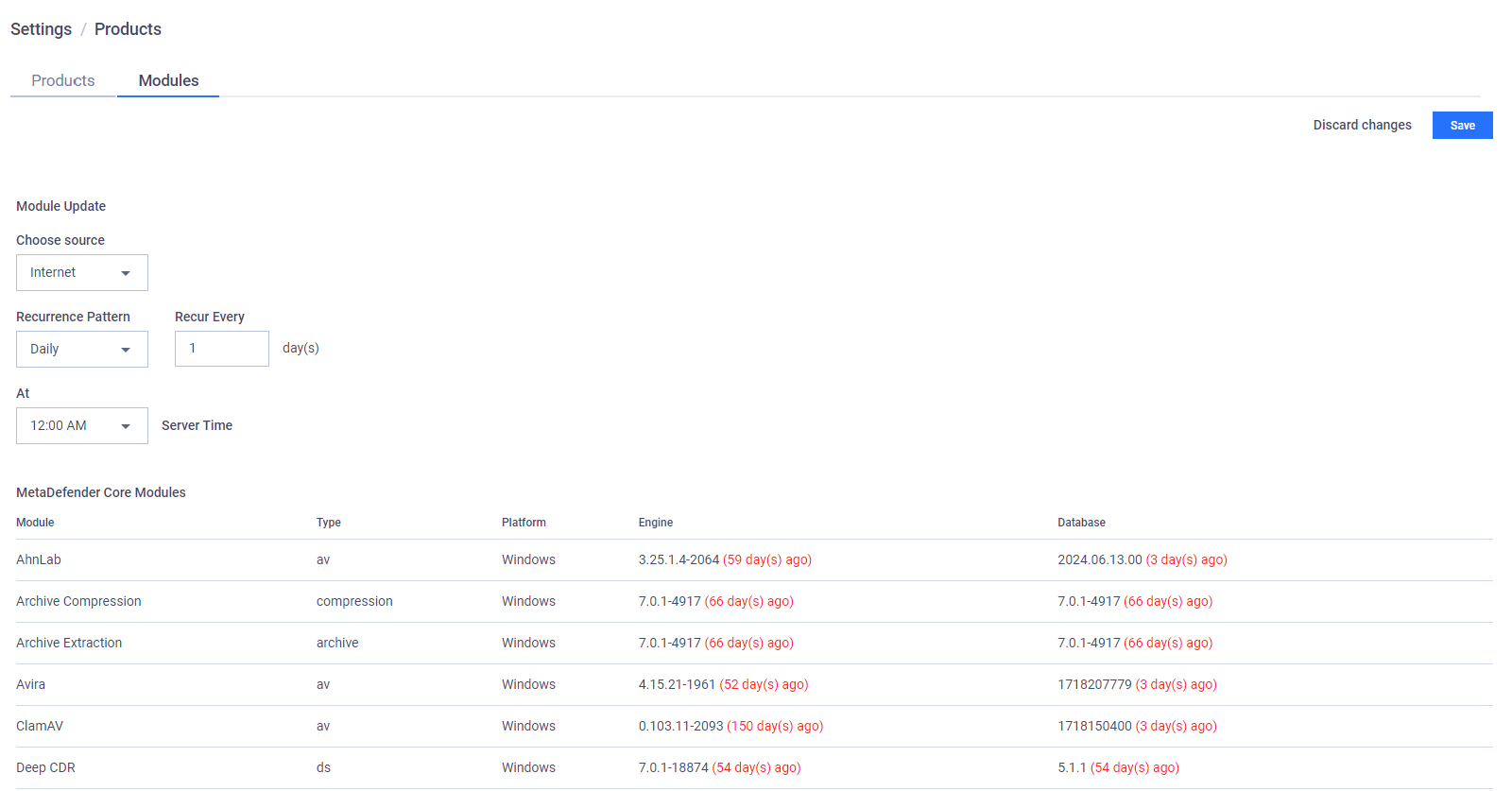
Administrators can configure how My OPSWAT On-premises updates MetaDefender Core Modules. A product instance checks if a new module version is available with My OPSWAT On-premises and updates itself, if any.
The following options are currently available:
Update Source:
Manual: The administrator must manually upload the update files to My OPSWAT On-premises.
Import file to update: Open the file browser to select the update package include yml and tgz files.
Update Now: start uploading selected files.

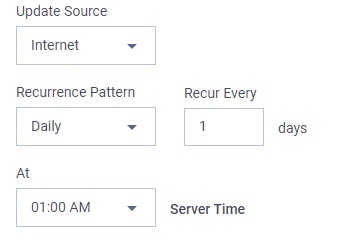
Internet: My OPSWAT On-premises periodically reaches to OPSWAT update servers to fetch the latest update files.
Recurrence Pattern: Minutely/Hourly/Daily/Weekly/Monthly.
Recur every: an update frequency depending on the selected recurrence pattern.
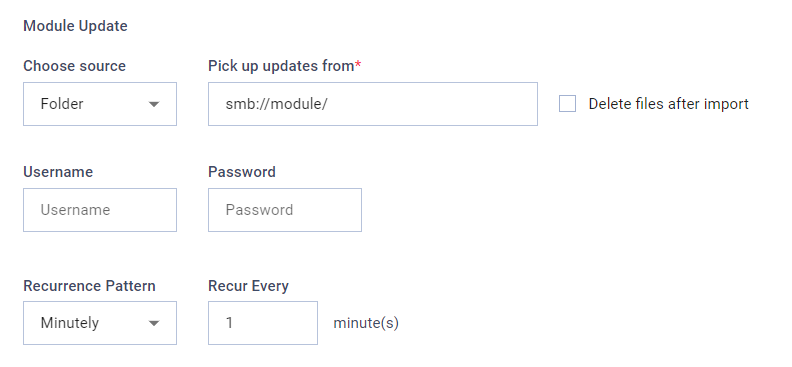
Folder: My OPSWAT On-premises monitors a shared folder via SMB protocol.
Pick up updates from: The SMB folder that should be monitored.
Delete files after import: Determine whether My OPSWAT On-premises will attempt to delete the files in the folder after the update process completes.
Username/Password: The credentials used to access the folder if needed.
Recurrence Pattern: Minutely/Hourly/Daily/Weekly/Monthly.
Recur every: An update frequency depending on the selected recurrence pattern.
If there is less than 20% usable disk storage in the virtual appliance's main disk partition, this feature will be temporarily halted to avoid causing server failure due to storage shortage.