
Scan results are mandatory for submitting a false detection. They provide essential context, help the Threat Detection team identify the source of a false positive, and capture details users may miss when filling out the form.
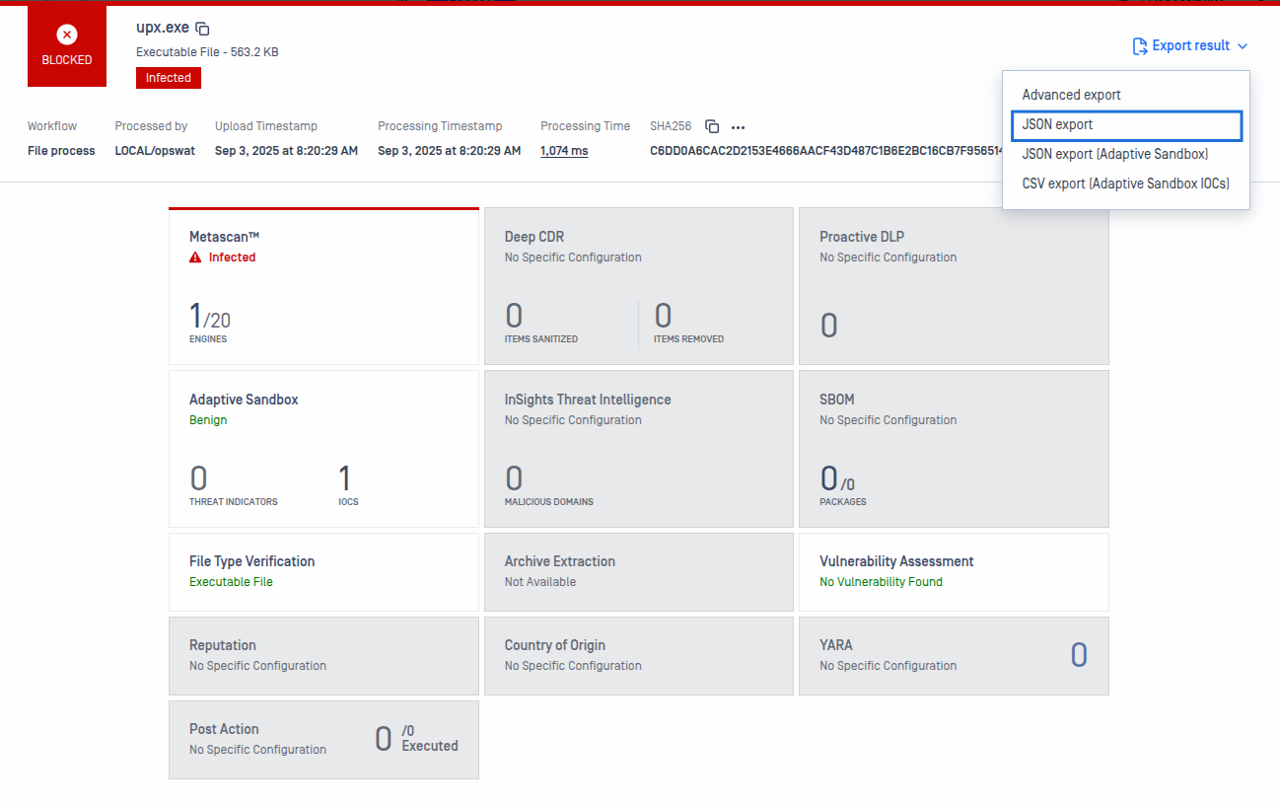
MetaDefender Core: Click the drop-down next to Export result and select JSON export. The JSON file includes details from multiscanning, reputation, and sandbox.
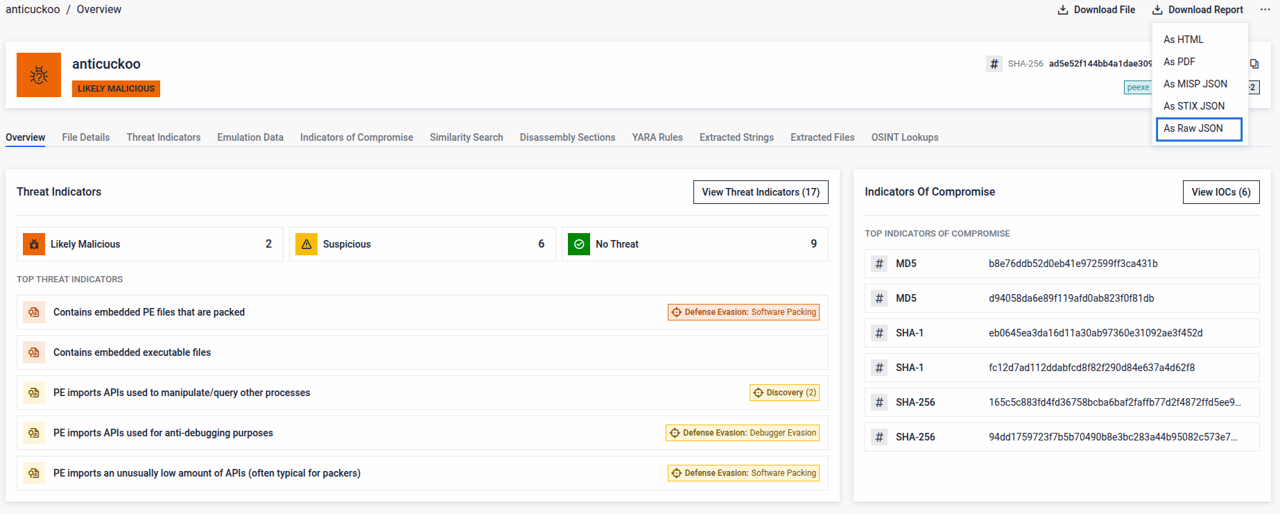
Standalone Sandbox: Click Download Report and select As Raw JSON.
Warning
The JSON format is required, as it enables automation during the initial submission triage.
Was this page helpful?
Support