Using My OPSWAT Portal
2025.2.1
Search this version
Using My OPSWAT Portal
Page
Code Steps
Category
Label
Link
Separator
Title
Message
Page icon
No icon. This page keeps the plain index row.
orSVG or PNG, square, at least 32×32.
Create new category
What is the title of your new category?
Edit page index title
What is the title of the page index?
Edit category
What is the new title of your category?
Edit link
What is the new title and URL of your link?
OPSWAT Partner Portal
AI Tools
Summarize Page
Copy Markdown
Open in ChatGPT
Open in Claude
Connect to Cursor
Connect to VS Code
OPSWAT Partner Portal is designed to empower our partners—including resellers, system integrators, and managed service providers—by providing a centralized hub for sales tools, resources, and training. This portal helps you effectively promote, sell, and implement OPSWAT’s cybersecurity and IT solutions.
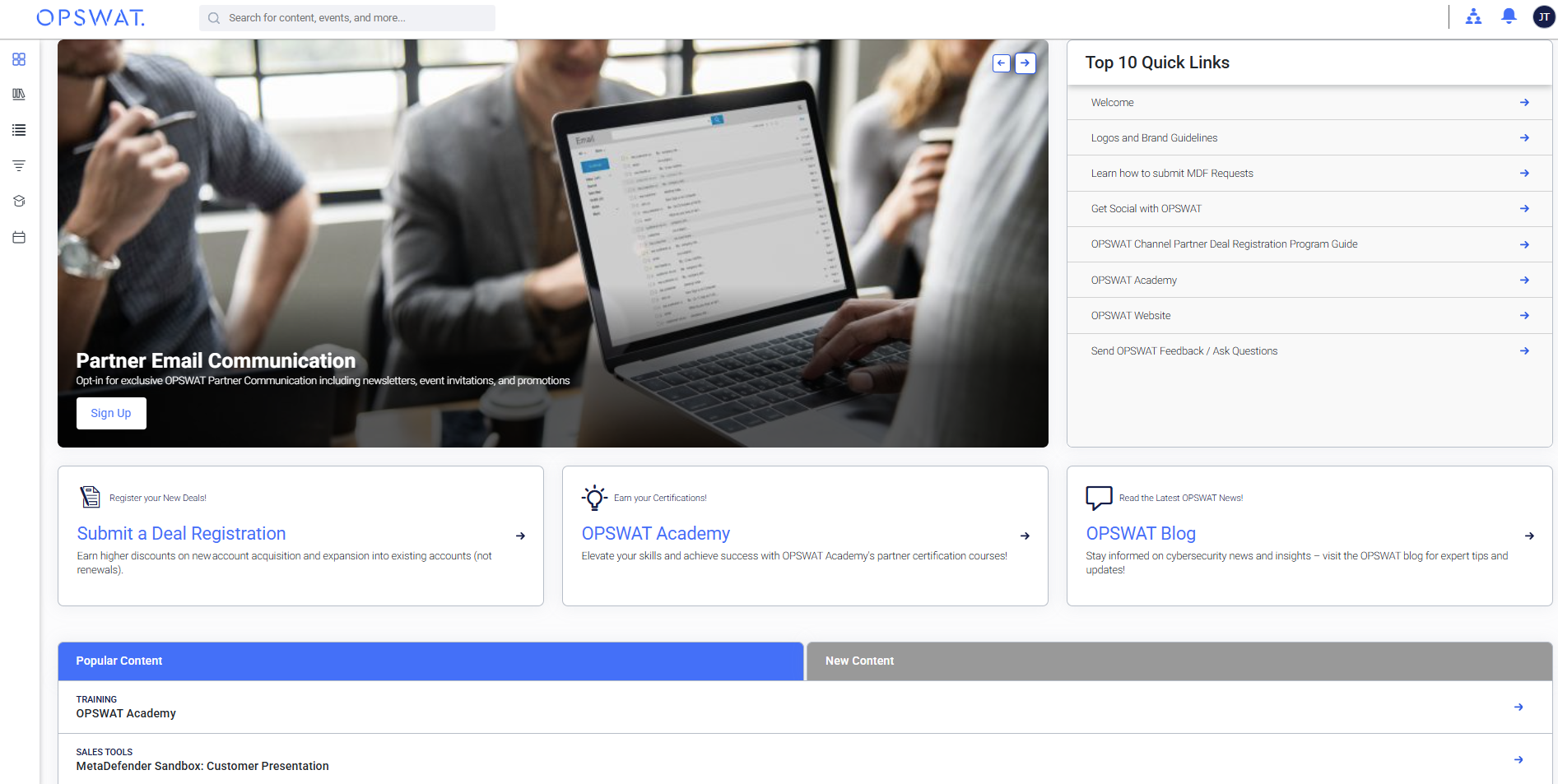
Accessing the Portal:
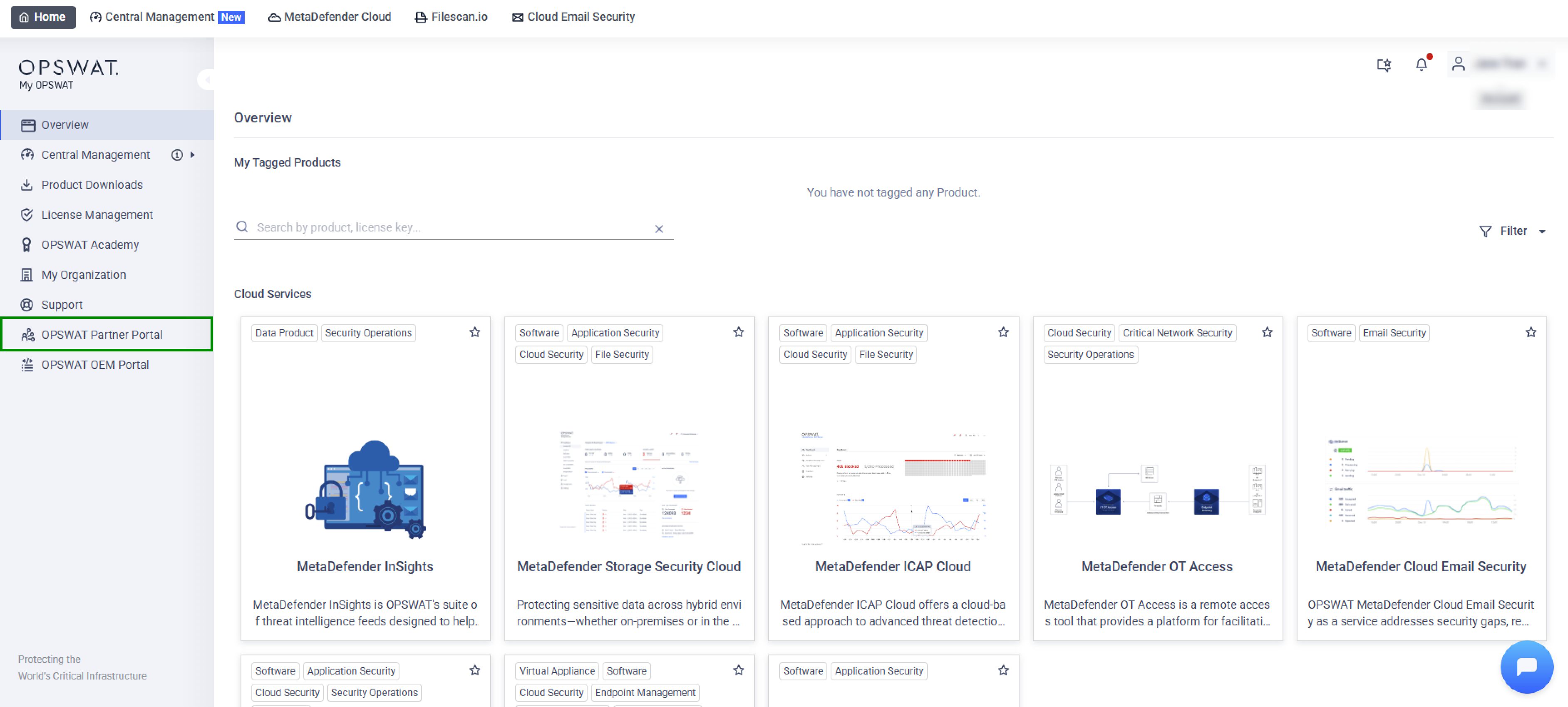
Channel Partner Permissions: If you have Channel Partner permissions, you can access the OPSWAT Partner Portal directly from the left navigation menu in My OPSWAT.
Need Assistance? If you don’t see the option or are having trouble accessing the portal, please contact your Customer Success Manager or contact OPSWAT Support for assistance.
Last updated on
Was this page helpful?
Next to read:
OEM Portalnull
Discard Changes
Do you want to discard your current changes and overwrite with the template?
Archive Synced Block
Message
Create new Template
What is this template's title?
Delete Template
Message