
User Accounts must be set up prior to accessing the MetaDefender Diode X management UI on both the RED and BLUE sides (User Accounts must be set up independently on the BLUE and RED sides).
Create and manage new users in BLUE and RED from the User Account menu.
Add User Account
To add a new user:
Go to Configuration-> User Accounts
Deploy Action button and select Add User Account
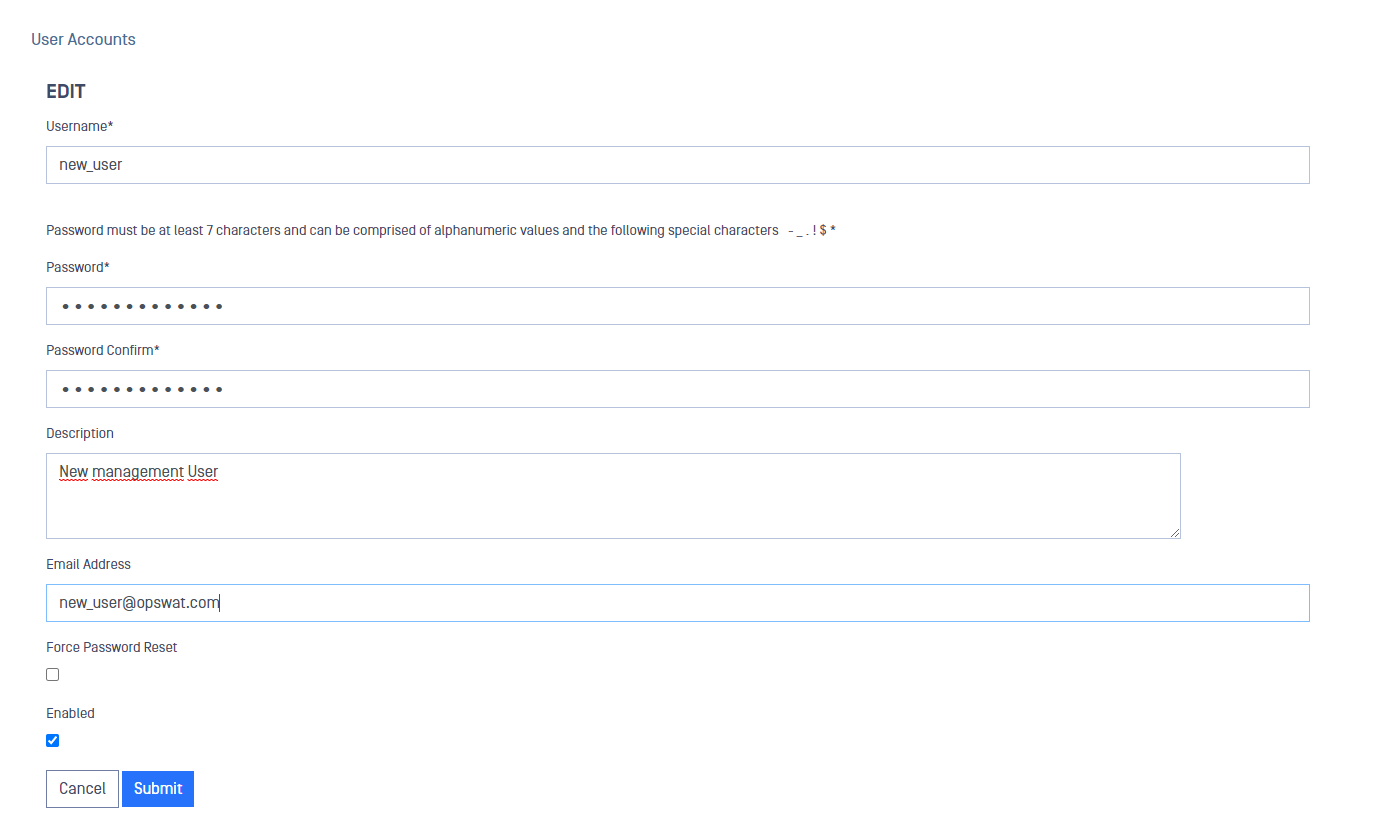
Fill in the fields and click on Submit button to save the changes
Remove User Account
To remove a user:
Go to Configuration-> User Accounts
Select the user you want to remove from the table
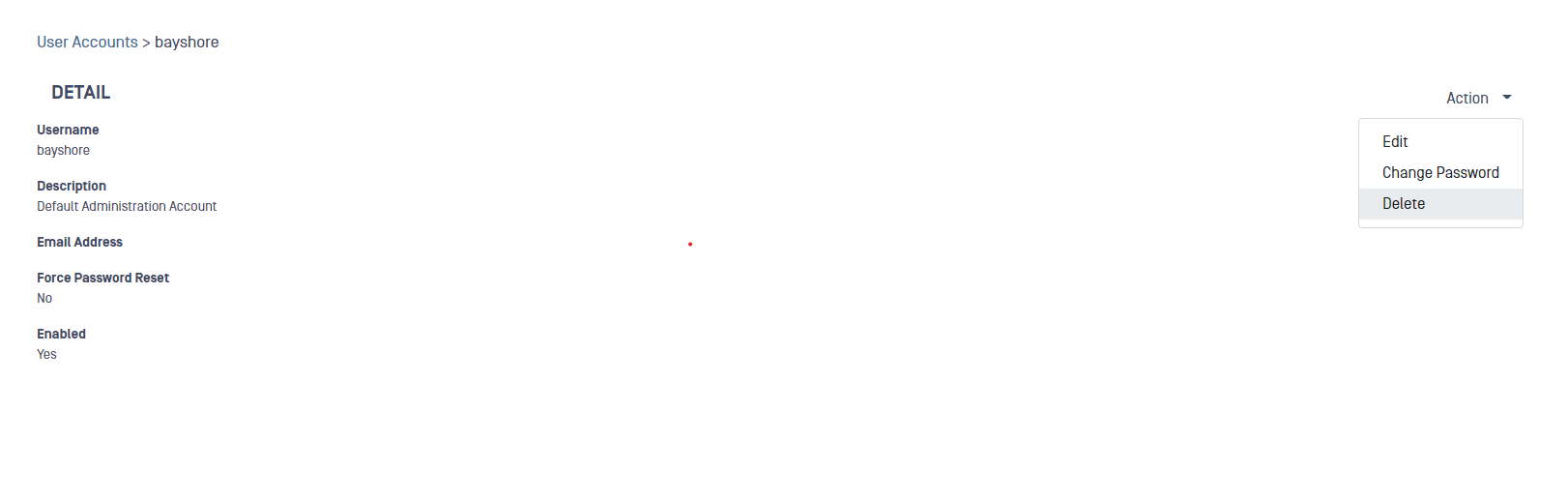
Deploy the Action button and select Delete
A pop up will be displayed to confirm the deletion, click Submit to confirm
Was this page helpful?
Configuration