
This article applies to MetaDefender Storage Security deployed on Windows systems.
When using MetaDefender Storage Security deployed on Windows systems, it is important exclude the OPSWAT directory from all existing Anti-Malware software programs on the machine. Failure to exclude the OPSWAT directory can lead to performance degradation under high load, as the Anti-Malware software will also scan files that are streamed from the storage integration to MetaDefender Core, and may also slow down communication between certain components of the product.
Some common Anti-Malware software to perform these exclusions on are, including but not limited to: Windows Defender, McAfee, Norton, Bitdefender, Malwarebytes, SentinelOne.
How to exclude on Windows Defender
Ensure you have administrator privileges before adding exclusions.
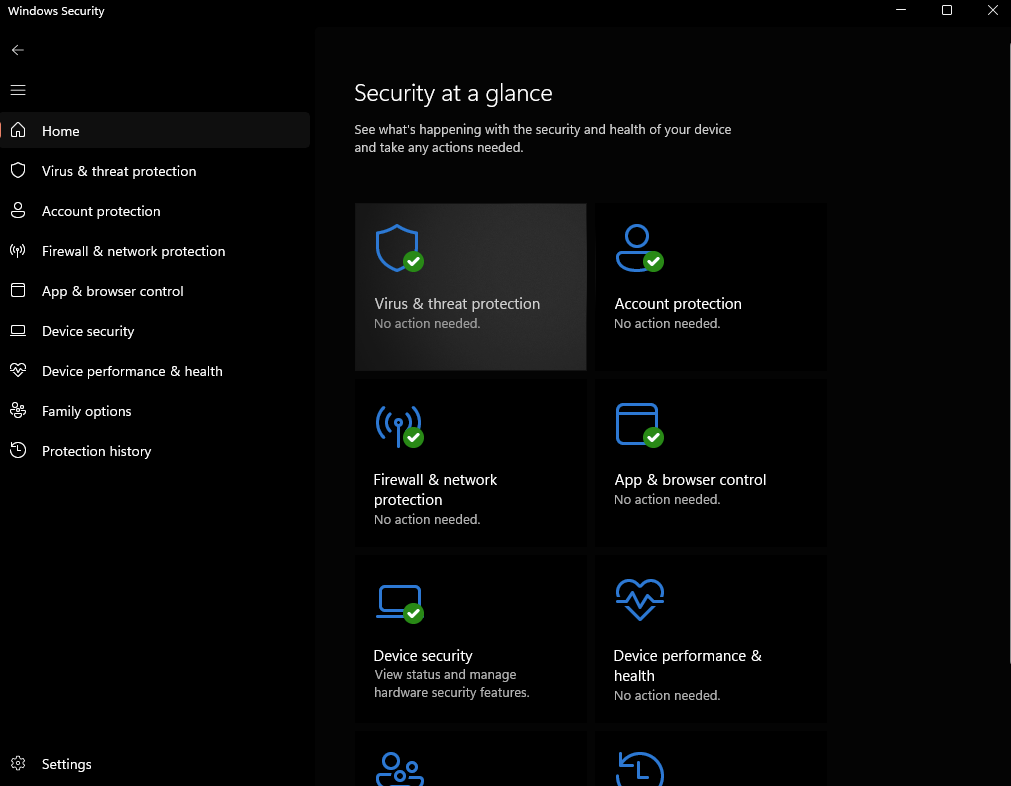
Navigate to “Windows Security” > “Virus & threat protection”
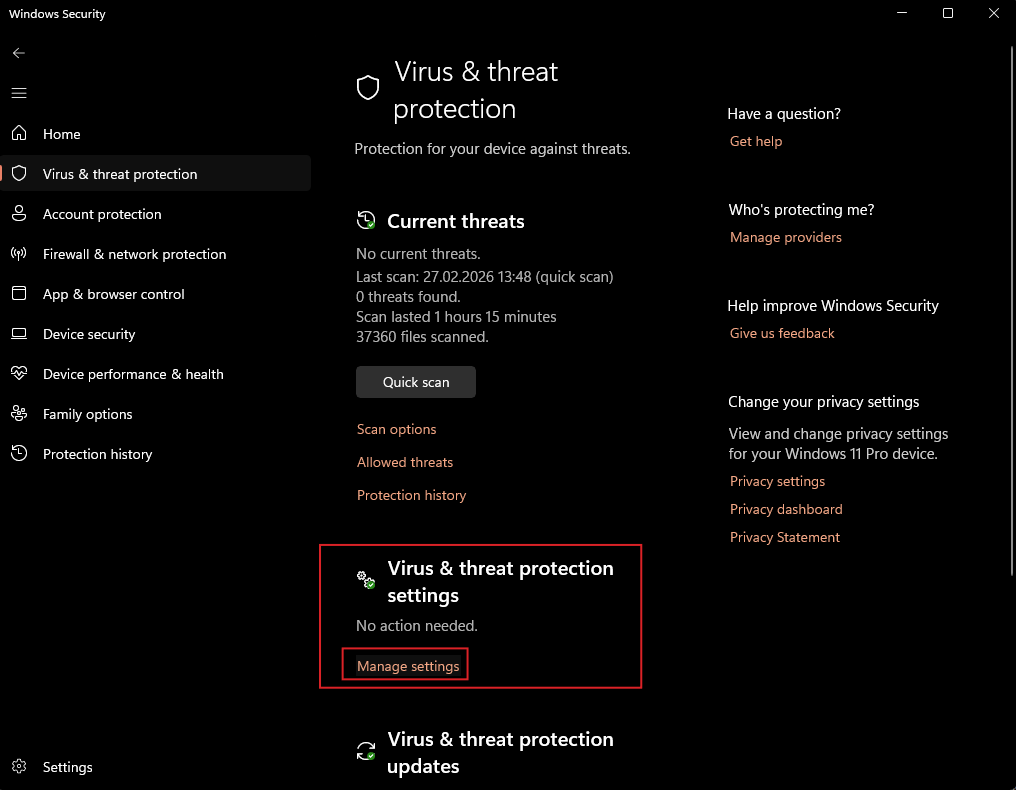
Under “Virus & threat protection settings” click “Manage settings”
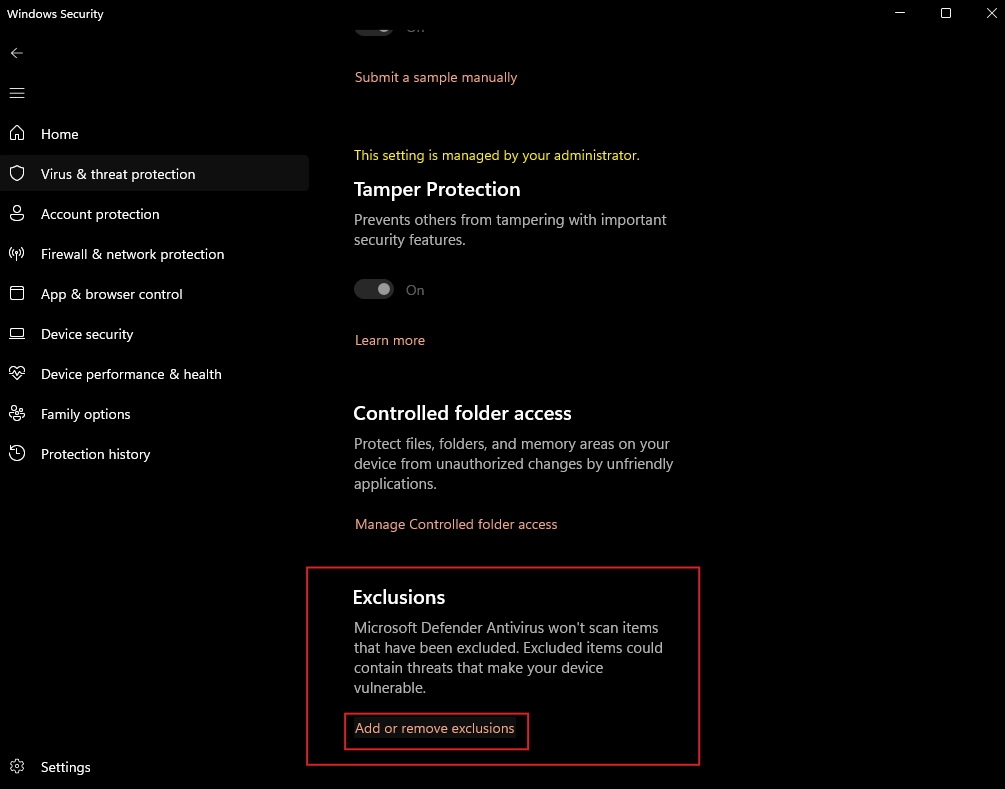
Scroll down to “Exclusions” and click “Add or remove exclusions”
Add the “OPSWAT” folder. By default it is located in the installation directory:
C:\Program Files\OPSWAT.Add the “Temp” folder located at
C:\Users\<user>\AppData\Local\Temp.