
MetaDefender Storage Security has a generic webhook endpoint that can be invoked through the Box Webhooks. These monitor Box content for events and notify you whenever an event occurs. There are two types of Box Webhooks: V1 and V2, but only V2 is supported by MetaDefender Storage Security
Webhook limitation
Box V2 webhooks only support webhooks set on specific files/folders and not ones set at the root. Because of that limitation from Box itself, documented on this page, event-based scans work only on Box storage units set to a specific user or custom app (optionally narrowed with a folder path). Storage units set to all users or to a specific group do not receive events.
How to create Box Webhooks
Log in to Box and then go to Developer Console
If you do not have an existing app, create a new one (Please check How can I generate a public/private key pair)
Box V2 Webhooks can only be created when the scope Manage Webhooks is selected and the application has been authorized
Navigate to your application
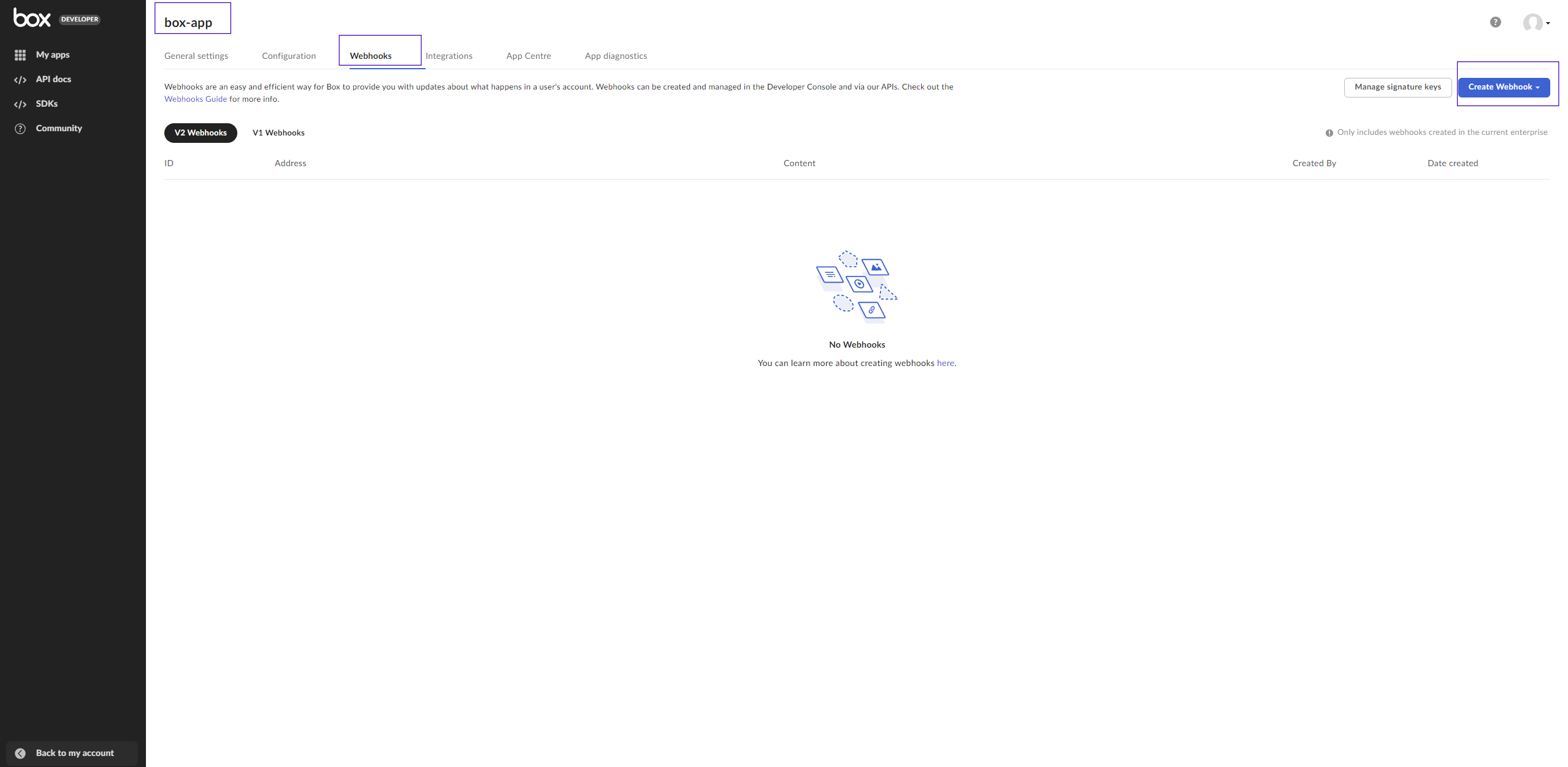
Select the Webhooks tab
Click the Create webhook button
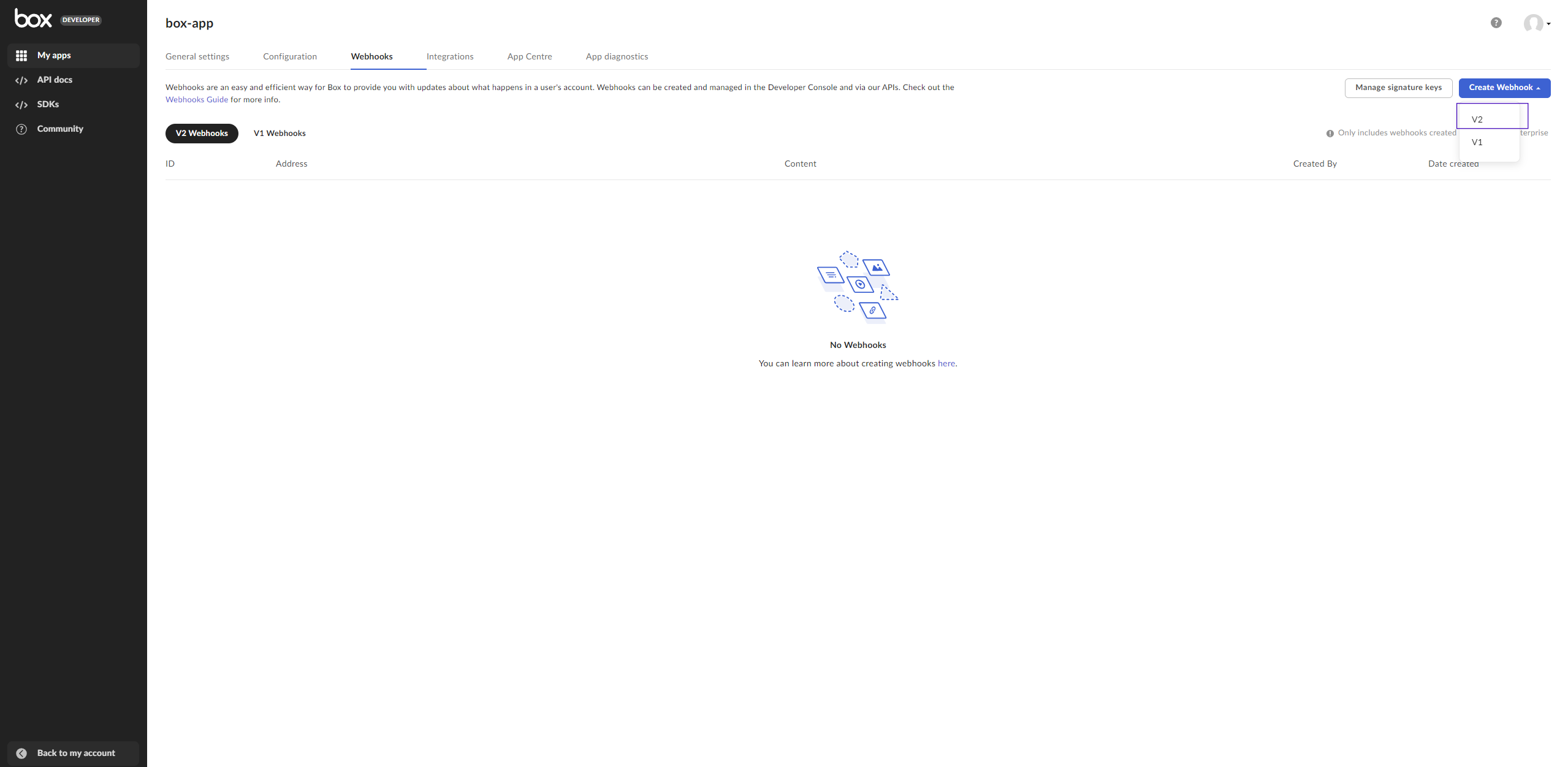
Select V2 from the drop-down list
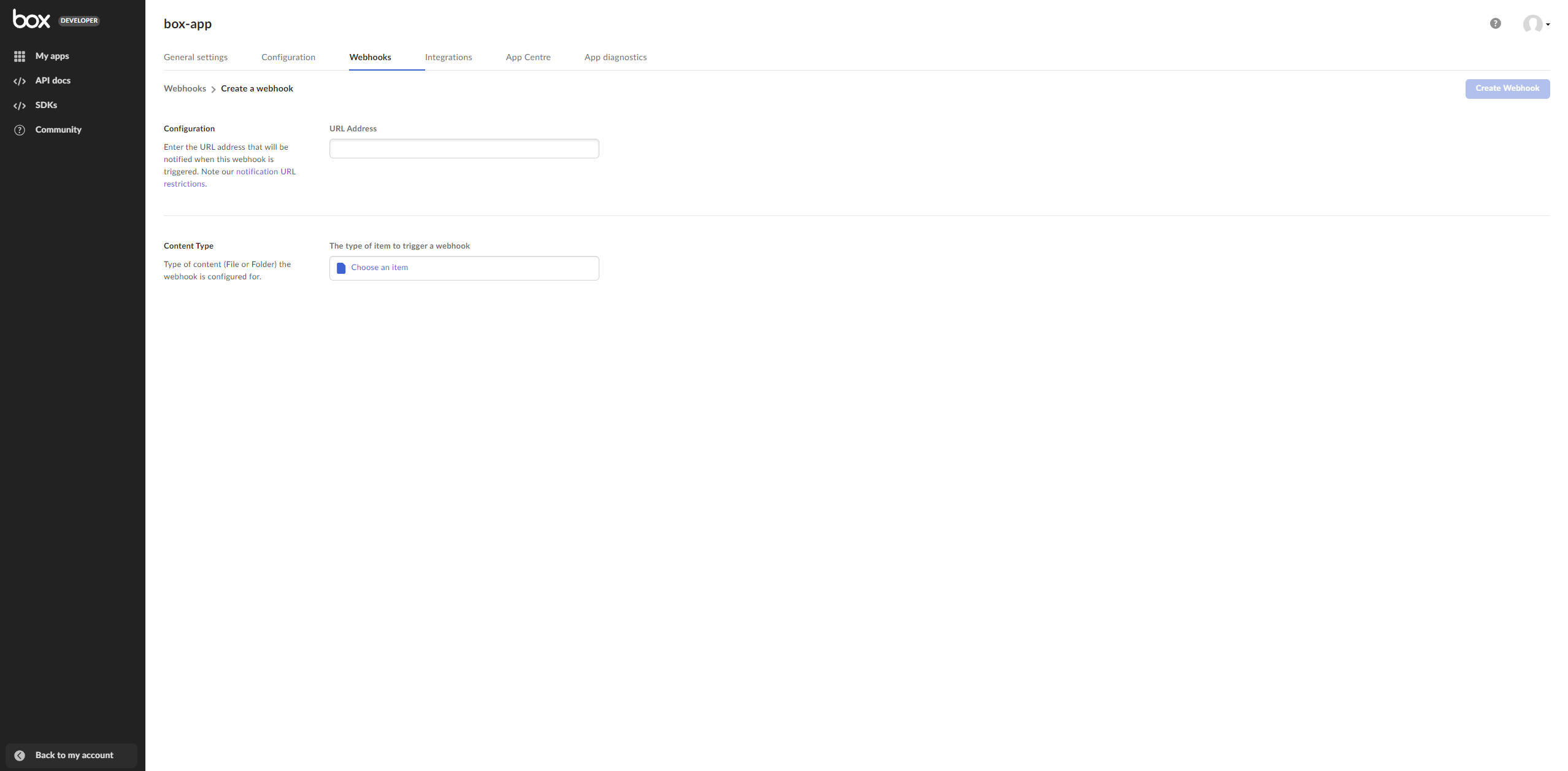
Fill in the form:
Enter the URL address that will be notified when the webhook is triggered (the address where MetaDefender Storage Security is hosted)
URL Address must have a secure URL (HTTPS)
b. Select the folder that you have set in MetaDefender Storage Security as the element that triggers the webhook
c. Choose File Uploaded as the trigger for the selected folder
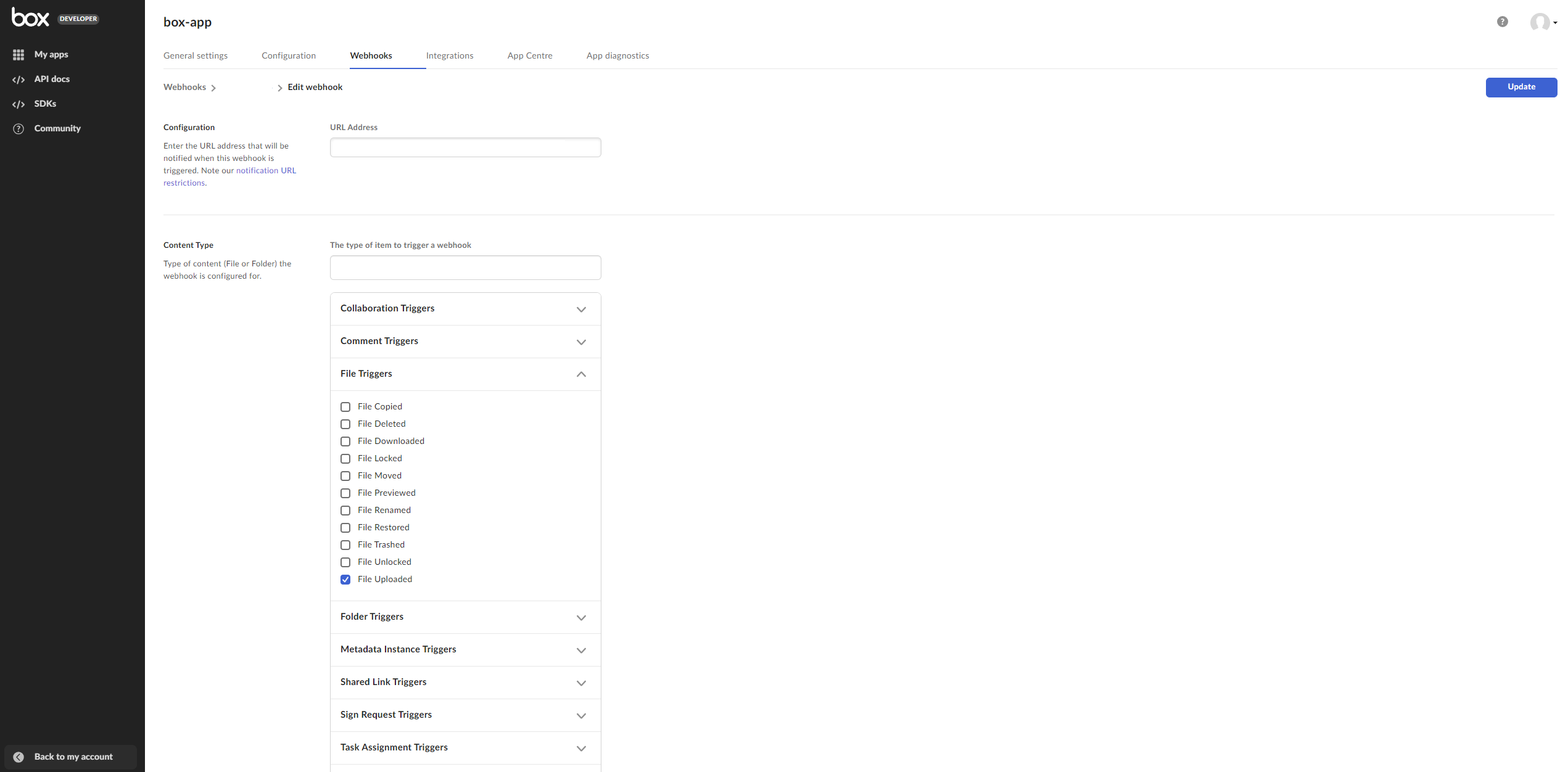
Click the Create webhook button to save your changes
Copy the ID of the generated webhook to enter into MDSS
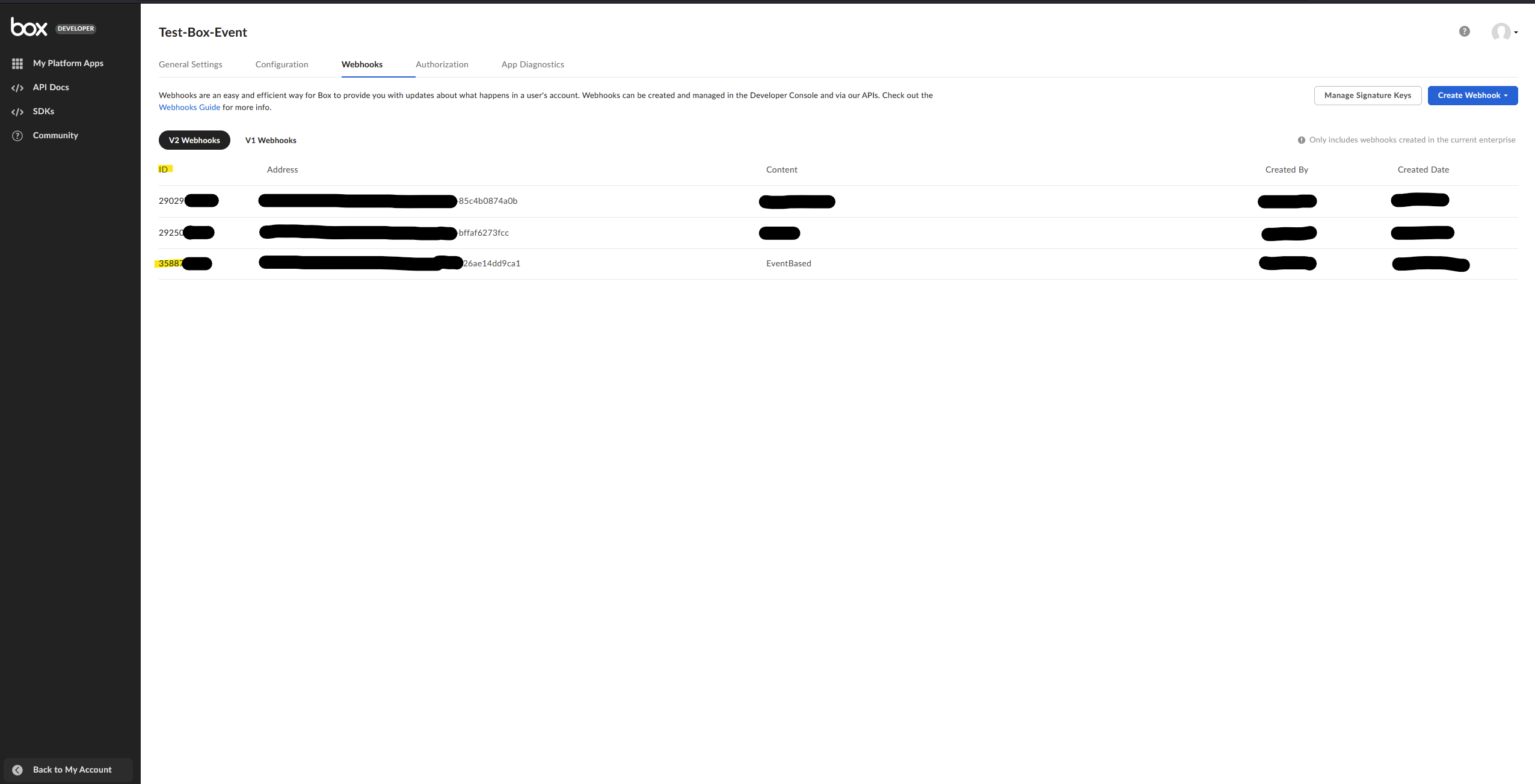
Enter the copied webhook ID into the edit storage form for your Box storage
WARNING
If an event-based scan is started on a Box storage unit but the webhook ID on the requests does not match the webhook ID configured on the Box account, a warning will be shown on the scan.