
MetaDefender® MFT uses the default system language set by the administrator, but you can personalize your UI language.
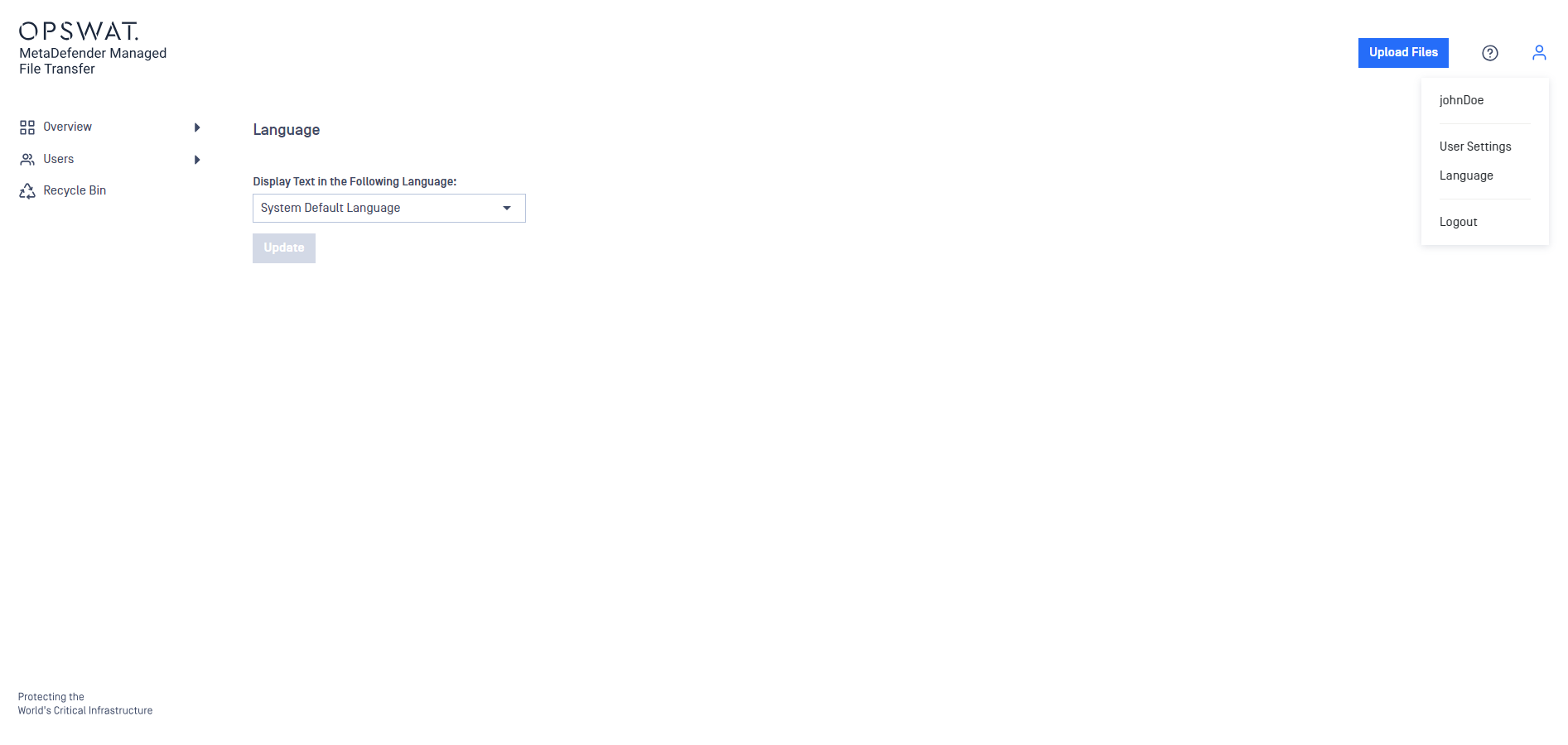
Click the "user" icon in the top right corner of the application.
Select "Language" from the menu.
Choose your preferred language from the dropdown menu.
Click "Update" to save the changes.
Info
Changing the language only affects your preferences and does not alter the settings for other users.
Was this page helpful?
End-User Guide