
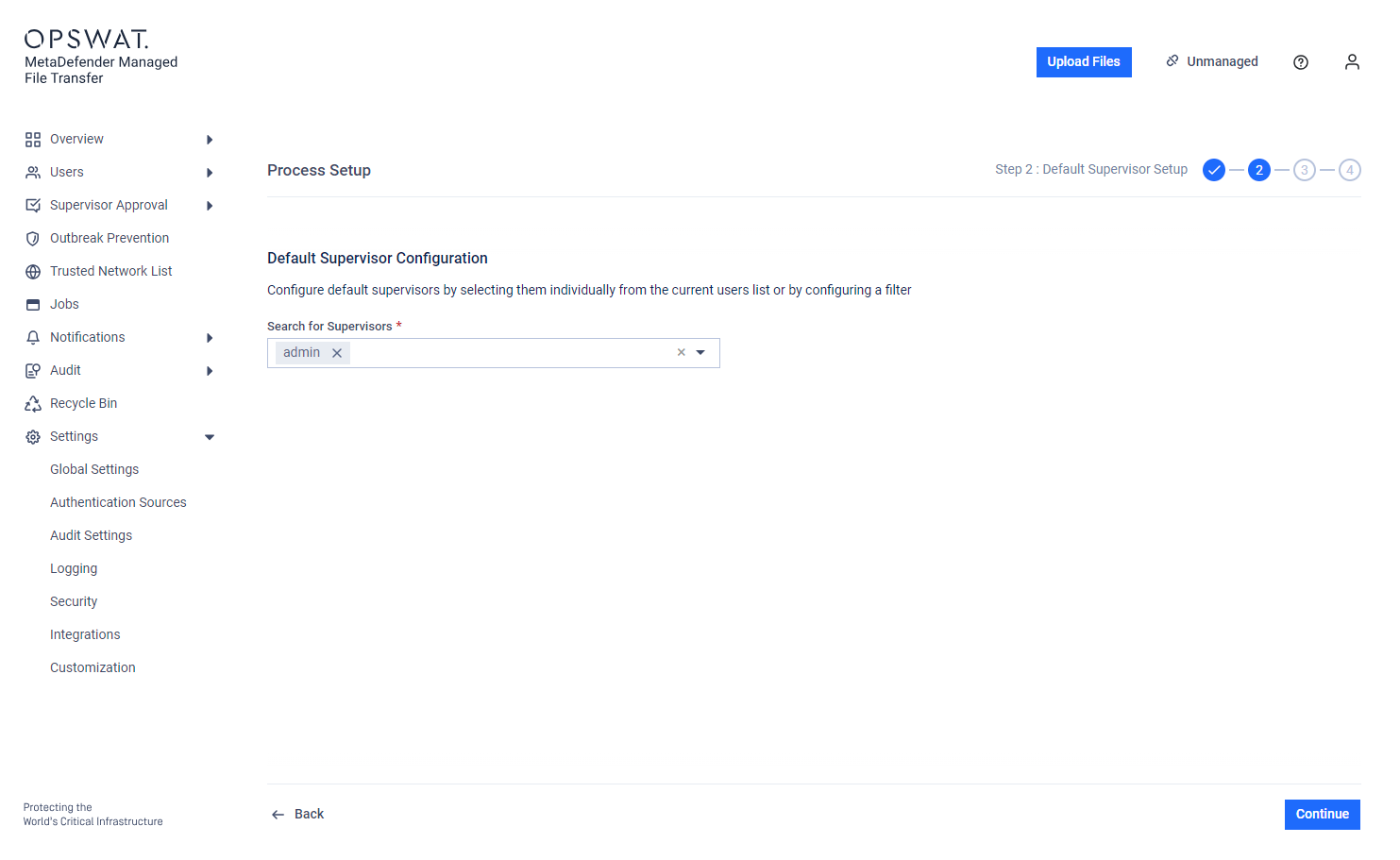
Default Supervisors can be configured by selecting them from a list or by using a filter. These supervisors will approve files uploaded by any user from any container (OU/group).
If "Group Supervision" with "Disable Group Supervision for Default Supervisors" is enabled, Default Supervisors can only approve files for users who either do not have a container or belong to groups without supervisors.
Files uploaded by local users can only be approved by supervisors defined here.
Step-based approval: Supervisors assigned to specific levels can only approve or revoke a file corresponding to their assigned level.
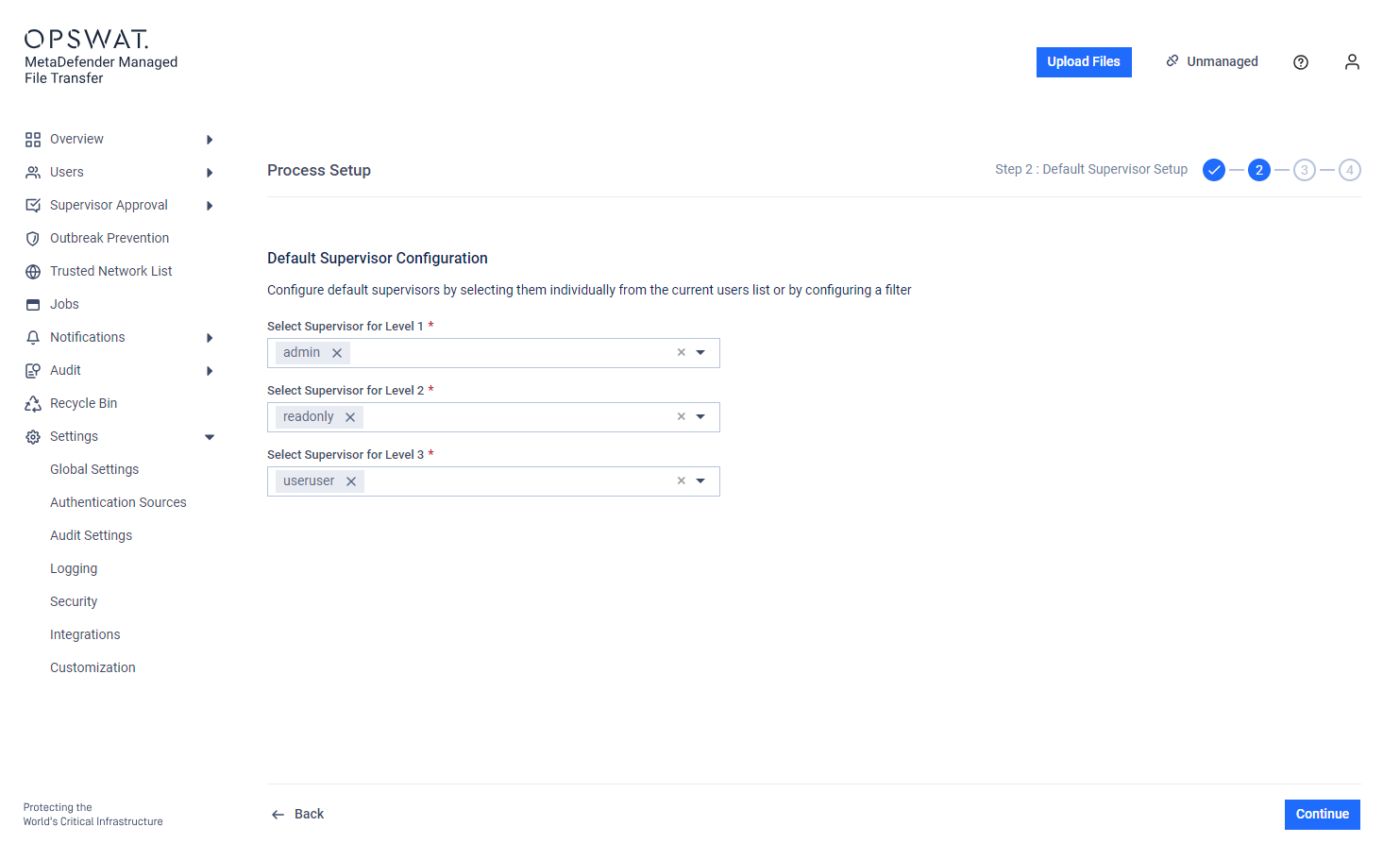
Guests and external users cannot be set as Supervisors.
Active Directory configuration for groups:
Groups only: The "Setup Supervisors" page displays only explicitly included Groups.
Groups and OUs: The page displays all groups from the connected Active Directory, as synchronized users may be part of an OU but not an explicitly included group.