
Managed File Transfer allows restriction of login types based on IP addresses or ranges.
Available login types include:
Local Users
External Users
Guests
Active Directory Users
Single Sign-on Users
Radius
You can customize the login screen for different IP addresses by adding or removing login types. Customize your login screen by mixing and matching rules.
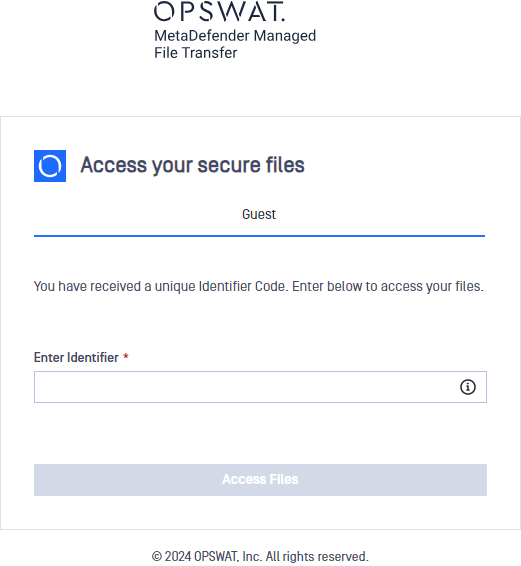
Enforcing Guest Authentication

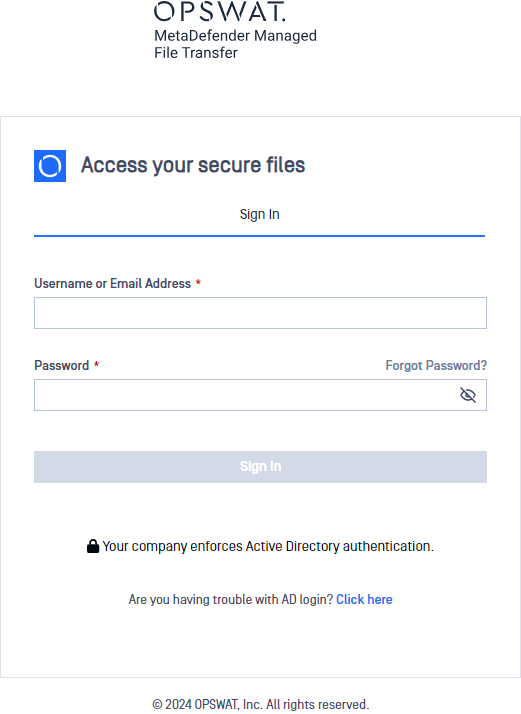
Enforcing Active Directory Authentication
Select only the Active Directory login type for the selected network rule to restrict login for active directory users with specific IP addresses only.

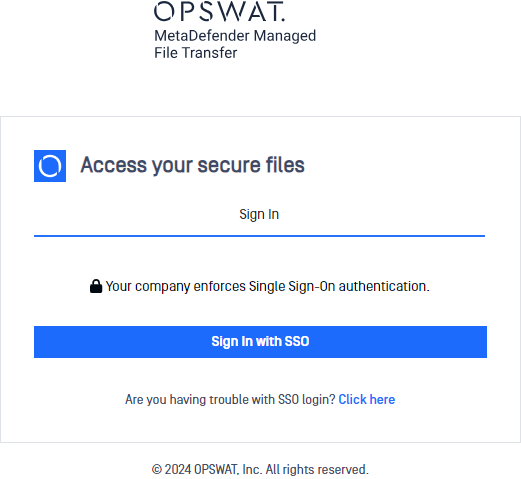
Enforcing Single Sign-On Authentication
Select the "Single Sign-On" login type for the selected network rule to allow SSO only for specific IP addresses.

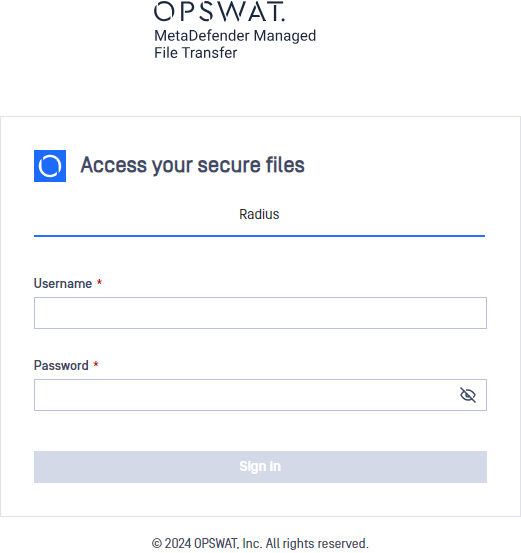
Enforcing Radius Authentication
Select only the "Radius" login type for the selected network rule to allow radius authentication only for specific IP addresses.

Was this page helpful?
Configuration