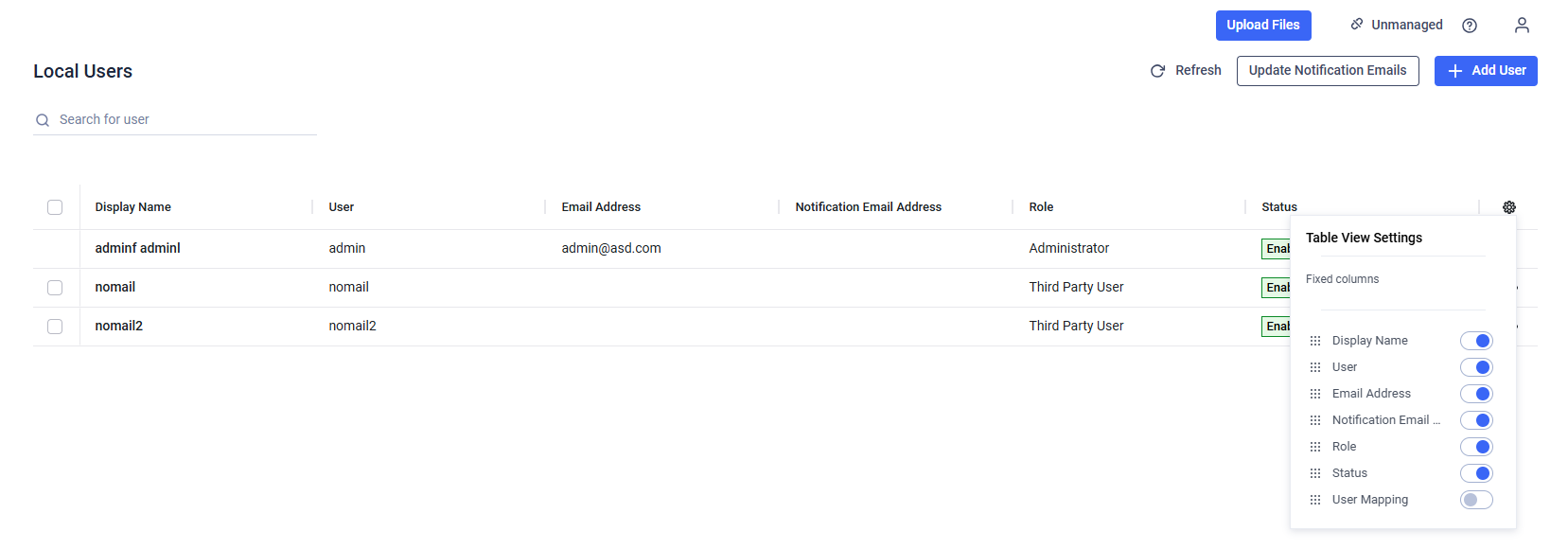
When the "Add Notification Emails" setting is enabled, administrators can specify dedicated email addresses to receive system notifications on behalf of users. If configured, these notification email addresses take precedence over the users’ default email addresses when notifications are sent.
Adding notification emails
There are two ways to add a notification email for a user.
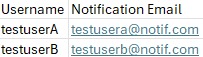
The first method is through a bulk CSV update. By uploading a CSV file containing at least two columns — Username (or UserName or User) and Notification Email (or NotificationEmail or Notification_Email) — the system will update existing users listed in the file with the corresponding notification email specified in the same row. Note that the column names must be in English.
Existing notification email addresses will not be overwritten during the CSV upload. Only users with empty notification email fields will be updated.
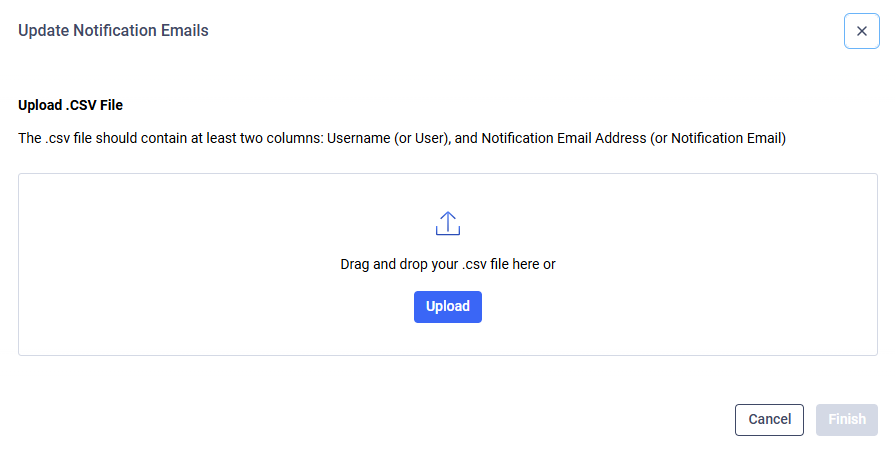
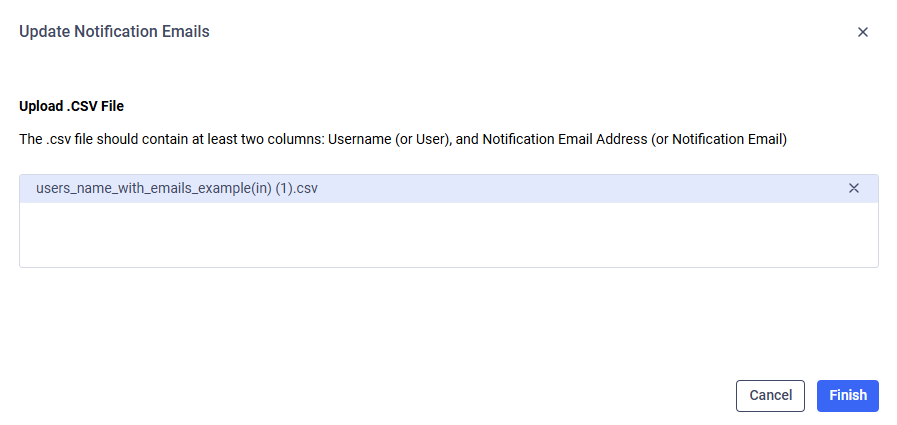
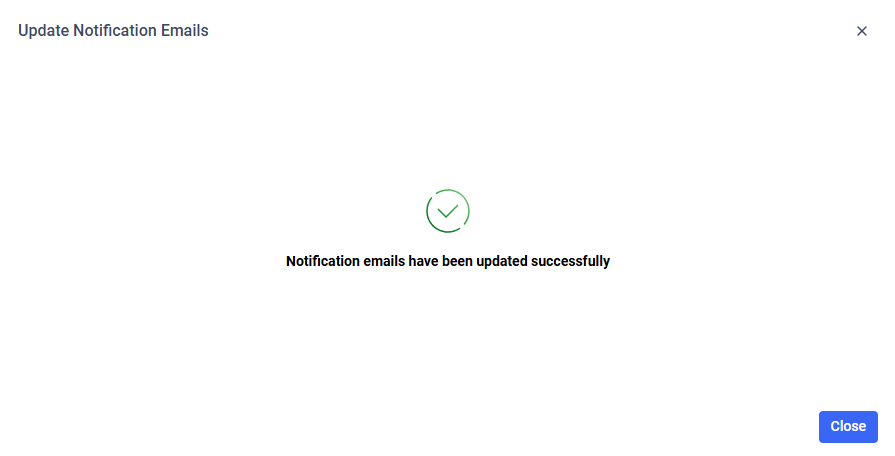
If the upload is unsuccessful, please verify the format of the CSV file and its records. Ensure that all email addresses are in a valid format and that the usernames match those registered in the application.
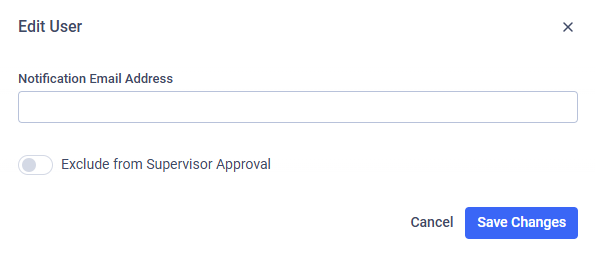
The second method for adding a notification email is by editing the user.
In this way, the notification email can also be modified or removed as needed.
This option only works for Third Party Users yet.