
Users in security groups added during role mapping are licensed with the corresponding role.
If role mapping is configured without any filters, MetaDefender Managed File Transfer™ will license all AD users and assign roles accordingly.
All users will be licensed by MetaDefender Managed File Transfer™ within the active directory if no filters are defined.
Include/Exclude Organizational Units
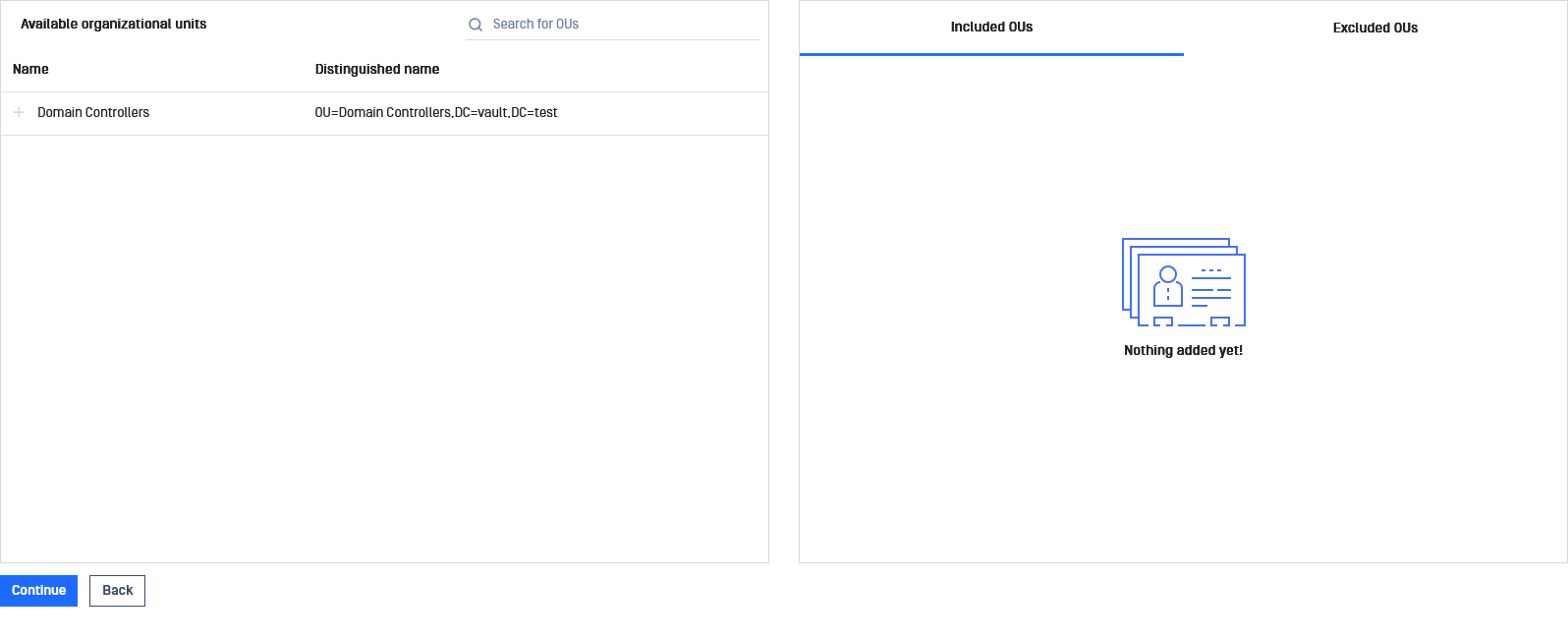
Settings | Description |
|---|---|
Included OU (organizational units) | Users within these OUs will be licensed as Users. |
Excluded OU (organizational units) | Users within these OUs will be ignored during licensing. |
If no specific organizational units are included, the system will automatically include all available organizational units within the active directory.
Click "Continue" to Include/Exclude Security Groups after completing customization.
Include/Exclude Security Groups
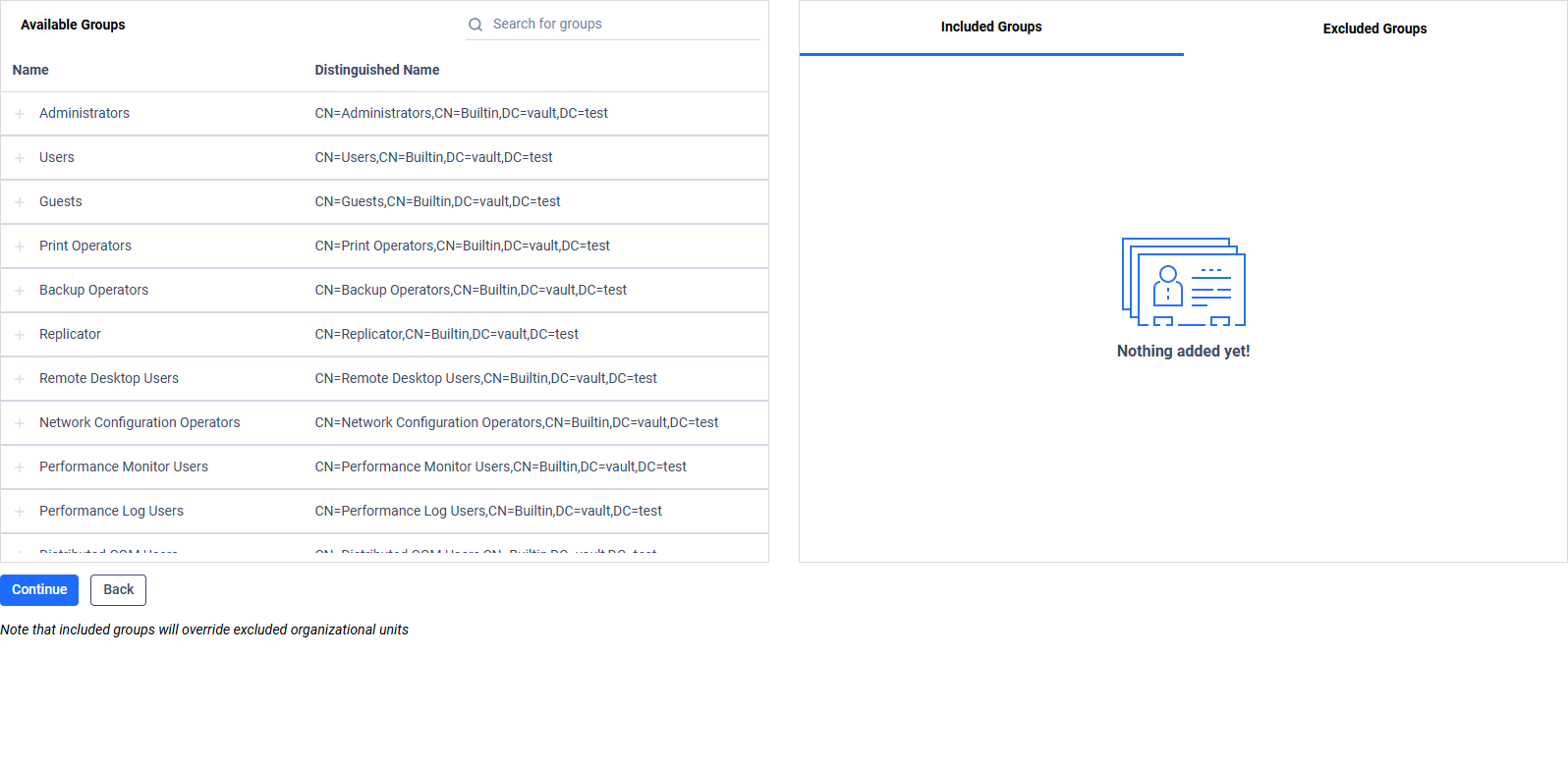
Settings | Description |
|---|---|
Included groups | Users or groups listed here will be licensed as Users. Included groups override excluded OUs. |
Excluded groups | Users or groups listed here will be excluded from licensing. Excluded groups override included OUs. |
If no groups are explicitly included, all available groups within the Active Directory will be considered included by default.
Click "Continue" to Include/Exclude Users after completing customization.
Include/Exclude Users
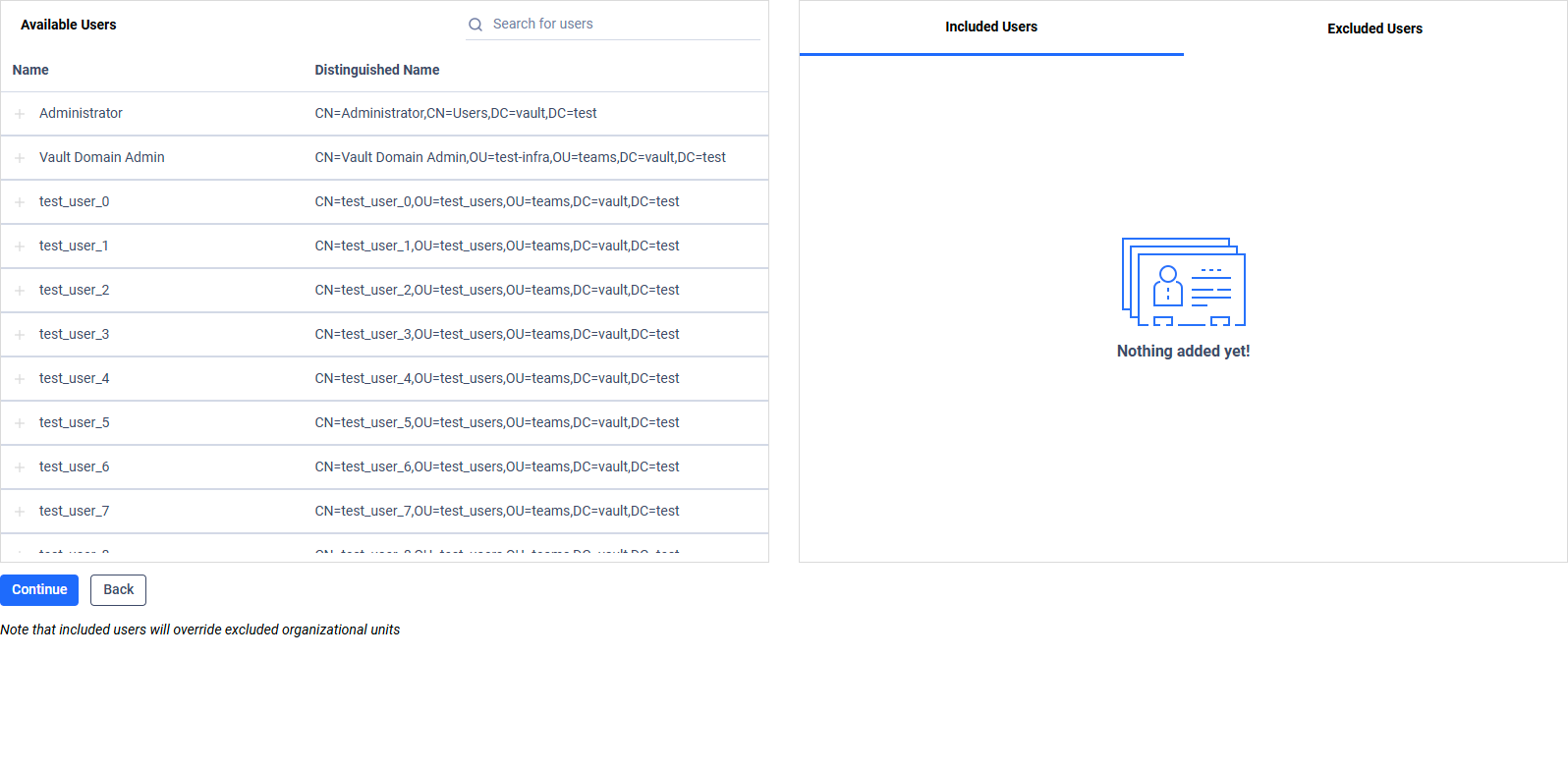
Settings | Description |
|---|---|
Included Users | Users listed here will be licensed as Users. Included users override excluded OUs and Security Groups. |
Excluded Users | Users listed here will be ignored during licensing. Excluded users override included OUs and Security Groups. |
If no users are explicitly included, licensing will be based on the previously configured OU and Security Group filters.
Click "Continue" to Preview Filter Configuration after applying all customizations.