
Multi-Factor Authentication
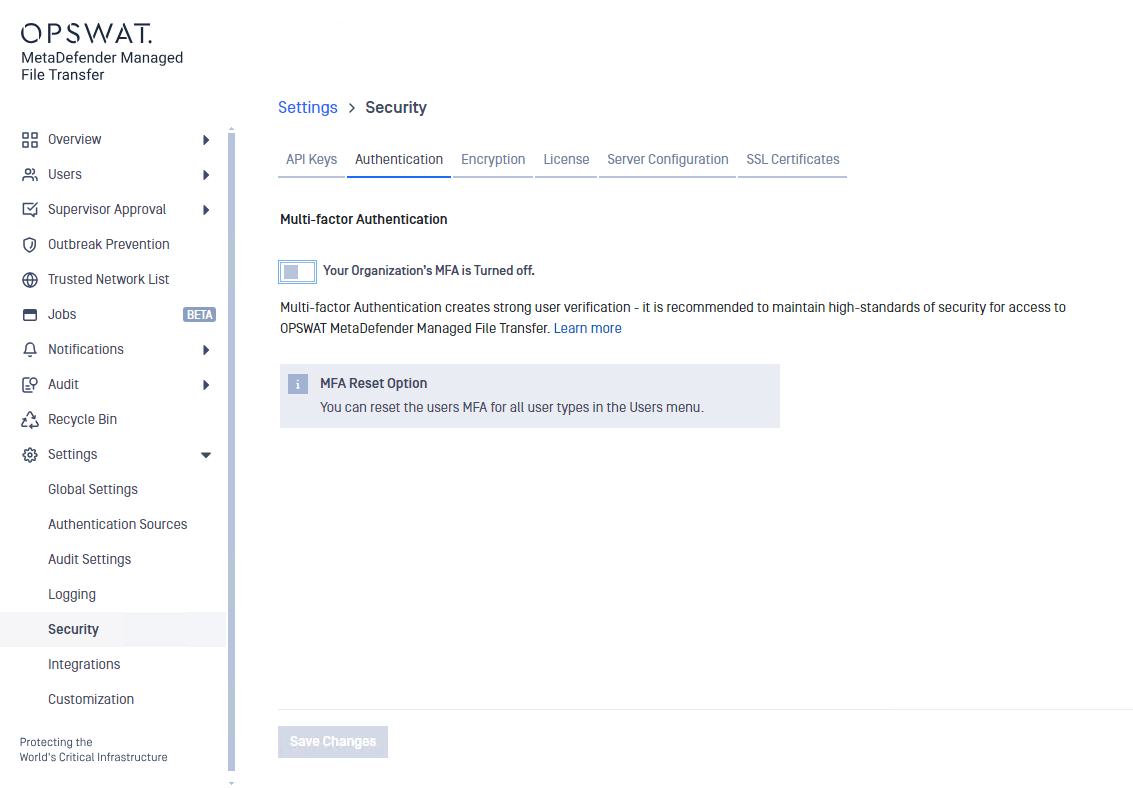
To enable Multi-Factor Authentication (MFA), go to "Settings" -> "Security" --> "Authentication".
Activation Code Expiration Time
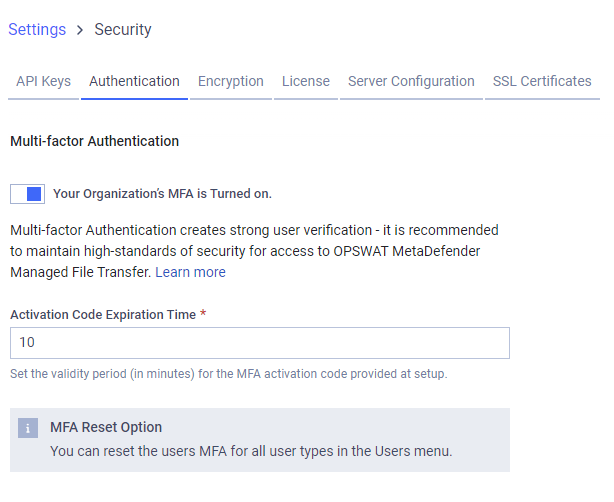
Set the Activation Code Expiration Time between 1 and 10 minutes.
When Multi-Factor Authentication (MFA) is enabled, the following user types must be set up MFA during their next login:
Local users
Guest users
Active Directory users
External users
To set up MFA, users must download a TOTP (Time-Based One-Time Password) client app on their phone (e.g., Microsoft Authenticator, Google Authenticator).
Info
Administrators can reset users' MFA when needed. Users must then reset their MFA during their next login.
For more information on resetting user MFA, click here.
Was this page helpful?
Configuration