
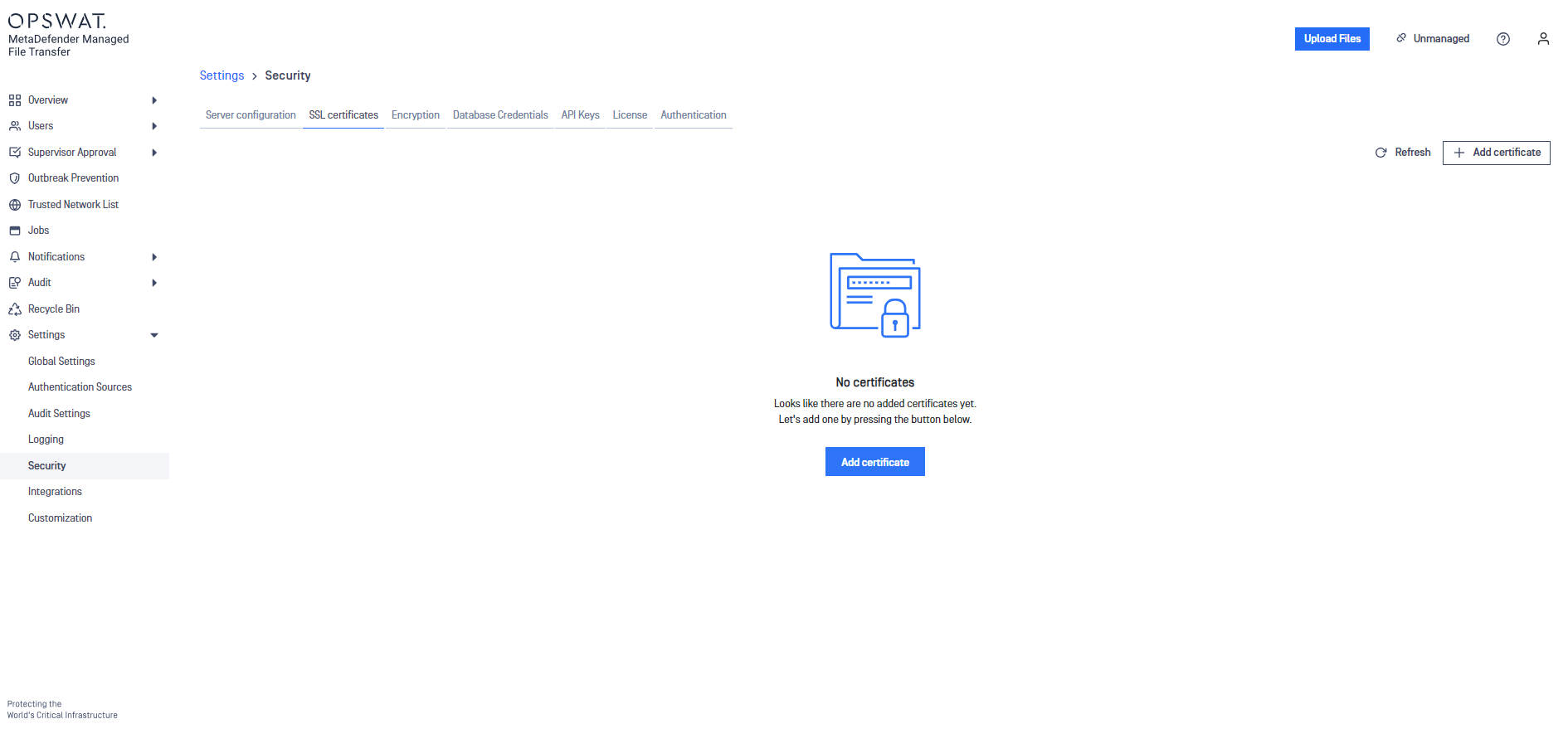
To add an SSL Certificate:
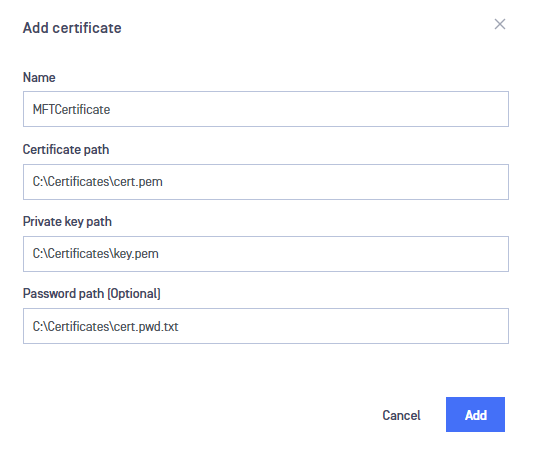
Click the "Add certificate" button.
A panel will appear prompting you for the required input. Fill out the fields and click "Add."
Info
Refer to the Information Regarding Certificates for obtaining a "certificate and certificate key".
Info
Paths containing whitespaces are accepted by default; there is no need to quote the paths.
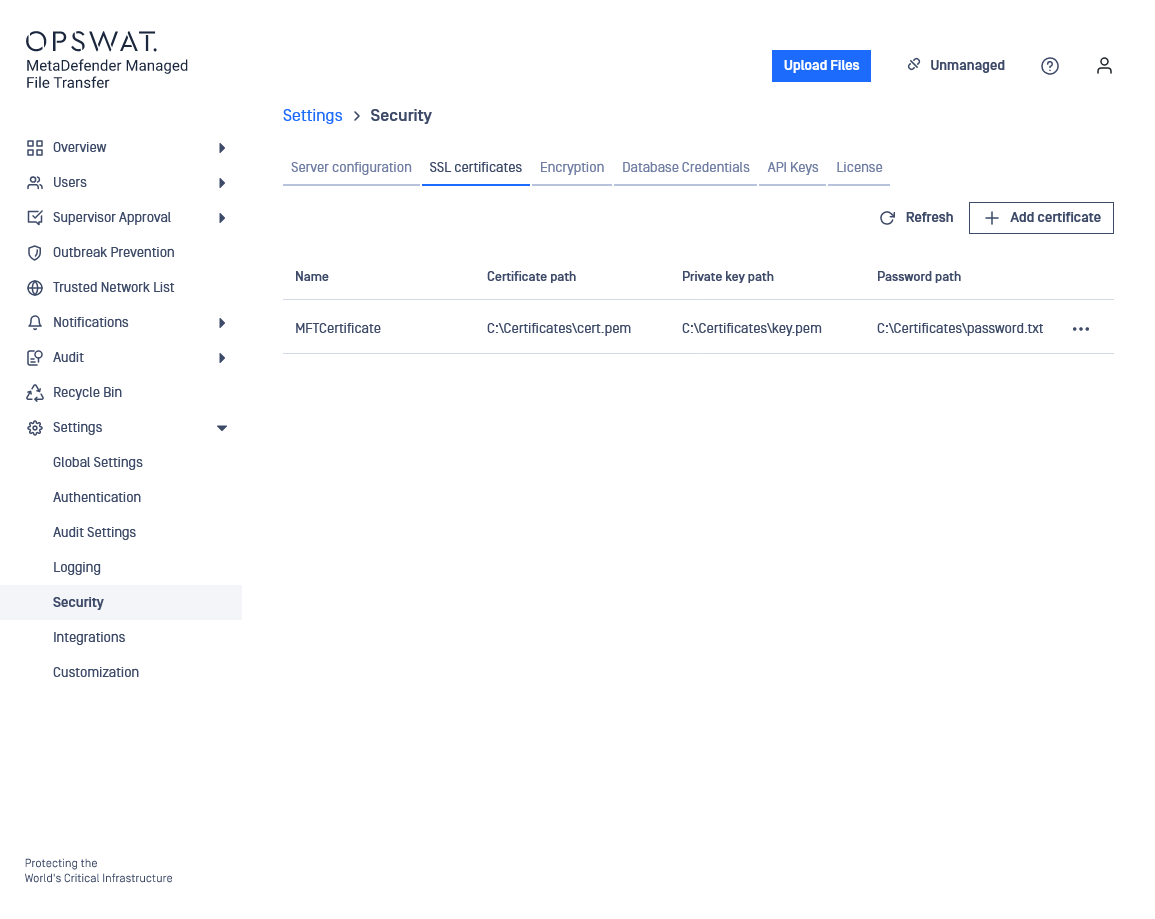
The newly created certificate should now appear in the list of available certificates.
Was this page helpful?
Configuration