
To backup or restore the MetaDefender Kiosk configuration, click Back Up / Restore in the top-right corner of the Configuration page.
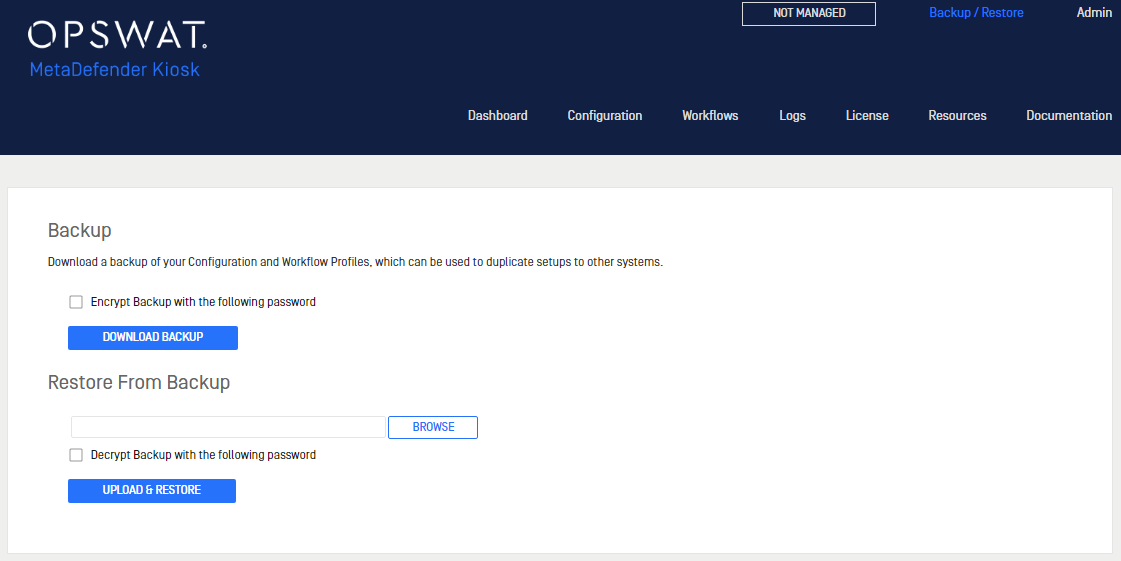
Downloading a configuration backup
Click Download Backup to download a file with all of the MetaDefender Kiosk configuration settings saved.
Restoring configuration settings
To restore settings on this or a different MetaDefender Kiosk system, upload the configuration settings file using the Browse button in the Restore From Backup section.
Optional Steps to Preserve Data
If you are installing MetaDefender Kiosk on a system where there was a previous version installed, the following folders should be copied to a safe location prior to upgrading:
MetaDefender Kiosk Log Directory
Default Location: C:\Program Files (x86)\OPSWAT\Metadefender Kiosk\Client\Log
Was this page helpful?
Installation