
When a request is blocked for some reason then a block page is displayed that –by default– looks as follows (the actual blocking reason message may differ):
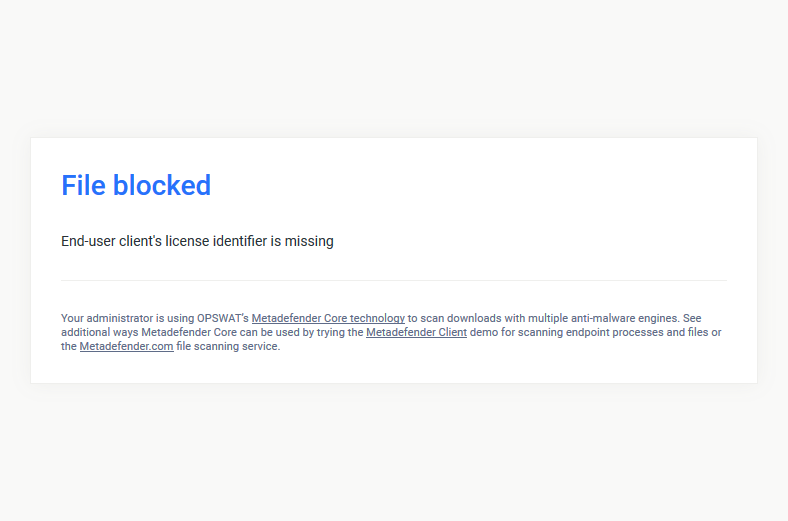
This page can be completely replaced using a custom block page.
Replacing the default block page
To replace the default block page create a HTML file with the custom content according to the following:
Operating system | Path | Default path | Owner | Permissions |
|---|---|---|---|---|
Windows or Windows Server | <Installation folder>\data\block_page.html | C:\Program Files\OPSWAT\Metadefender ICAP Server\data\block_page.html | Local Service | Read |
Linux (RHEL / CentOS / Debian / Ubuntu) | <Data folder>block_page.html | /var/lib/mdicapsrv/block_page.html | mdicapsrv:mdicapsrv | r-- (400) |
The default block page is not represented as a file in the file system. If the above file exists, then the default block page is overridden.
ICAP Server block messages
To display ICAP Server block messages in the custom page include the following token at the desired position in the page:
This token will be replaced by the appropriate ICAP Server block message.
Additional placeholders
For custom block pages several additional placeholder tokens are also supported.
The placeholder tokens below are not used in the default block page, but are available for a custom block page.
Placeholder | Description | Note |
|---|---|---|
%%%% | URL parsed from the original HTTP request. | |
%%%% | Address of the client from whom the request originated. | |
%%%% | Name of the server the ICAP Server is running on. | |
%%%% | Arrival of the request to the ICAP Server. | |
%%%% | Filenames which are blocked. | Present only if some violations were found, otherwise replaced by empty string. |
%%%% | Media types for blocked files. | Present only if some violations were found, otherwise replaced by empty string. |
%%%% | Violations for blocked files. | Present only if some violations were found, otherwise replaced by empty string. |
%%%% | The first violation for the blocked file. | Present only if some violations were found, otherwise replaced by empty string. |
Example
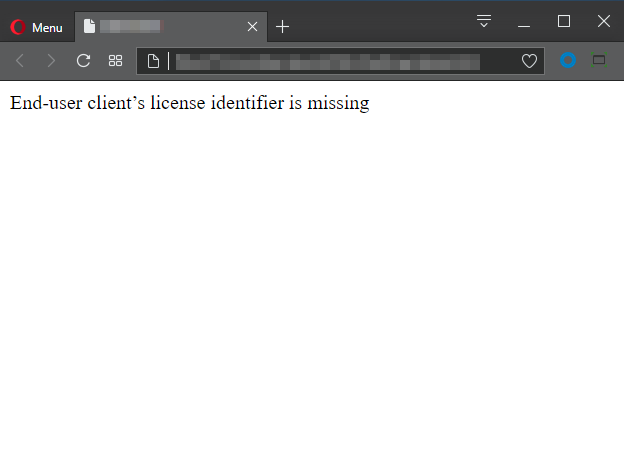
The following example is the source code of a simple custom page that displays the ICAP Server messages only with no formatting at all:
It renders a very simple page that looks like this:
Default block page source code
The default lock page's source code can be reused to create a customized one.