
Overview
Audit > Email History shows information about processing details and email related events in the system.
Due to usability reasons the Email history list is not updated automatically. Click the Refresh icon to update.
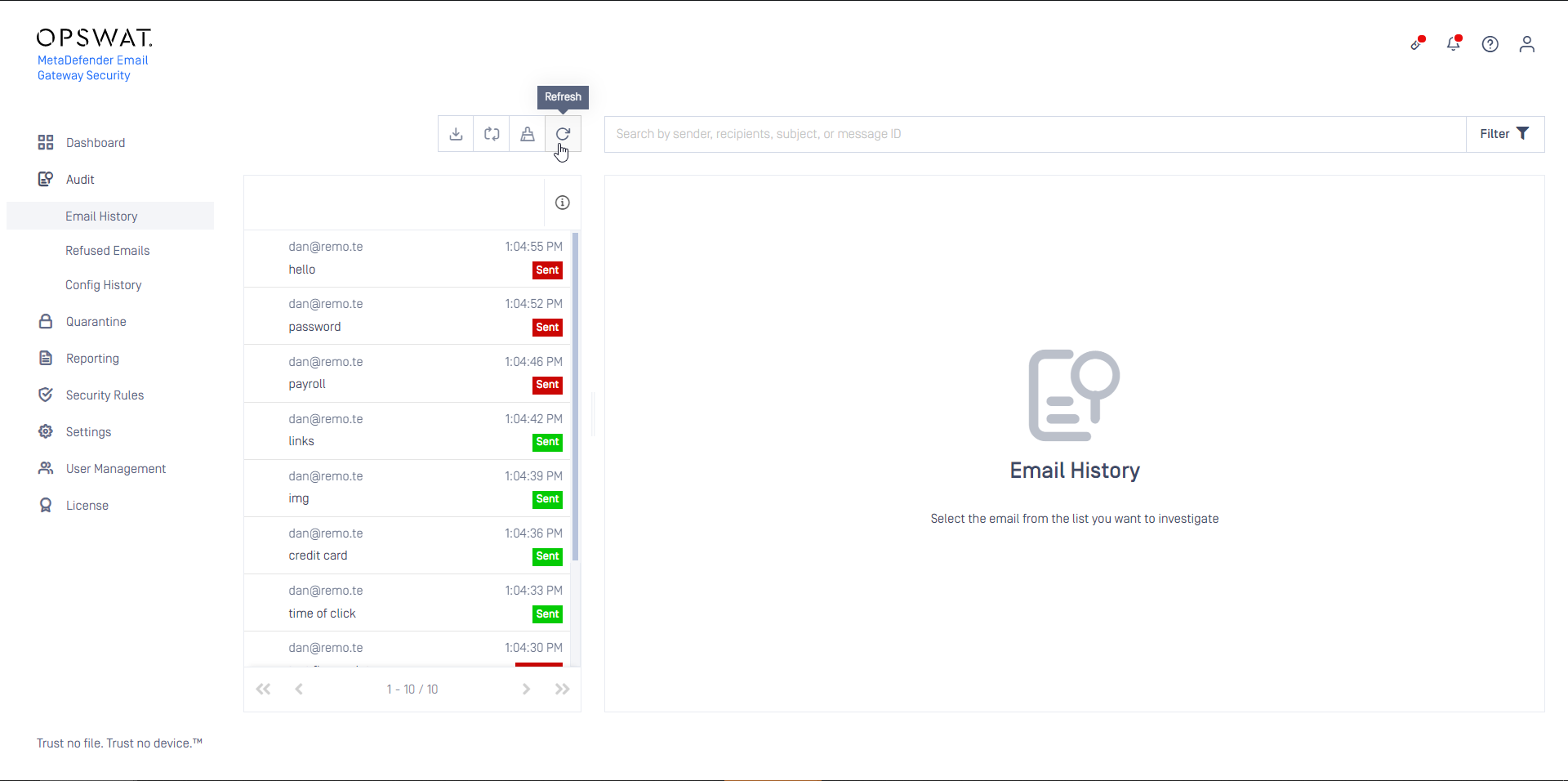
The N/A Scan result value means that MetaDefender Core was not involved in the processing of this entry.
Such cases are:
Notifications for blocked emails
Released from quarantine
Forwarded from quarantine
Delivered for external quarantining
The empty Rule value means that the email was not received from outside, but was generated from within Email Gateway Security.
Such cases are:
Notifications for blocked emails
Email alerts
Quarantine reports
Search
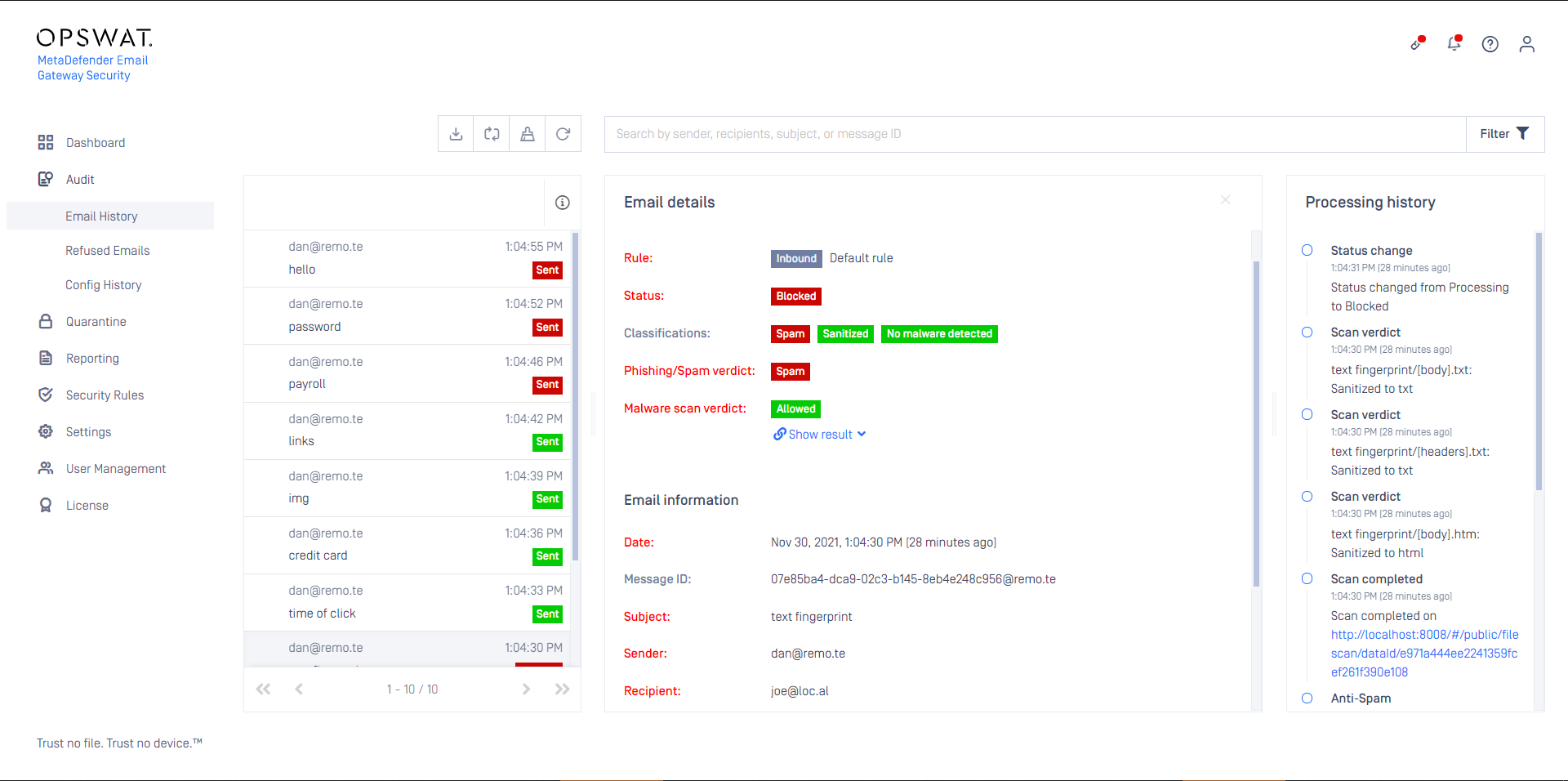
On the Email history list you can search for (marked red in the image below) the Date, Malware s_can verdict, Phishing/Spam verdict_, Status, Sender, Recipient, Rule, Subject and Rule direction (for Rule direction see Configuration/Policy).
Filtering
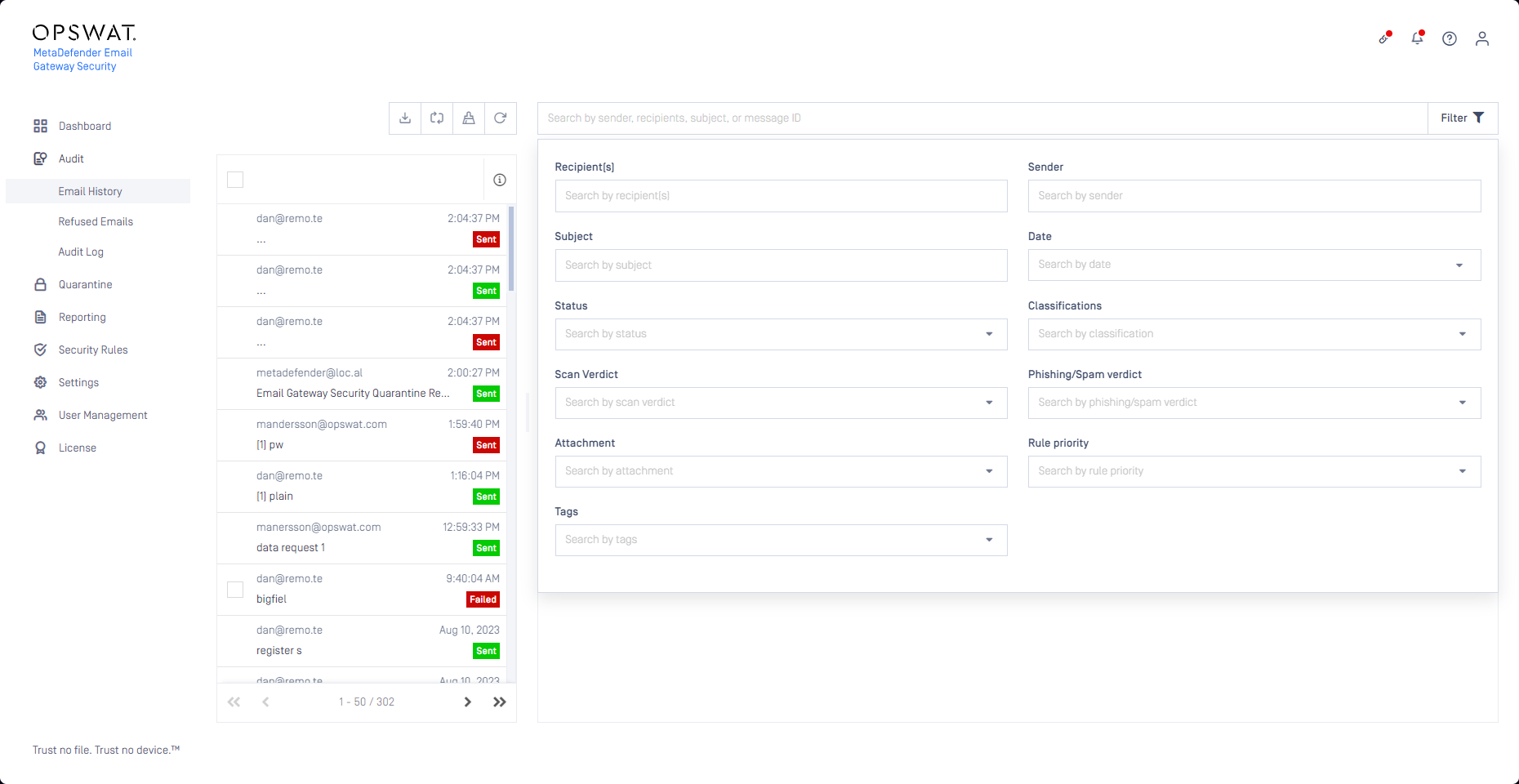
The list of emails can be filtered by the:
Date,
Sender,
Recipient,
Subject,
Status,
Classifications,
Scan verdict,
Phishing/Spam verdict (see the Phishing/Spam verdict section below),
Whether the email has attachments or not,
Rule priority,
Classifications (see Operating/Email classifications) and
Tags (see Operating/Email tags).
For the status, classifications, phishing/spam verdict and tags filters multiple values can be specified.
For the date filter a time window can be specified.
Email details
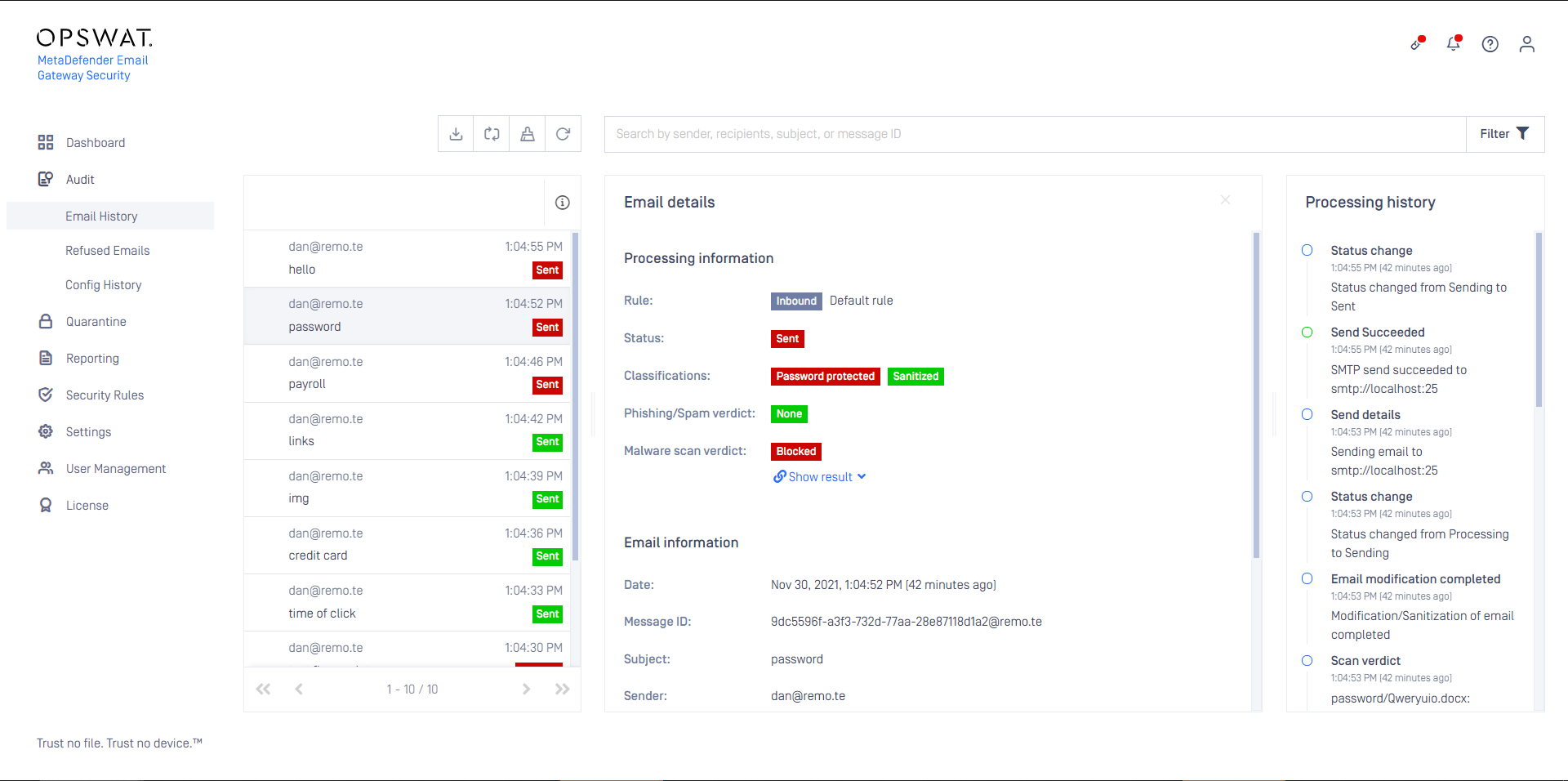
Clicking an Email history list entry displays public details about the processing of the specific email.
Malware scan details
Under the Malware scan verdict block links point to the scan details on the MetaDefender Core or MetaDefender Cloud instance where the actual scanning took place.
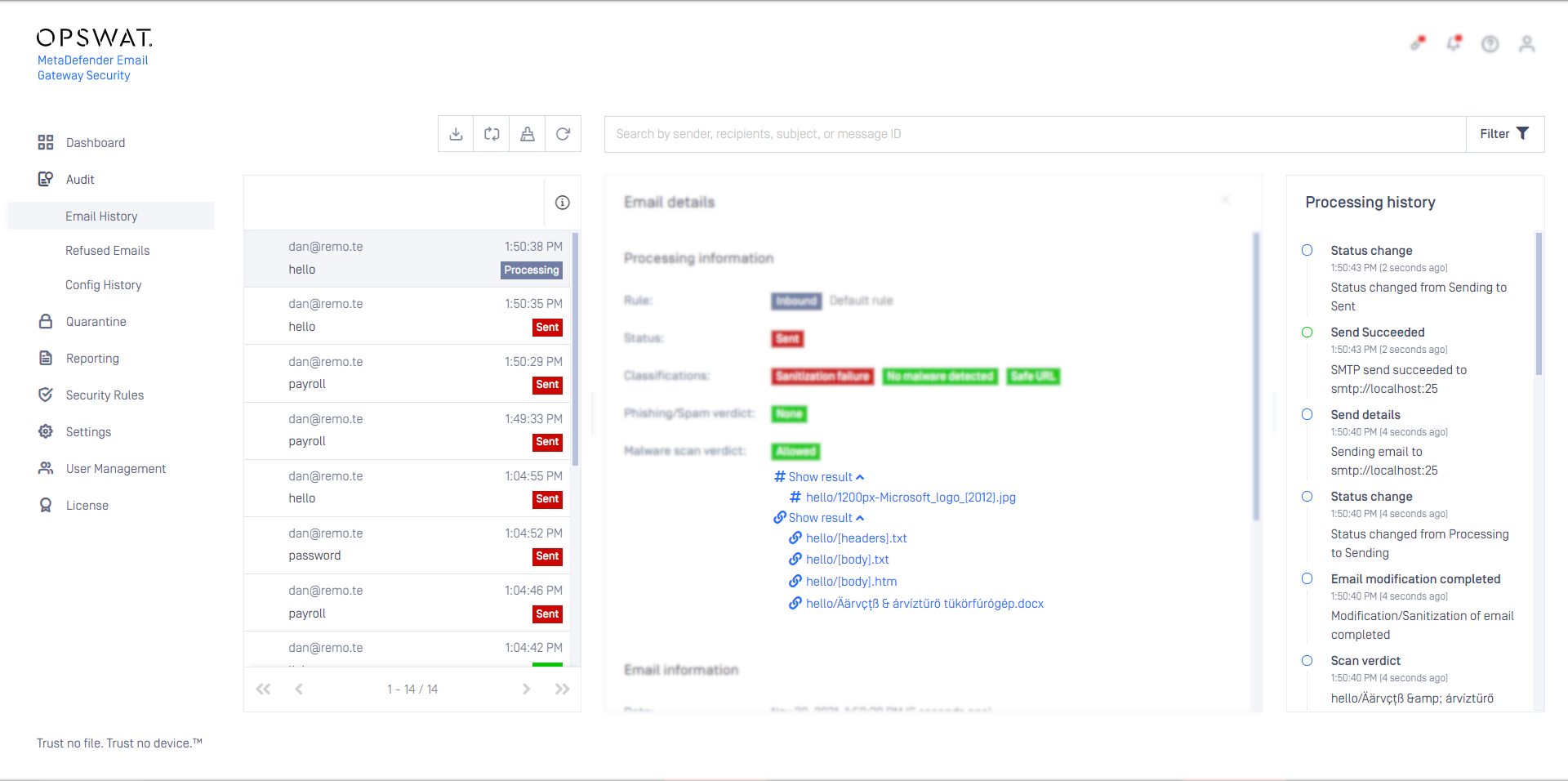
Results for files that had a hash lookup match and were taken from the cache are marked with a (hash) symbol, while results for files that were actually scanned are marked with a (chain) symbol.
In case of scan results the Show results link points to the result of the scan batch (the aggregated result of all the scanned files).
For both the hash lookup and the scan results, clicking the (dropdown) symbol next to the Show results link each file has a individual link to its specific results.
File names may differ even if file contents –and as so file hashes– are the same.
This may cause file names not matching (in the examples below: cyberscape/CYBERscape.pdf in Email Gateway Security but meeting minutes/CYBERscape.pdf in Core) in the email and in the scan details on MetaDefender Core / Cloud.
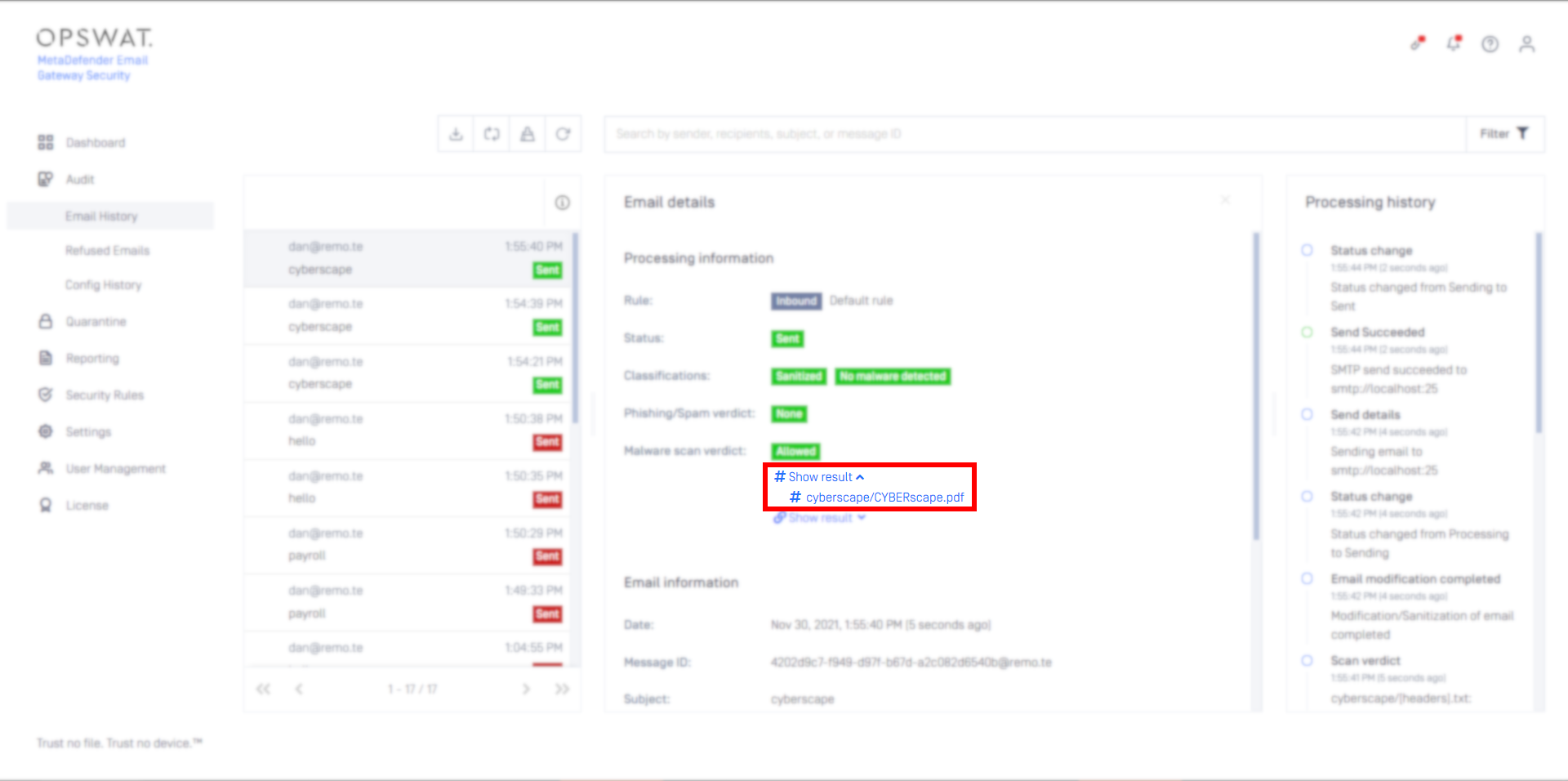
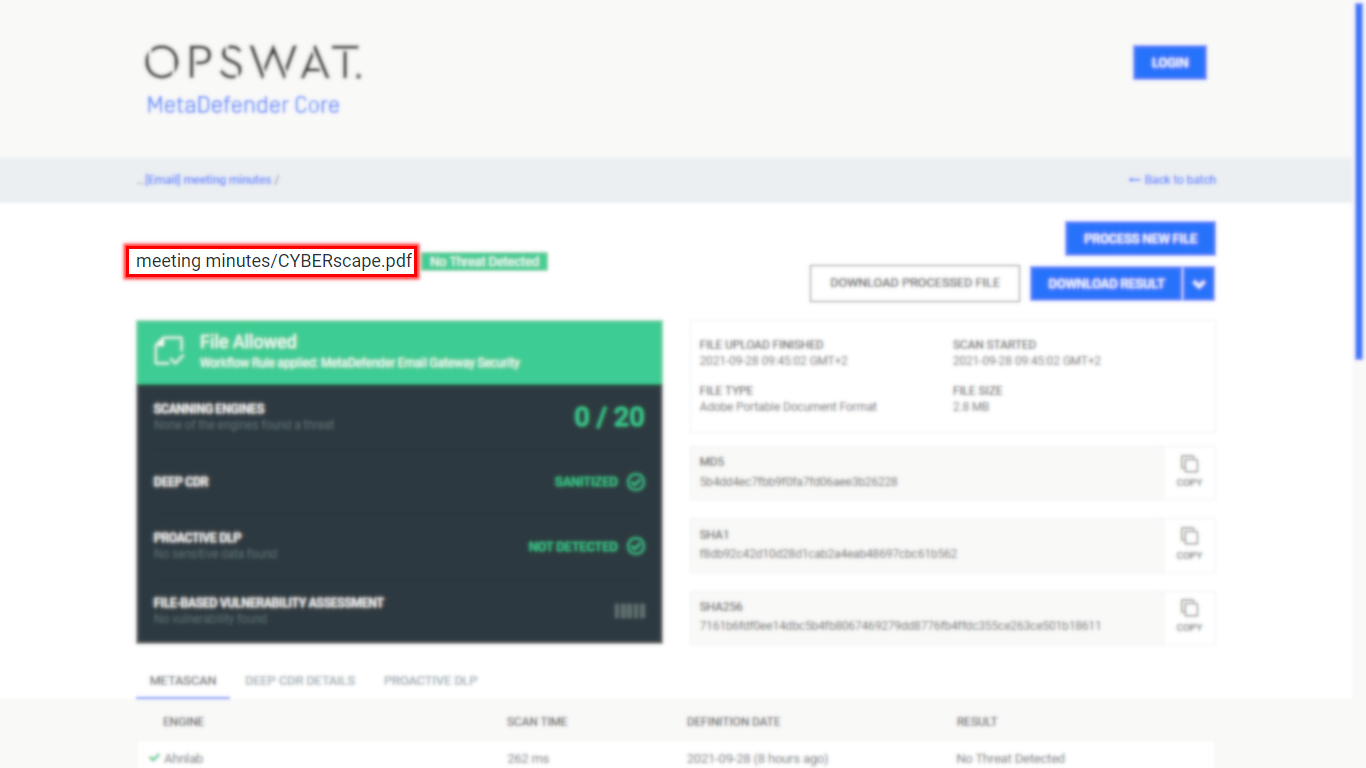
This can be addressed using the Force scan on mismatch option in the hash lookup configuration. For further details see the Hash lookup subsection in Configuration/Policy/Scan.
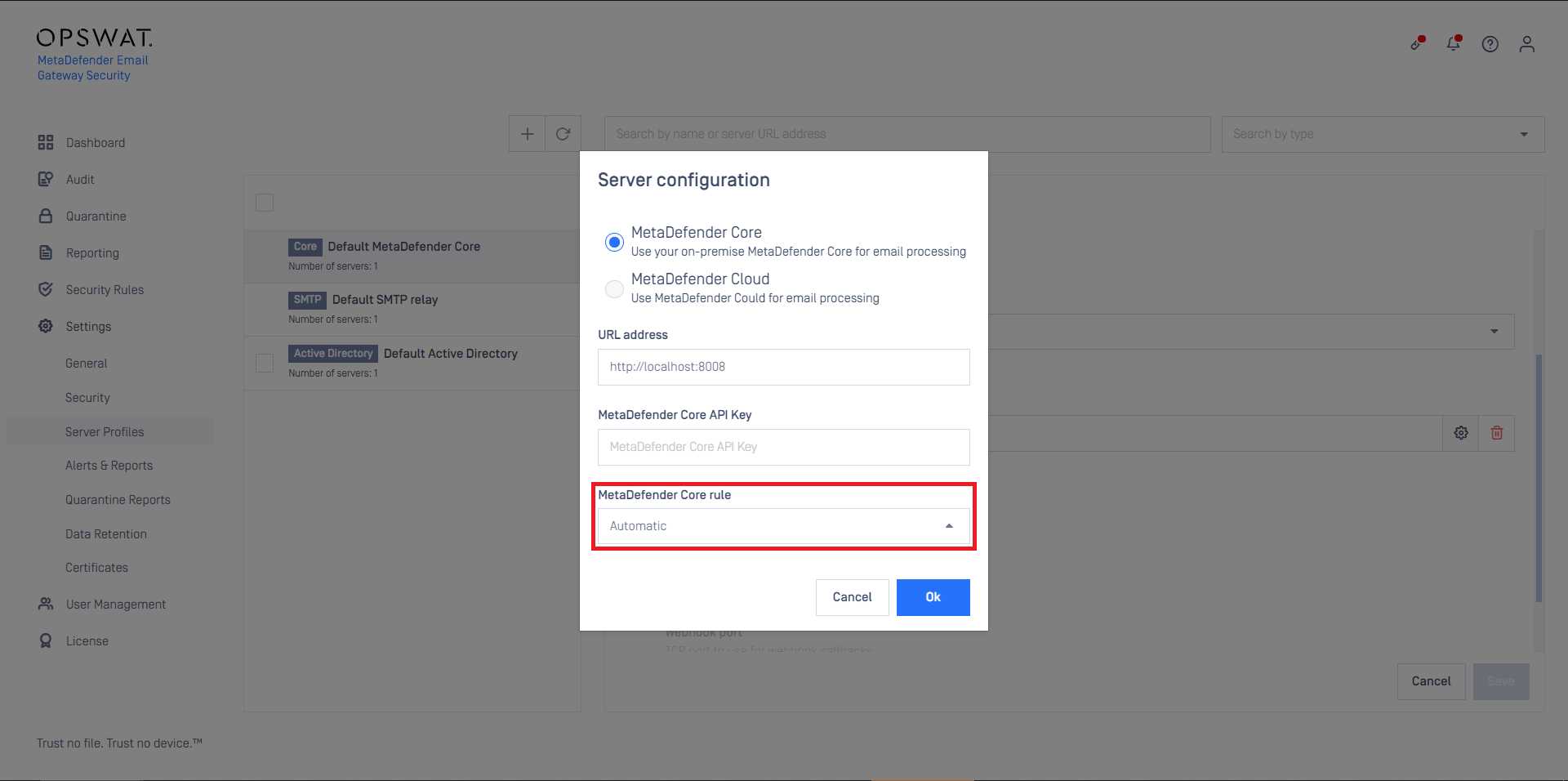
The scan details links utilize the Core address as specified under Settings > Server profiles. If Core is specified with an address that is not reachable on the machine where the actual browsing of the web management console happens, then the browser will report error.
Example
Core and Email Gateway Security are installed on the same machine and Core is referenced with the URI http://127.0.0.1:8008 on Email Gateway Security. If Email Gateway Security's web management console is browsed from any other machine, then (most probably) the scan details links will be broken.
For details see Configuration/Server profiles.
Classifications
To reflect the risk level of a certain email, Email Gateway Security applies classifications. For details see Operating/Email classifications.
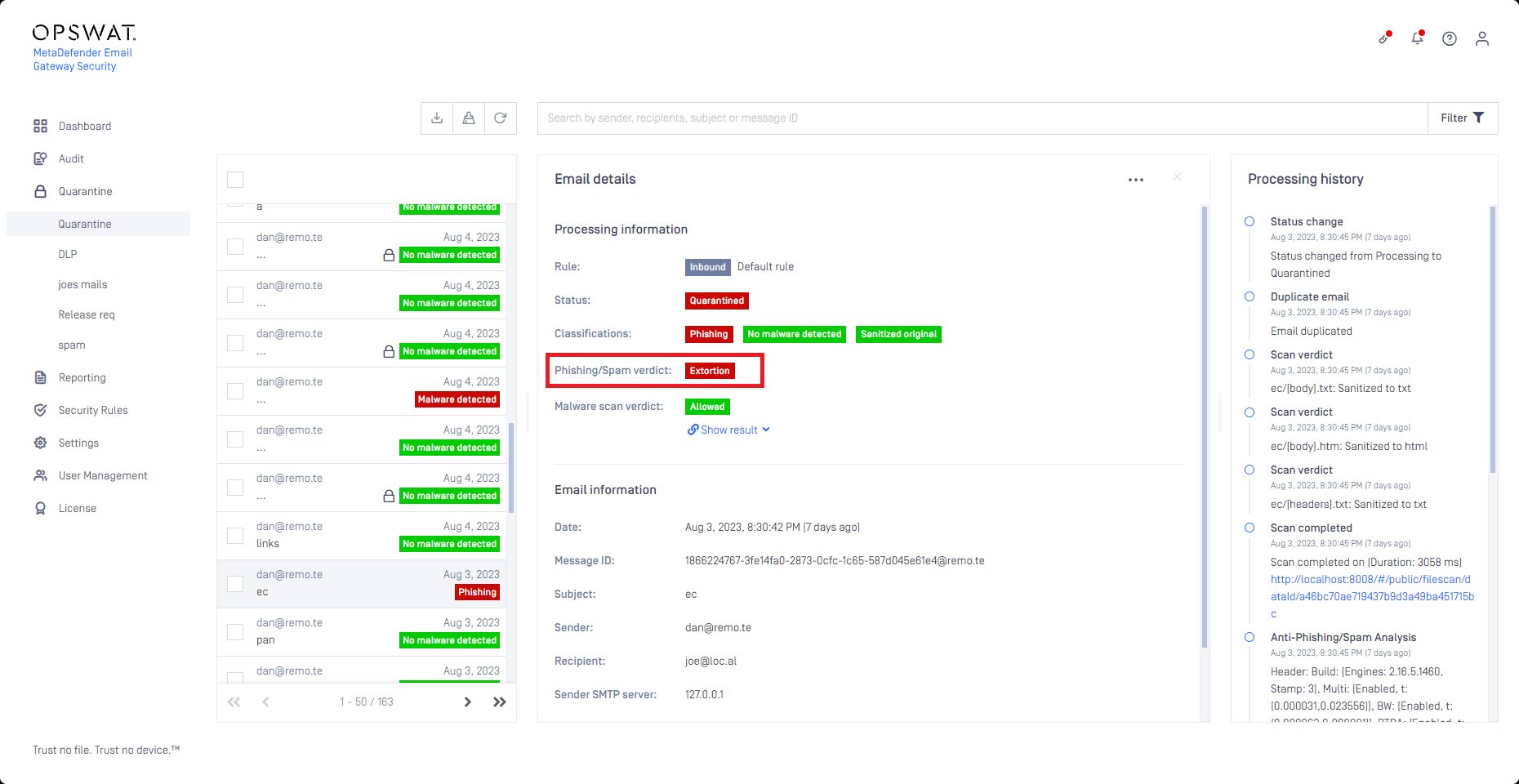
Phishing/Spam verdict
Email Gateway Security's anti-spam and anti-phishing filters can categorize phishing and spam emails based on the content of the email.
For the list of supported categories (verdicts) see Phishing and spam.
Priority
The priority of the email is displayed in the list and in the Email details view. The following icons represent each priority:
High: ↑
Low: ↓
For details see Configuration/Policy.
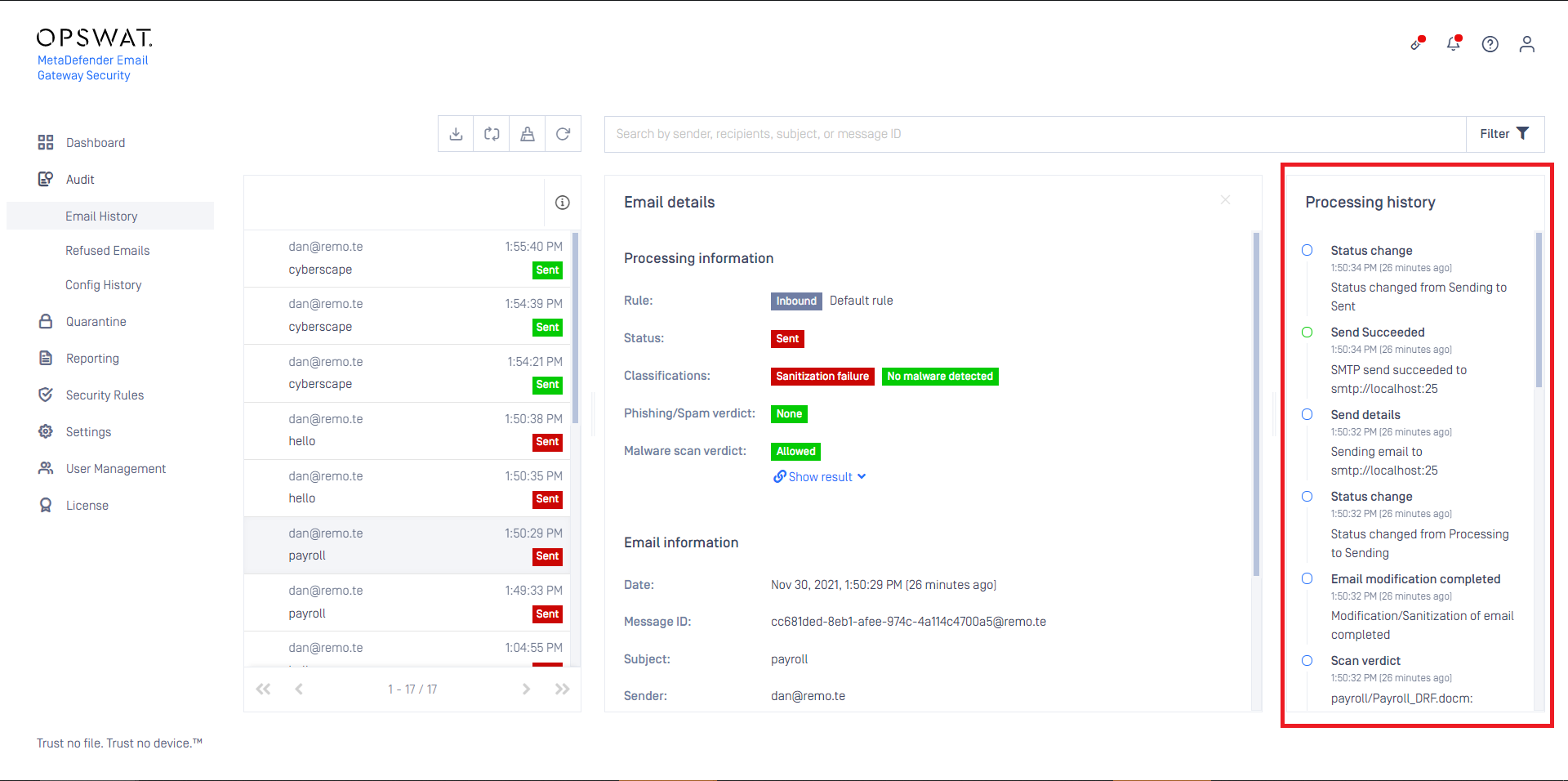
Processing history
The processing history section of the email details contains information about the processing of the email.
Cleanup
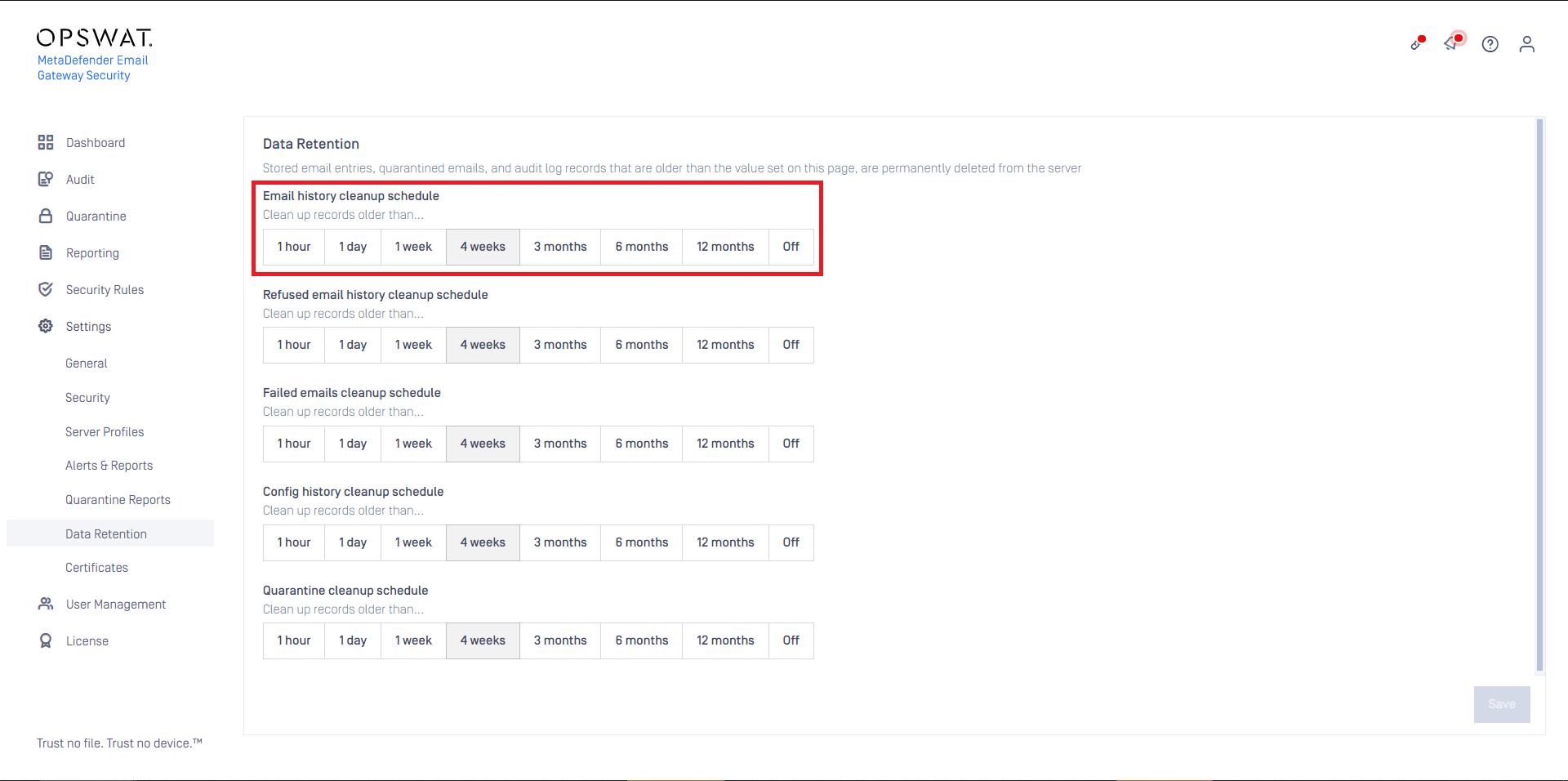
Scheduled
Configure scheduled Email History cleanup under Settings > Data Retention / Email history cleanup schedule.
On-demand
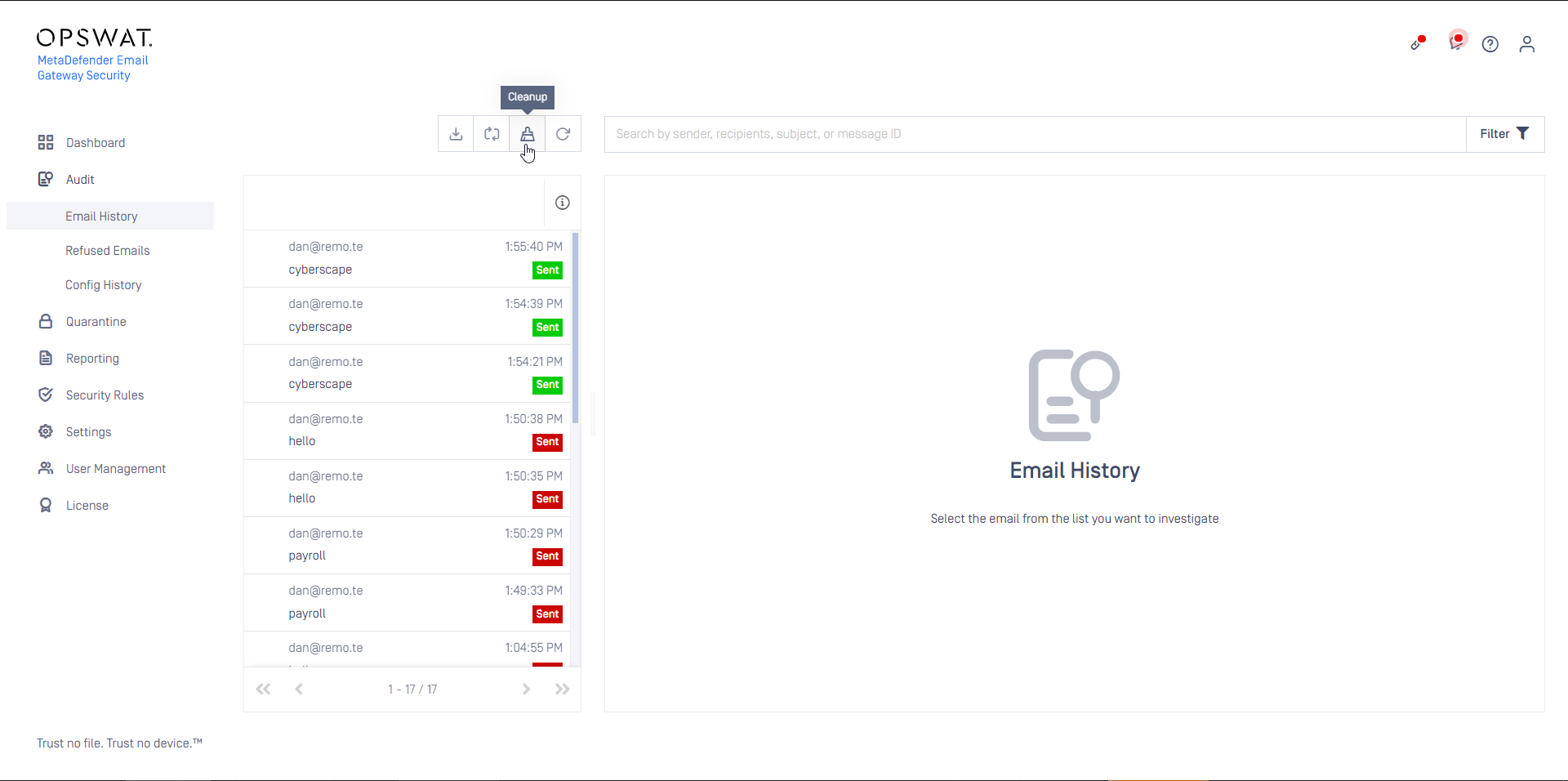
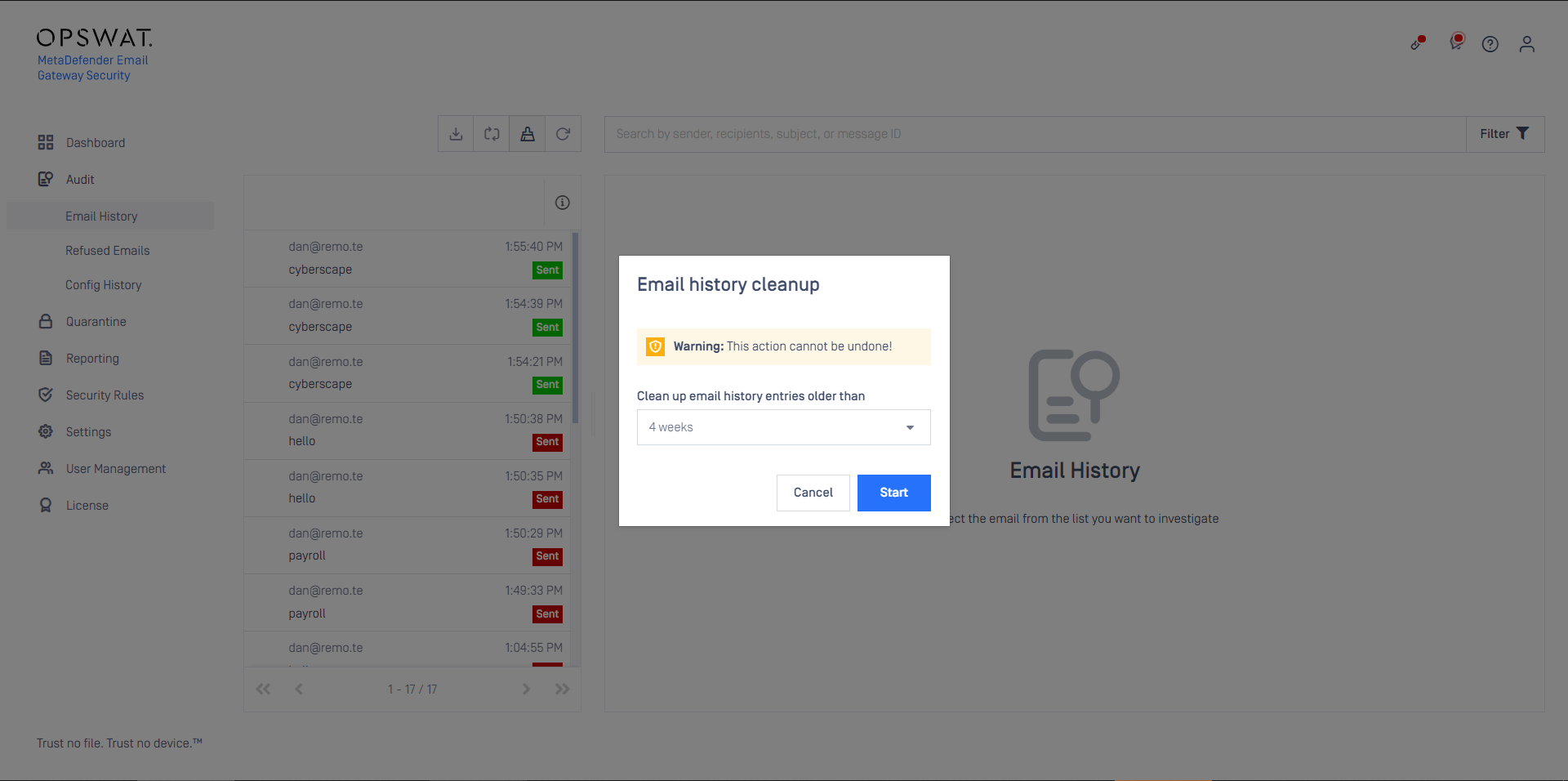
To clean-up Email History on demand click the  icon and select the time window of the cleanup.
Operations
Bulk email operations
Use the checkbox in front of each row to select entries (or use the checkbox in the header row to select all visible items).
Only visible elements are selected. Elements that are not visible (due to pagination, search or filtering) are not selected even by the select all checkbox.
Only emails that are in the Failed or Reprocessing status can be selected cause these are the only emails where bulk operations (Retry email, Delete email, Download email) are applicable.
For other entries the original email is not kept, hence the operations would not work.
To understand what can make an email to be failed see the section Processing status values.
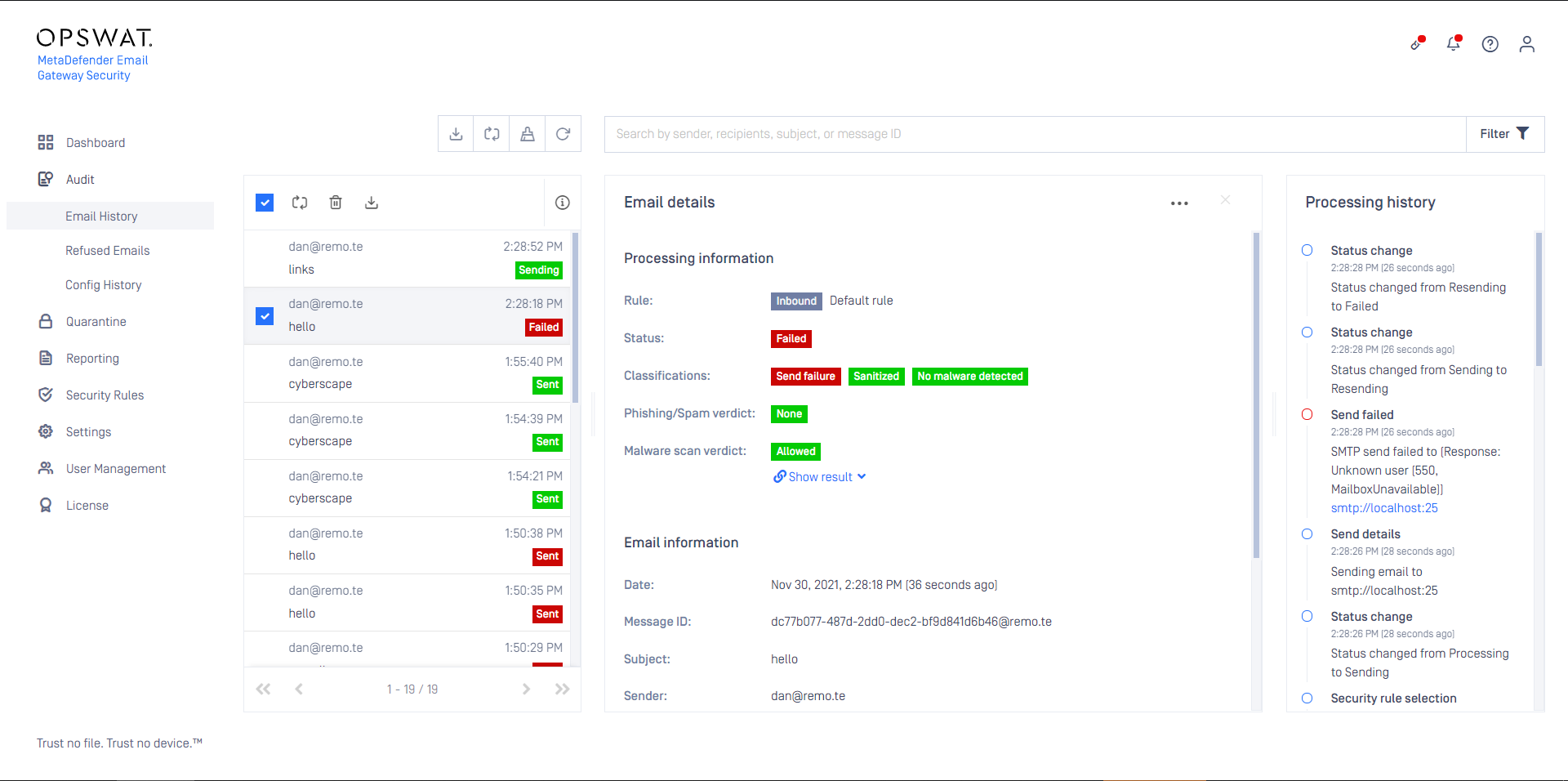
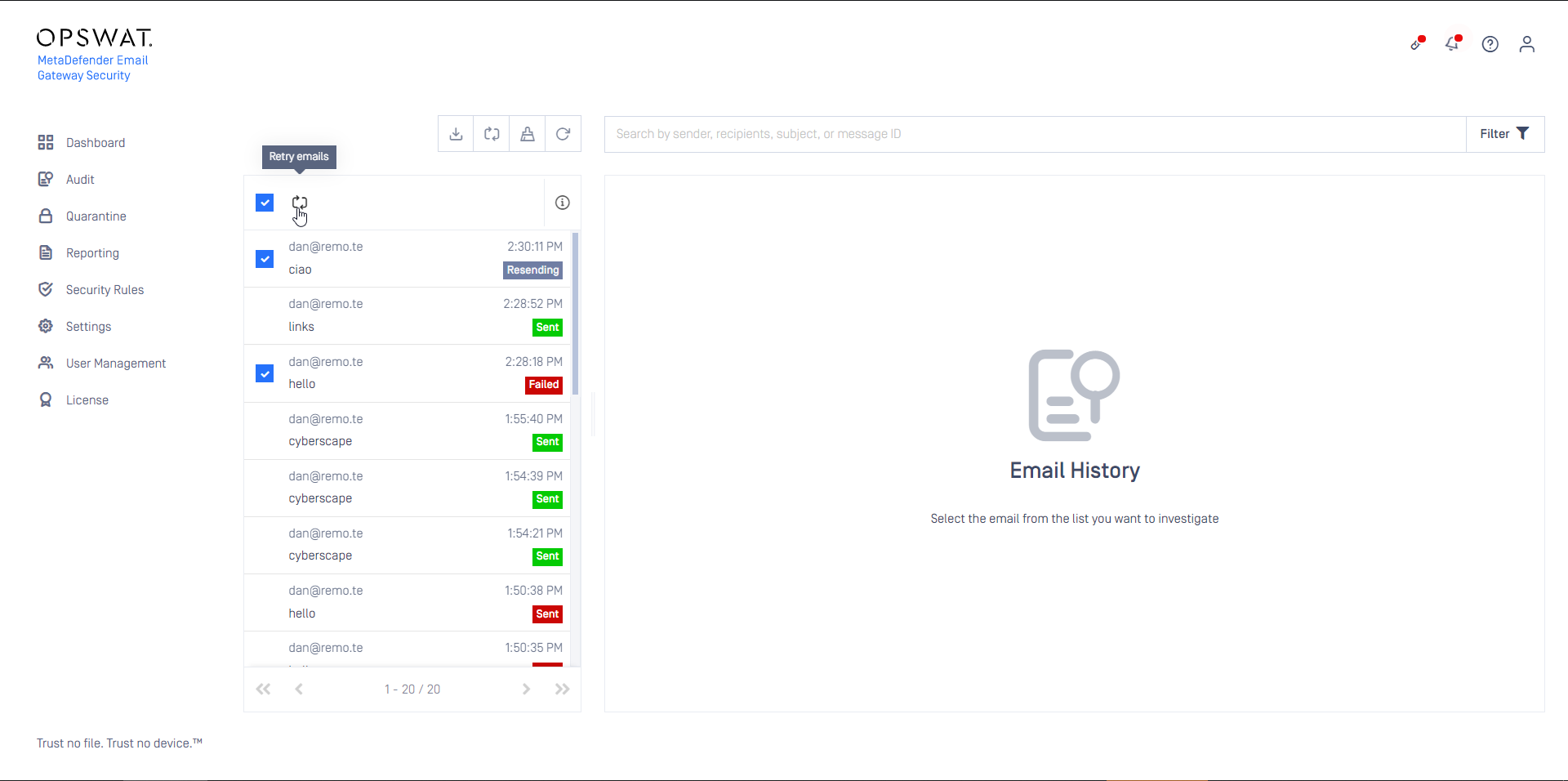
Only those operations are available that are applicable to all emails that are selected.
For example if both Failed and Reprocessing mails are in the selection, then the Retry email function will be available.
Export to CSV
Clicking the Export to CSV button will export the history list (according to the actual filter conditions) to a CSV file.
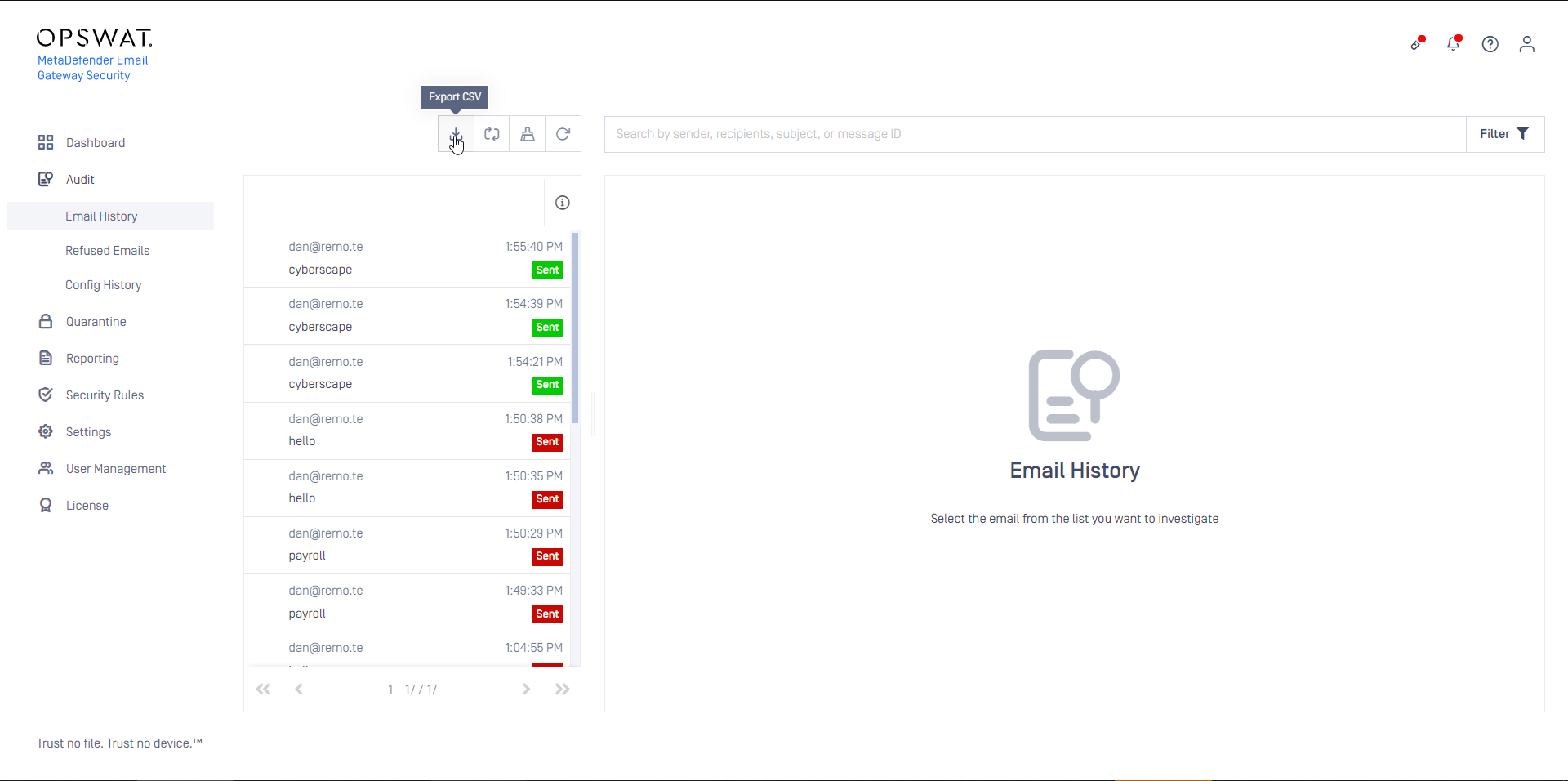
The currently active filter conditions apply to the exported list.
All filtered data gets exported, even if the list expands to multiple pages.
Differentiating forked emails
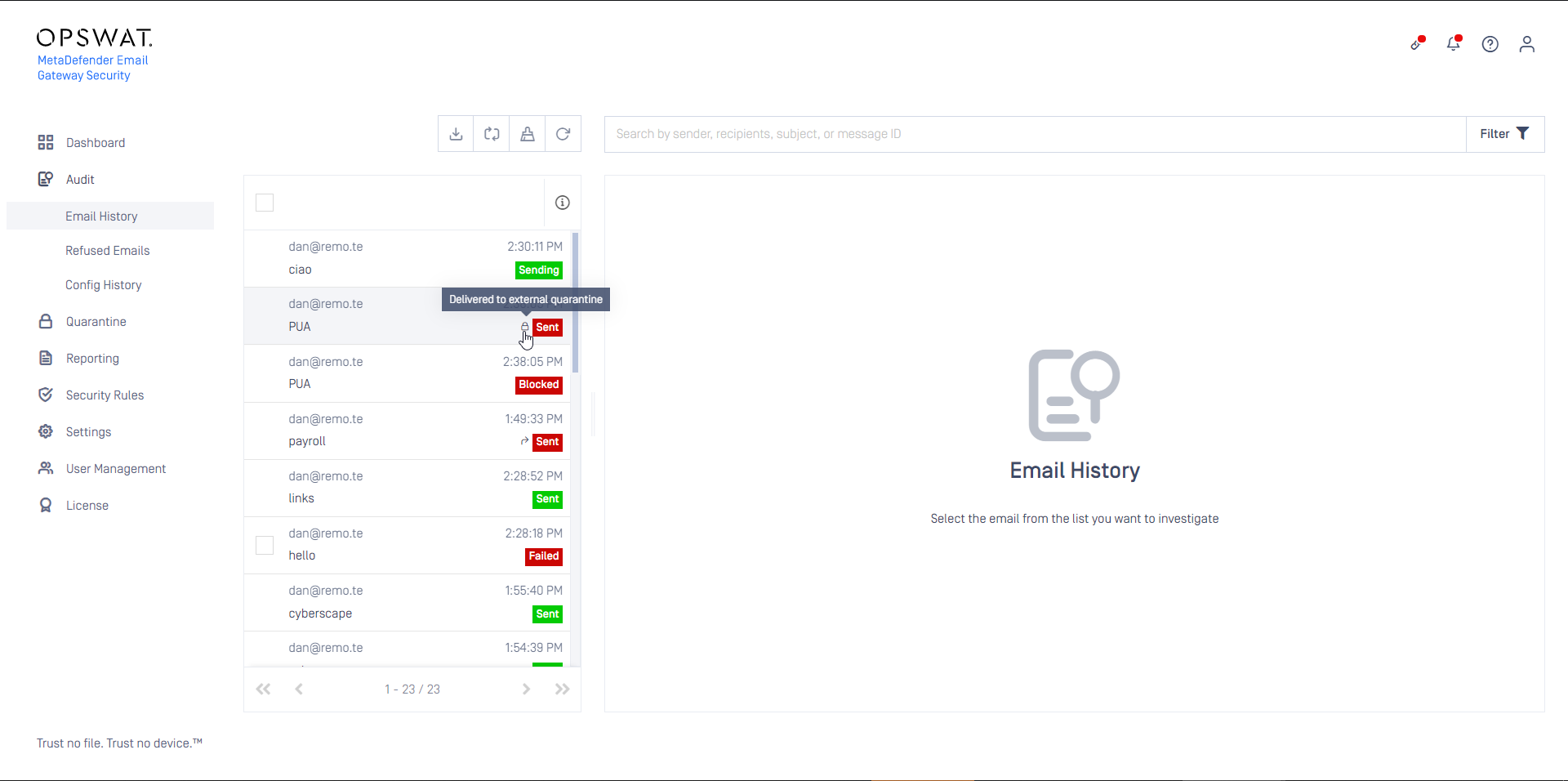
In some cases there are seemingly duplicate entries in Email history. Such cases are when an email is:
Released from quarantine,
Forwarded from quarantine,
Delivered for external quarantining.
These cases are marked in Email history with the following icons in the history list:
Icon | Fork case |
|---|---|
| Released from quarantine |
| Forwarded from quarantine |
| Delivered for external quarantining |


Processing status values
Workflow statuses
Emails with statuses listed below are progressing through the MetaDefender Email Gateway Security workflow.
Pending
Email is queued waiting to be processed.
Processing
Email is currently being processed.
Sending
Email has been processed and is being delivered to the SMTP relay server.
Completed
This status is deprecated since 4.4.0. It was replaced by Sent and Blocked
Email has been successfully processed and sent forward or blocked.
Sent
Email has been successfully processed and forwarded.
Blocked
Email has been blocked.
Temporary failure statuses
Emails with statuses listed below are in automatic retry sequence.
Reprocessing
MetaDefender Email Gateway Security has failed to process the email and it is currently pending a retry.
Possible causes
MetaDefender Core server down/not responding
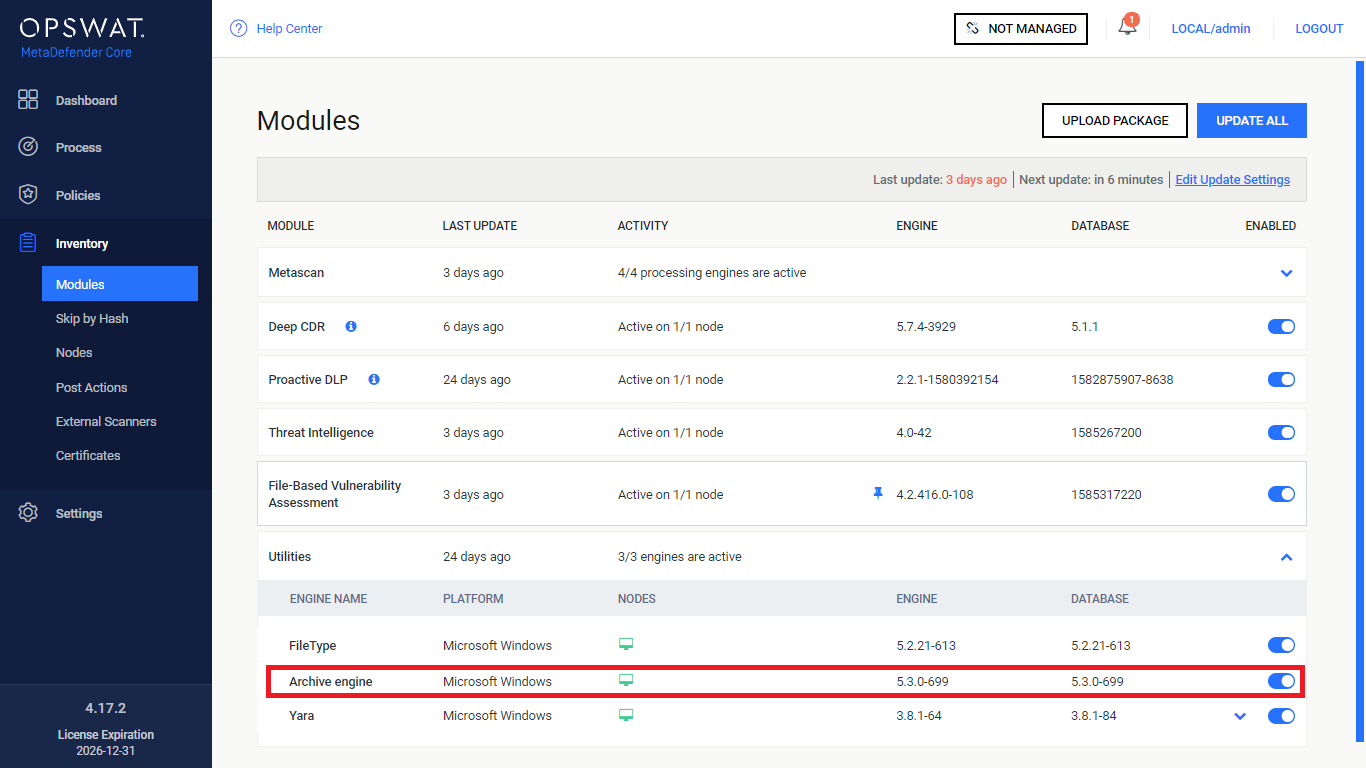
Archive engine is not active on MetaDefender Core
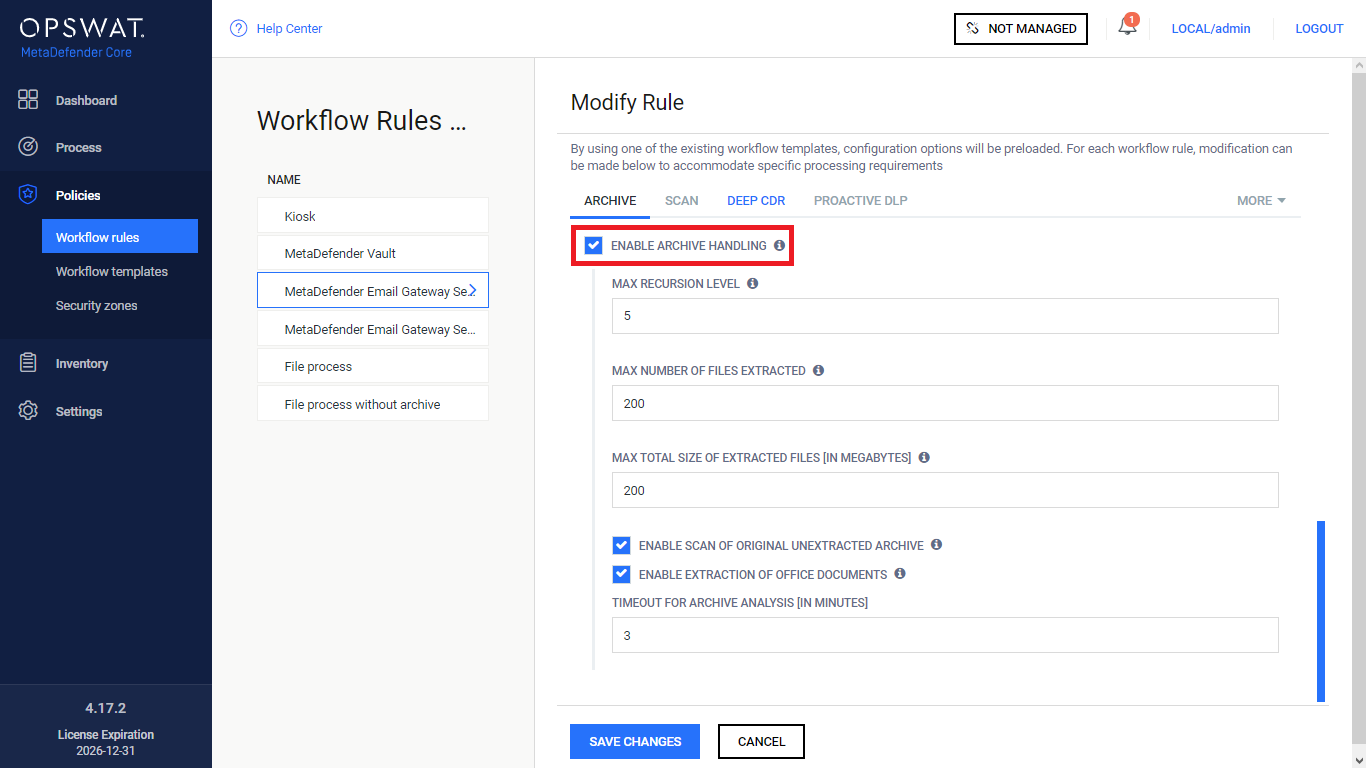
Enable archive handling is not enabled for the rules on MetaDefender Core (that are defined in the Core server policies that are in use by the rules on MetaDefender Email Gateway Security)
Resending
MetaDefender Email Gateway Security has failed to forward the email to the SMTP relay server and is currently pending retry.
Possible causes
SMTP relay server down/not responding
SMTP relay server rejects the email
Permanent failure statuses
Emails with statuses listed below require user interaction, since retry sequence is exhausted.
Failed
Email has exceeded the retry count and cannot be processed/delivered.
Possible causes
Exhausted temporary processing failures (see Configuration/Settings) lead to this permanent failure status.
Possible actions
Manually retry/delete email from the MetaDefender Email Gateway Security web interface.
Forbidden
No policy rule is found matching the email and requires manual delivery
Possible actions
Manually retry/delete email from the MetaDefender Email Gateway Security web interface.
Other statuses
Quarantined
Email is located in quarantine.
Possible actions
Manually deliver/delete/forward email from the MetaDefender Email Gateway Security web interface.
Deleted
Emails with this status has been manually deleted by a user.