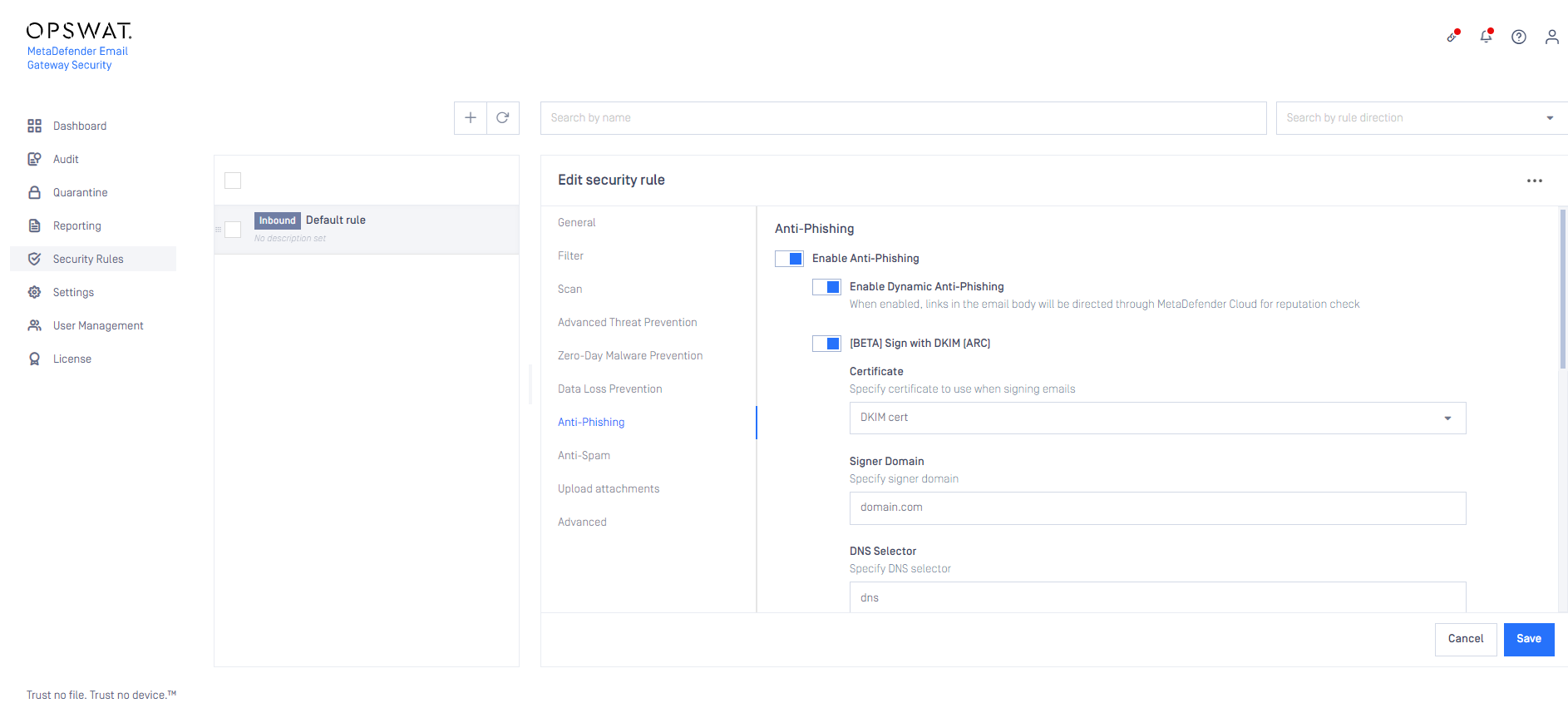
To enable anti-phishing for specific users only, perform the following steps:
Create an inbound rule
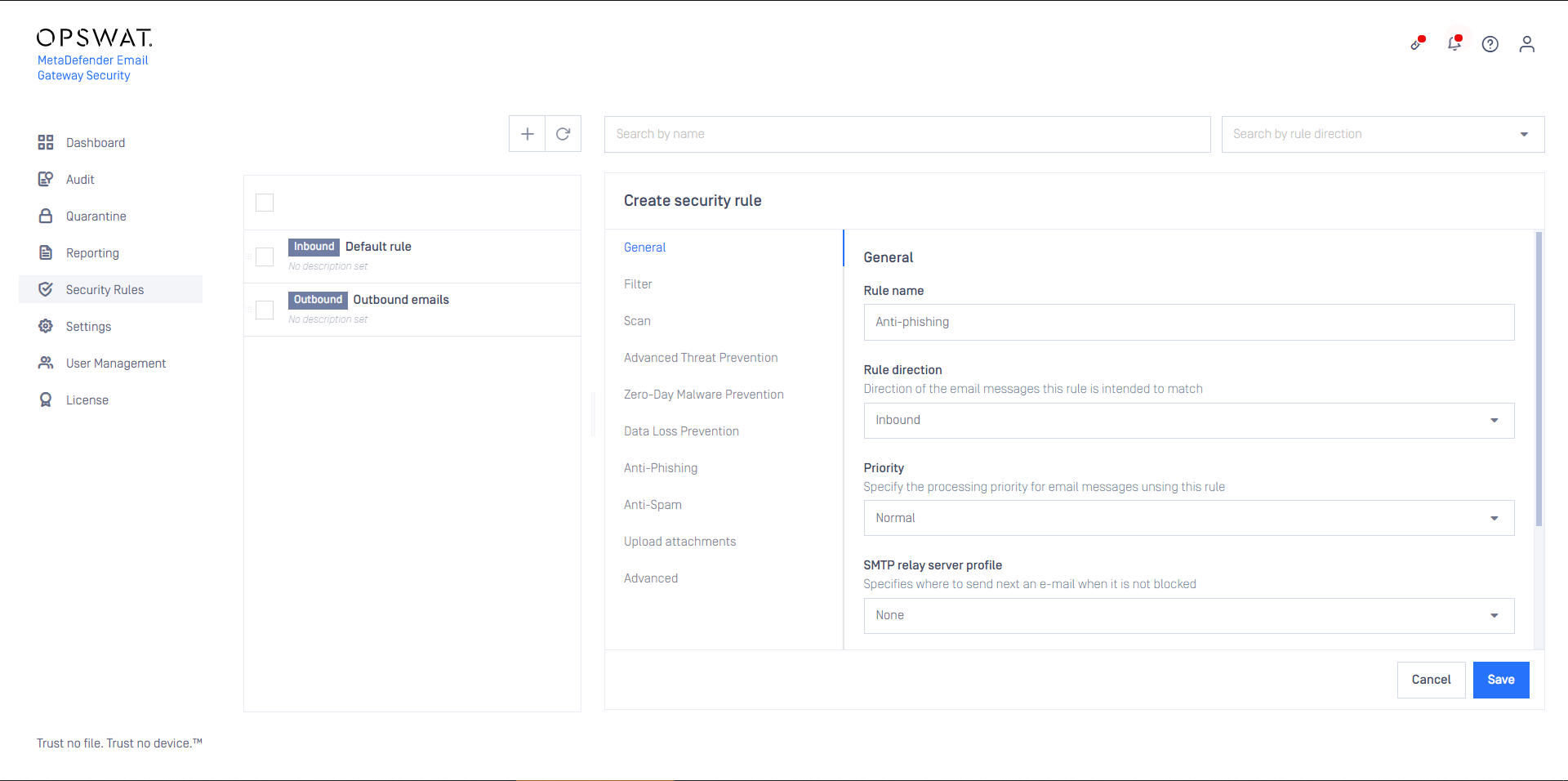
For the rule, set the specific users as filter conditions

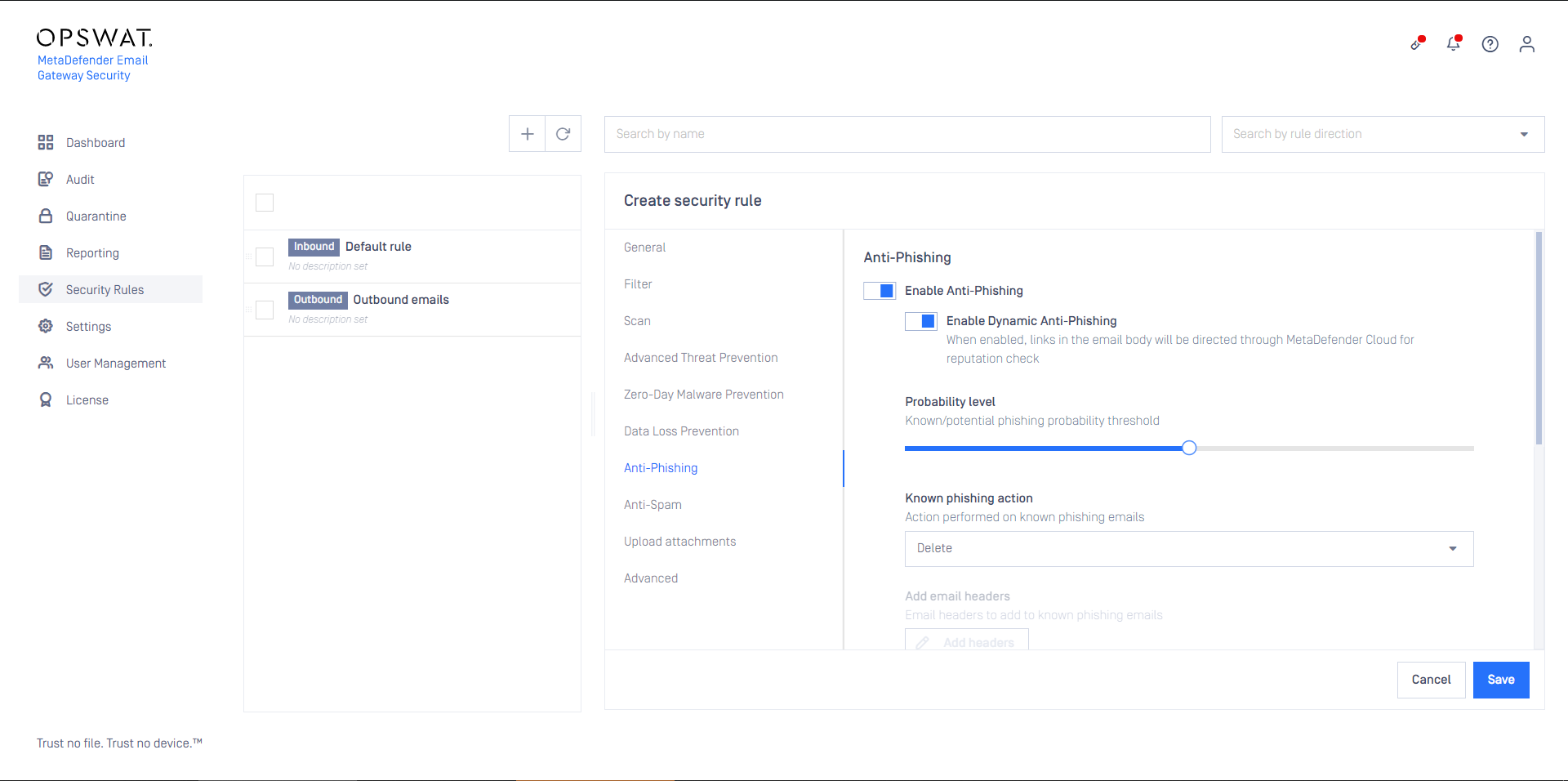
Enable anti-phishing for the rule
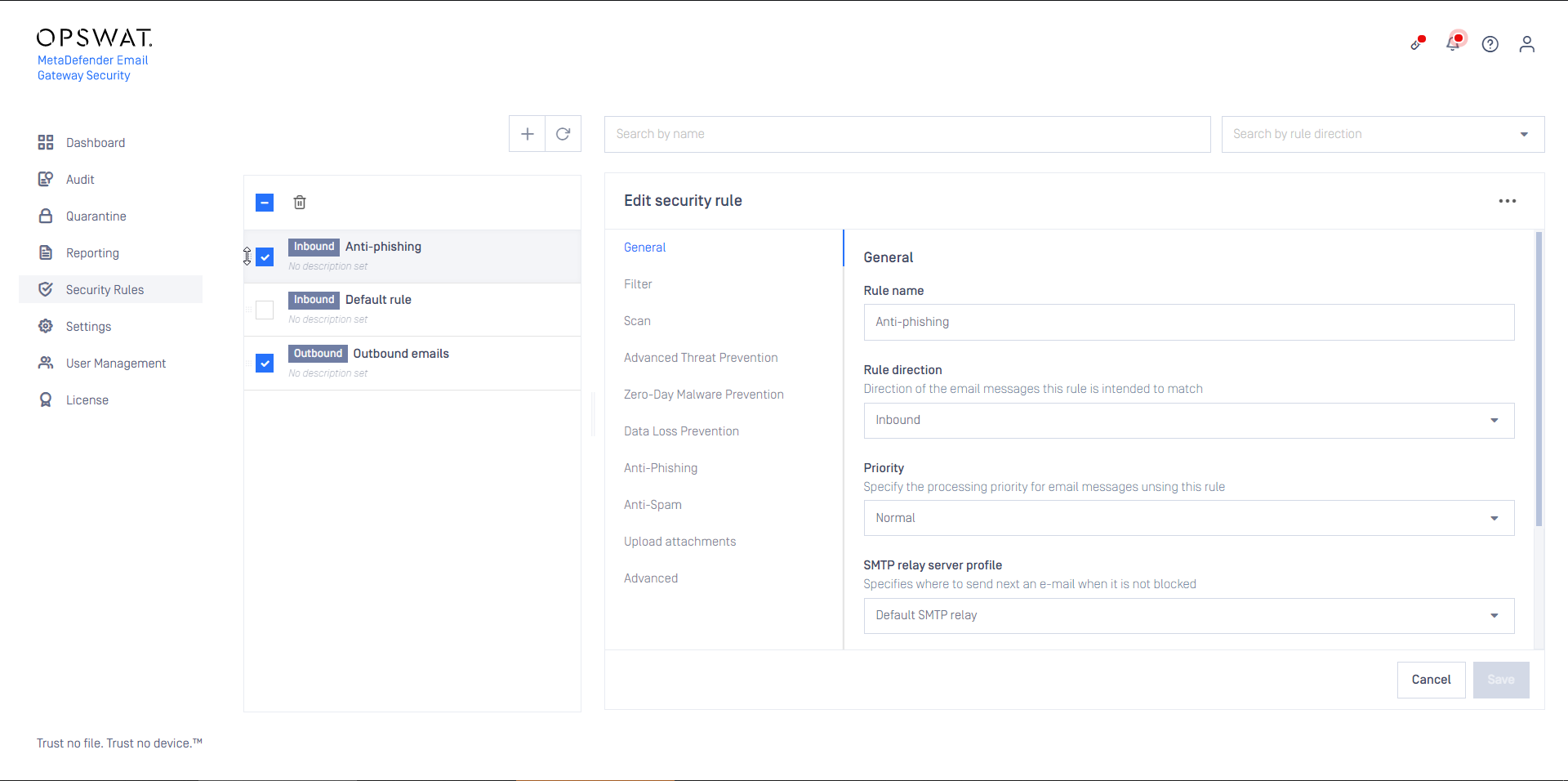
Save the rule
As this rule is specific to some recipients, keep in mind setting it to the appropriate order among other rules
Configuring DomainKeys Identified Mails (DKIM)
Once Anti-Phising is set for specific user in Security Rules > Anti-Phising under the Enable Dynamic Anti-phising option you have the possibility to enable the Sign with DKIM option as well. As a prerequisite first you need to upload your DKIM certificate under Settings > Security > Certificates section. Once the certificate is uploaded all you need to do is:
Select the just uploaded DKIM certificate under the Certificate drop-down list
Specify the signer domain
Specify the DNS selector