
Issue
Archive files are skipped during a scan with the status message: "Status: Exceeded Archive File Number"

Cause
Some of the archive files being scanned have more child files than the assigned maximum limit.
Solution
Go to Settings → Preferences.
Open the Archive Handling settings.
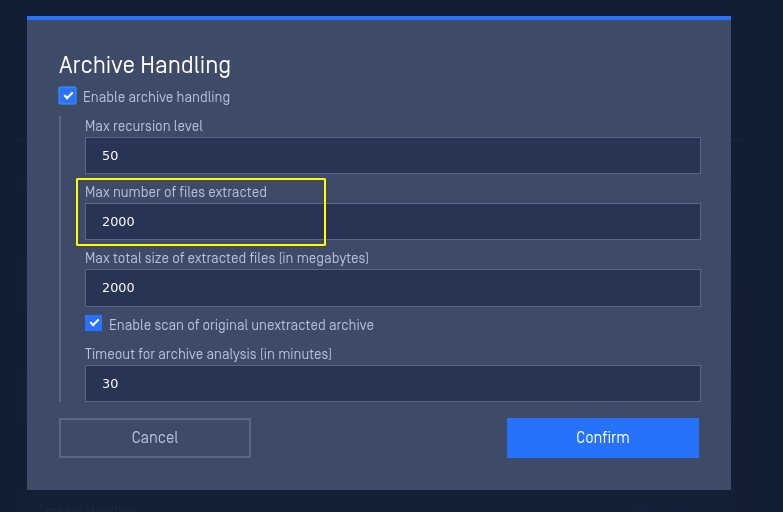
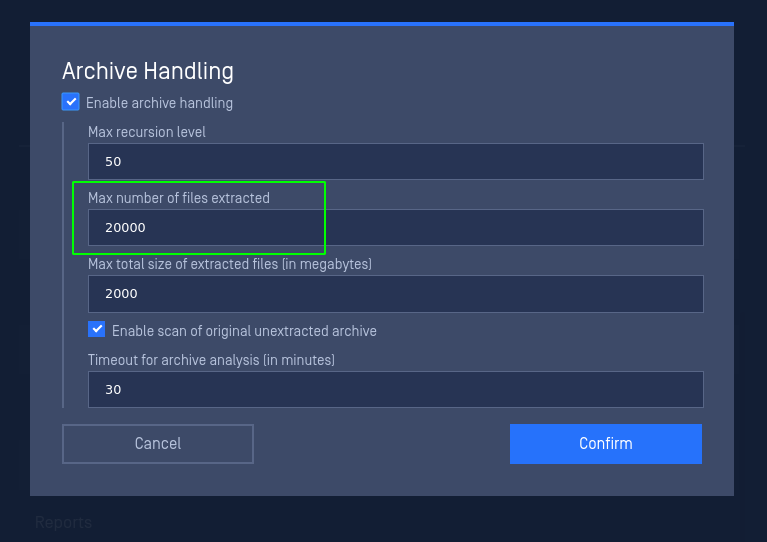
Increase the Max number of files extracted value.
In the following example, the value was changed from the default value of 2000 to 20000:
.
Was this page helpful?
Knowledge Base