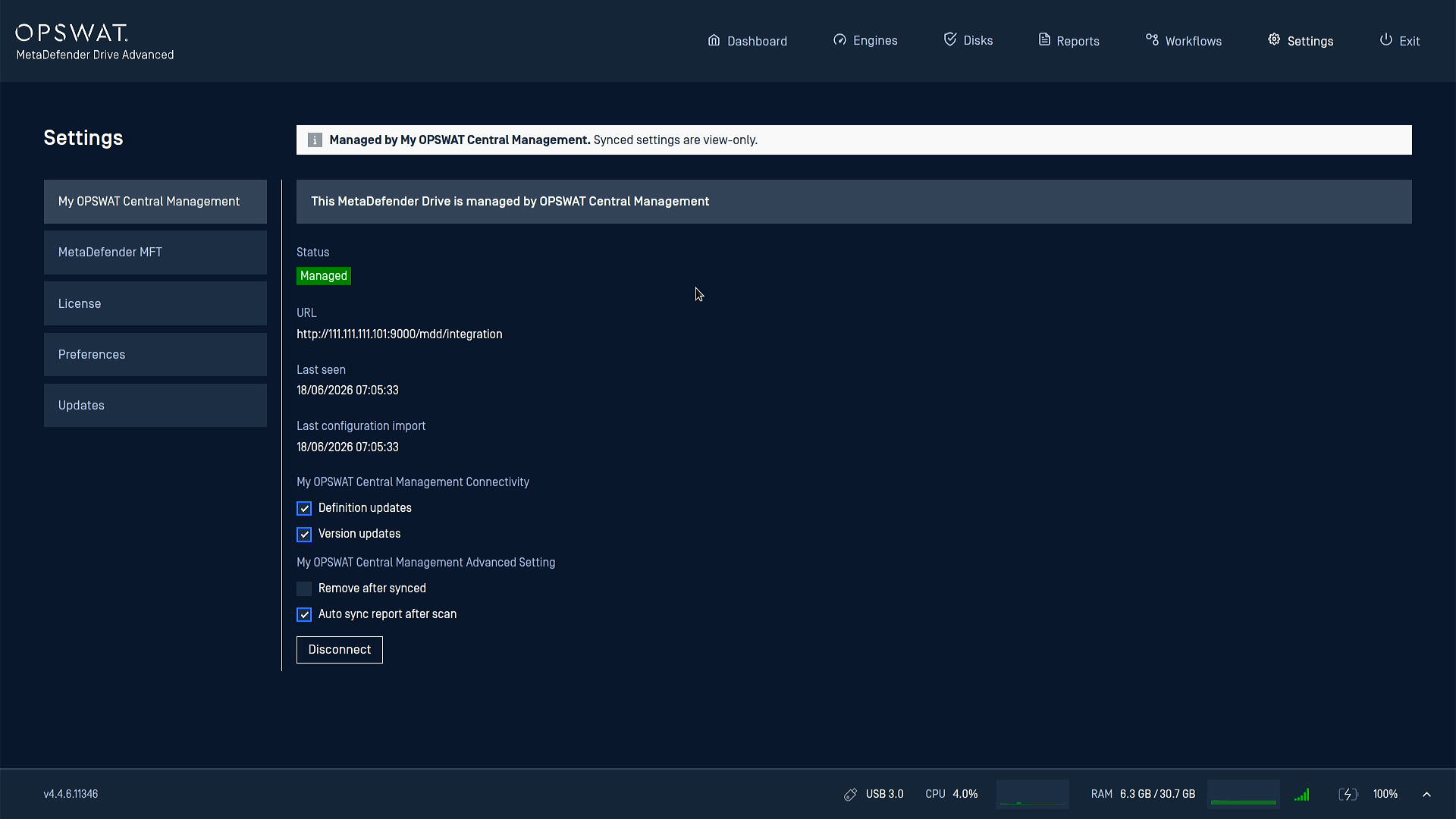
After booting the MetaDefender Drive you intend to connect with My OPSWAT Central Management, go to Settings → Central Management, and check the connection status
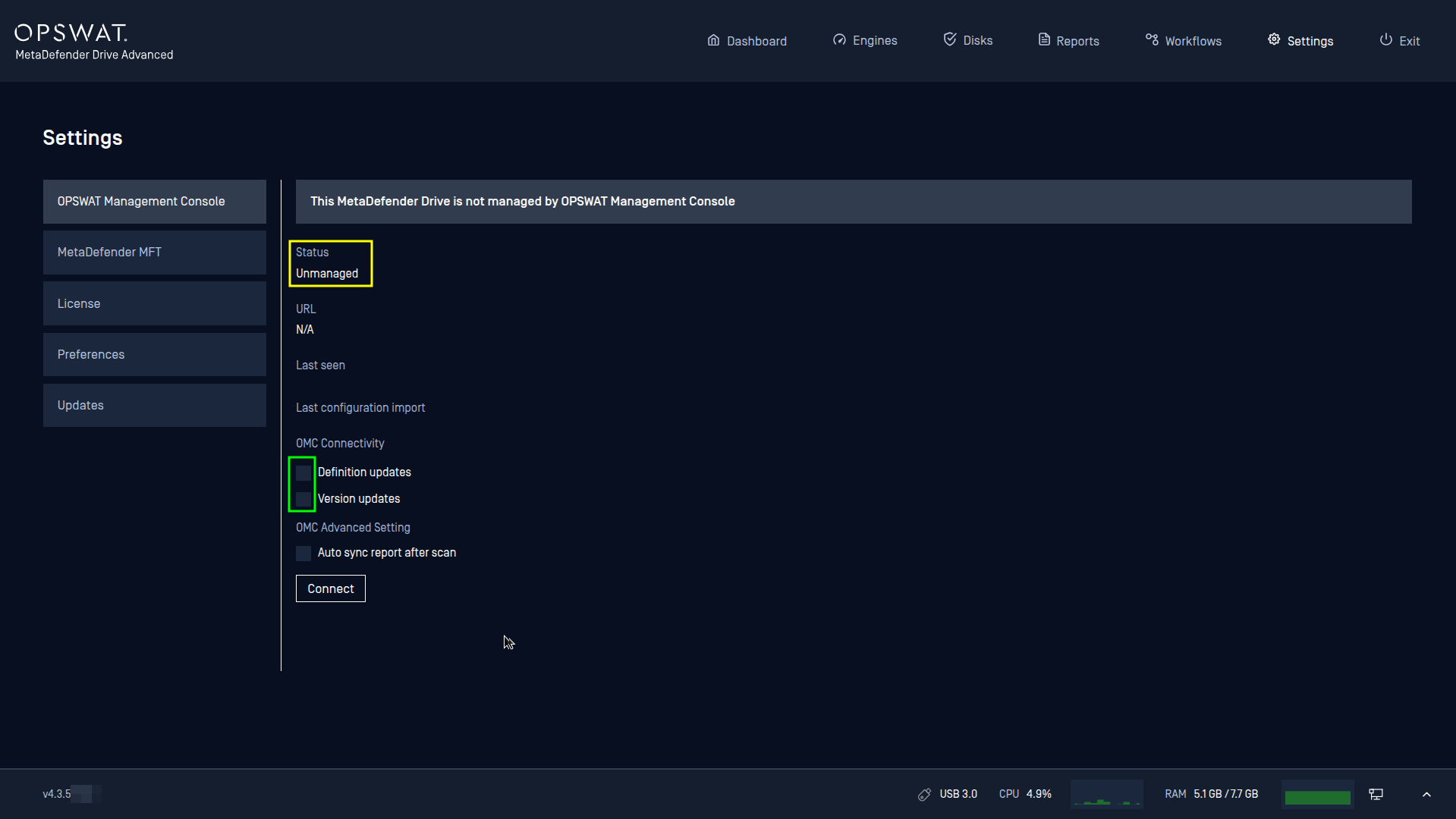
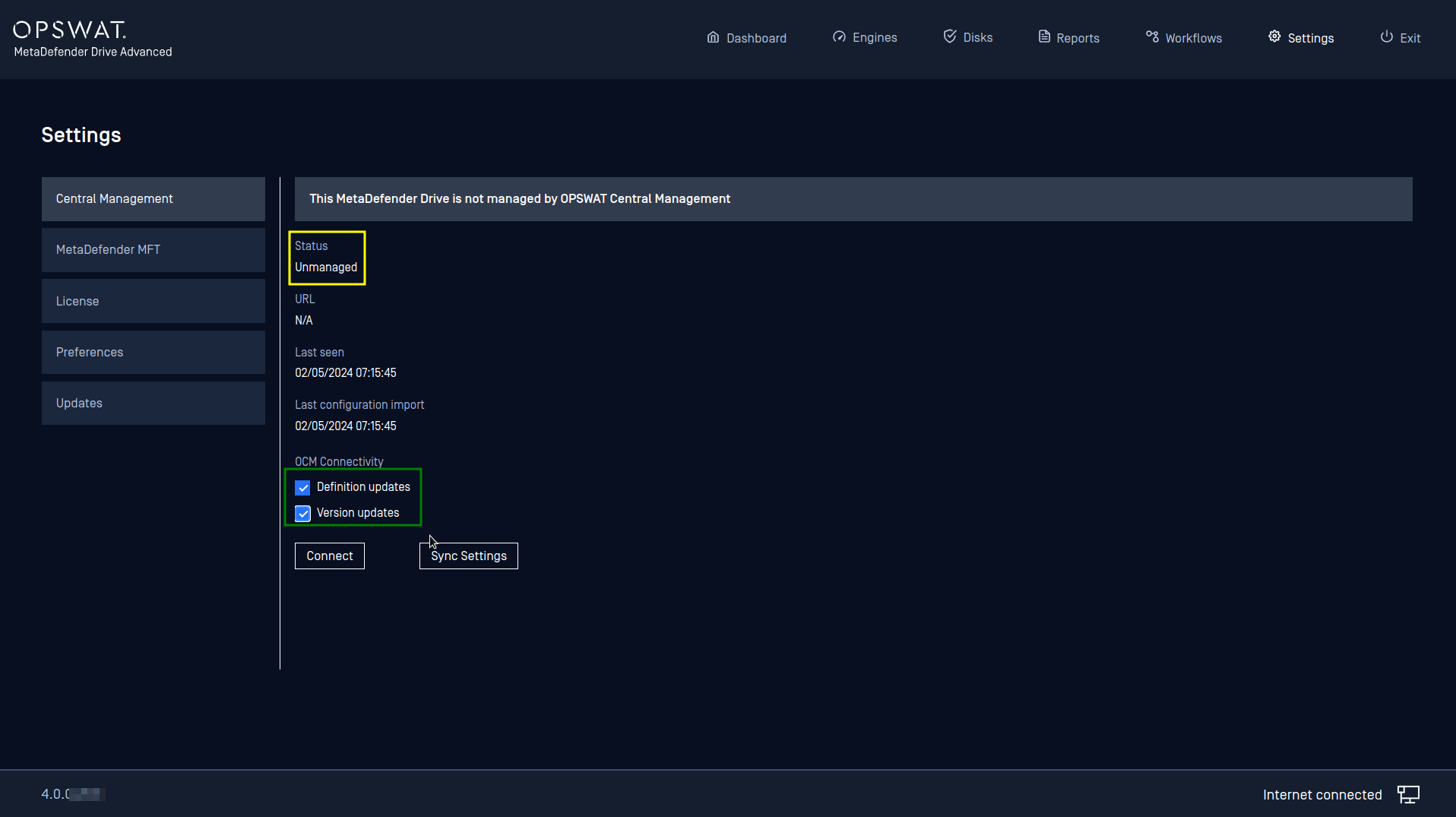
If you are connecting to an OPSWAT Central Management Server 7.8 or later, the following options will be available:
Update definitions from this OCM: check this box to allow MetaDefender Drive to fetch engine definition updates from this server
Update version from this OCM: check this box to allow MetaDefender Drive to download and install its software upgrade packages from this server
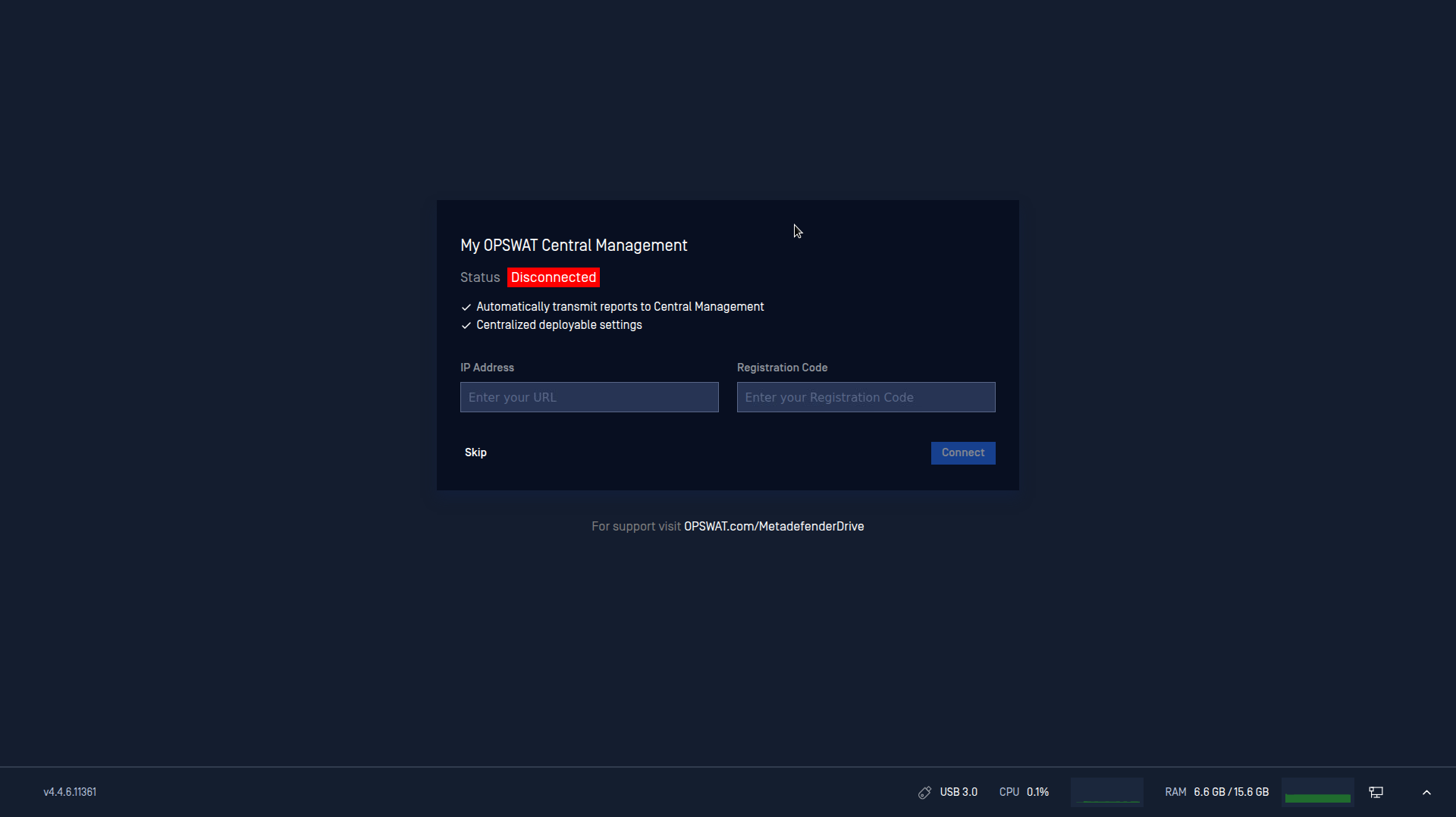
Click Connect, then enter your My OPSWAT Central Management URL and Registration Code, that you can obtain from your My OPSWAT Central Management account, in the dialog box.
After the connection is established, you can confirm it by checking that the status of the My OPSWAT Central Management connection changed to Managed.