
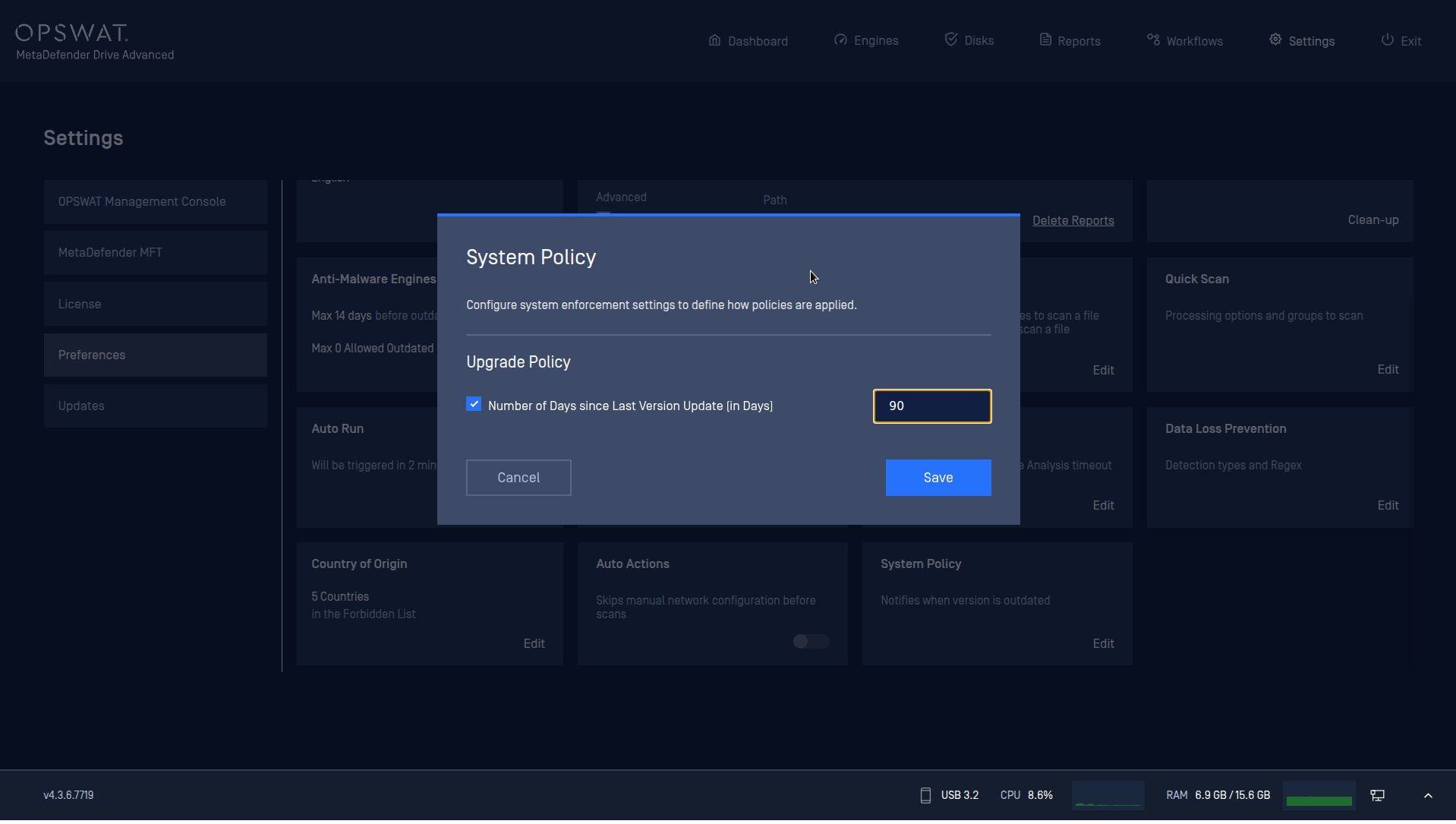
The System Policy setting allows administrator to enforce alignment with organizational software upgrade policies. This preference settings defines the allowed dates since last version update.
To enable this feature,
Go to Settings → Preferences → System Policy.
Check the Enable Number of Days since Last Version Update [in Days] checkbox.
Save the setting.
Was this page helpful?
Configuration