
MetaDefender Drive comes with localization support. Currently, you can choose from 12 supported languages as the UI language.
Go to Settings → Preferences, then click Edit under the Language box and choose your preferred language from the Select a Language window:
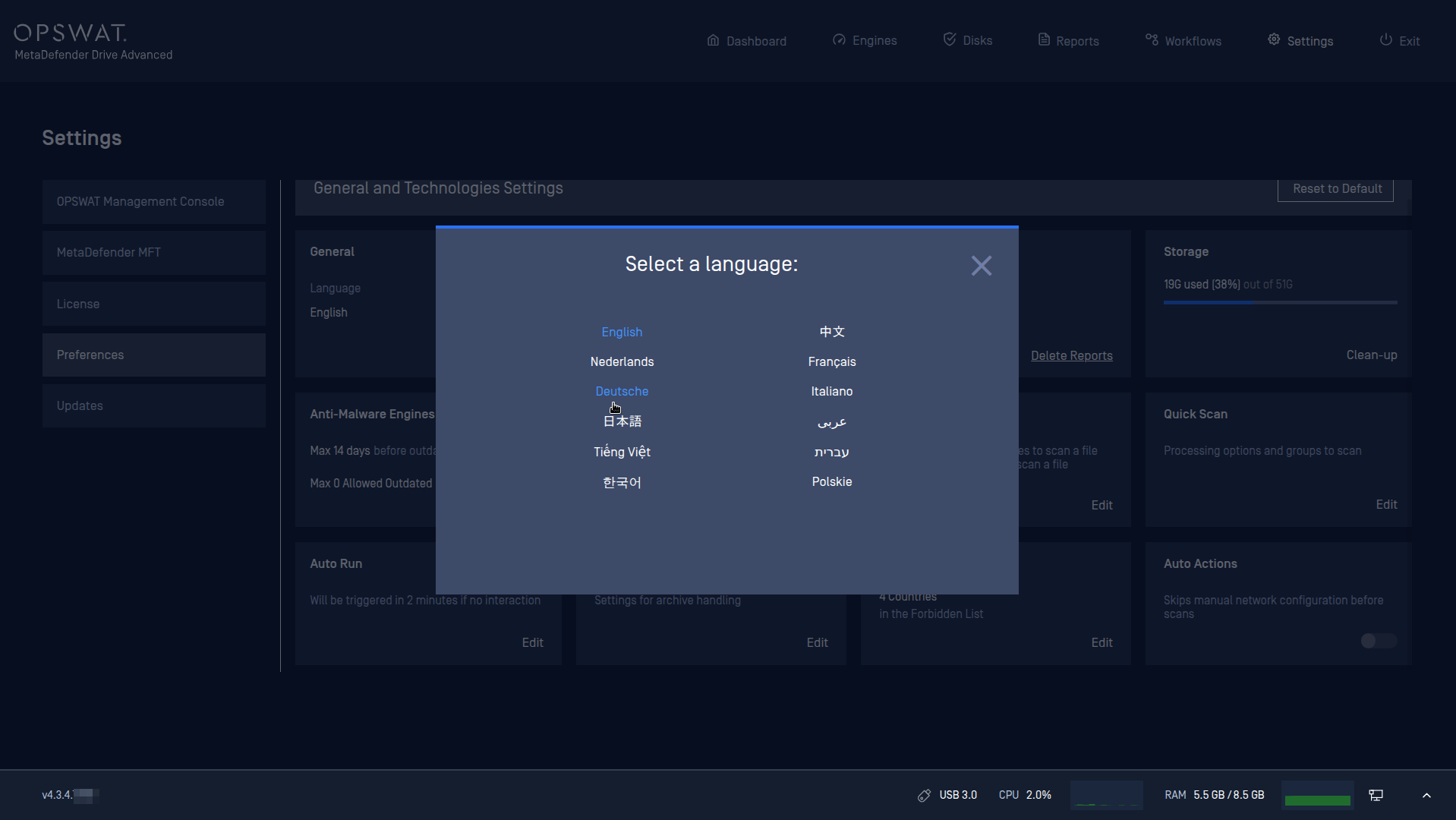
MetaDefender Drive UI includes localization support for the following languages:
Arabic
Chinese
Dutch
English
French
German
Hebrew
Italian
Japanese
Korean
Polish
Vietnamese
Was this page helpful?
Configuration