
Transferring Clean Files to MetaDefender Vault
When your MetaDefender Drive has been set up to connect to MetaDefender Vaults, you are ready to back up your files safely to Vault. If you don't currently have a MetaDefender Vault connected, please follow the step in Settings - MetaDefender Vault.
From the Results Dashboard, you will be able to back up your clean data. Simply click the Transfer to MetaDefender Vault.
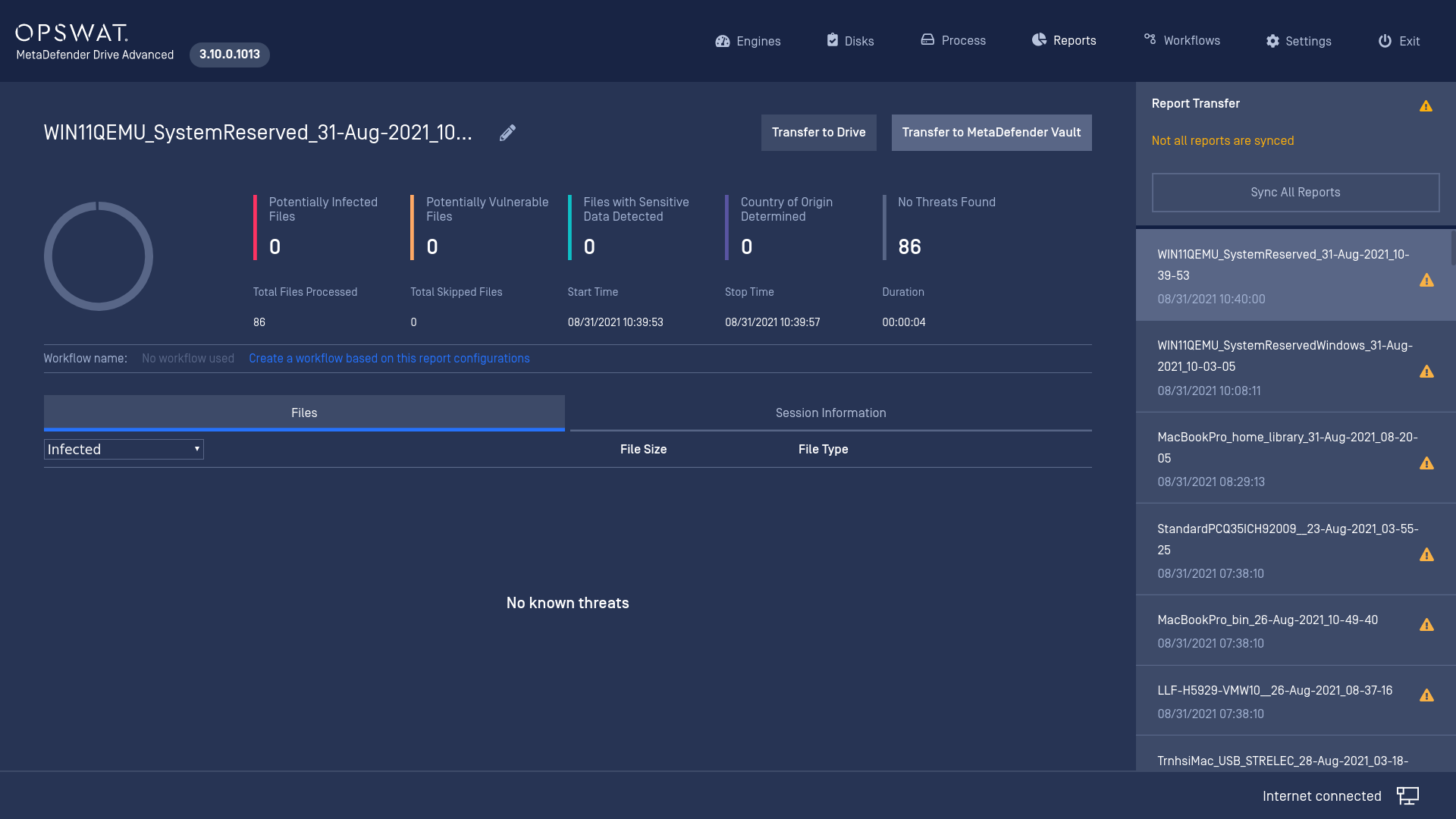
MetaDefender Drive will now reach to the pre-configured Vault.

When the transferring completes. Go to your Vault to retrieve your files if they were copy under root workflow.
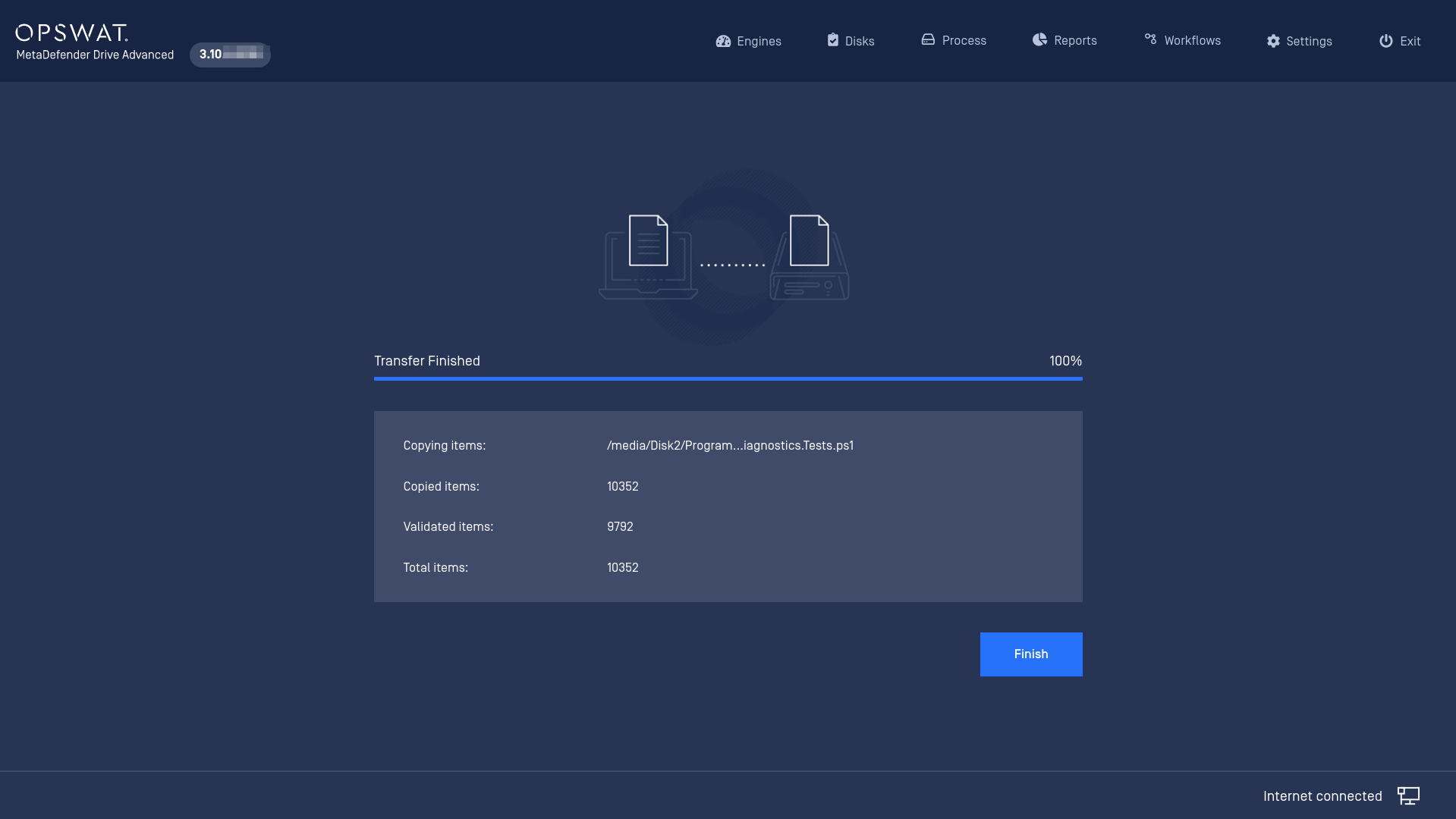
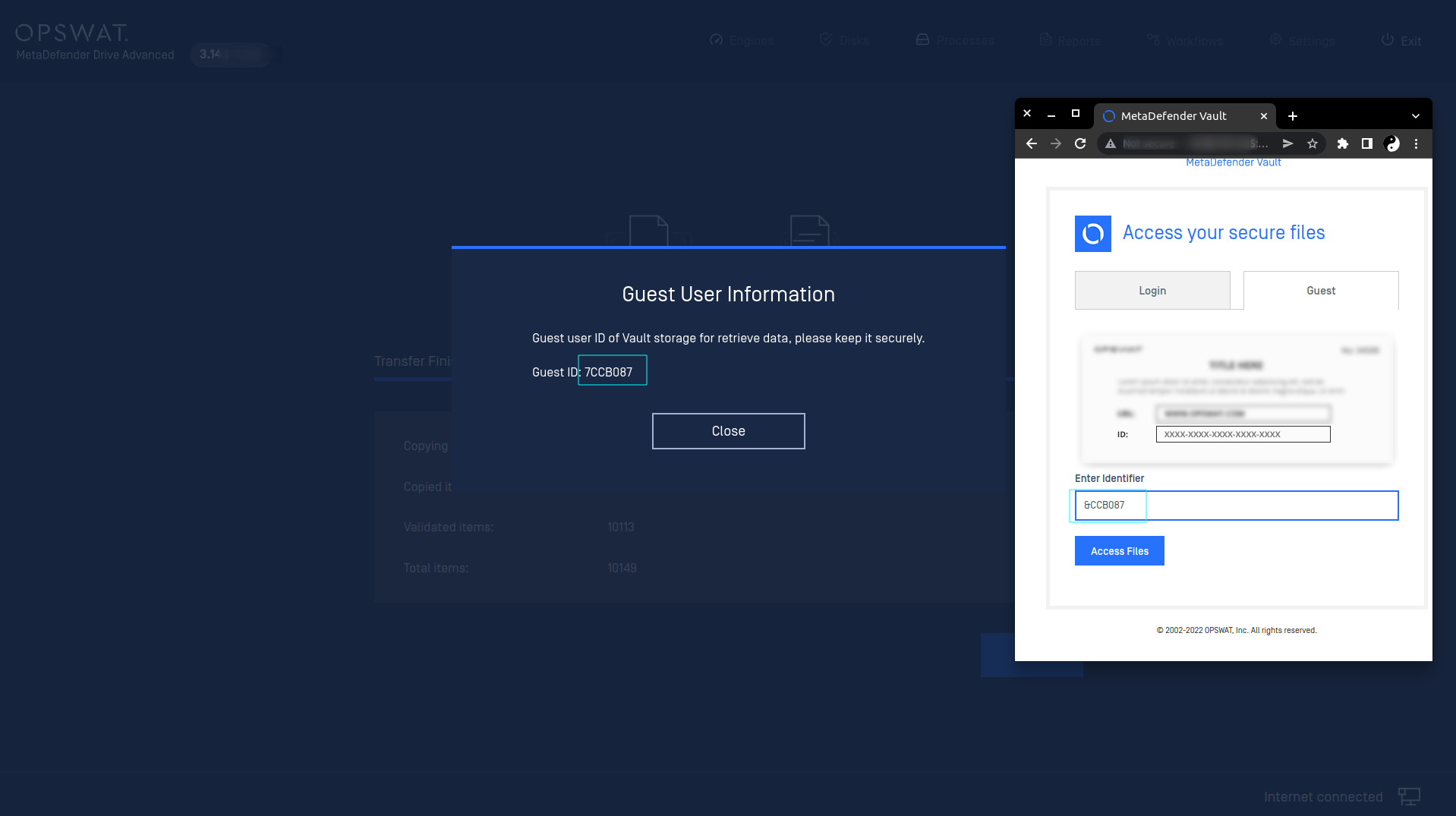
When transfering as guest, your data will be securely stored in Vault in a sepcified amount of time and will be cleared afterwards.
Was this page helpful?
Process