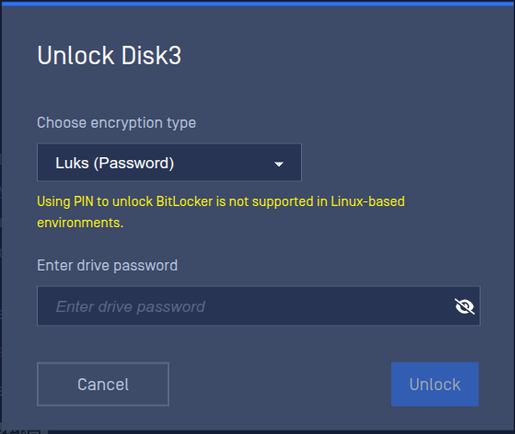
OPSWAT MetaDefender Drive includes built-in support for unlocking BitLocker encrypted disks.
Detect and Unlock BitLocker Encrypted Partitions
If a BitLocker protected disk is detected during a scan, you will be notified by MetaDefender Drive to skip or unlock this disk. The notification box will show on the lower-right corner of the screen, with the steps needed to unlock the protected drive. You can Unlock BitLocker protected disks in the following 3 ways:
It is necessary to turn off Device Encryption before proceeding to scan disks on devices running Windows 11 Home. Decrypting the default Device Encryption of Windows 11 Home isn't yet supported by MetaDefender Drive.
Follow the guidelines on the following page to disable disk encryption on Windows 11 Home: https://www.windowscentral.com/how-enable-device-encryption-windows-10-home.
By design, A BitLocker PIN is not a password. It's TPM authorization data, not key material. It only works in combination with that specific machine's TPM, and only when the TPM's PCR measurements match the Windows boot chain it was sealed against. Booting Linux changes those measurements, so the TPM refuses to release the VMK even if the PIN is correct. No Linux tool can work around this.