
PostgreSQL version 16.9 or higher is required.
Install PostgreSQL
Go to Download PostgreSQL page.
Choose and download the Windows x86-64 version.
Once the download is complete, run the installer.
When prompted, keep the default installation directory.
Choose the default components to install.
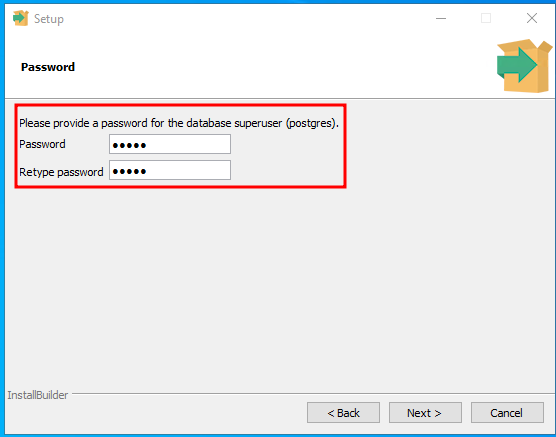
Set a password for the
postgresuser. Make sure to save this password for later use.
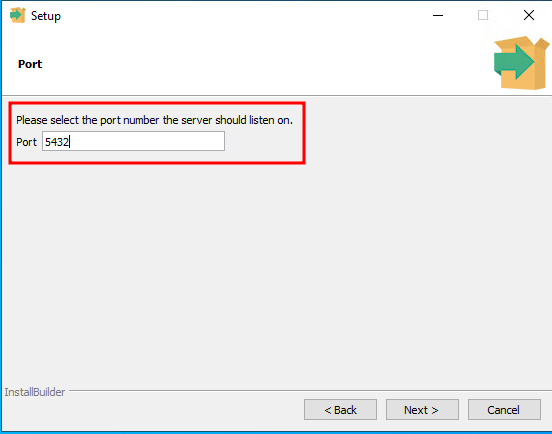
Select the port. Default is 5432.
Choose the default locale for the new database cluster.
Complete the installation process.
Open connection
Locate the PostgreSQL data directory on your server.
To allow remote connections, open the postgresql.conf file and configure the following setting:
To allow MetaDefender Cluster services to access the database, open the pg_hba.conf file and add the following rule.
Restart the PostgreSQL service to apply the changes.