Processing history
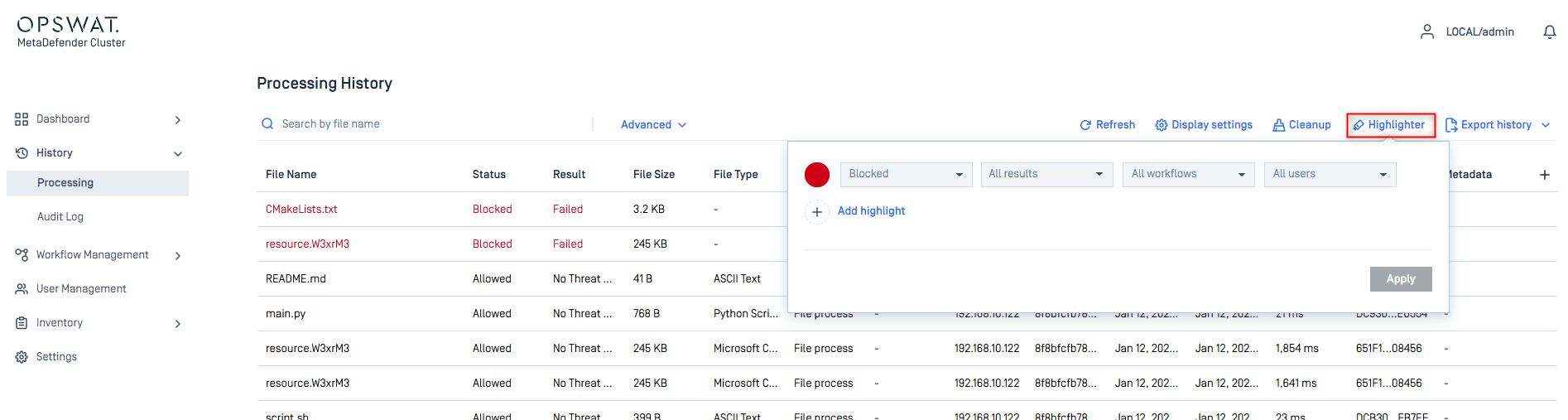
The Processing History section shows information on all scans made on MetaDefender Cluster (MD Cluster). Search and Filter are also supported against each scan result attribute. The user can search based on the following:
MD5, SHA1, SHA256, or SHA512 hashes.
File name (and you can limit search result for a specific scan result, and for specific username who submitted files).
Source (IP address).
User name.
Scan result
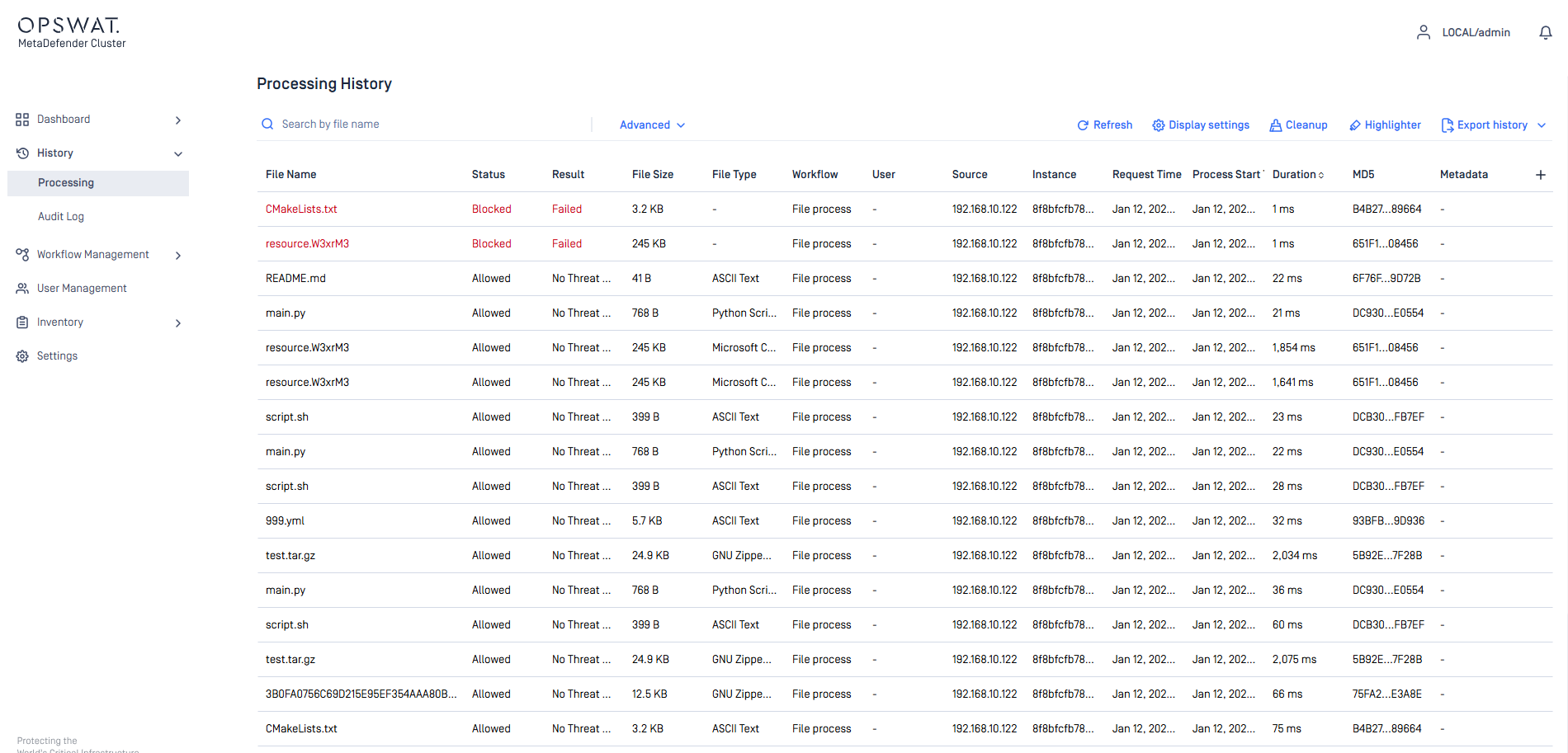
Selecting a file in the Processing History will show the Scan Result of the file. Here the user will be able to see each of the Modules results.
Filter
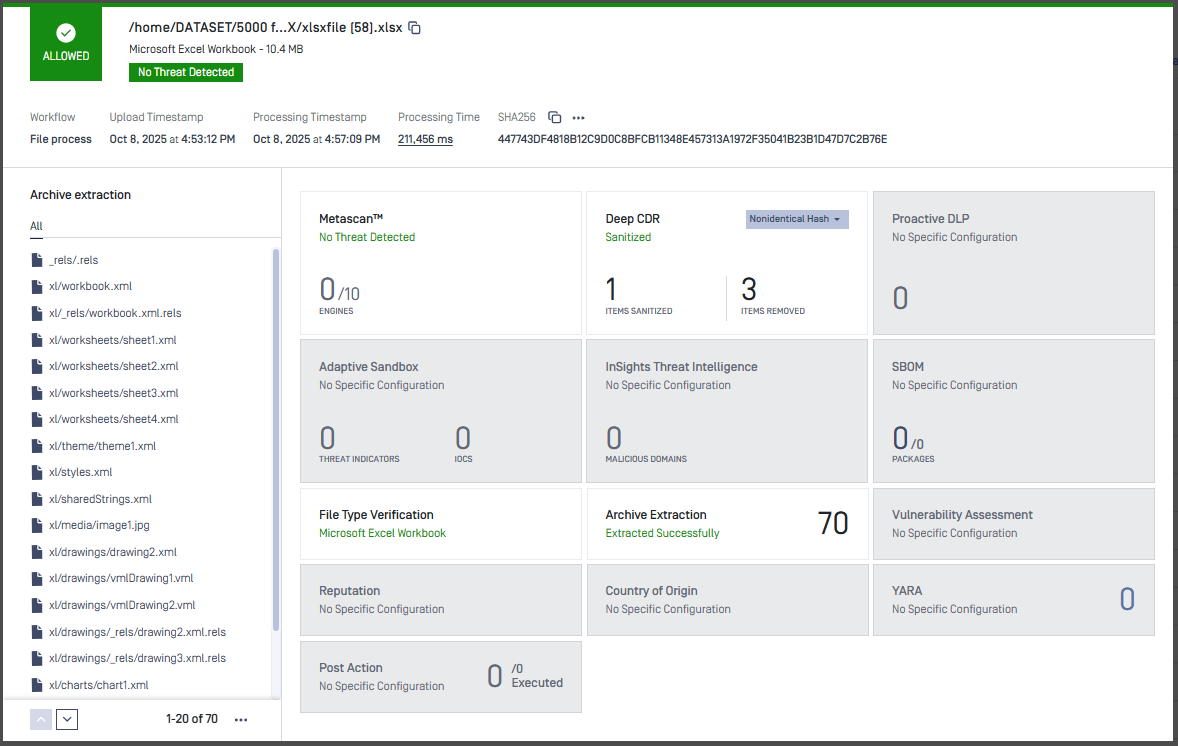
In Advanced Settings, there are multiple filtering options, such as the scan status, the instance that handled the file, the action taken on the file, the workflow used for processing the file, the date and time of the process, and more. Users can easily combine these to find their desired results.
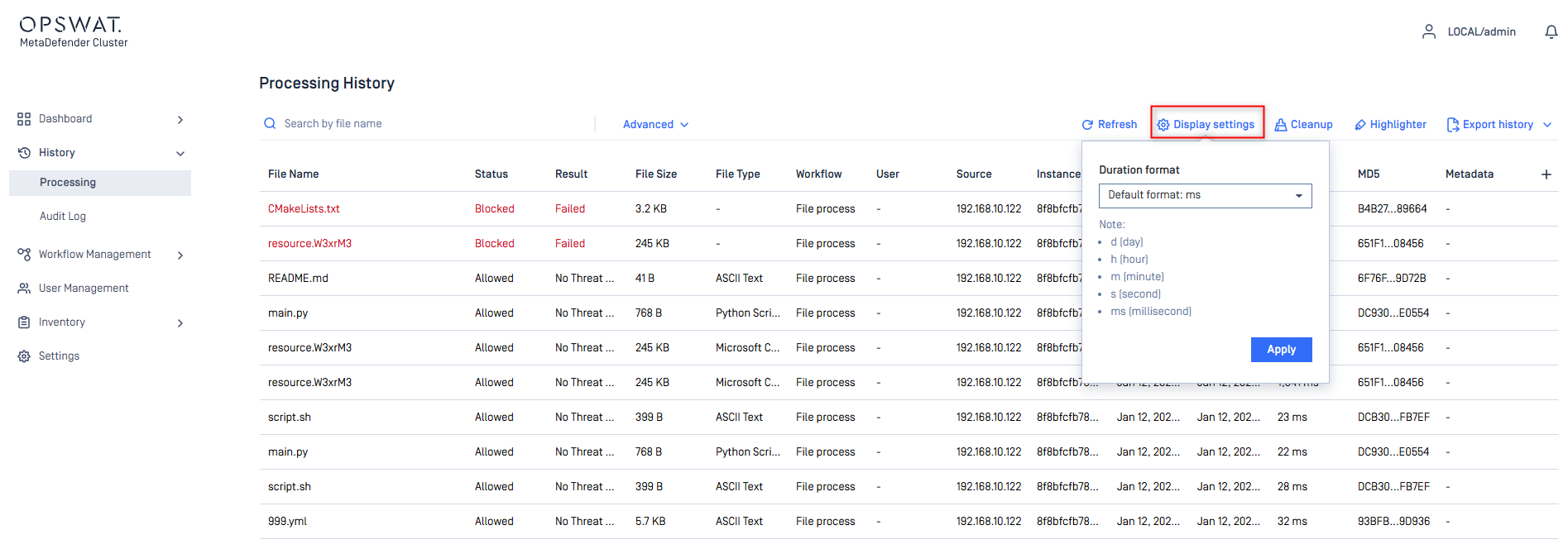
Display settings
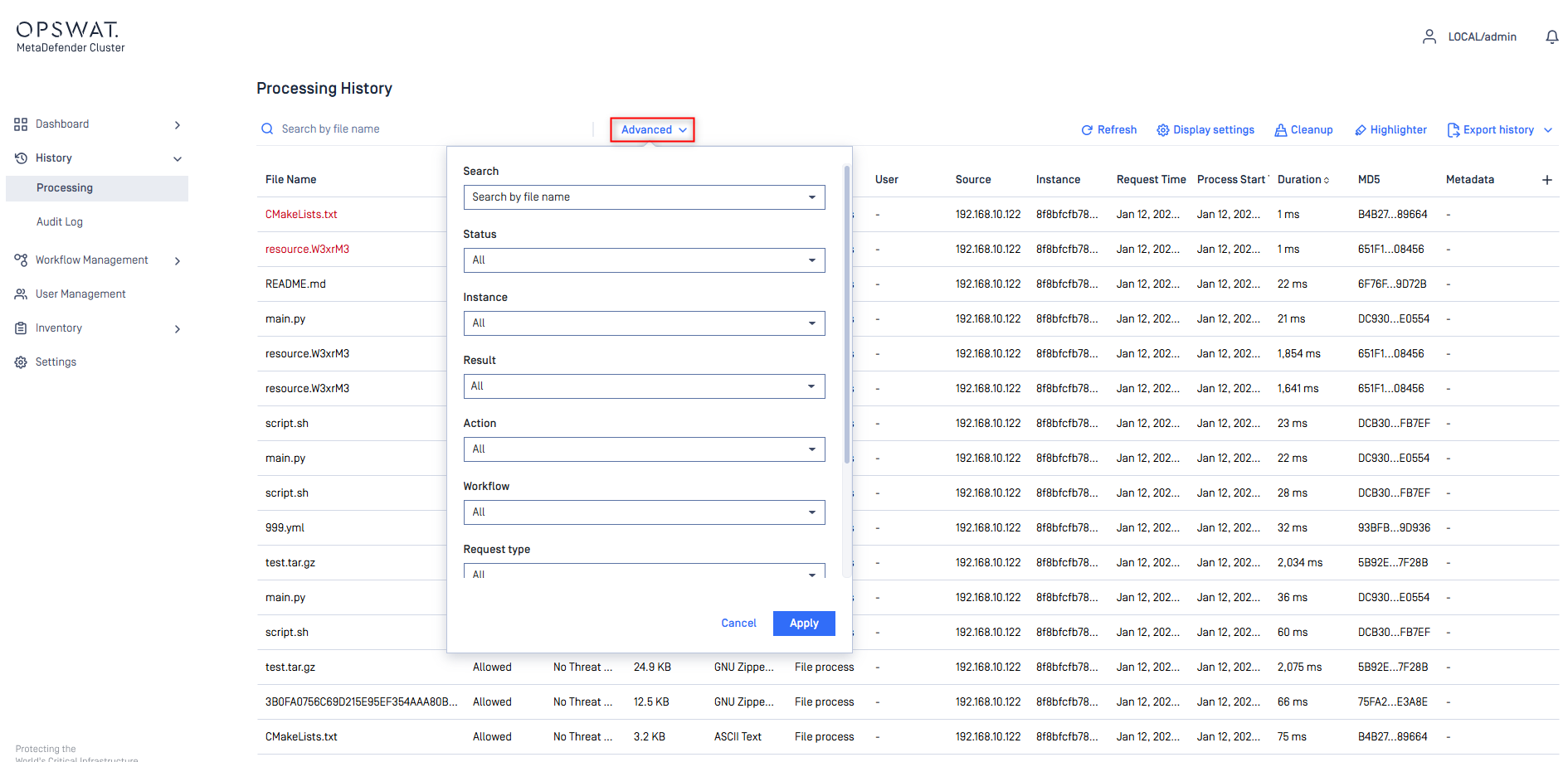
Display Settings will allow the user to change the format of the Duration column. There are 3 options to choose from:
Default: Shown as milliseconds or ms.
Time Format: Shown as date h:m:s.ms.
Short Format: Shown as date h m s ms.
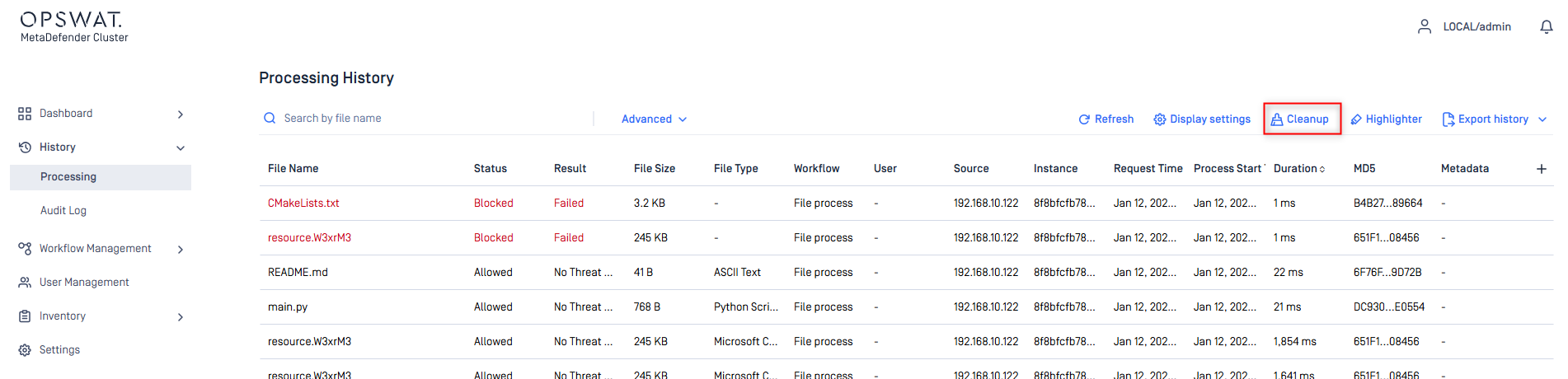
Cleanup
Cleanup allows the user to delete the Processing History based on Time Range.
Callback and processing history retention
In some cases, a callback may not be delivered if its processing history record is removed by the retention policy before MD Cluster Callback Service processes the request. Without this record, the Callback Service cannot retrieve and send the scan result or update the callback delivery status.
Highlight
Highlight allows the user to highlight a specific scan result based on color. This way, it will be easier to see visually for example, what is Blocked, Sanitized, Failed, etc...