
The connections overview is accessible under Investigate → Connections → Connection Overview.
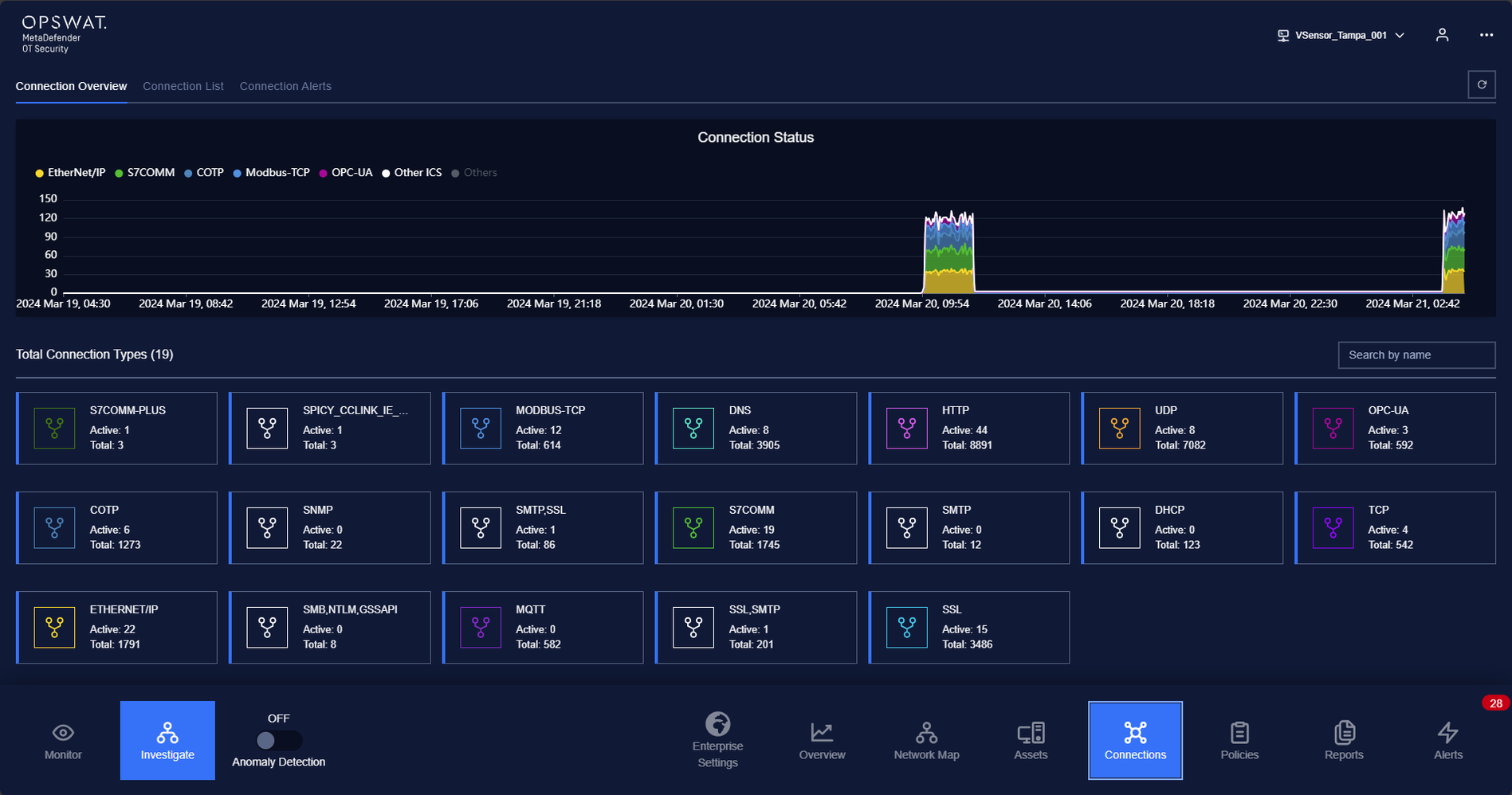
The connection overview provides connection statistics at a certain point in time.
The list below indicates the number of connection by protocol/service and current active connection filtered as cards.
The total connections show the amount of protocols.
The user is able to search by name of protocol/service or click on “Show Connections” to see the list of connections by protocol/service.
The color of connections is based on the color of protocol that can be defined at Protocol Settings.
Note: The time number is used for connections line chart only. The load connections are used for loading total connections only.
Was this page helpful?
Operating