Operating
v2.2.1
Search this version
Operating
Operating
Title
Message
Create new category
What is the title of your new category?
Edit page index title
What is the title of the page index?
Edit category
What is the new title of your category?
Edit link
What is the new title and URL of your link?
System Logs
Copy Markdown
Open in ChatGPT
Open in Claude
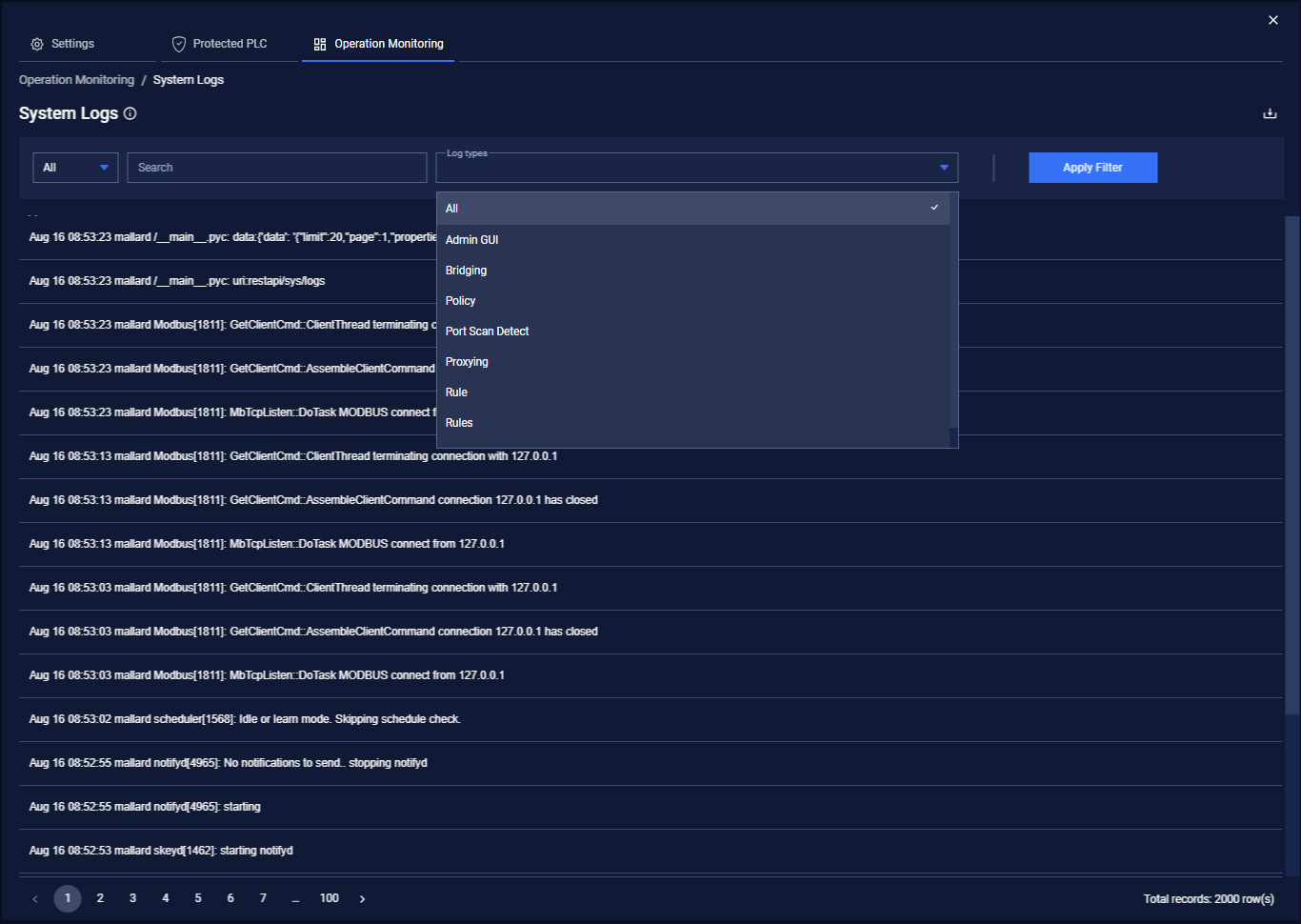
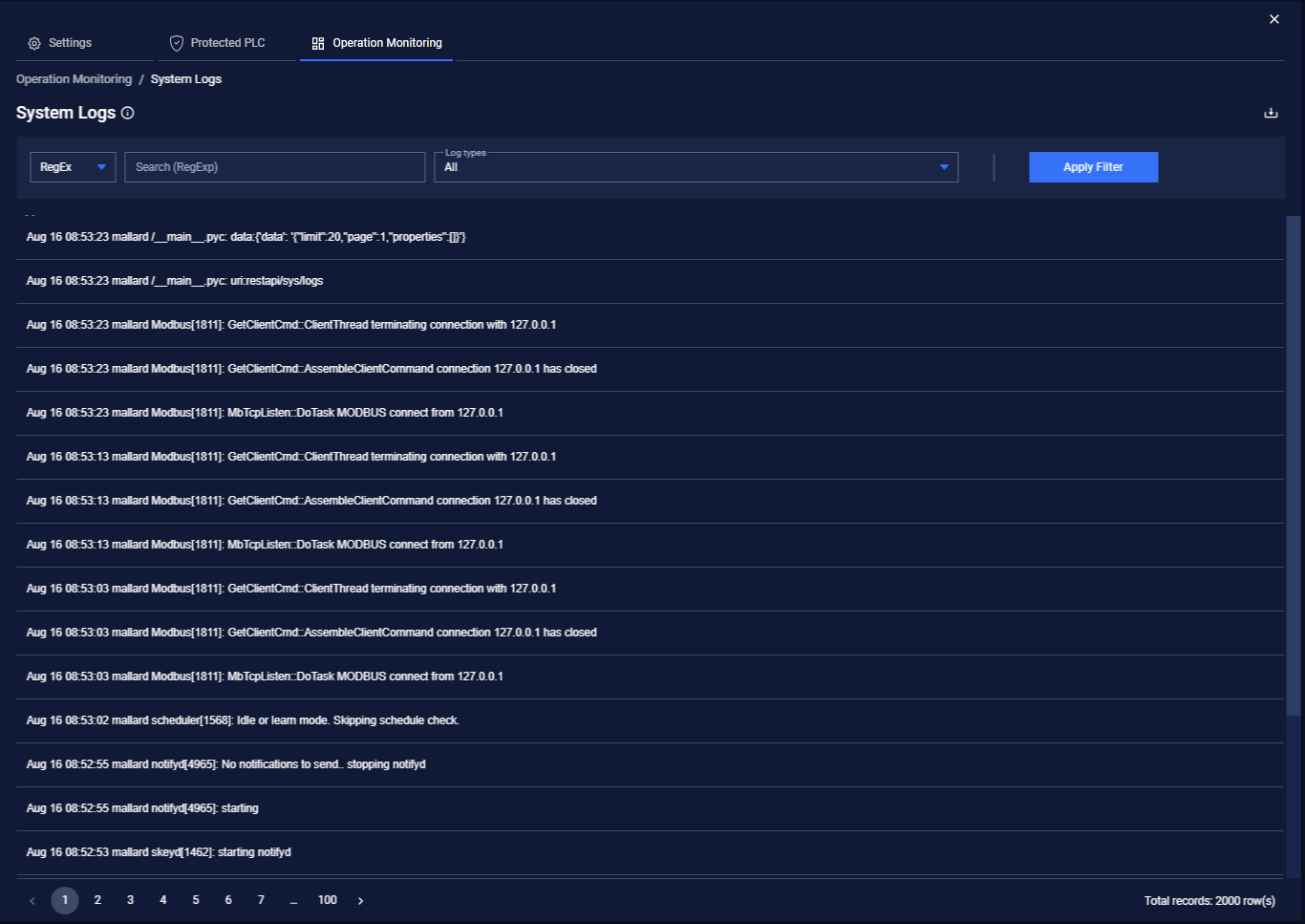
The default System Log provides a paginated and static (non-refreshing) view of the local device system logs. The data displayed is presented in reverse chronological (newest first) order. The initial System Logs pane provides unfiltered events going through the OTfuse.
The initial System Log pane provides unfiltered events going through the appliance.
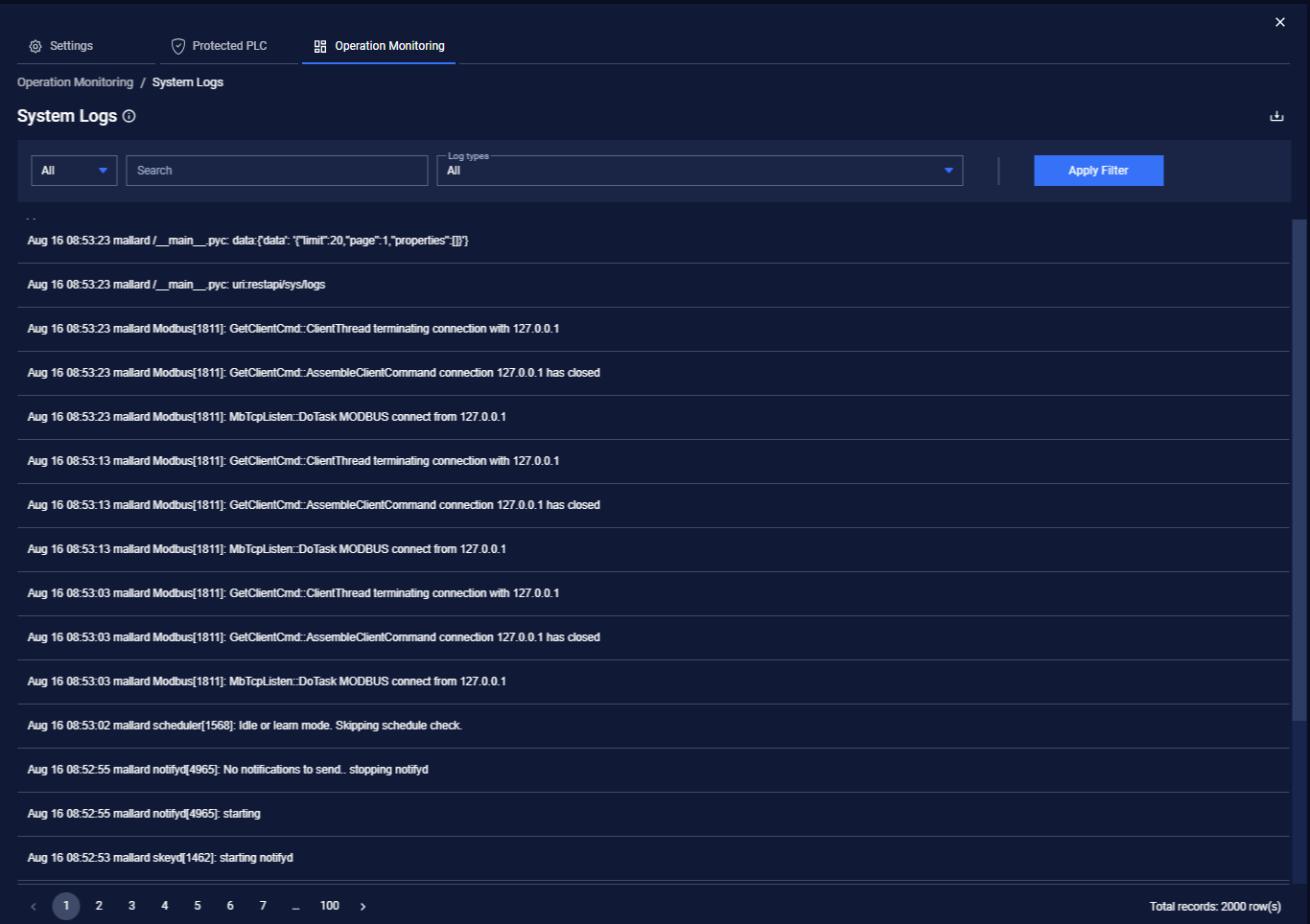
From the System Log pane, you can:
- Filter by full-text

- Filter using RegEx

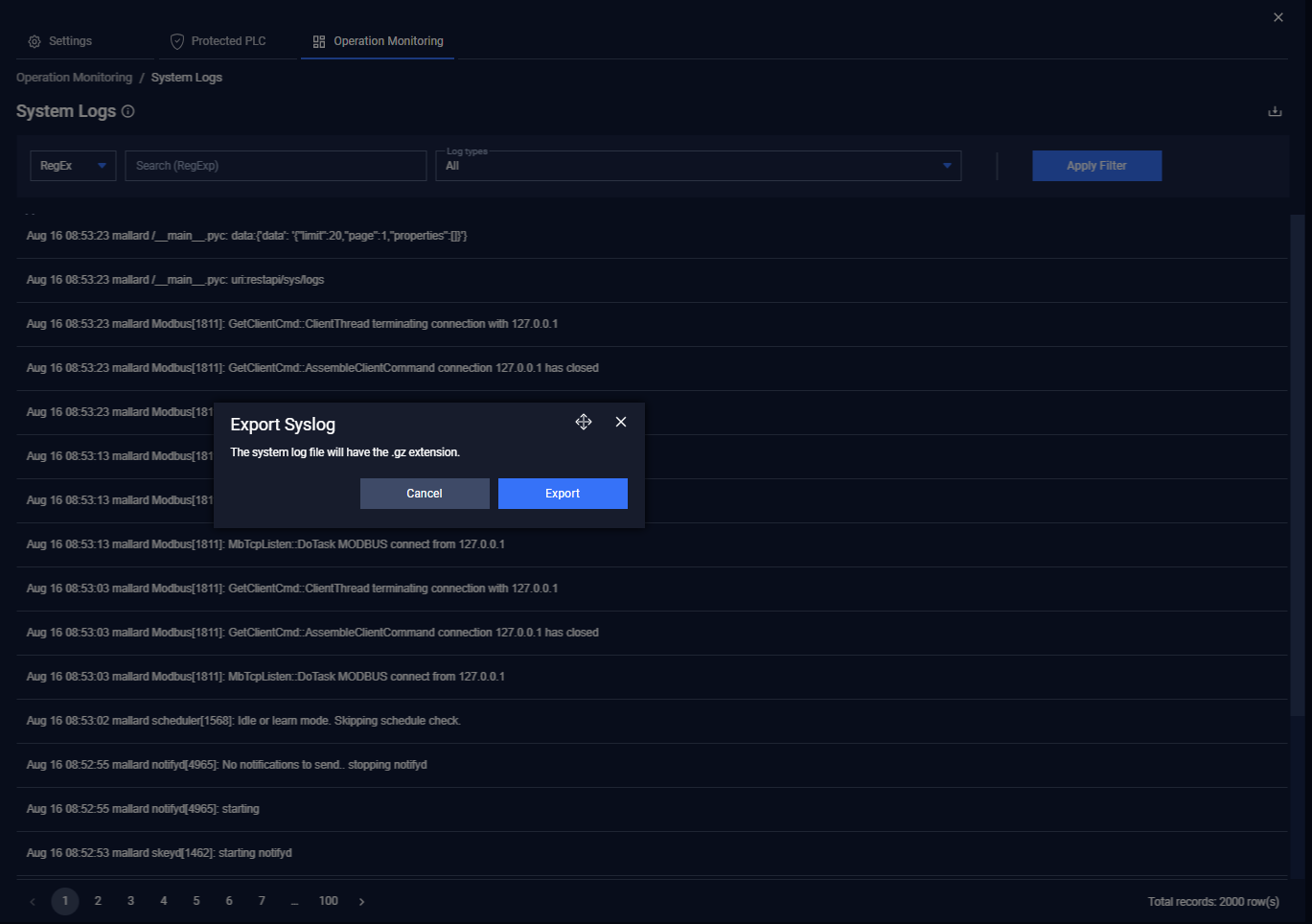
- User also can export results with compression. The default saved file name is “opswat_skey___syslog.gz”
Type to search, ESC to discard
Last updated on
Was this page helpful?
Next to read:
EventsDiscard Changes
Do you want to discard your current changes and overwrite with the template?
Archive Synced Block
Message
Create new Template
What is this template's title?
Delete Template
Message