
Protocol setting is accessible under Settings > Protocol.
On Protocol settings page, you can:
Customize the colors for each different protocols. These colors will appear in the protocol particles moving on the connection line on the Graph and the protocol lines on the line charts on Dashboard (ICS protocol: Modbus, S7comm, DNP3, ENIP..)
Set criticality for protocol so that if 2 devices communicate with each other with this protocol and there has not been a policy, the alert will has this criticality.
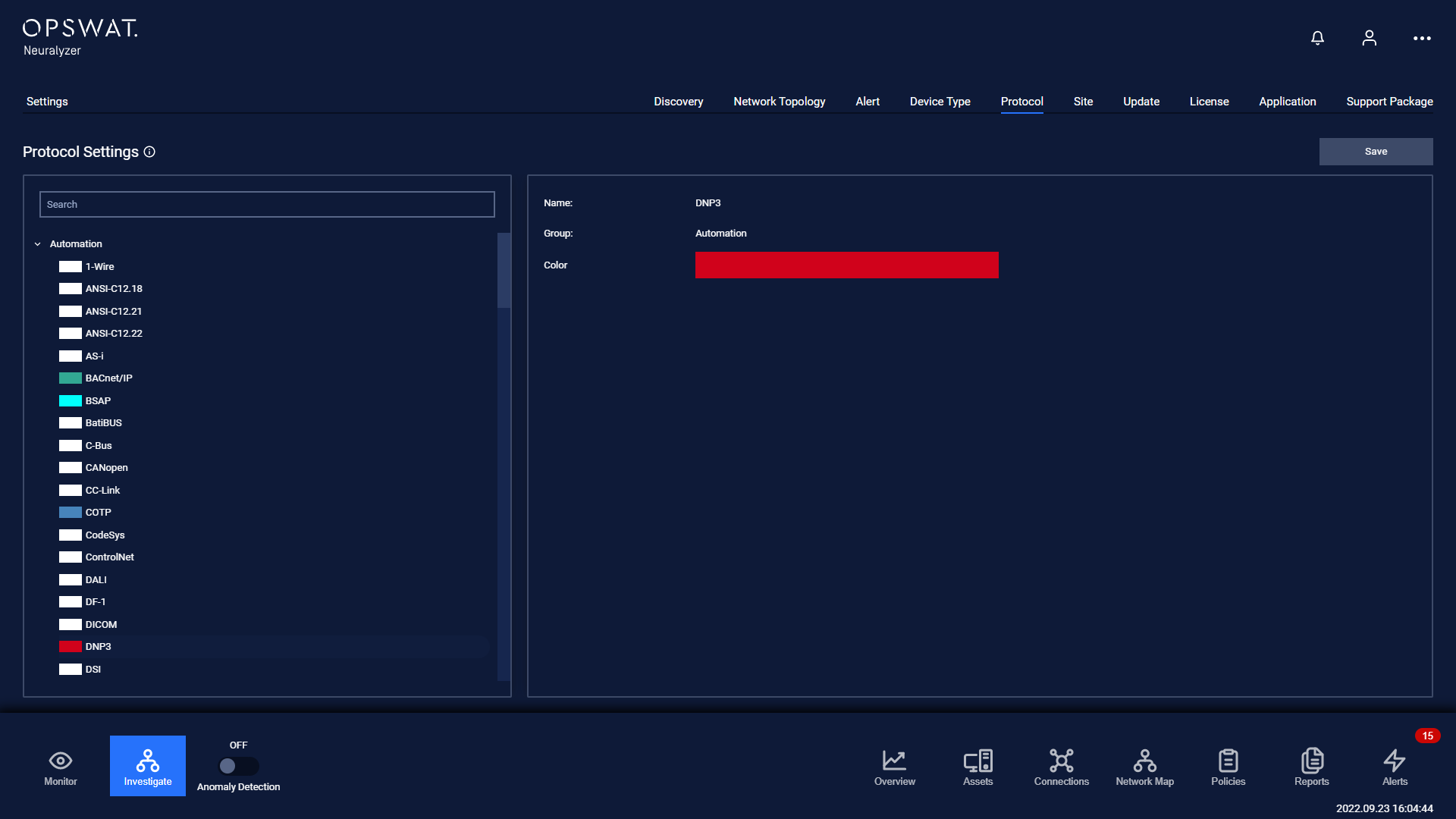
The column on the left of the screen is list of OSI model layers. On clicking on a specific OSI model layer, the list of protocol belongs to that layer will appear below.
In addition, you can directly search for the name of the protocol in the search box on the right corner of the screen.
Tap on a specific protocol to begin set up.
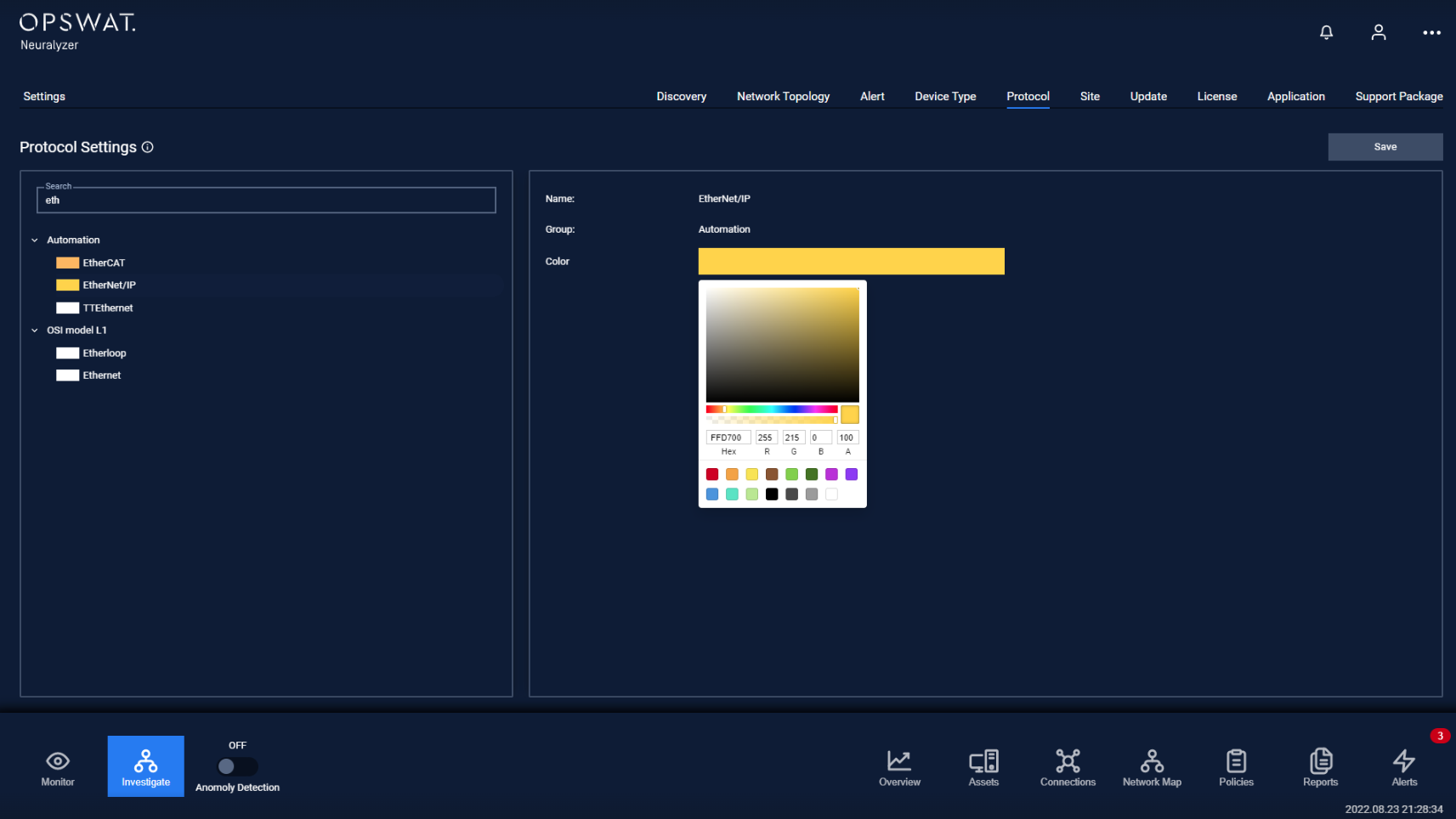
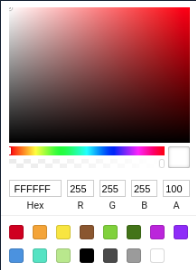
Tap on the current protocol color to change it. On the color selection pop-up appear, choose the color that you want.
Note: Don’t forget to press the Save button for the changes to be applied. In case you leaving without saving, Neuralyzer will display a reminder pop-up.