
Authorized Devices provides the ability to statically define an initial RADIUS enforcement role to devices when they first join the network. SafeConnect will have the ability to change RADIUS enforcement roles based on policy decisions after a device joins the network.
Step-by-step guide
Create an Enforcement Role if required
From the SafeConnect Management UI:
Select Configuration Manager
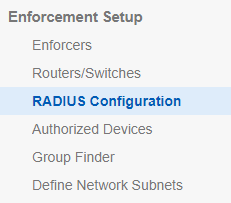
Under Enforcement Setup, select RADIUS Configuration
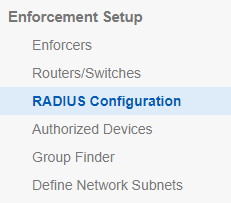
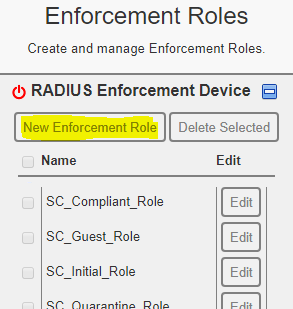
Select Enforcement Roles, ensure the Role is defined here
If it is not defined you can create a new role by selecting New Enforcement Role
Was this page helpful?
Knowledge Base