Restrictions can be set for different user groups regarding which features they can access. It can be set under the Admin panel > Settings > Features Access
General
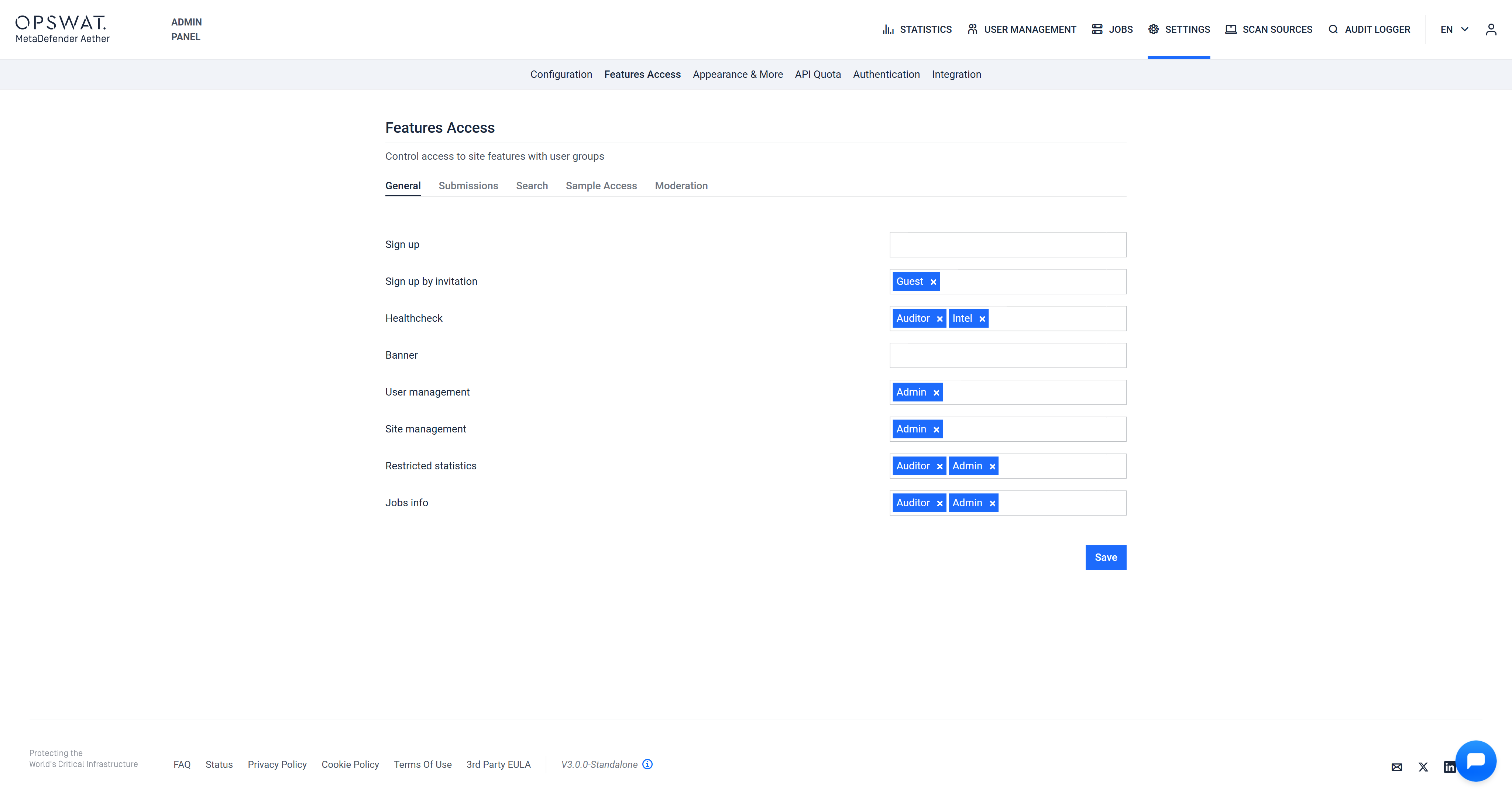
Under the "General" tab, the following group restrictions can be set:
Sign up
Sign up by invitation
Healthcheck
Banner
User management
Site management
Restricted statistics
Jobs info
Submissions
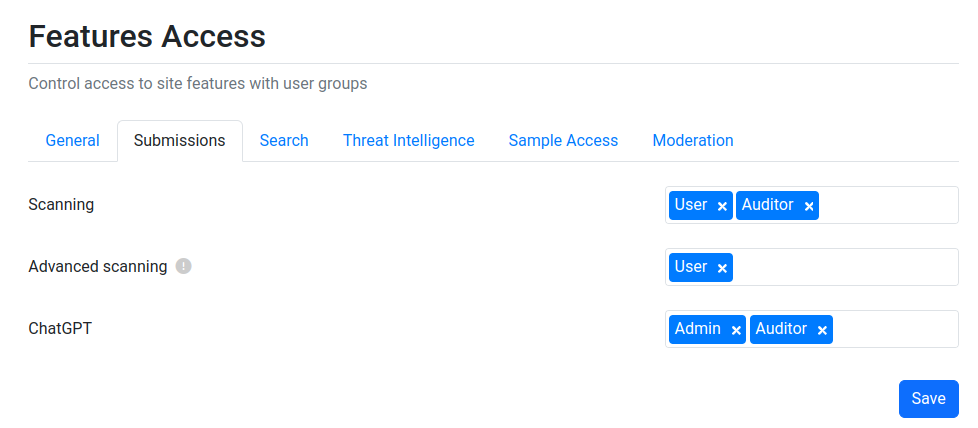
Under the "Submissions" tab, the following group restrictions can be set:
Scanning
Advanced scanning - Advanced scanning options in file upload modal
ChatGPT
Search
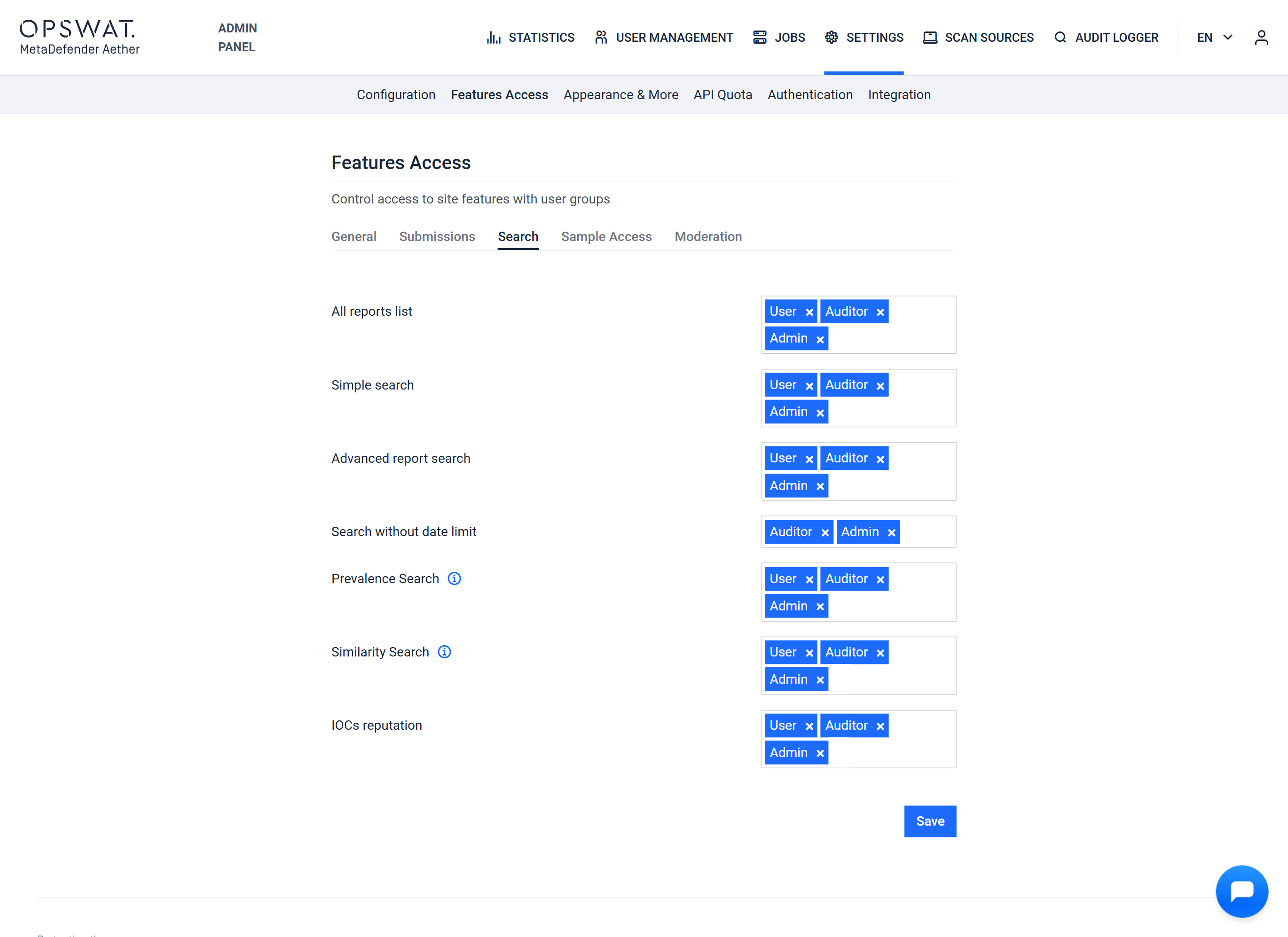
Under the "Search" tab, the following group restrictions can be set:
All reports list
Simple search
Advanced report search
Search without date limit
IOCs reputation
Sample Access
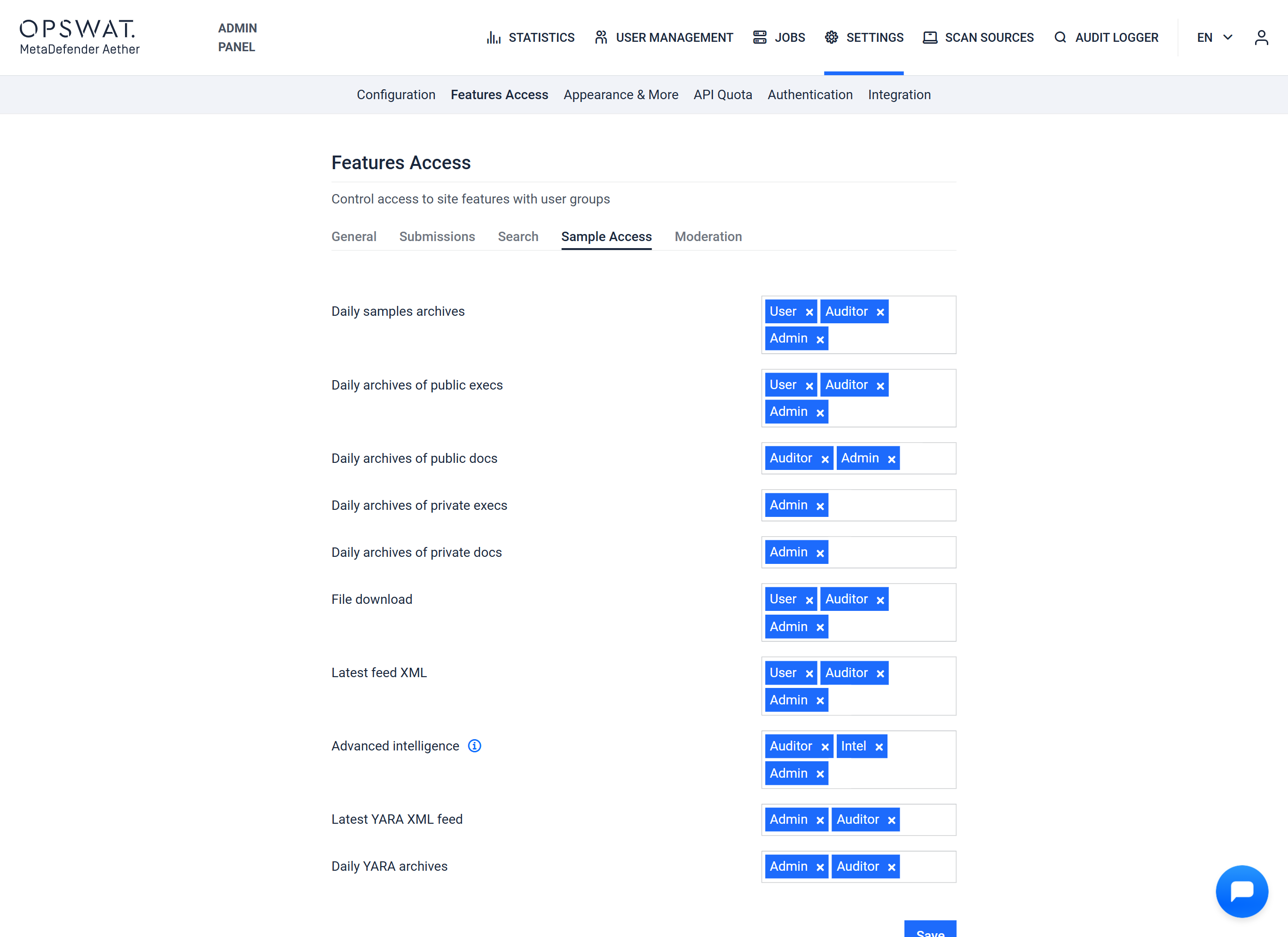
Under the "Sample Access" tab, the following group restrictions can be set:
Daily archives
Daily archives of public execs
Daily archives of public docs
Daily archives of private execs
Daily archives of private docs
File download
Latest feed XML
Moderation
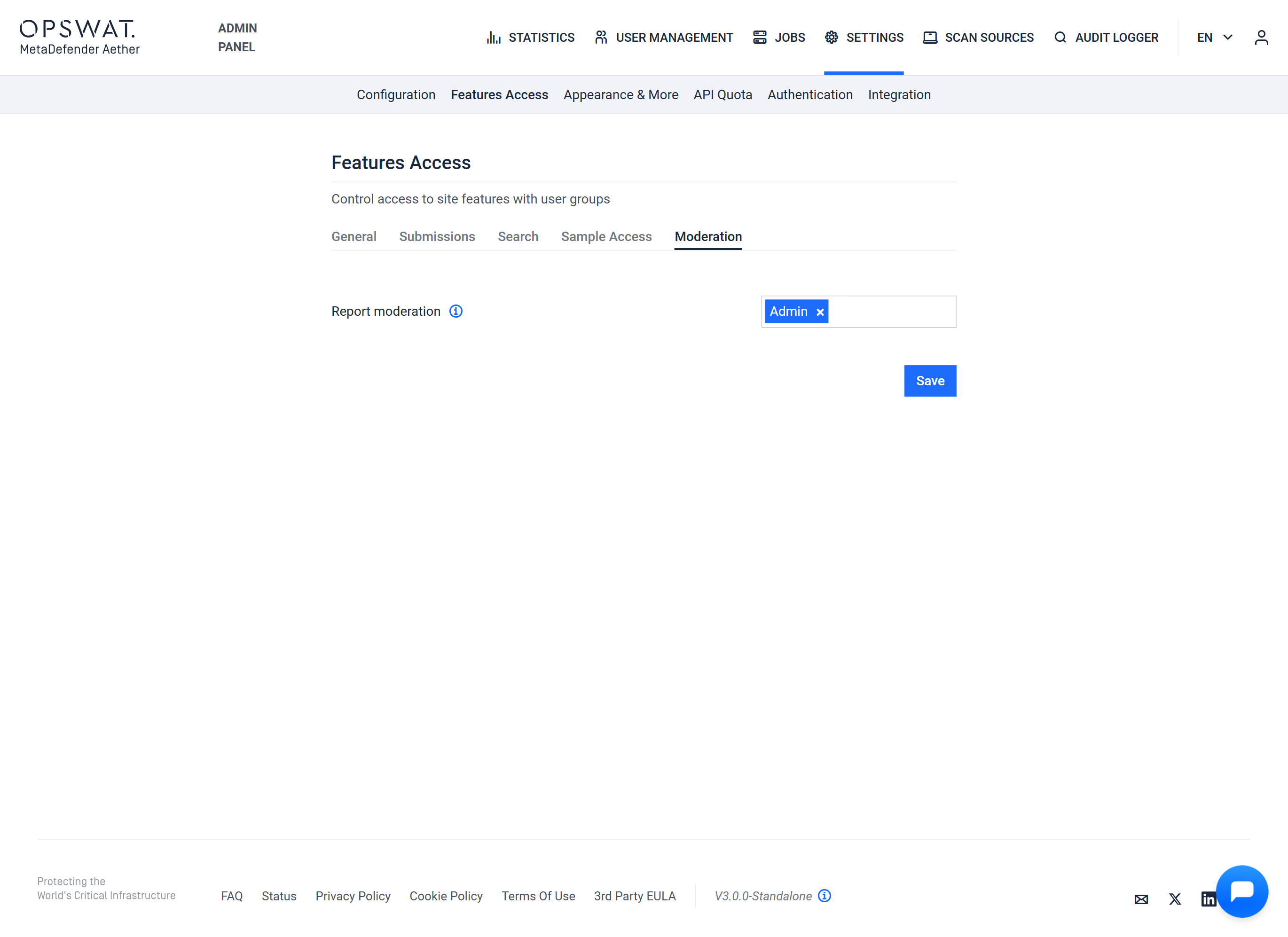
Under the "Moderation" tab, the following group restrictions can be set:
Report moderation - Manually change report verdict