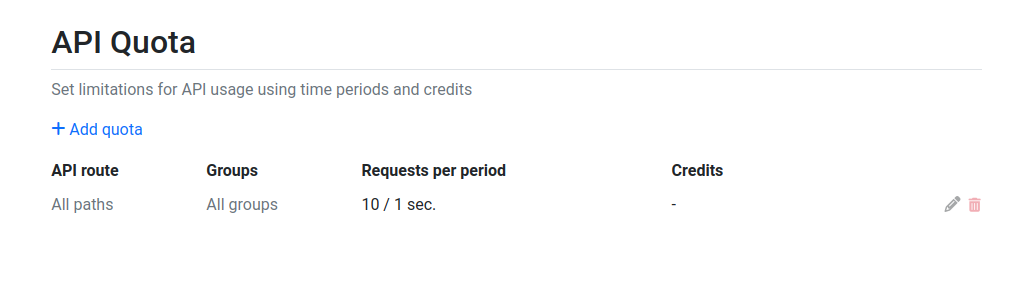
Under the Admin Panel > Settings > API Quota menu, you can specify various restrictions related to API usage. These restrictions include setting limits for different time intervals, which can be tailored for specific endpoints or user groups.
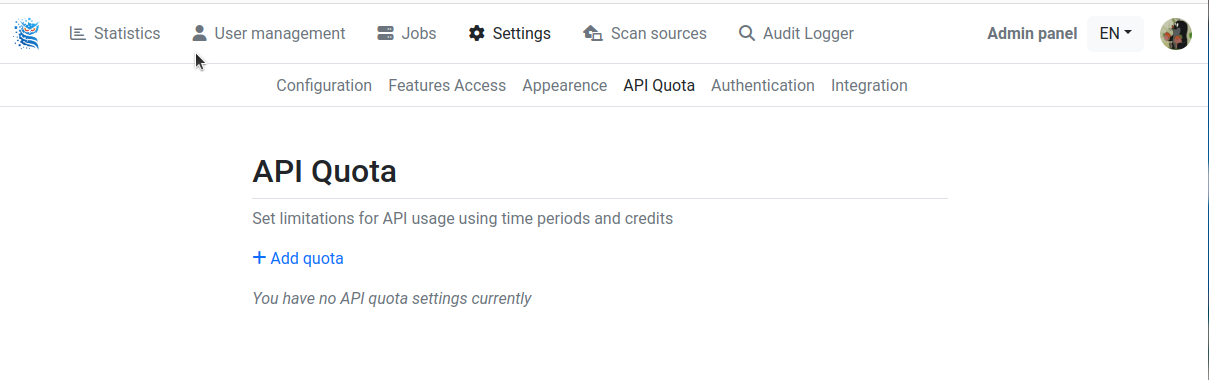
To add some quota, click on the "+ Add quota" button.
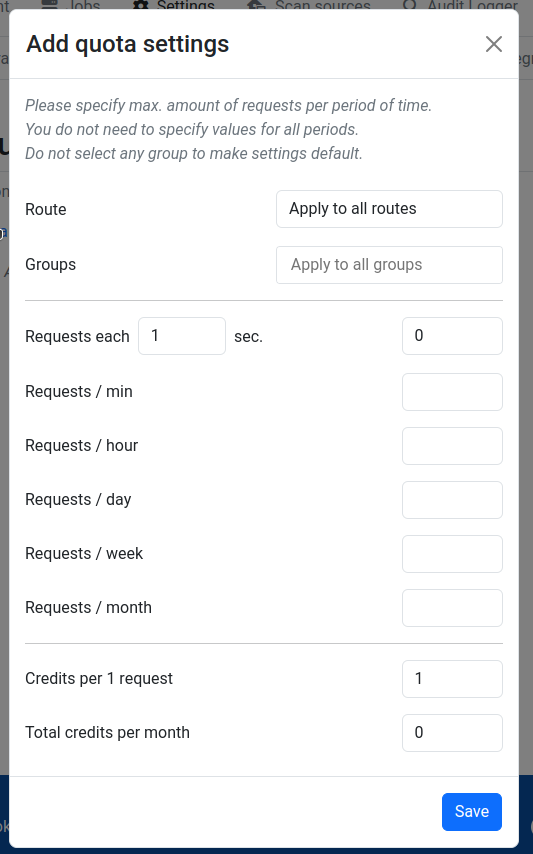
In the popup window, the following settings can be configured:
Please specify max. amount of requests per period of time. You do not need to specify values for all periods. Do not select any group to make settings default.
Field | Description |
|---|---|
Route | Specify the endpoint to which the restriction applies. E.g.: /api/scan/file |
Groups | Specify the groups to which the restriction applies. E.g.: Guests |
Requests each X sec. | Specify the limit for X seconds, where X is a customizable number as well. |
Requests / min | Specify the maximum number of requests per minute. |
Requests / hour | Specify the maximum number of requests per hour. |
Requests / day | Specify the maximum number of requests per day. |
Requests / week | Specify the maximum number of requests per day. |
Requests / month | Specify the maximum number of requests per month. |
Credits per 1 request | Specify the number of credits assigned to each request. (integer) |
Total credits per month | Specify how much credit value can be used to submit requests per month. |
After clicking the save button, the new limit is set and appears on the interface: