
The Fail Open feature ensures continued network connectivity if the switch is unable to communicate with the RADIUS server. When this feature is enabled, any authenticated devices are automatically assigned to the specified Fail Open VLAN, maintaining network access under these circumstances.
Enable Fail Open Mode
Login to your NAC VM as 'admin' user
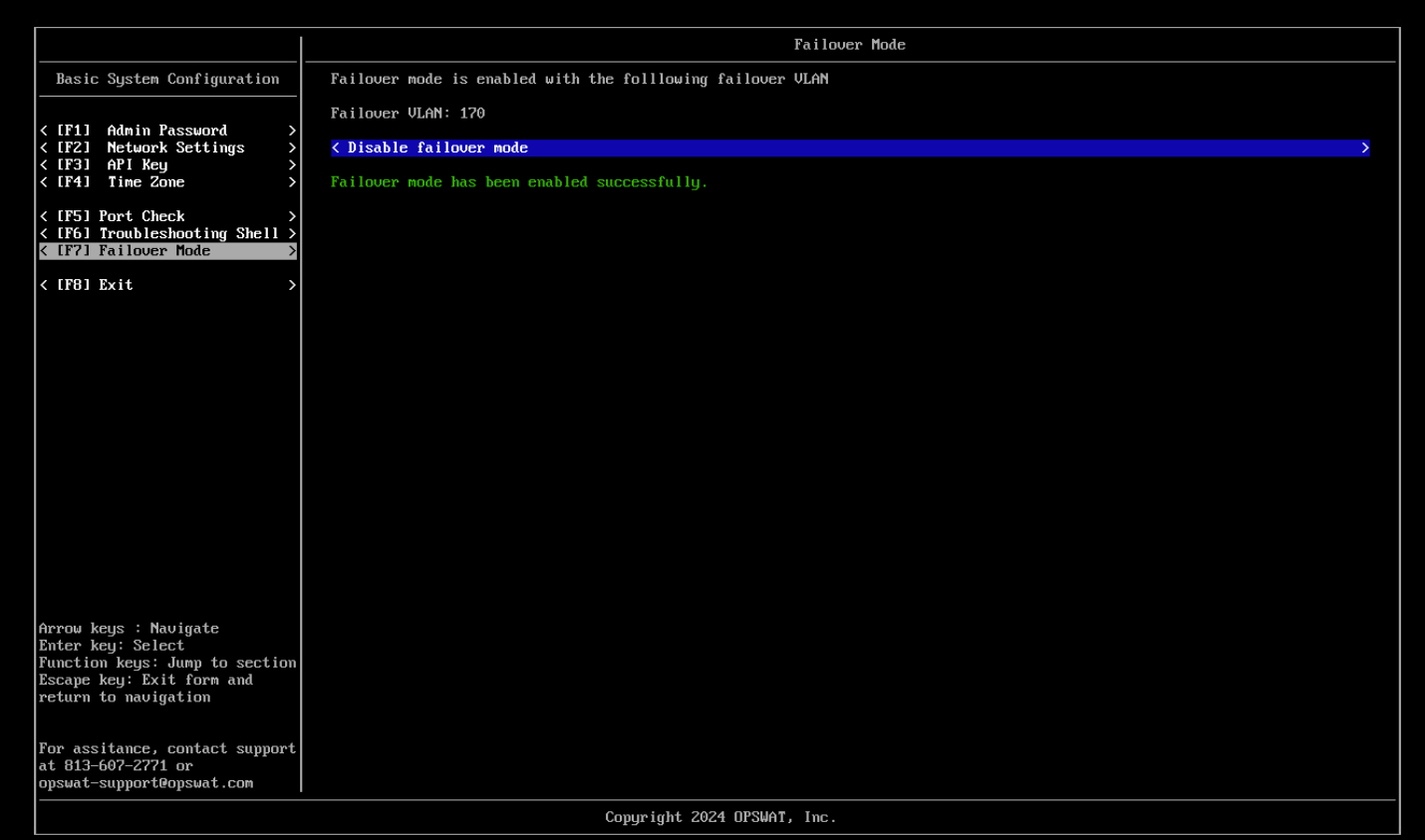
Navigate to Failover Mode
Input a specific VLAN
Select Enable Failover mode
Upon enable successfully, any devices authenticate to the Network will be assigned to the VLAN
Note: While Fail Open mode is enabled, all authenticated devices will not write session on My OPSWAT Central Management console --> Logs --> RADIUS Events.
Was this page helpful?
Secure Access Solution