
The following guideline describes how to delete or remotely restart a MetaDefender Kiosk Windows instance from the OPSWAT Central Management console. In the case of restarting, the machine running the MetaDefender Kiosk Windows instance will be restarted.
Go to the MetaDefender Kiosk Windows management page under Inventory in the sidebar.
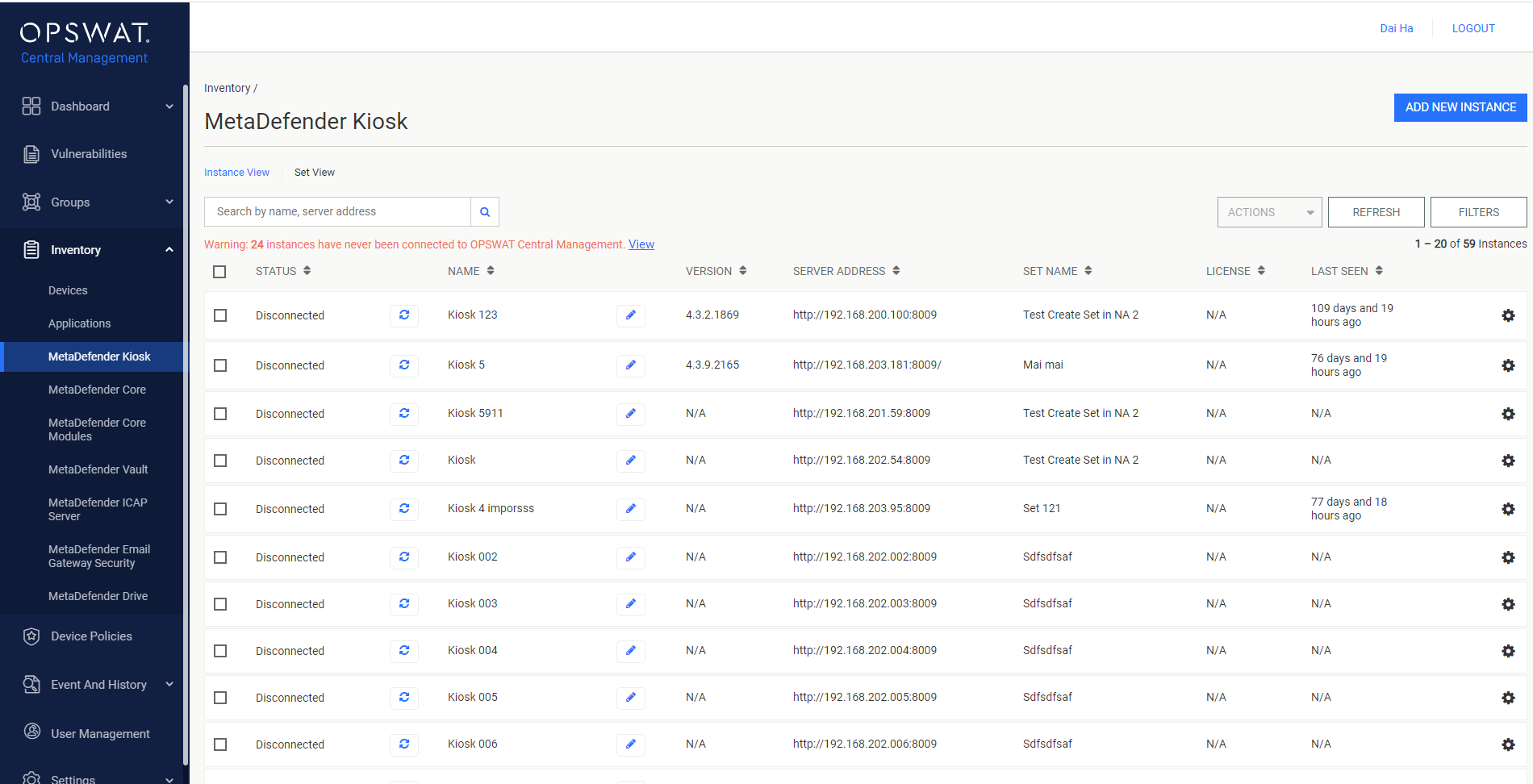
Select the MetaDefender Kiosk Windows instance that you want to delete or restart.

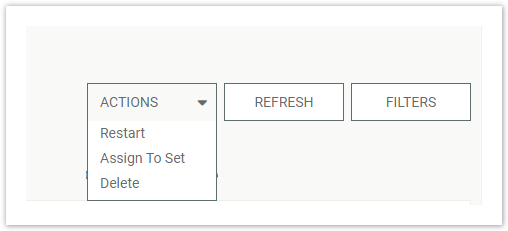
Click the ACTIONS drop-down menu and choose the Restart or Delete option. If Delete is chosen, your request is immediately processed.
If Restart is chosen, fill the proper inputs and click the RESTART button.
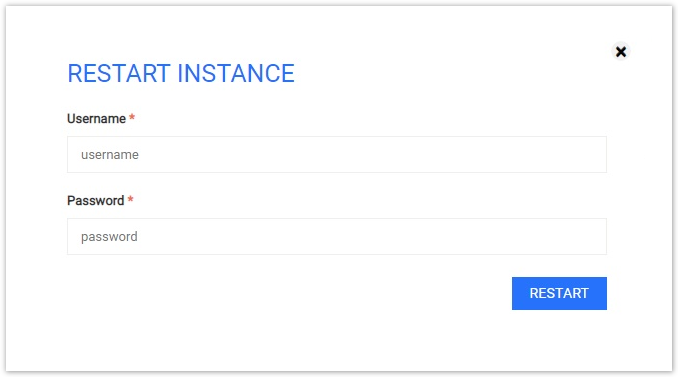
- Username, Password: The credential used to access the product, i.e. the account used to log into its host machine
After PIN verification, the management page will reload if the result is successful.